

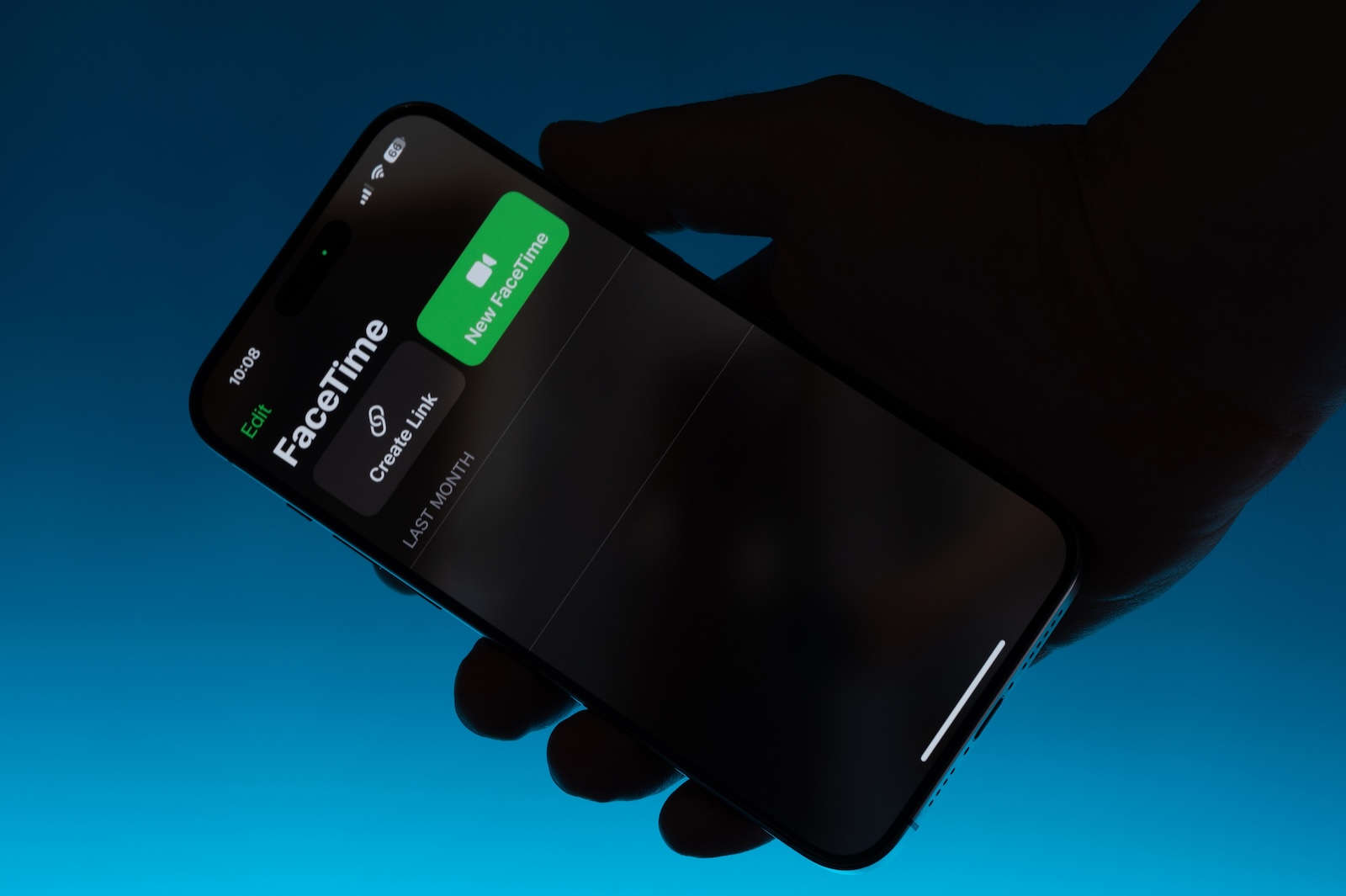
Apple introduced new features for FaceTime at its iOS 26 presentation. In addition to practical improvements like automatic translation, there's also a new feature that's currently causing controversy. In the current beta version, FaceTime detects when a user undresses in front of the camera – and freezes the conversation in this case. A warning message informs you that potentially sensitive content has been detected. The feature is part of Apple's enhanced communication protection. While technically well-intentioned, it seems overly cautious in practice.
With iOS 26, Apple is further expanding its "Apple Intelligence" AI platform. The system brings various intelligent features to the iPhone – including automatic text generation, photo enhancement, summaries, and even translations in FaceTime. The goal is to make everyday life more efficient and secure. Part of this security strategy is so-called communication security, originally intended for children and young people. In iOS 26, this now also applies to adults – and this is precisely what is causing irritation.
New feature: FaceTime detects sensitive content
If you use FaceTime on iOS 26, an automatic protection mechanism kicks in in certain situations. Apple calls this "sensitive content detection." What it means is that if the system believes that nudity or other adult content is being shown during the video call, the call is paused. A warning message may appear before it even gets that far. This indicates that the device may be about to freeze the call because it has detected suspicious movement—such as the removal of clothing. How exactly the system detects this content is unknown. Apple does not reveal whether it is just bare skin or whether even removing a coat is sufficient. However, based on current information, it does not appear that an alarm is immediately triggered by every movement. The automatic reaction is particularly active when the user undresses completely or the system assumes this is the case.
How FaceTime reacts in an emergency
If sensitive content is detected, the call is automatically paused. A notification appears on your screen. There you have two options: You can end the call if you are uncomfortable with the situation, or you can decide to continue the call. In either case, you as the user will be warned in advance and must respond actively. This protective measure applies regardless of age. The function also applies to conversations between adults. This is currently causing some confusion. The communication safety feature was actually intended only for children. Apple itself says it is part of this protective technology. Whether the warning for adults will remain in the final version or whether this is a bug in the beta is still unclear.
Apple Intelligence brings live translations
In addition to the sensitivity warning, Apple has also implemented a useful new feature for FaceTime. If your iPhone supports Apple Intelligence, you can request translations of what your conversation partner is saying. This feature runs directly during the video call – you'll see the translation as an overlay during the ongoing conversation. This can be especially helpful with international contacts and saves you the hassle of using third-party apps.
What you should consider as a user
If you're testing iOS 26 or using it regularly later, you should be prepared for FaceTime to react sensitively to certain situations. The intention behind this is clear: Apple wants to do everything in its power to prevent children or young people from being exposed to inappropriate content. However, the fact that this system now also applies to adults is likely to lead to further debate. As long as Apple doesn't clearly state whether the feature will remain active for all users, you have to expect this automatic monitoring. This can be particularly irritating in private or intimate situations—even if both parties agree.
FaceTime on iOS 26: Protection mechanism with side effects
iOS 26 brings many smart features to the iPhone with Apple Intelligence, including useful translations in FaceTime. At the same time, the automatic pause for nudity is causing controversy. The new communication security is well-thought-out, but in its current form seems overly cautious—especially because it also affects adults. Whether Apple improves this or maintains the protection standard remains to be seen. The best products for you: Our Amazon Storefront offers a wide selection of accessories, including those for HomeKit. (Image: Shutterstock / PixieMe)
- Apple Intelligence: Cooperation instead of in-house development
- iOS 26: All Apple Music innovations at a glance
- iOS 26 expands the functionality of the HomePod
- Image Playground gets significantly better with iOS 26
- iOS 26 brings new screenshot features to the iPhone
- iOS 26: Five new lock screen features at a glance
- iOS 26 design change: Reduce transparency easily
- iOS 26: Create your own ringtones – without GarageBand





