

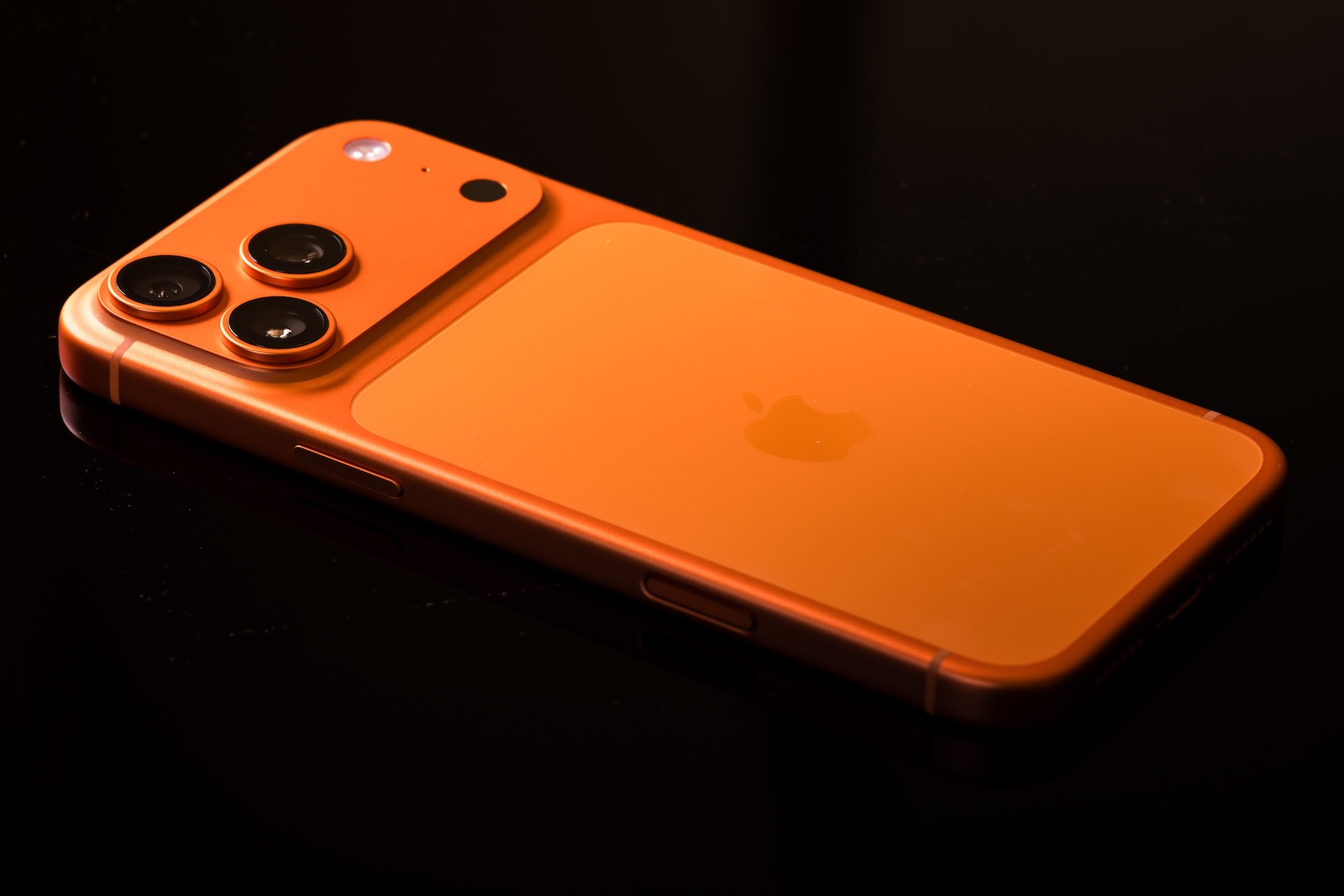
The first beta version of iOS 26.2 contains hints of a possible new feature: Apple is apparently working on making the iPhone's side power button customizable. Currently tied to Siri and Apple Wallet, this button could soon be freely assignable. This change is likely due to technical and regulatory reasons.
With iOS 26.2, Apple is not only testing bug fixes and minor design changes, but also features that aim to provide more user control. The approach is reminiscent of the Action Button, which has been able to perform certain tasks since the iPhone 15 Pro. Now, Apple appears to be testing a similar principle for the classic side button. While this isn't yet an active feature, the traces in the code speak volumes.
Code indicates new options for the power button.
The current default function of the side button is clearly defined: a long press activates Siri, a double-click opens Apple Wallet for contactless payments. Both actions are tightly integrated with Apple's own services, leaving no room for customization.
With the release of the first beta of iOS 26.2, the situation has changed slightly, as Macworld now reports. Code discovered in the new version hints at an upcoming option to modify the default function of this button. The focus isn't on complex shortcuts or automations like with the Action button, but rather on the ability to open a specific app directly via the button. Whether Apple will provide a list of selectable apps or allow individual assignments is still unclear.
Regulatory pressure from the EU plays a role.
The planned change is likely not solely about user-friendliness. The European Union now has stricter rules regarding interoperability and the free choice of digital services. Apple has already implemented several measures to comply with these regulations. These include opening up to alternative app stores, allowing users to set their own default browser, and introducing a free choice of payment service.
In the EU, it has been possible for some time to launch third-party payment services by double-clicking the power button. The planned adjustment of the side button in iOS 26.2 could be a further step in this direction – towards greater configurability and away from the current system's reliance on Apple services.
Function not yet active – but clearly in progress
Despite the hints in the code, the button customization feature is not yet usable in the current iOS 26.2 Beta 1. Apple frequently tests features internally that never make it into the final version. Whether that's the case here is currently unknown.
Interestingly, the discovered code is clearly limited to assigning an app to the side button. Unlike the action button, it apparently doesn't involve deep system control or complex processes, but rather simple yet targeted personalization.
Release in December: What else iOS 26.2 might bring
The development surrounding iOS 26.2 remains exciting. Several more beta versions are likely to follow before the final update is released – expected in December. It's quite possible, therefore, that further hints of the new power button function will emerge, or that it will even be activated.
Regardless, it's already clear that Apple is continuing to work on making iOS more flexible. Whether due to external pressure or its own strategy, iOS 26.2 marks another small but important step towards a more open system. (Image: Shutterstock / RYO Alexandre)
- Apple's next Home product is hidden in iOS 26.2
- Nintendo introduces a new Store app with a brilliant additional feature
- macOS 26.1 introduces new options for Spotlight & Clipboard
- iOS 26.2 brings third-party app stores to Japan
- Apple Creator Studio: Note in iOS 26.2 Beta 1 raises questions
- Apple makes a blunder: App Store source code accidentally ends up online
- iOS 26.2: These new features are already visible in Beta 1.
- iOS 26.2: Beta reveals planned new feature for AirDrop
- iOS 26.2: Freeform app gets table functionality
- iOS 26.2 brings alarms for reminders – here's what's new
- iOS 26.2: Liquid Glass slider brings new options
- iOS 26.2: New features make Apple Podcasts smarter
- watchOS 26.2 introduces a new scale for sleep assessment
- Live translation with AirPods: EU launch planned for December
- iOS 26.2 Beta released – Apple prepares next update
- WhatsApp is now officially available on the Apple Watch
- Apple postpones the end of the old HomeKit version to 2026.
- iOS 26.1 closes over 50 dangerous security vulnerabilities.
- iOS 26.1 now available: What's in the new update
- New intro for Apple TV: Finneas reveals details





