

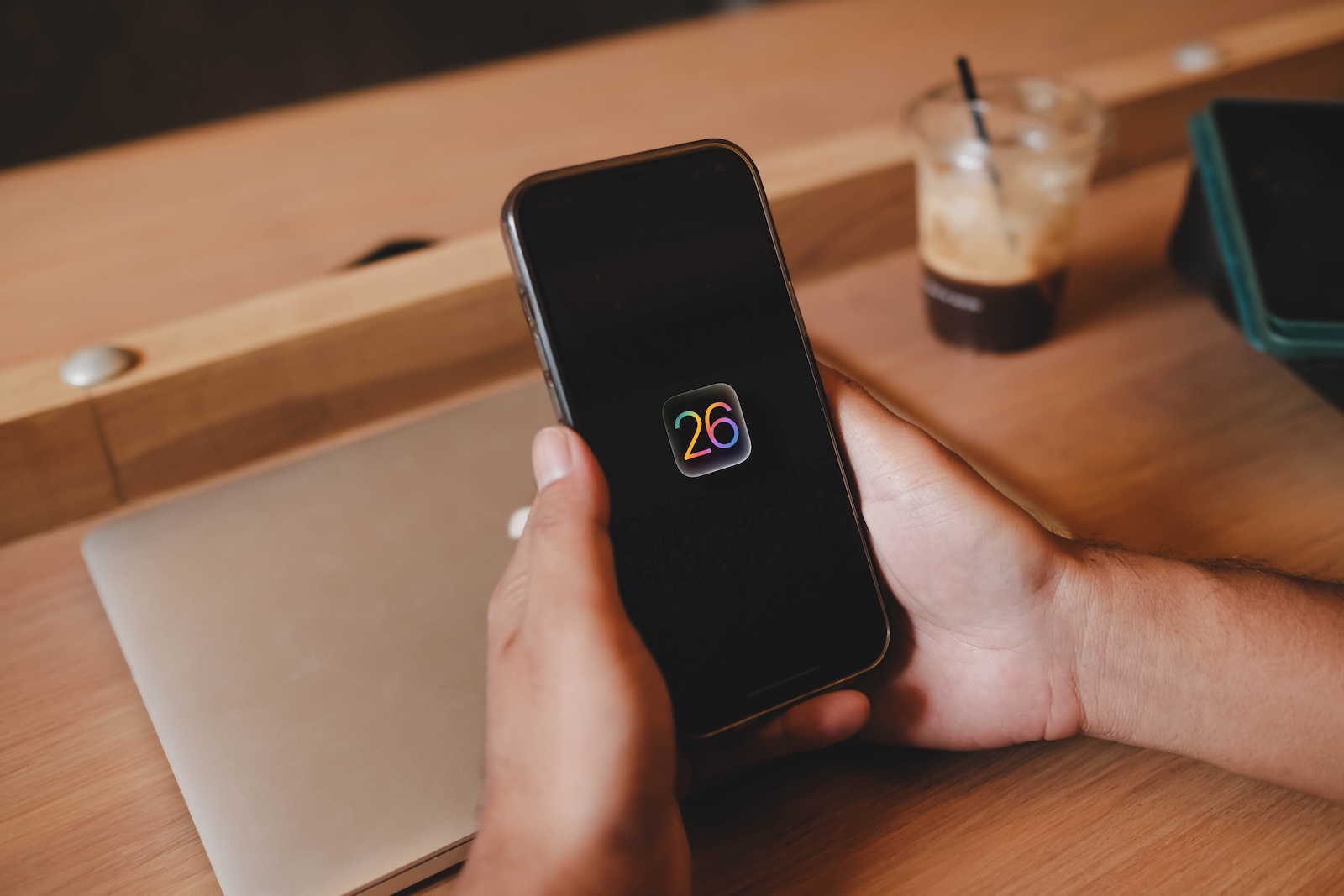
With the update to iOS 26, Apple has completely redesigned your iPhone's lock screen. Whether you hold your iPhone in your hand or just quickly check the time, you'll immediately notice how much has changed visually and functionally. iOS 26 not only brings new designs, but also more depth, interactivity, and customization options.
Apple has clearly focused on visual and functional enhancements. Liquid Glass is the new design language that runs through many elements of the lock screen. It makes everything look more shimmering, vibrant, and modern. But it's not just the looks that have been improved. Widgets, adaptive clock adjustment, and new wallpaper features also make the lock screen more flexible and dynamic.
Liquid Glass on the lock screen
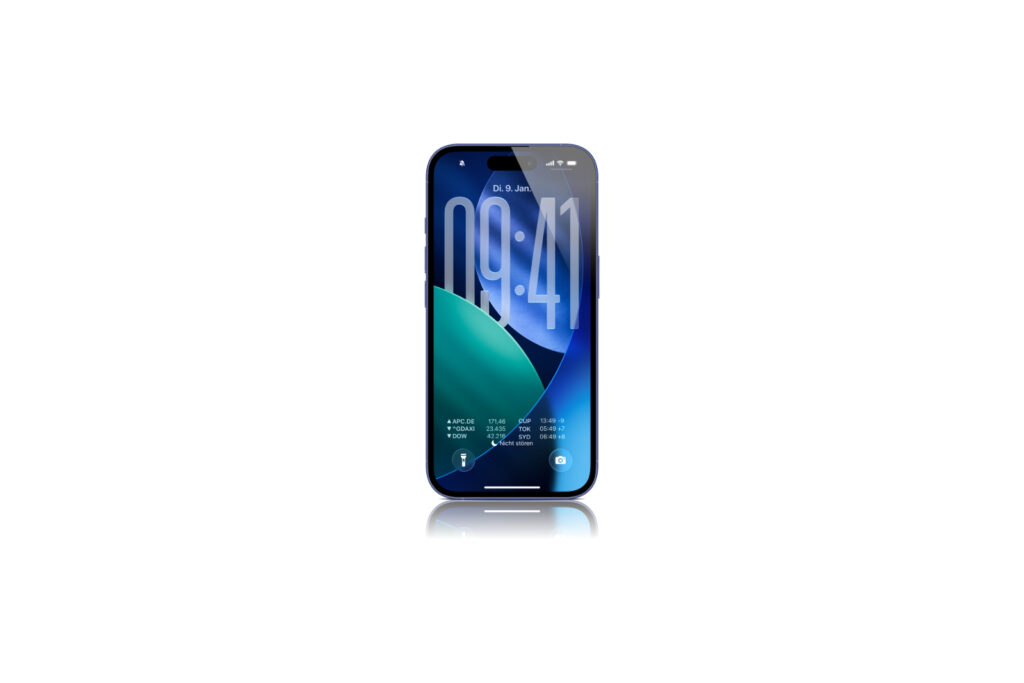
The most striking new element is Liquid Glass. As soon as you pick up your iPhone, the lock screen appears with a glass-like appearance that reflects light and changes as you move the device. The control buttons have been enlarged and now appear as if they are floating on the screen. This also applies to notifications, which have a matte glass look, allowing your wallpaper to show through. The clock has a new design with an option called "Glass," which also creates this shimmering effect. You can choose from different tints or set a custom color.
Adjust the time like never before
The clock on the lock screen is not only a visual highlight, but also customizable. You can change the size of the time by simply dragging a corner. However, this only works with the first font and the default numeral format for Arabic and Western numerals. This feature is particularly effective with photo backgrounds. The clock can automatically adjust to the image and even hover over the subject without obscuring it. If you use the photo shuffle function, the clock adjusts itself depending on the image.
New wallpaper and updated icons
Apple is shipping a new default wallpaper with iOS 26. It consists of various shades of blue and floats gently as you move your iPhone. Even small details haven't been forgotten: The icons for selecting wallpaper categories have been visually redesigned to better match the new look.
Spatial scenes create a 3D effect
One of the biggest innovations, alongside Liquid Glass, is Spatial Scenes. Photos you use as wallpaper can be converted into 3D images. Your iPhone automatically separates the subject from the background, creating spatial depth. When you move your device, the image moves with it. You can activate the feature via a small icon with a mountain and a sun when you select a photo as your wallpaper. The feature also works with older images from your media library.
Place widgets more flexibly
You can now place widgets not only at the top below the clock as before, but also at the bottom of the lock screen. This is useful if you use a photo background where you don't want the subject to be obscured. The widgets adapt and move automatically depending on the design you choose. Also new is a widget for Apple Music search. There are currently no other new widget types.
Apple Music with animated cover
When you play music via Apple Music, iOS 26 now displays the album art in large format directly on the lock screen. It's animated and visually coordinates with the rest of the Liquid Glass look. This makes the music player appear more modern and much more integrated into the overall design.
iOS 26: More than just a design change
With iOS 26, Apple has given the lock screen a clearly visible and functional upgrade. The new design with Liquid Glass, the ability to customize the time, spatial scenes, and more flexible widget placement make the lock screen significantly more versatile. Even though some features, such as resizing the clock, still have limitations, the update shows where things are headed: more personalization, more dynamism, more depth. If you like to customize your iPhone and want to get the most out of the lock screen, iOS 26 is definitely worth a look. The best products for you: Our Amazon storefront offers a wide selection of accessories, including those for HomeKit. (Image: Shutterstock / Thaspol Sangsee)
- iOS 26 brings 6 practical new features for your AirPods
- iOS 26: The most important new features in the Photos app
- iOS 26: Beats and AirPods automatically pause when you sleep
- iOS 26: All Apple Music innovations at a glance
- iOS 26 expands the functionality of the HomePod
- Image Playground gets significantly better with iOS 26
- iOS 26 brings new screenshot features to the iPhone
- iOS 26: Five new lock screen features at a glance
- iOS 26 design change: Reduce transparency easily
- iOS 26: Create your own ringtones – without GarageBand
- iOS 26: All the new features for Notes and Reminders
iOS 26 FAQ: What you need to know about the lock screen
iOS 26 brings a completely redesigned lock screen design with Liquid Glass, spatial scenes, new widgets, and a customizable time.
Liquid Glass is a new design element that makes surfaces look like glass. It reflects light, reacts to movement, and appears to float.
Yes, the time can be resized in iOS 26. This works with the first font and certain number formats.
Spatial scenes turn 2D photos into animated 3D images by separating the subject and background and displaying them dynamically when they move.
In iOS 26, you can place widgets at the top and bottom. A new Apple Music search widget is also available. Widgets automatically adapt to the design.
Yes, iOS 26 offers a new default wallpaper with a glass effect and motion. The wallpaper selection icons have also been redesigned.
Yes, in iOS 26 the album art appears in full screen directly on the lock screen, animated and seamlessly integrated into the new design.





