

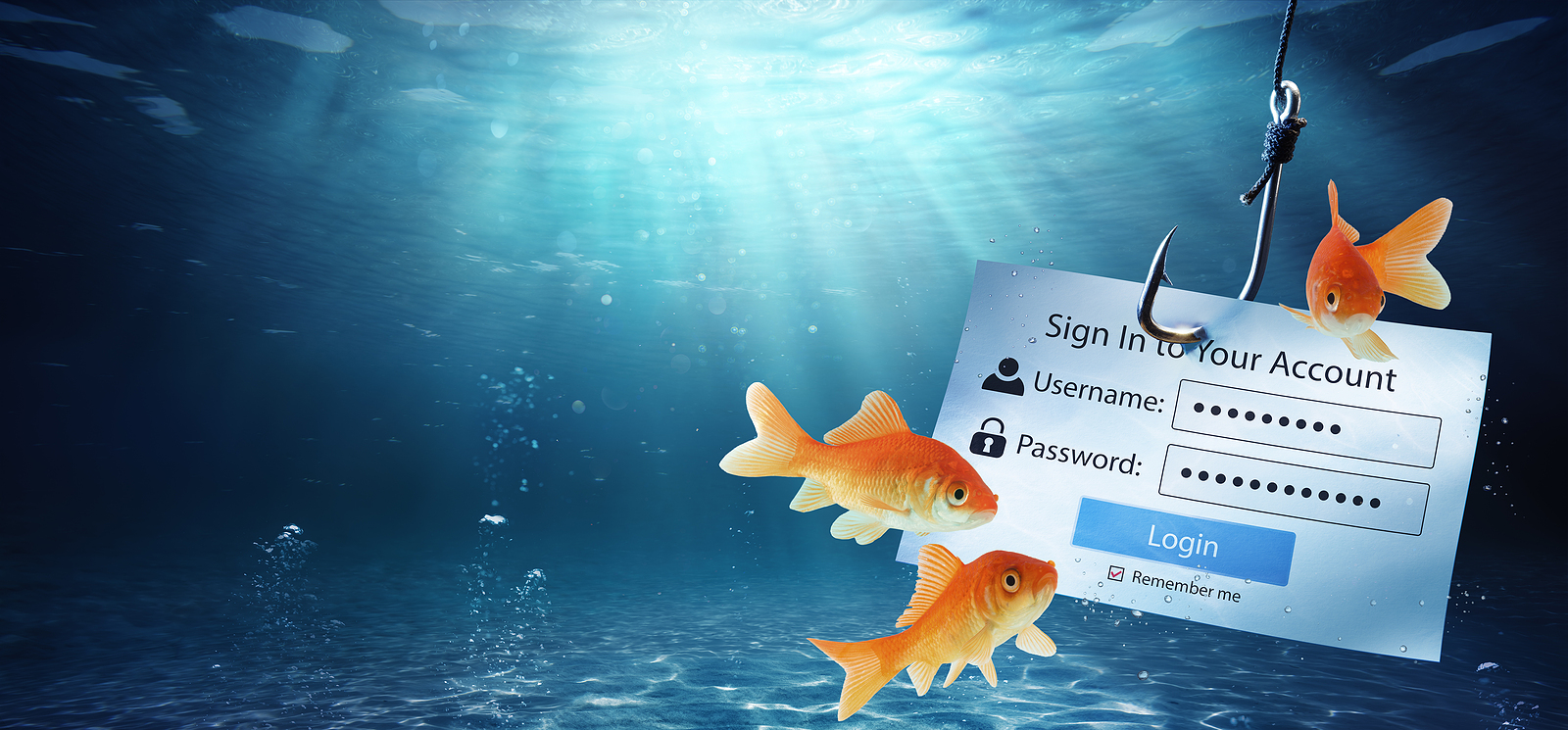
In today's digital world, protecting your personal and financial information is of utmost importance. Phishing scammers are using increasingly sophisticated methods to trick you into revealing sensitive information. In this article, you will learn in detail how to recognize legitimate emails from the App Store or iTunes Store and how you can protect yourself from these scams.
Phishing scammers often send you emails that are designed to appear to be from Apple. These messages may contain links to fake websites or attachments that spread malware. The main goal of these scammers is to obtain your personal information. This guide will help you identify such fraudulent emails and handle your account data safely.
How to tell if an email is legitimate
If you receive an email about a purchase from the App Store or iTunes Store and are unsure if it is genuine, look for the following characteristics:
- Current billing address: Original Apple purchase receipts contain your current billing address. Scammers usually do not have this information. Compare the address provided with your current one to verify the authenticity of the email.
- Check your purchase history: Check your purchase history in the App Store, iTunes Store, iBooks Store, or Apple Music. To do so, follow these steps:
- Open the App Store or iTunes Store app on your device.
- Go to your account and select “Purchase Statistics” or “Purchase History”.
- Compare the purchases indicated in the email with your actual purchases.
- Do not request sensitive information: Legitimate emails from Apple will never ask you to email sensitive information such as your social security number, your mother's maiden name, full credit card number, or card verification number (CCV or KPN).
Detecting phishing and fraud attempts
Phishing emails can take many forms. Here are some of the most common signs of phishing attempts:
- Unusual requests: Be suspicious of emails that ask you to update your account information or click links to fix alleged problems.
- Urgency and threats: Scammers often use urgency and threats to get you to take quick action. A legitimate email from Apple will never pressure you or contain threats.
- Grammatical and spelling errors: Many phishing emails contain obvious grammatical and spelling errors. These errors are often an indication that the email does not come from a reputable source.
- Unprofessional layout: Pay attention to the design and layout of the email. Official emails from Apple have a professional appearance while phishing emails often have an unprofessional layout.
Secure updating of account data
If you need to update your account or payment information, always do so directly through the official Apple platforms:
On iPhone, iPad or iPod touch:
- Go to “Settings”.
- Tap your name and then tap “Password & Security”.
- Follow the instructions to securely update your account information.
On the Mac:
- Open the “System Preferences”.
- Click on “Apple ID” and then on “Password & Security”.
- Update your information according to the instructions.
On the PC:
- Open iTunes.
- Go to “Account” and select “View my account”.
- Follow the instructions to update your information securely.
Dealing with Suspicious Emails
If you receive a suspicious email, you should forward it to Apple so they can investigate:
- Forward to Apple: Forward suspicious emails to reportphishing@apple.com. This helps Apple identify phishing scammers and take action.
- On Mac: Select the suspicious email and click Forward as Attachment in the Mail menu. This ensures that Apple receives all the necessary information to investigate.
- Change your information: If you think you've entered personal information on a fraudulent website, change your Apple ID password immediately. Go to Settings on your device or visit appleid.apple.com to change your password.
Reporting Suspicious Apple Emails: An Important Contribution to Data Security
Protecting your personal data is of utmost importance. By following the steps outlined in this article, you can ensure you respond appropriately to fraud attempts and manage your account data securely. Stay vigilant and only trust official channels to protect your information. By reporting suspicious emails and regularly checking your account data, you can make an important contribution to the security of your digital identity. Looking for new accessories? Then check out our Amazon Storefront – there you'll find numerous products from leading providers, including products for HomeKit and others! (Photo by R_Tavani / Bigstockphoto)
- Protect yourself from phishing attacks: everything you need to know
- Tip: How to protect your Apple ID from phishing attacks





