

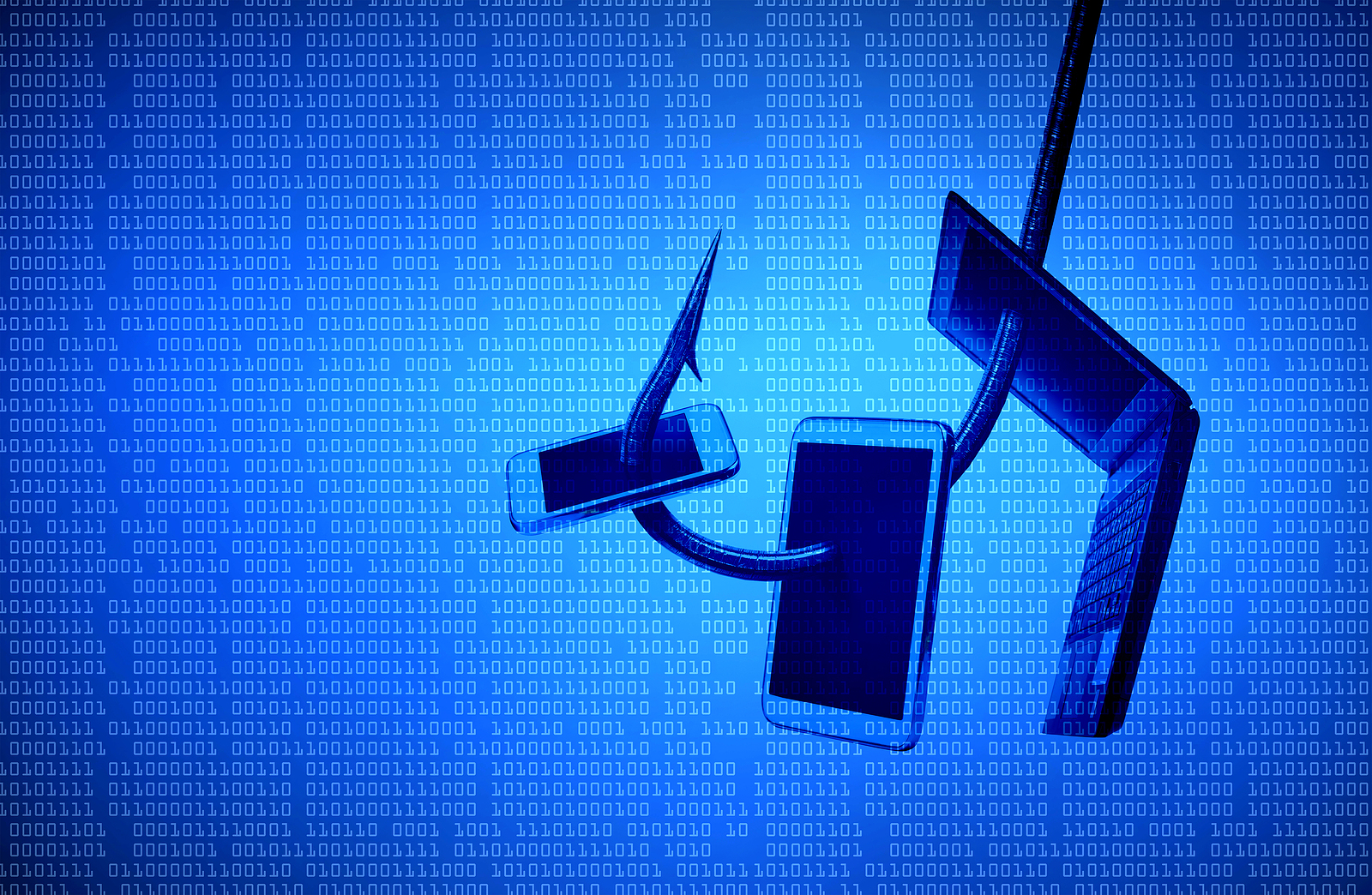
In our increasingly digitalized world, phishing attacks have become one of the biggest cyber threats facing individuals and businesses. Countless attempts are made almost daily to obtain confidential information, blurring the lines between legitimate requests and fraudulent intent. But what makes phishing so dangerous, and how has it evolved into such a sophisticated threat? This article pulls back the curtain and reveals the mechanisms behind phishing attacks, their many forms, and the best strategies to protect yourself from them.
Phishing is a term that perfectly captures the cold, calculating nature of cyber fraud. Like a fisherman waiting in the water with bait and hook, cybercriminals use deceptively real emails, messages, and websites to trick unsuspecting internet users into revealing their most valuable data. These digital "baits" are often so convincing that even cautious users can be fooled. The variety of phishing methods has increased in recent years, accompanied by a frightening refinement of the techniques. It's high time to take a closer look at this phenomenon.
The Evolution of Phishing Attacks
Phishing has a long history, dating back to the early days of the Internet. Originally, these attacks were limited to simple emails asking recipients to reveal passwords. Today, phishing campaigns are highly sophisticated and aim to steal a wide variety of information, from login credentials to financial information and personal identification numbers.
- Beginnings of phishing: The first documented cases of phishing involved hackers posing as system administrators and asking for passwords. These early attacks were relatively easy to detect.
- Current trends: With the increasing popularity of social media and mobile technologies, phishing scammers have found new platforms for their attacks. Nowadays, phishing is no longer only carried out via email, but also via SMS (smishing), social networks and even VoIP services (vishing).
phishing variants
- Spear phishing and whaling: These highly targeted phishing methods focus on individual users or specific companies. Unlike broad phishing campaigns where attackers rely on mass appeal, spear phishing and whaling use personalized information to increase their credibility. Whaling attacks are particularly targeted at high-level executives with the goal of causing maximum damage or achieving significant financial gain.
- Clone Phishing: This sophisticated technique involves attackers copying a legitimate, previously sent email from a trusted sender and adding a malicious link or attachment. Recipients who believe the email is safe because it appears to come from a known source are at risk of falling victim to this scam.
How do you recognize phishing attacks?
To protect yourself from phishing, it is important to know the most common characteristics of these attacks:
- Unusual sender addresses: Check the sender address carefully. Phishing emails often come from addresses that look similar to official addresses but are slightly modified.
- Sense of urgency: Phishing messages often claim that immediate action is necessary, for example to secure an account or make a payment. This artificial urgency is intended to entice recipients to take hasty actions.
- Requests for personal information: Be extremely suspicious of messages that ask you to provide personal or financial information, especially if you are asked to enter that information via a link in the message.
protective measures against phishing attacks
The best protection against phishing is caution and knowing the tricks used by scammers:
- Education and awareness: Stay informed about new phishing methods. Many organizations offer training to educate their employees about the latest scams.
- Technological solutions: Use security software specifically designed to detect and block phishing attacks. Also, keep all programs and your operating system up to date to close security gaps.
- Be cautious online: Review links before clicking on them and do not enter personal information on sites you cannot verify are secure. Use two-factor authentication where possible to further secure your accounts.
Advanced protection strategies
- Phishing protection services: Many companies offer specialized services to detect and block phishing attempts. These services use advanced algorithms and databases of known phishing websites to warn users about accessing potentially dangerous content.
- Advanced email filtering: Modern email systems offer advanced filtering options that can help detect and filter out phishing attempts before they reach the inbox. These filters examine not only the origin of the email, but also the content and links contained within.
Stay Alert: Protect Yourself from Phishing
Phishing attacks pose a serious threat to our digital security. But with the right knowledge and tools, you can protect yourself and your data. By recognizing the signs of a phishing attempt and developing security-conscious habits, you can always stay one step ahead of the scammers. Stay alert, stay informed, and don't fall victim. Looking for new accessories? Then check out our Amazon Storefront – there you'll find numerous products from leading providers, including those for HomeKit and other devices! (Photo by weerapat / Bigstockphoto)
- Phishing attacks on Apple IDs: Stay alert!
- Tip: How to protect your Apple ID from phishing attacks
- Tip: Recognize legitimate emails from the App Store or iTunes Store





