

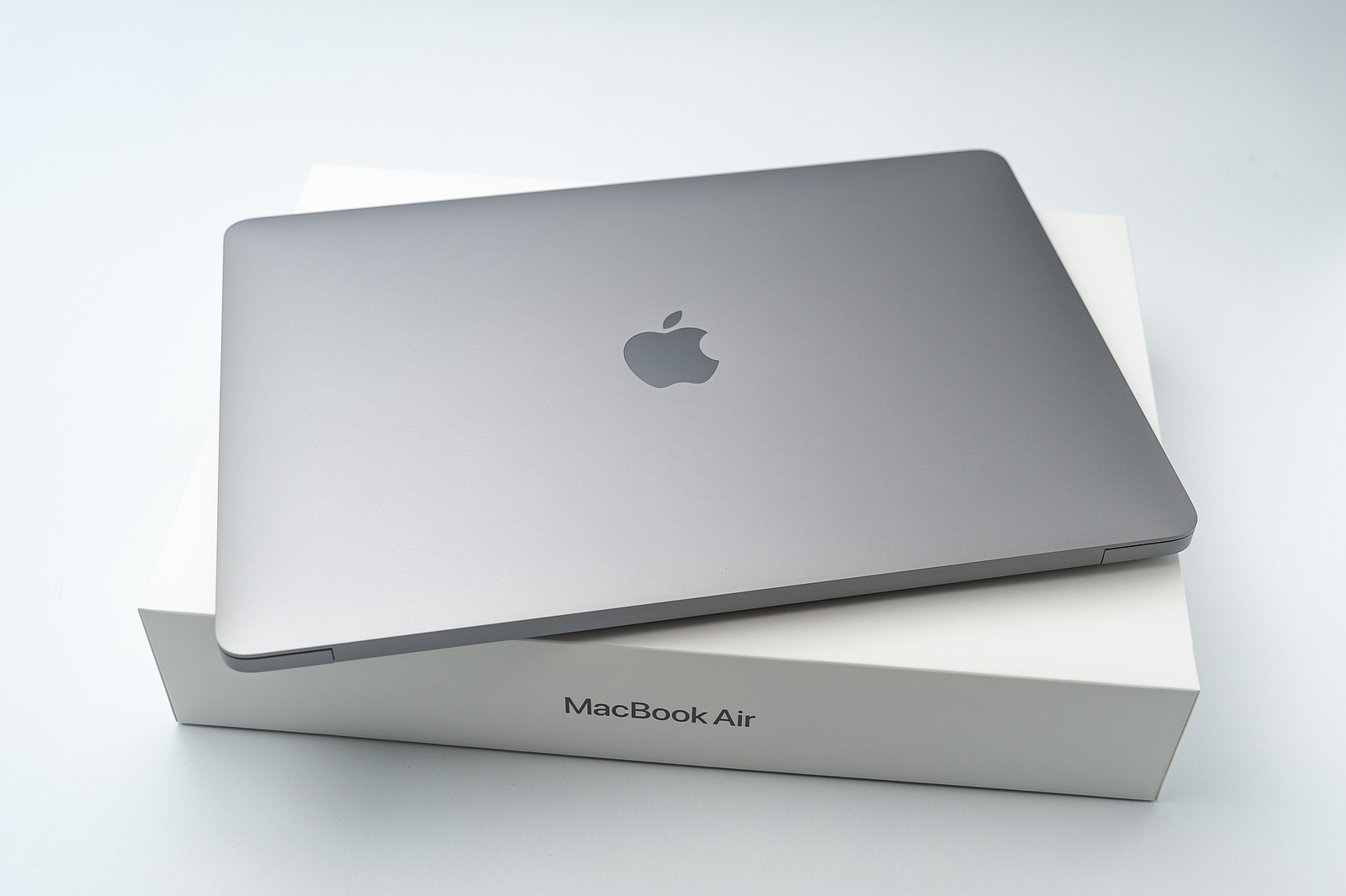
At the recent WWDC keynote, Apple introduced the latest features of macOS Sequoia. These new features are set to come to Macs in the fall and promise exciting new features such as iPhone mirroring, a dedicated passwords app, and enhanced Apple Intelligence features for M1 models and higher. All users can now install the developer beta 1 of macOS Sequoia and try out the new features. In this article, I'll show you step by step how to install the developer beta and what you should pay attention to.
The release of a new macOS version is always an exciting event for Apple users. With macOS Sequoia, Apple is once again bringing many improvements and innovative features to the market. Although the official release is not until autumn, the developer beta offers the opportunity to test the new features in advance. Before you install the beta, however, there are a few important points to consider. Read on to find out everything you need to know about installing the macOS Sequoia developer beta.
Preparing for Installation
Before you install the beta version, it is important to make some preparations:
- Create a backup: Create a full backup of your Mac to avoid data loss. Use Time Machine or other backup software.
- Free space: Make sure you have enough free space on your Mac. The beta version requires additional space for installation and operation.
Step-by-step installation instructions
After you have made the necessary preparations, you can start installing the developer beta. Follow these steps:
- Open System Preferences: On your Mac, go to System Preferences.
- Select General: Navigate to “General” and select “Software Update”.
- Enable beta updates: Click on the “i” icon next to “Beta Updates”.
- Select macOS Developer Beta: Select “macOS Developer Beta” from the drop-down menu in the top right.
- Start installation: Click “Done” and follow the instructions to install the update.
Should you install the beta?
Apple cautions that beta software is not intended for everyday use on major devices. Beta releases may contain bugs and performance issues, especially early in the beta cycle. Stability may vary, and there is a chance that certain apps or features may not work properly. Before you decide to install the beta release, consider whether you are prepared for potential instability and bugs. It may also be necessary to roll back to the stable version of macOS, which can be a time-consuming process.
Preparing and installing the macOS Sequoia Beta
The macOS Sequoia developer beta gives you the opportunity to test Apple's latest features in advance. By preparing carefully and following the installation instructions, you can safely install the beta on your Mac. However, be aware of the potential risks and only install the beta version if you can accept the potential problems associated with it. Have fun trying out the new features of macOS Sequoia! Are you looking for new accessories? Then take a look in our Amazon Storefront - there you will find numerous products from leading suppliers, also for HomeKit and Co.! (Photo by Sergio Yoneda / Bigstockphoto)
- Which Macs support macOS 15?
- macOS Sequoia: New features for your Mac
- Installing iOS 18 Beta: How to do it without any problems
- watchOS 11 developer beta: Install and test now
- macOS Sequoia: How to use the new window layout





