

apple patient
  • Home
  • News
  • Rumors
  • Tips & Tricks
  • Reviews
  • Insights
No Result
View All Result
  • iPhone 18
  • iOS 27
  • iPadOS 27
  • macOS
  • MacBook Neo
  • iPhone 17e
  • AirTags
  • iOS 26
  • iPhone 17
  • MacBook Pro
  • iPadOS
  • iMac
  • Mac mini
  • HomePod
  • Apple TV
  • iPad Pro
  • iPhone Air
  • Apple Vision Pro
  • iPhone 16
  • AirPods 4
  • Apple Watch Ultra
  • HomePod Mini
  • MacBook Air
  • iPad
  • AirPods Max
  • AirPods Pro 3
  • Apple Watch Series 3
  • Mac Studio
  • Studio Display
  • iPad Air
  • iPad mini
  • watchOS 27
  • Apple CarPlay
  • Apple Pay
  • watchOS 26
  • Home
  • News
  • Rumors
  • Tips & Tricks
  • Reviews
  • Insights
No Result
View All Result
apple patient
No Result
View All Result

iPhone 11 & iPhone 11 Pro – How to activate Deep Fusion

Milan Jovicic by Milan Jovicic
November 4, 2019 - 02:17 CET
in Apple Tips & Tricks
0
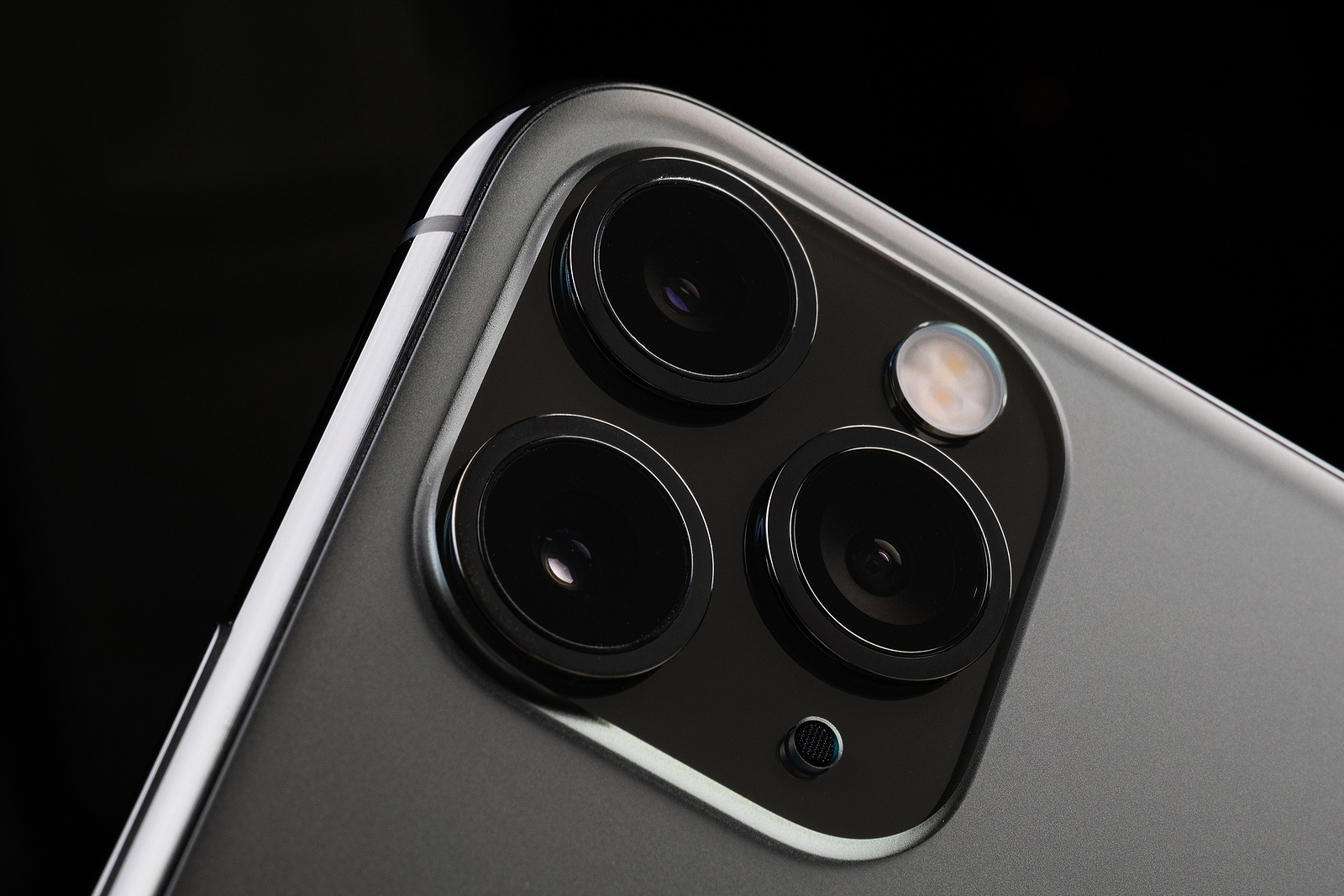
Minsk, Belarus - October, 26, 2019 New Space Gray Iphone 11 Pro Max

Minsk, Belarus - October, 26, 2019 New Space Gray Iphone 11 Pro Max

WhatsAppFacebookEmail
Threads

When Apple introduced the new iPhone 11, iPhone 11 Pro and iPhone 11 Pro Max models, a feature called Deep Fusion was presented. However, the feature was not ready for use at launch. Below we would like to explain how Deep Fusion works and show you how to activate the feature. 

The new Deep Fusion feature is only available on the iPhone 11, iPhone 11 Pro and iPhone 11 Pro Max because it uses the Neural Engine of the A13 Bionic chip. The function is intended to further improve an already impressive camera. But what exactly is Deep Fusion? While Smart HDR can help with shots in bright environments and Night Mode at night, Deep Fusion finds its place somewhere in between. If Deep Fusion is activated on your iPhone 11, iPhone 11 Pro or iPhone 11 Pro Max, the quality of your images will be further enhanced. Apple describes the feature as follows:

Deep Fusion for iPhone 11, iPhone 11 Pro and iPhone 11 Pro Max uses the A13 Bionic Neural Engine. This allows multiple images to be captured with different exposures and a pixel-by-pixel analysis to be performed. The highest quality parts of the image are combined to produce photos with significantly improved textures and details and reduced image defects. This is especially true for scenes with medium or poor lighting.

But how exactly does Deep Fusion work?

If Deep Fusion has been "turned on" in the general settings, the system will only use the function in medium or poor lighting. So if the camera detects that Deep Fusion is now required, the system starts working in advance. This means that before you press the shutter button, the camera has already taken three images with a short shutter speed thanks to Deep Fusion. As soon as you press the shutter button, the camera on the iPhone 11, iPhone 11 Pro or iPhone 11 Pro Max takes another three images with a longer exposure to capture more details. All six frames are then combined by the Neural Engine of the A13 Bionic chip. The process goes through several steps to filter out the most details and merge them together. The best result is displayed at the end. The entire process takes place within a very short time - which makes the function all the more remarkable.

How is Deep Fusion different from Smart HDR?

As already mentioned, the camera on the iPhone 11, iPhone 11 Pro and iPhone 11 Pro Max will not always use Deep Fusion. Besides, not every lens can use it. The telephoto lens will mostly use Deep Fusion unless the image is taken in a particularly bright scenario. The wide-angle lens only uses Deep Fusion in medium to low light conditions, while it uses Smart HDR on the same line if the images are taken in very bright light conditions. And what about the ultra-wide-angle lens? Well, this lens cannot use Deep Fusion at all and therefore only uses Smart HDR. If images are taken at night, the new night mode is used - you can find out more about this here here. Due to the fact that Deep Fusion requires a lot of computing power, the feature is only available on the 2019 iPhone series. Older devices would fail when trying to run Deep Fusion.

How to enable Deep Fusion on your iPhone 11, iPhone 11 Pro and iPhone 11 Pro Max

Unfortunately, the configuration of Deep Fusion is a bit of a failure. Apple may fix this in a later update. To do this, open the iOS settings and navigate to the menu item “Camera” further down. In the Composition section you will find three options. Make sure that the first option – “Photos taken outside the frame” – is deactivated. This is because it conflicts with Deep Fusion. If it is activated, the system cannot use Deep Fusion – so this option must remain deactivated. night mode used on the iPhone 11 & iPhone 11 Pro. (Photo by Foto-event / Bigstockphot)

Make Apfelpatient a preferred source One click – and you'll see us more often on Google
Was this article helpful?
YesNo
Tags: iOSiOS 13.2iPhoneiPhone 11iPhone 11 ProiPhone 11 Pro Max
SendShare125Send
Share

Our Amazon Storefront

A handpicked selection of products for iPhone, Mac and more – sorted by topic and updated regularly.

Shop Now

This post contains affiliate links (including Amazon). We earn a small commission on qualifying purchases – at no extra cost to you. Learn more on our Partner Program page.

Previous Post

iOS 13 – How to use new fonts on iPhone and iPad

Next Post

Apple TV+ subscription – problems with free trial year

Milan Jovicic

Milan Jovicic

Milan founded Apfelpatient in 2016 and has been responsible for all editorial content since 2018 — news, rumors, guides, and product reviews. Apple devices here are not test units on loan for two weeks but everyday tools: from the iPhone through MacBook Pro, MacBook Air, and iMac to the Apple Vision Pro, at least one device from nearly every product category is in daily use, many of them replaced annually. Every menu path in a guide is verified on the device before it is published.

Customers crowding an Apple Store as the US smartphone market lost five percent in sales during the second quarter

US smartphone market shrinks, iPhone 18 expected to be more expensive

August 12, 2026 - 23:47 CEST
Ted Lasso standing beside a coach in the empty AFC Richmond stadium while Apple has yet to decide on Ted Lasso season 5

Ted Lasso Season 5: Apple still sees plenty of stories

August 12, 2026 - 10:11 PM CEST
Concept design of the iPhone Ultra in its unfolded state with a large inner display

iPhone Ultra (iPhone Fold): All rumors and facts at a glance

August 12, 2026 - 9:32 PM CEST

About APFELPATIENT

APFELPATIENT brings you the latest Apple news, product updates, guides, reviews and tips across the entire Apple ecosystem — from the iPhone to the Mac to the Apple Vision Pro. From the first rumors to confirmed news: researched responsibly.

Follow Apfelpatient

Facebook Instagram YouTube Threads Threads

Company

  • About Apfelpatient
  • Contact
  • Author Profiles

Community

  • Netiquette
  • Push Notifications
  • RSS feed

Legal

  • Legal Notice
  • Privacy Policy
  • Terms of Use
  • Cookie Settings
  • Affiliate Program

Resources

  • Sitemap

© 2026 Apfelpatient. All rights reserved.

No Result
View All Result
  • Home
  • News
  • Rumors
  • Tips & Tricks
  • Reviews
  • Insights

© 2026 Apfelpatient. All rights reserved. Page Directory

Change language to Deutsch



