

apple patient
  • Home
  • News
  • Rumors
  • Tips & Tricks
  • Reviews
  • Insights
No Result
View All Result
  • iPhone 18
  • iOS 27
  • iPadOS 27
  • macOS
  • MacBook Neo
  • iPhone 17e
  • AirTags
  • iOS 26
  • iPhone 17
  • MacBook Pro
  • iPadOS
  • iMac
  • Mac mini
  • HomePod
  • Apple TV
  • iPad Pro
  • iPhone Air
  • Apple Vision Pro
  • iPhone 16
  • AirPods 4
  • Apple Watch Ultra
  • HomePod Mini
  • MacBook Air
  • iPad
  • AirPods Max
  • AirPods Pro 3
  • Apple Watch Series 3
  • Mac Studio
  • Studio Display
  • iPad Air
  • iPad mini
  • watchOS 27
  • Apple CarPlay
  • Apple Pay
  • watchOS 26
  • Home
  • News
  • Rumors
  • Tips & Tricks
  • Reviews
  • Insights
No Result
View All Result
apple patient
No Result
View All Result

iOS 16.3: Add a security key to an Apple ID

Milan Jovicic by Milan Jovicic
January 23, 2023 - 7:15 PM CET
in Apple Tips & Tricks
0
security key Apple ID iOS 16.3

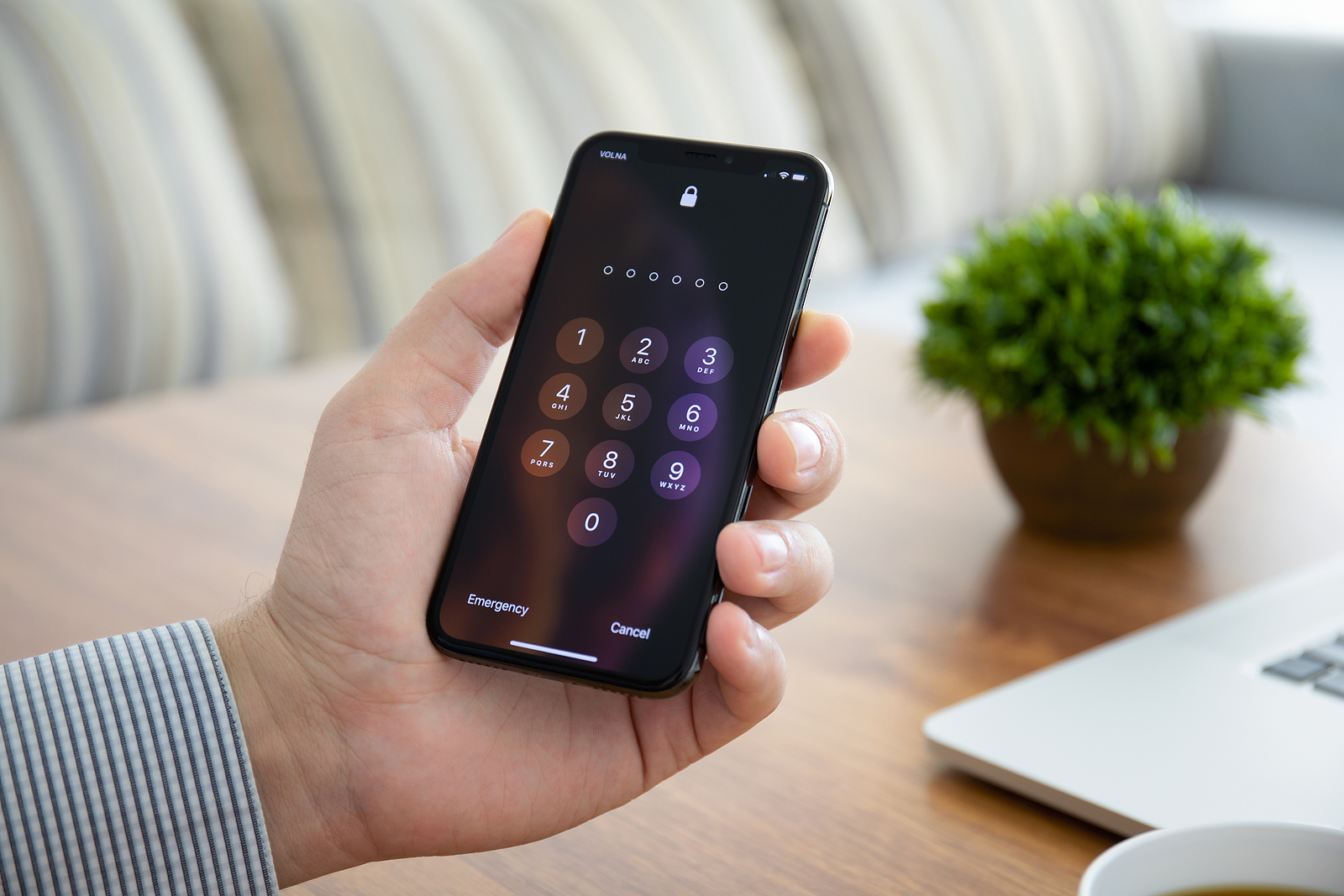
Anapa, Russia - October 8, 2018: Man hand holding iPhone X with Pin code on the screen. iPhone ten was created and developed by the Apple inc.

WhatsAppFacebookEmail
Threads

As part of Apple's Advance Data Protection, users can add a physical security key to their Apple ID starting with iOS 16.3. We'll show you how it all works below.

Advance Data Protection was announced in December and offers three ways to protect user data. First, end-to-end encryption has been extended to more parts of iCloud, including iCloud backups, iCloud Drive, Apple Notes, Apple Photos, and more. Second, iMessage Contact Key Verification lets users ensure they're only communicating with the people they intend to. Conversations between users who have this feature enabled will automatically be alerted if an attacker breaks into Apple's servers and intercepts iMessage conversations. Third, iOS 16.3 adds another layer of protection to Apple users' two-factor authentication for their Apple ID. It will allow third-party hardware security keys to log into an Apple ID.

What are security keys?

A hardware security key is a form of two-factor authentication used to verify that the person logging into an online account is the legitimate owner of that account. They are small USB devices that can be plugged into a computer or connect wirelessly to a device using NFC or Bluetooth. Yubico (to the Amazon product page) is probably the best-known manufacturer of hardware tokens. There are various models with USB-C connection, NFC connection and even a Lightning port for iPhones.

iOS 16.3: Add a security key to your Apple ID

With iOS 16.3, iPadOS 16.3 and macOS Ventura 13.2, Apple users can add a security key to their Apple account.

  • Open Settings and tap your profile at the top.
  • Go to “Password & Security”.
  • Scroll down and find “Add Security Key”.
  • On the next screen, tap Add Security Key and follow the on-screen instructions.

The system asks for two security keys so that users can have one key as a backup. Adding a security key replaces the verification codes that Apple sends to users' devices when logging in or resetting certain passwords. (Photo by DenPhoto / Bigstockphoto)

  • iOS 16.3: Encrypt iCloud backups – here's how
  • iOS 15: How to use the native iPhone 2FA code generator

Make Apfelpatient a preferred source One click – and you'll see us more often on Google
Was this article helpful?
YesNo
Tags: iOSiPadiPadOSiPhoneMacmacOS
SendShareSend
Share

Our Amazon Storefront

A handpicked selection of products for iPhone, Mac and more – sorted by topic and updated regularly.

Shop Now

This post contains affiliate links (including Amazon). We earn a small commission on qualifying purchases – at no extra cost to you. Learn more on our Partner Program page.

Previous Post

AirPods Max orders delayed: An update in sight?

Next Post

iOS 16.3 & Co. released: This is new

Milan Jovicic

Milan Jovicic

Milan founded Apfelpatient in 2016 and has been responsible for all editorial content since 2018 — news, rumors, guides, and product reviews. Apple devices here are not test units on loan for two weeks but everyday tools: from the iPhone through MacBook Pro, MacBook Air, and iMac to the Apple Vision Pro, at least one device from nearly every product category is in daily use, many of them replaced annually. Every menu path in a guide is verified on the device before it is published.

Concept design of the iPhone Ultra in its unfolded state with a large inner display

iPhone Ultra (iPhone Fold): All rumors and facts at a glance

August 12, 2026 - 9:32 PM CEST
Five iPhone models in different colors side by side, one from the front showing the Dynamic Island, which is expected to be smaller on the iPhone 18.

iPhone 18: All the rumors at a glance

August 12, 2026 - 9:24 PM CEST
Symbolic image of Apple's leadership team: Apple Park from the air, illuminated at sunset.

Apple's leadership team is undergoing a transformation: Who's leaving and who's taking their place?

August 12, 2026 - 9:10 PM CEST

About APFELPATIENT

APFELPATIENT brings you the latest Apple news, product updates, guides, reviews and tips across the entire Apple ecosystem — from the iPhone to the Mac to the Apple Vision Pro. From the first rumors to confirmed news: researched responsibly.

Follow Apfelpatient

Facebook Instagram YouTube Threads Threads

Company

  • About Apfelpatient
  • Contact
  • Author Profiles

Community

  • Netiquette
  • Push Notifications
  • RSS feed

Legal

  • Legal Notice
  • Privacy Policy
  • Terms of Use
  • Cookie Settings
  • Affiliate Program

Resources

  • Sitemap

© 2026 Apfelpatient. All rights reserved.

No Result
View All Result
  • Home
  • News
  • Rumors
  • Tips & Tricks
  • Reviews
  • Insights

© 2026 Apfelpatient. All rights reserved. Page Directory

Change language to Deutsch



