
This article may contain affiliate links. Learn more on our Partner Program page.
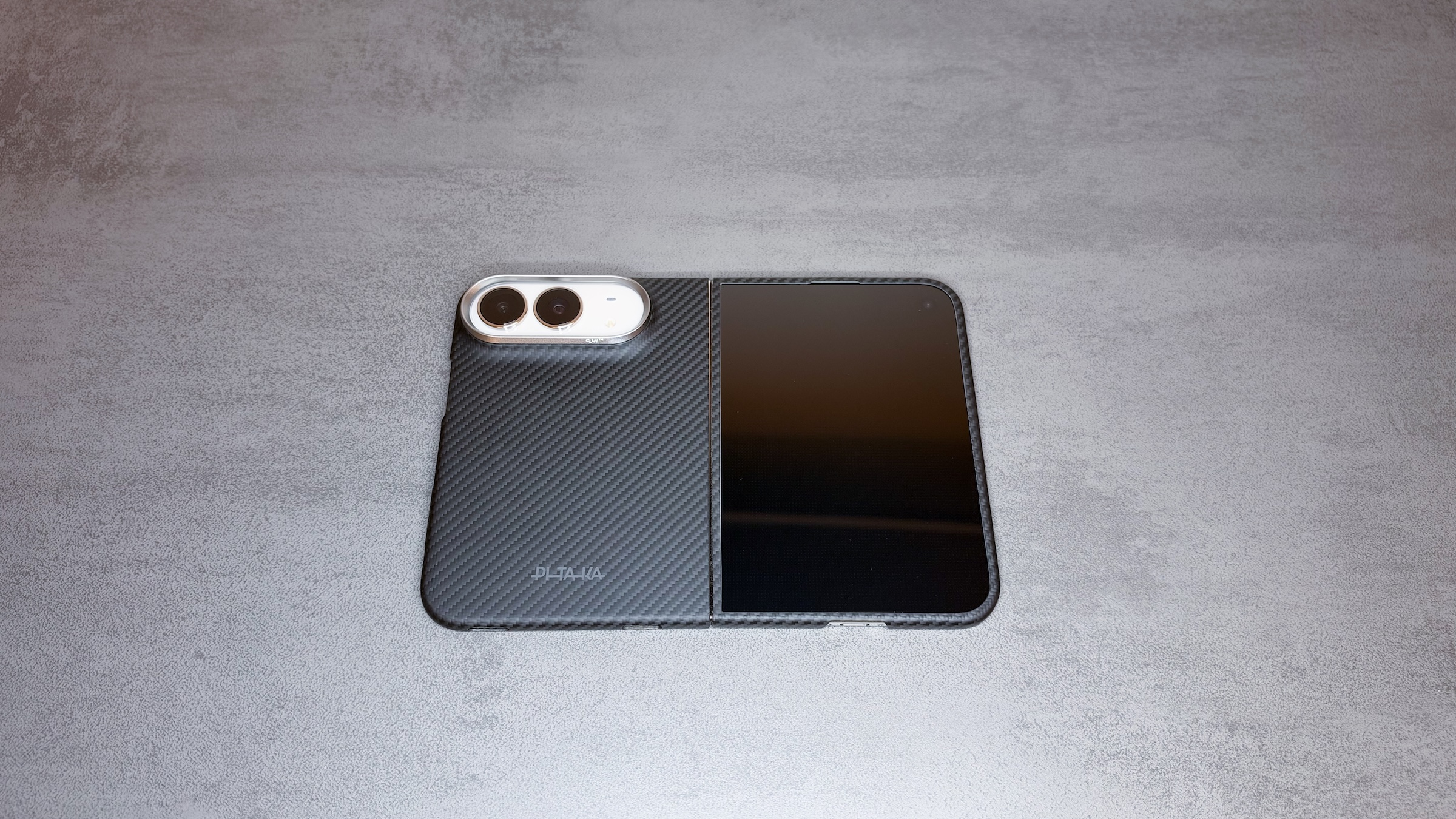
For the iPhone Duo, Pitaka splits its aramid case into two pieces: a back case and a front case that places glass over the outer display. I tested both parts in everyday use. The case itself is convincing, but one quirk of the foldable format makes swapping it harder for me than with any Pitaka case before.
Cases for the iPhone Duo face a problem that traditional iPhones don't have. Two housing halves and a hinge leave hardly any edge for a shell to clip onto. Apple solves this with its two-piece case using adhesive strips, while the folio with a built-in stand relies on magnets. Pitaka takes the same approach as the case.
I've been using Pitaka cases for years, most recently the minimalist cases for the iPhone 17. For the Duo, I had both parts in two colors: Black/Grey with a twill weave and the colorful California Dream variant. Since the Duo has been my main device since launch, all impressions come from normal everyday use.
Key Takeaways
- Pitaka offers a back case and a front case with glass for the iPhone Duo, individually or as a set. The hinge remains uncovered.
- Both parts are held in place with adhesive strips. They sit securely, but make spontaneous case swaps impractical.
- The back case adds hardly any bulk, the Duo closes flush with both parts, and all buttons remain accessible.
- The glass over the outer display doesn't reflect more than the display itself, but it smudges faster.
- On Amazon, the back case costs €69.99 and the set with front and back case costs €119.99.
Technical Specifications
| Feature | Pitaka Case for iPhone Duo |
|---|---|
| Material | Aramid fiber, 600D twill weave in Black/Grey, back case reinforced with Pitaka’s Mammoth Resin |
| Variants | Back case only, front case with glass, set of both |
| Back case | 1 mm, 15.9 g |
| Front case with glass | 1 mm, 16.23 g |
| Set in black/grey | 1 mm, 32.13 g |
| Set in California Dream | 1.3 mm, 35.71 g |
| Front glass | Tempered, 9H+ hardness, outer display only |
| Attachment | Pre-installed adhesive strips, spare strips included |
| Camera control | Aramid button (PitaTap) |
| Hinge | Uncovered |
| MagSafe | Compatible, built-in magnets |
| In the box | Case, guide, cleaning kit, spare adhesive strips |
| Warranty | 2 months according to the Pitaka store |
| Price on Amazon | €69.99 (back case), €119.99 (set) |
Thickness and weight are Pitaka's figures. The values for the back case and the front case alone apply to the Black/Grey version, while the colorful California Dream version is only minimally thicker and heavier.
Two Parts That Belong Together
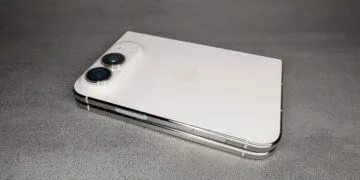
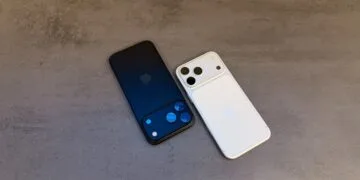
The back case wraps around the rear housing half including the camera, with the camera ring protruding slightly to protect the lenses when the phone is set down. The front case sits on the other half and places glass over the outer display. The inner display, on the other hand, stays uncovered, and according to Pitaka, rigid glass doesn't belong there anyway.
The parts can be bought in two ways. On Amazon, the back case is available on its own as an ultra-thin aramid fiber case, while the front case is only offered as a set with the back case, available there in Black/Grey and Sunset. If you only want the front case, you can find it as the Front Case With Glass in the Pitaka store.
Even when unboxing, everything feels familiar despite the new form factor. Build quality, feel and packaging match what I know from Pitaka cases for other iPhones.
Installation With Adhesive Strips
The biggest difference from earlier Pitaka cases shows in how they attach. Both parts come with pre-installed adhesive strips, and the front case includes a cleaning kit to free the outer display of dust and grease beforehand. Following the guide, everything sat right on the first try for me, with no dust and no air bubbles under the glass.
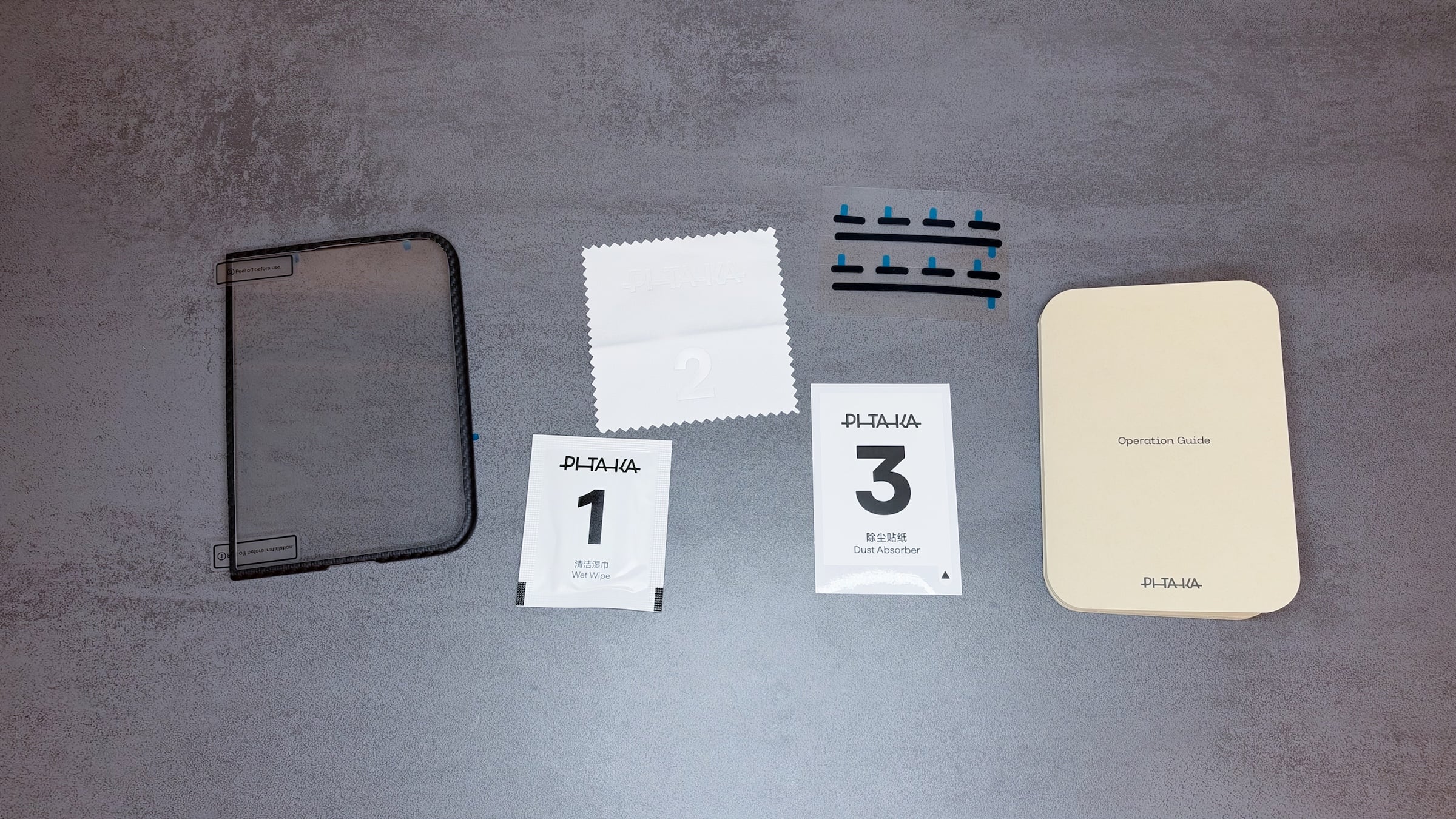
Spare strips are included for reapplying later. Both parts can be removed, and Pitaka recommends lifting the front case at the edges first. For spontaneous, frequent swaps, however, this solution remains less practical than a snap-on shell.
The Back Case on Its Own
On its own, the back case fits well and adds hardly any bulk. As usual with Pitaka, it hugs the housing closely without noticeably changing the Duo's slim profile. Accordingly, the folded Duo slides into and out of a pocket without any trouble.
Without the front case, though, the whole thing feels a bit incomplete to me, because the front half remains unprotected. If you only want to protect the back, you can still use it on its own; in the end, that's a matter of taste.
The Front Case With Glass
Of all things, the front case surprised me the most. I normally don't like extra screen protectors, because they often take away some sharpness and touch feel. Here, the glass looks good, responds cleanly and doesn't reflect more than the outer display without a cover. Only when it comes to smudges does it fall a little short of what Pitaka's fingerprint-resistant coating promises: in everyday use, it smudges a bit faster than the display itself.
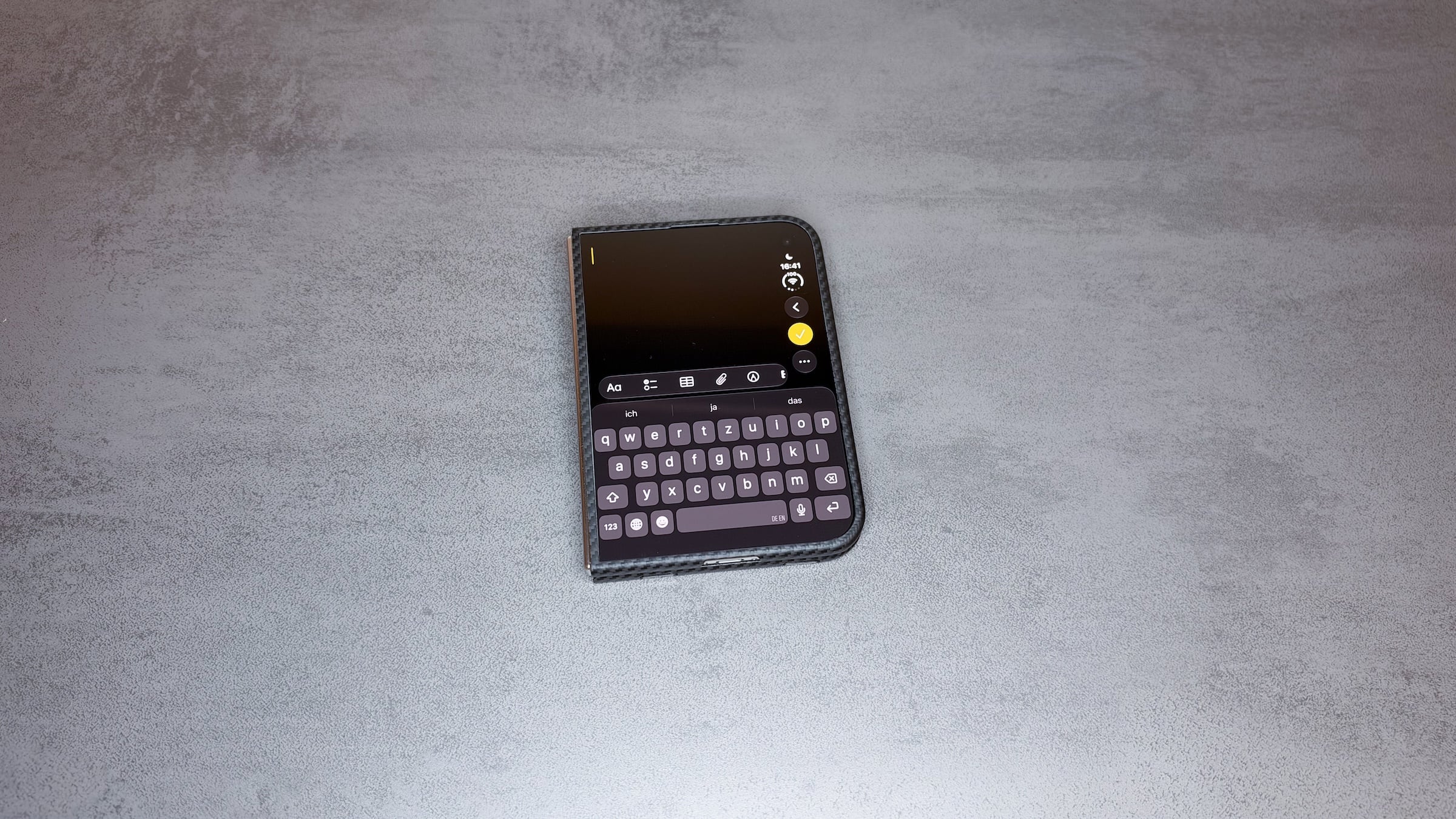
For cases that cover the left edge of the outer display, Apple offers the "Shift Left Edge" option. With the front case, I don't need it, and I even advise against it. The cover's edge is so narrow that the shifted display creates a visible black bar that doesn't visually match the cover.
Folding, Buttons and MagSafe in Everyday Use
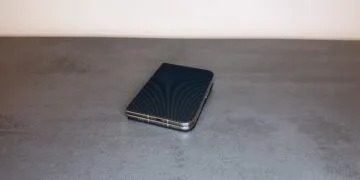
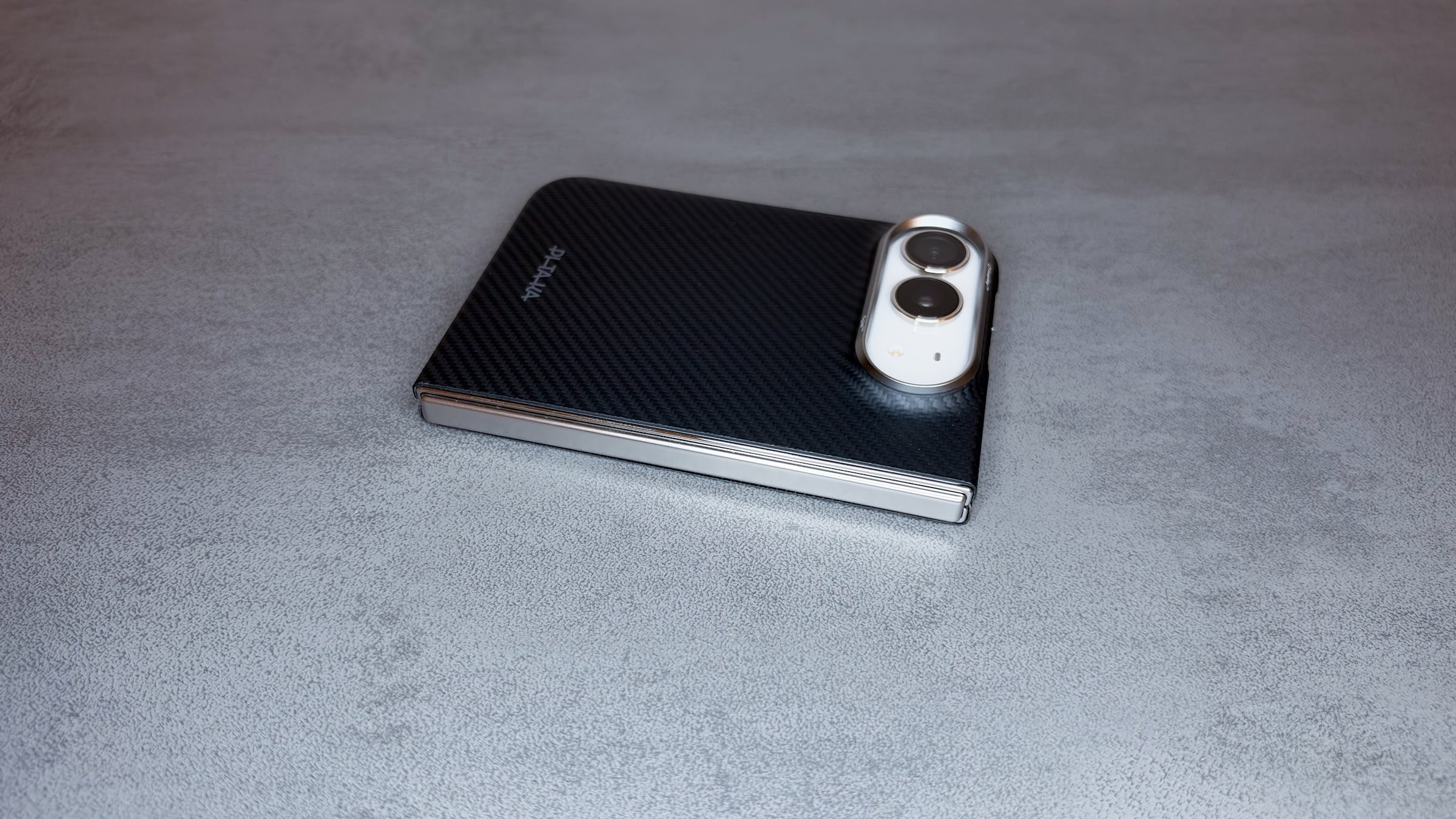
What matters most with the Duo is that the case doesn't interfere with folding, and it doesn't. With both parts attached, the device closes flush and opens and closes completely normally. The side button with Touch ID, the volume buttons, USB-C and the speakers all remain accessible.
Only the Camera Control sits under an aramid button. I don't notice it at all when using it, though, because pressing and swiping work exactly as if nothing were covering it.
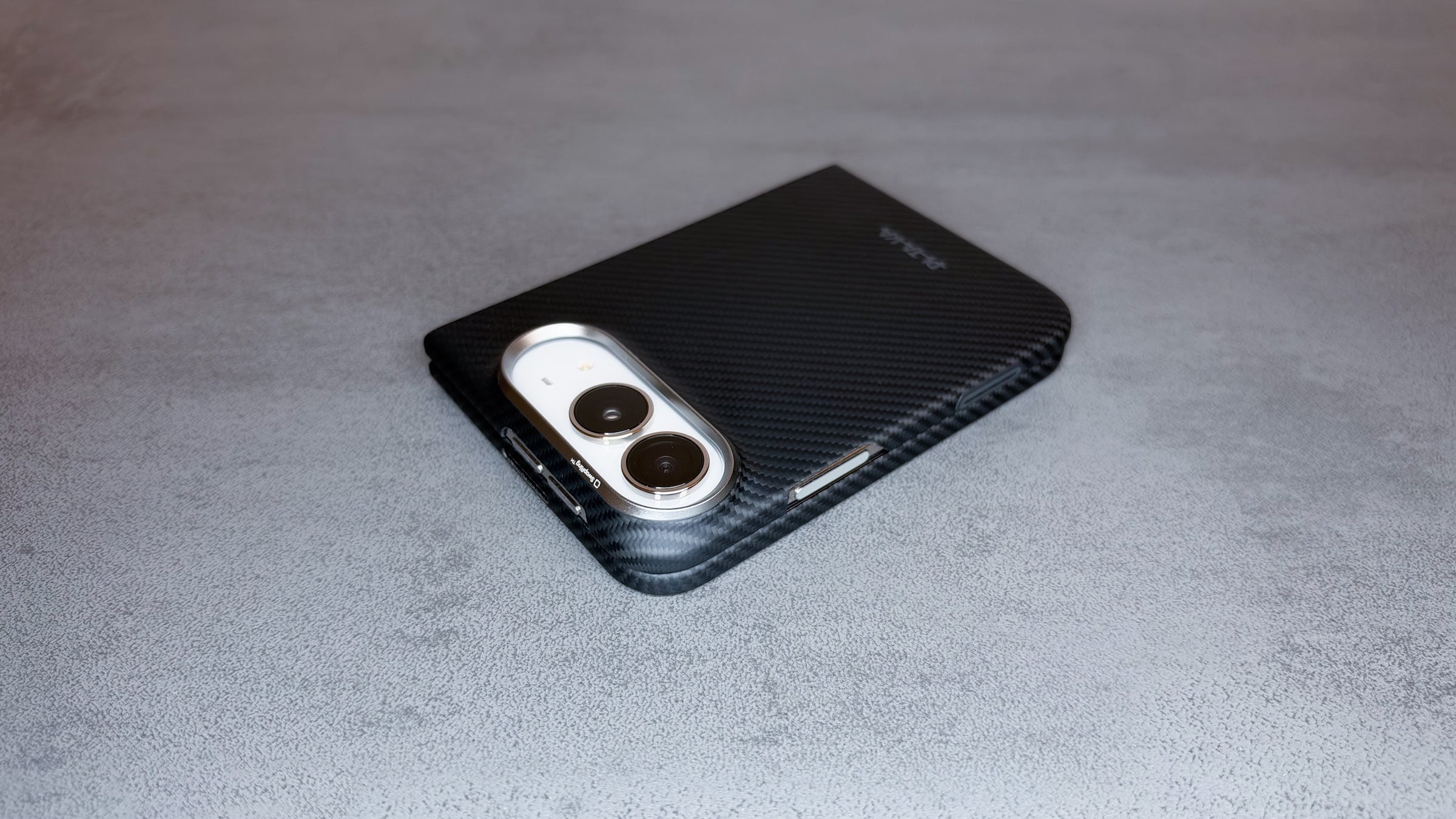
When it comes to charging, the case also delivers what I know from Pitaka. Despite its slim build, it has magnets inside, so the Duo sits reliably and remarkably firmly on the MagSafe charger. Only MagSafe wallets aren't an option, but that's down to the Duo itself: as my experience with the drawbacks compared to the Pro Max shows, a wallet sticks out at the bottom because of the shorter design.
The cases sit comfortably in the hand thanks to their rounded edges, and I haven't noticed any scratches or wear so far, although I do take good care of my devices. I know from my own experience that aramid can withstand more in an emergency than its slim profile suggests: a Pitaka case once saved an iPhone 11 Pro of mine from damage.
The Hinge Remains Uncovered
There is one spot the case leaves exposed, though. When folded, only the hinge remains uncovered, and Pitaka currently doesn't offer protection for it. That means there's no complete all-around protection, but the same applies to Apple's folio. By comparison, the Pitaka combination covers the remaining edges, the entire back and the outer display, protecting more surface area.
Who the Pitaka Cases Are Worth It For
Despite all that, I'm sticking with the Apple Folio on my Duo, and that's not Pitaka's fault. With earlier iPhones, I often switched between colors and designs, but with the Duo, the adhesive strips get in the way of exactly that. On top of that, there's the folio's stand, which I now use all the time and wouldn't want to give up.
If you stick with one case, on the other hand, Pitaka is a good choice. The back case suits anyone who wants to keep the Duo as slim as possible and likes Pitaka's weave patterns and colors. The front case is especially worthwhile for anyone who already likes using screen protectors, and as a set, both parts protect the front and back, except for the hinge. If you generally don't like glass covers or change your case often, the combination probably won't win you over.
Would protecting the outer display of your iPhone Duo be worth the extra cost of the set, or is the back case enough for you? Tell us in the comments how you protect your Duo.