
This article may contain affiliate links. Learn more on our Partner Program page.
Wireless charging has two familiar weaknesses: the iPhone gets warm, and lightweight stations lift off with it when you pick it up. Belkin's UltraCharge Pro tackles both with a weighted base and a built-in fan. I tested it with the iPhone 18 Pro Max, two Apple Watches, several AirPods and the iPhone Duo.
The UltraCharge Pro belongs to the Qi2 generation that Belkin introduced as a new charging family at CES 2026. As a magnetic 3-in-1 charging station, it powers iPhone, Apple Watch and AirPods at the same time, with the iPhone charging at up to 25 watts via Qi2.2. That matches the output Apple introduced with its own MagSafe Charger with Qi2 25W. According to Belkin, other Qi2 devices charge at up to 15 watts.
My test unit is the Sand colour, and the price is €119.99. In everyday use, the number of charging spots matters less than how well grip, heat and handling are solved.
Key Takeaways
- The weighted base means the iPhone can be removed with one hand.
- The fan keeps the iPhone 18 Pro Max noticeably cooler while charging.
- The iPhone mount tilts and works for StandBy in landscape.
- Apple Watch Ultra 4, Series 10 and AirPods with a wireless charging case all charge reliably.
- The downsides are the audible fan under load, the LED that can't be turned off and the lack of per-device charging indicators.
Build quality and base
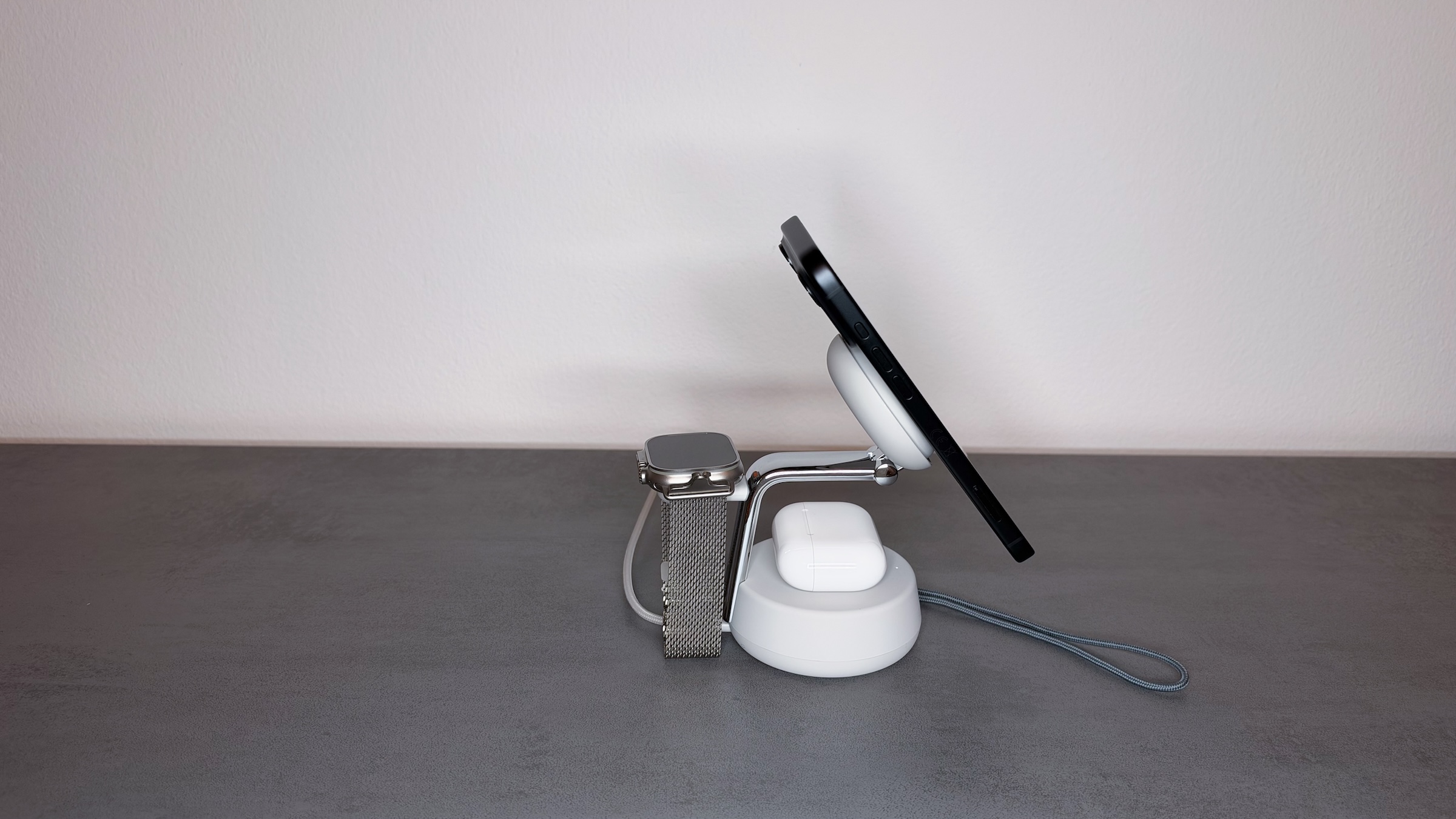
The box includes a 45W USB-C power adapter and a braided 1.5-metre USB-C cable, so there's no need to buy a separate adapter. The packaging is careful, and the station makes a premium impression right from the start. Chrome finish and soft-touch silicone make for an unusual but successful combination, and the build quality is clean. At 116.96 × 86.4 × 102.68 millimetres, the station takes up little space on a desk or nightstand.
With magnetic charging stations, the weight of the station itself is crucial. A strong magnet holds the iPhone securely but makes it harder to remove. Early MagSafe stations from other manufacturers therefore often had to be used with two hands, because otherwise they lifted off with the iPhone.
Belkin solves this with a 545-gram base. It stays put when you remove the iPhone, so one hand is enough. For me, this is one of the most important qualities of a station like this.
Magnet, mount and StandBy
Docking the iPhone works one-handed, too. At 249 grams, the iPhone 18 Pro Max is a little heavier than its predecessor, but it sits securely with or without a case. I tried this with Apple's own case and the cases from Nomad, both of which support MagSafe. That is the prerequisite, because cases without a magnet ring won't hold reliably on any magnetic charging station.
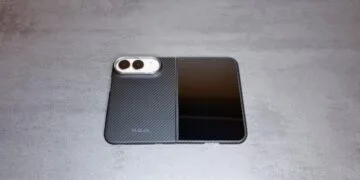
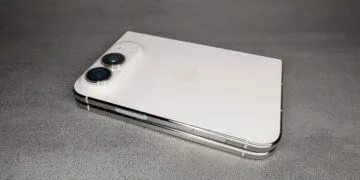
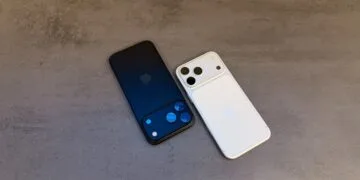
The iPhone Duo shows how strong the magnet is. Belkin doesn't list it among the compatible devices, as the station is designed for classic iPhones. At 254 grams, however, the Duo weighs only five grams more than the 18 Pro Max and holds just as securely. When folded, it charges wirelessly via MagSafe like any other iPhone, even in the Pitaka case I used it with on the station.
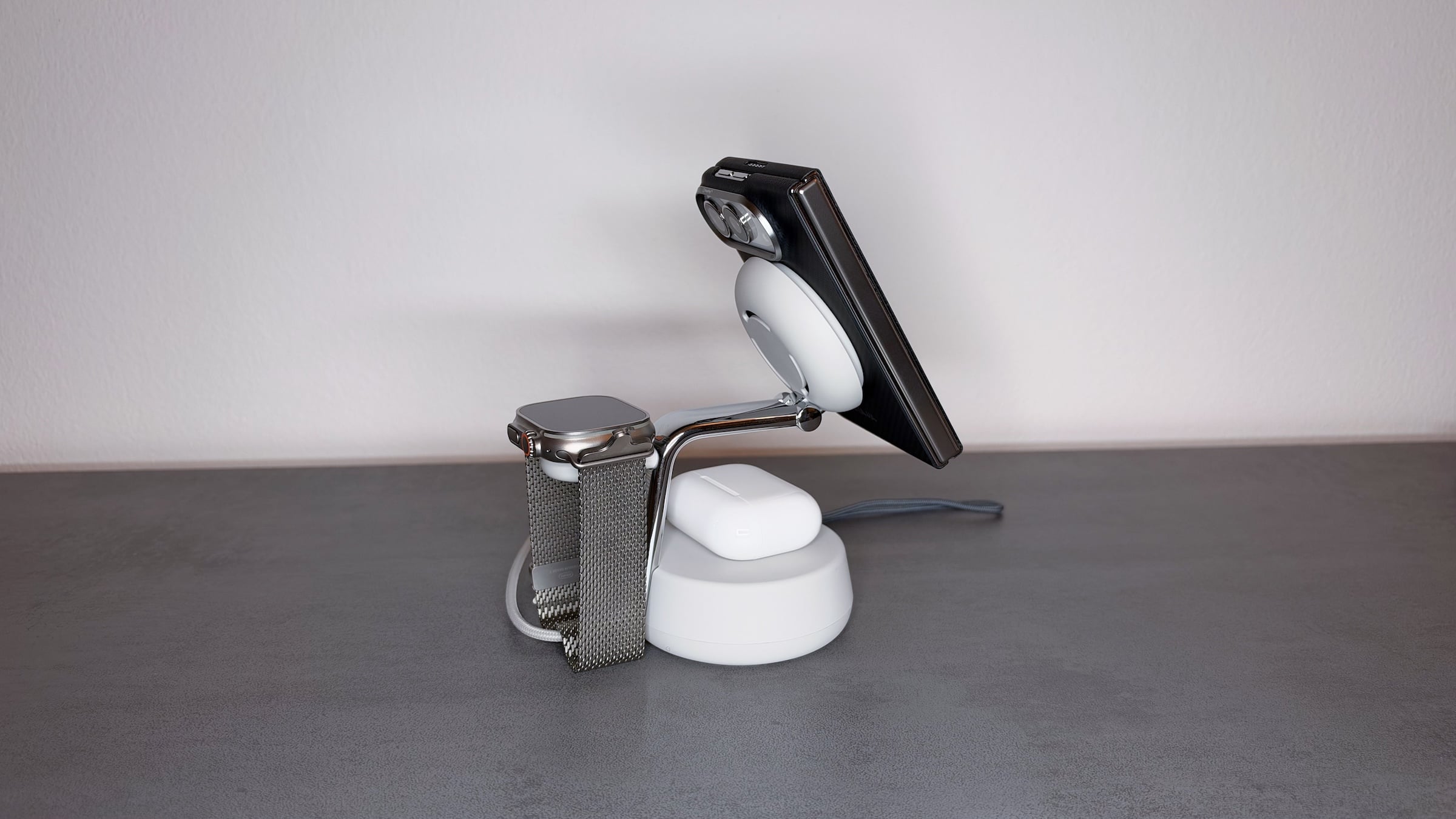
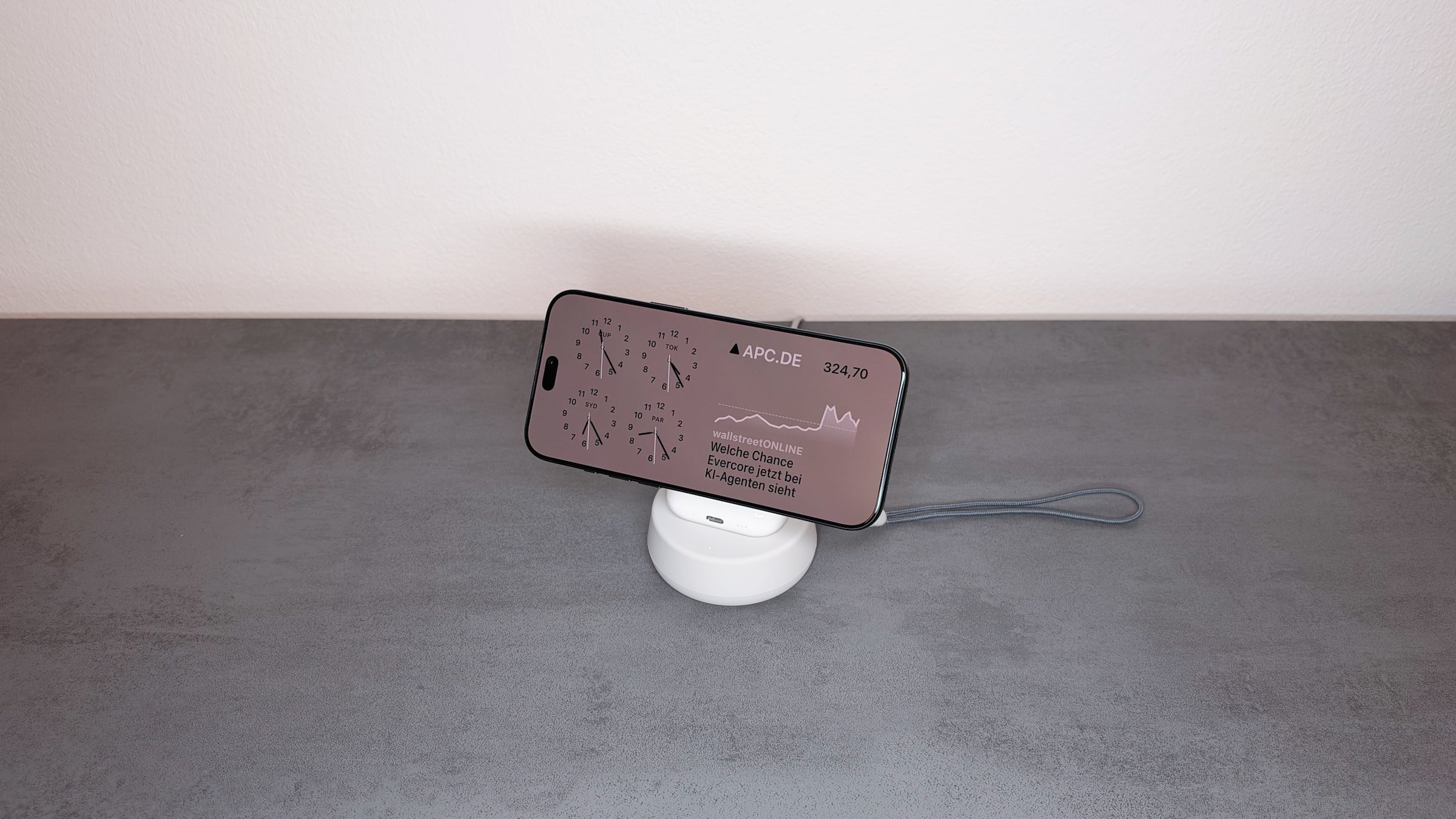
The mount itself is adjustable as well. It tilts, so the iPhone can lie flat or stand upright in portrait or landscape, which also makes StandBy in landscape possible. Not everyone wants their iPhone propped up while charging, especially since StandBy can be turned off in Settings. The station supports both options, so there's no need to decide when buying.
Charging speed and fan
Belkin quotes 0 to 50 percent in 25 minutes, measured with an iPhone 16 running iOS 26. For the iPhone 18 Pro Max, Apple states up to 50 percent in 30 minutes, based on its own MagSafe Charger with a 35W or higher power adapter.
I didn't take my own measurements, and I didn't have an older MagSafe iPhone on hand for comparison either. After charging breaks of an estimated 20 to 25 minutes at my desk, however, the 18 Pro Max had gained a clear amount of charge, with the fan switched on. Charging is still faster via cable with the right power adapter for the iPhone 18 Pro.
Beyond speed, heat plays a role in wireless charging. On other stations, my iPhone regularly got hot, but on the UltraCharge Pro it stayed pleasantly cool for the first time. Belkin calls the active cooling ChillBoost and promises up to 7 degrees Celsius lower temperatures.
The fan adjusts its speed to the iPhone's temperature. In normal use it's barely noticeable, and it only becomes audible under higher load. If you're sensitive to noise in the bedroom, you can turn it off with a switch.
I still keep the fan running all the time, because my devices usually get warm during wireless charging otherwise. That's especially true when I'm using the iPhone at the same time: at my desk it's often attached to the station while I work on it, and that's exactly when it gets particularly hot without cooling. The cooling should really come into its own in summer. For me, it's the feature that sets this station apart from other 3-in-1 solutions, especially for quick top-ups without a cable.
Apple Watch and AirPods
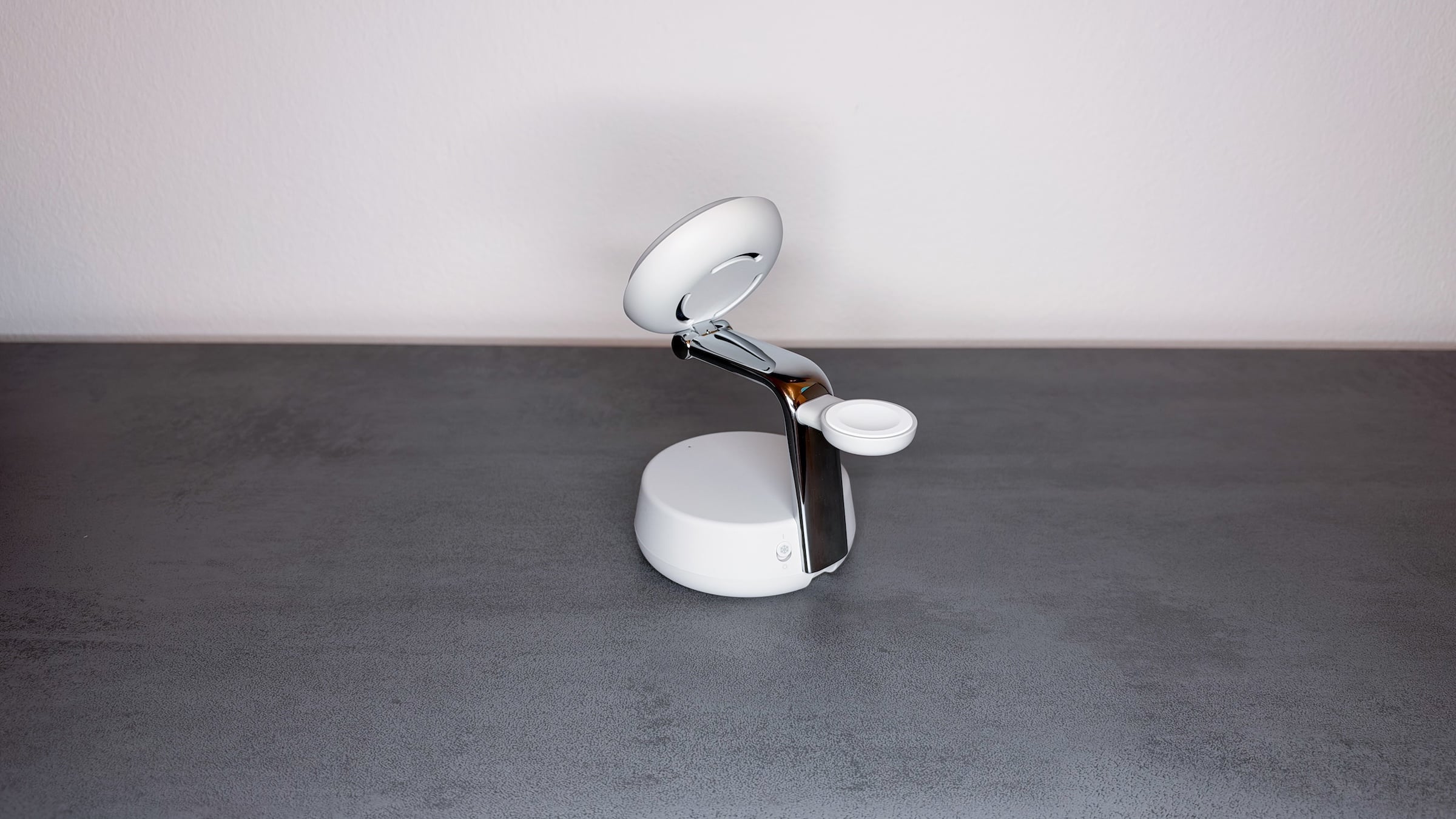
The two remaining charging spots worked reliably in testing. My Apple Watch Ultra 4 charges on it just as smoothly as a Series 10. Since the charging puck sits free at the back, the watch fits with the band open or closed. For the Series 10, Belkin quotes 0 to 80 percent in 30 minutes, but I didn't measure that myself.
For AirPods, every model of mine with a wireless charging case charges on the station, at up to 5 watts according to Belkin. When a case is placed on it, a status LED shows that it's charging.
Technical specifications
| Feature | Specification |
|---|---|
| iPhone charging power | up to 25W (Qi2.2), other Qi2 devices up to 15W |
| AirPods charging power | up to 5 W |
| Cooling | ChillBoost, fan with on/off switch |
| In the box | Station, 45W USB-C power adapter, braided USB-C cable (1.5 m) |
| Dimensions (L × W × H) | 116.96 × 86.4 × 102.68 mm |
| Weight | 545 g |
| iPhone orientation | tiltable, portrait and landscape |
| Material | Housing made from at least 85% recycled plastic (excluding silicone parts) |
| Warranty | 2 years, connected equipment protection up to €2,000 |
What bothers me
The UltraCharge Pro doesn't get away entirely without criticism. Under load, the fan is audible in a quiet room, and the status LED can't be turned off. Neither bothered me, but in a dark bedroom that may be a different story. On top of that, the Apple Watch charging puck is fixed in position, and there are no separate charging indicators for the three devices.
Who the UltraCharge Pro is worth it for
Of all the charging stations I've used so far, the UltraCharge Pro is one of the most thoughtfully designed. The base, the adjustable mount and the fan work together, and each of them fixes a problem that other models have.
It makes the most sense if you regularly charge your iPhone, Apple Watch and AirPods together, ideally with an iPhone that supports Qi2 25W and an Apple Watch with fast charging. If you only charge one device or almost always use a cable, you'll get little out of it.
The station is meant for a fixed spot on a desk or nightstand, not for travel. Belkin doesn't market it as travel gear either, so I deliberately tested it as a stationary solution. For on the go, there are foldable models that serve that purpose better. The UltraCharge Pro is available on Amazon.
Do you prefer wireless charging with a fan and cooler temperatures, or silent and a little warmer? Tell us in the comments which you'd choose for your nightstand at night.