

apple patient
  • Home
  • News
  • Rumors
  • Tips & Tricks
  • Reviews
  • Insights
No Result
View All Result
  • iPhone 18
  • iPhone 18 Pro
  • iPhone Duo
  • Apple Watch Series 12
  • Apple Watch Ultra 4
  • AirPods 5
  • iOS 27
  • iPadOS 27
  • macOS
  • MacBook Neo
  • iPhone 17e
  • AirTags
  • iOS 26
  • iPhone 17
  • MacBook Pro
  • iPadOS
  • iMac
  • Mac mini
  • HomePod
  • Apple TV
  • iPad Pro
  • iPhone Air
  • Apple Vision Pro
  • iPhone 16
  • AirPods 4
  • Apple Watch Ultra
  • HomePod Mini
  • MacBook Air
  • iPad
  • AirPods Max
  • AirPods Pro 3
  • Apple Watch Series 3
  • Mac Studio
  • Studio Display
  • iPad Air
  • iPad mini
  • watchOS 27
  • Apple CarPlay
  • Apple Pay
  • watchOS 26
  • Home
  • News
  • Rumors
  • Tips & Tricks
  • Reviews
  • Insights
No Result
View All Result
apple patient
No Result
View All Result
  • iPhone 18
  • iPhone 18 Pro
  • iPhone Duo
  • Apple Watch Series 12
  • Apple Watch Ultra 4
  • AirPods 5
  • iOS 27
  • iPadOS 27
  • macOS
  • MacBook Neo
  • iPhone 17e
  • AirTags
  • iOS 26
  • iPhone 17
  • MacBook Pro
  • iPadOS
  • iMac
  • Mac mini
  • HomePod
  • Apple TV
  • iPad Pro
  • iPhone Air
  • Apple Vision Pro
  • iPhone 16
  • AirPods 4
  • Apple Watch Ultra
  • HomePod Mini
  • MacBook Air
  • iPad
  • AirPods Max
  • AirPods Pro 3
  • Apple Watch Series 3
  • Mac Studio
  • Studio Display
  • iPad Air
  • iPad mini
  • watchOS 27
  • Apple CarPlay
  • Apple Pay
  • watchOS 26

WhatsApp introduces the new Liquid Glass design for the first time on iOS

Milan Jovicic by Milan Jovicic
October 9, 2025 - 00:06 CEST
in Apple News
0
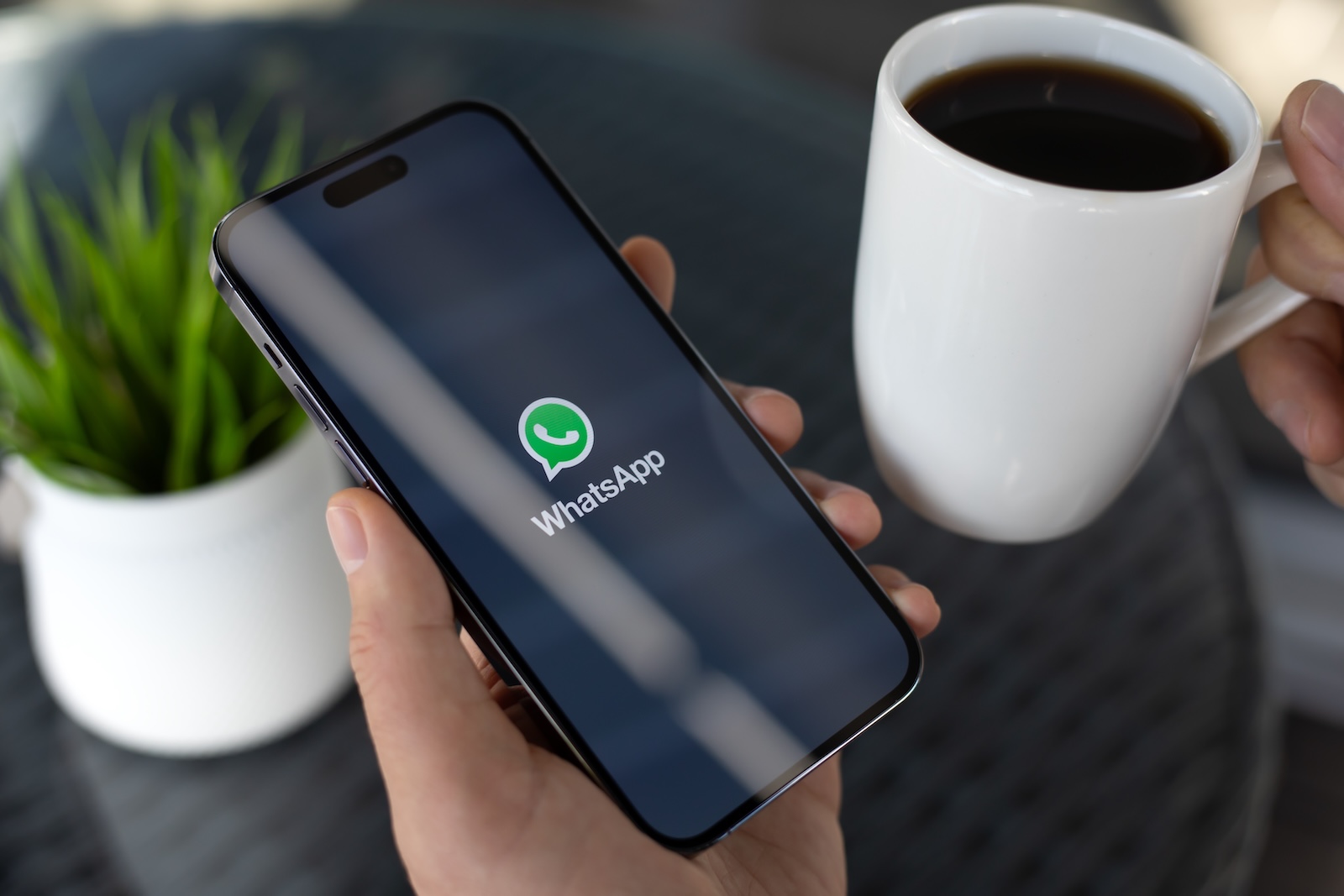
WhatsApp Liquid Glass

Image: Shutterstock / DenPhotos

WhatsAppFacebookEmail
Threads

WhatsApp is apparently testing a new design on iPhones. Some iOS users are reporting that the app has received a redesigned user interface in the so-called Liquid Glass style after the latest update. Meta hasn't officially announced this yet. Nevertheless, initial screenshots show what the new look looks like—and how WhatsApp might look on iOS in the future.

Design changes to WhatsApp are rare and usually rolled out in small steps. This is mainly due to the enormous number of users. Meta is cautious with visual adjustments to identify potential errors early and make the transition as smooth as possible. Now, however, the company appears to have begun to incorporate elements of Apple's current design philosophy into the app. The new user interface is based on Apple's Liquid Glass style, introduced with iOS 26.

New WhatsApp update for iOS

This week, WhatsApp released an update for iOS. Officially, it brings two new features: support for Live Photos and a translation feature for text messages that runs directly on the device. But in addition to these known changes, some users discovered something else. They report that the app suddenly looks different after the update. The most noticeable change concerns the tab bar at the bottom of the screen. It is now semi-transparent and reminiscent of the glass design that Apple uses for many of its system apps. This gives WhatsApp a visually lighter and more modern appearance. Small transitions and reflections also adapt better to the background, creating the typical "liquid glass" effect.

What's behind the Liquid Glass design

Apple's Liquid Glass style is characterized by transparencies, soft light reflections, and subtle depth transitions. The goal is to create an interface that appears clear, calm, and fluid. WhatsApp is apparently adopting this approach to align the app more closely with the look and feel of the operating system. The result is a more modern user interface that remains familiar but has a more visually sophisticated feel.

You are currently viewing a placeholder content from X. To access the actual content, click the button below. Please note that doing so will share data with third-party providers.

More Information
Unblock content Accept required service and unblock content

Test phase and limited introduction

According to WABetaInfo , the new interface may be a limited test. Meta reportedly already experimented with the Liquid Glass design in the WhatsApp beta version. Now, this feature appears to have also appeared for some users of the public app version. As is typical with WhatsApp, the new design will likely be rolled out gradually. The company rarely rolls out major changes to all users at once. Instead, Meta tests new features in small groups first before rolling them out globally. This allows for bugs to be found and fixed more quickly.

When the new design will be released for everyone

Anyone who hasn't seen the new interface yet will likely have to wait a while. In the official release notes, WhatsApp regularly points out that new features often become available gradually. It may therefore take several days or even weeks until the Liquid Glass design is visible on all iPhones. Given its previous approach, Meta is likely to slowly expand the rollout once it's clear that the integration is stable. Since Apple has further developed its own interface toward a "translucent" and "fluid" feel with iOS 26, WhatsApp's move fits well with the current iPhone design concept.

WhatsApp adapts to the style of iOS

The new Liquid Glass design in WhatsApp demonstrates that Meta is placing greater emphasis on a modern, system-oriented appearance on iOS as well. The update hasn't been officially announced yet, and it's unclear when all users will get access. But the current test phase shows where things are headed. WhatsApp will be visually lighter, smoother, and more harmonious with the iOS interface. For iPhone users, this means a fresh look without changing the familiar interface. WhatsApp remains WhatsApp – just with a design that better matches Apple's visual language. (Image: Shutterstock / DenPhotos)

  • Apple Stores use new MagSafe chargers for the iPhone 17
  • Apple close to agreement with the EU on Digital Markets Act
  • Apple secures NPR podcast chief for growth
  • Apple improves AirPods with new firmware update 8A358
  • Apple Arcade News: These games will launch in November 2025
  • Chat control: IT industry and child protection association warn
  • What's new in iOS 26.1 Beta 2 – Fine-tuning for everyday life and design
  • iOS 26.1: Swipe gesture replaces tap to stop alarm
  • iPadOS 26.1 Beta 2: Slide Over celebrates its comeback on the iPad
  • Apple is building up John Ternus – will he be the next CEO?
  • WhatsApp: Introduction of usernames is getting closer
  • Apple Q4 2025: Results to be presented on October 30
  • Apple removes climate-neutral label – but goals remain the same
  • iPhone 17 series surprises with strong demand and records
  • Disney+ announces redesign of the app for iOS and tvOS

Make Apfelpatient a preferred source One click – and you'll see us more often on Google
Was this article helpful?
YesNo
Tags: App StoreTechPatientWhatsApp
SendShareSend
Share

Our Amazon Storefront

A handpicked selection of products for iPhone, Mac and more – sorted by topic and updated regularly.

Shop Now

This post contains affiliate links (including Amazon). We earn a small commission on qualifying purchases – at no extra cost to you. Learn more on our Partner Program page.

Previous Post

iPhone Fold: Titanium meets aluminum in a new design

Next Post

iPhone: How the new call waiting feature works in iOS 26

Milan Jovicic

Milan Jovicic

Milan founded Apfelpatient in 2016 and has been responsible for all editorial content since 2018 — news, rumors, guides, and product reviews. Apple devices here are not test units on loan for two weeks but everyday tools: from the iPhone through MacBook Pro, MacBook Air, and iMac to the Apple Vision Pro, at least one device from nearly every product category is in daily use, many of them replaced annually. Every menu path in a guide is verified on the device before it is published.

Related posts

watchOS 27.2: Code reveals new screenshot preview

by Milan Jovicic
September 24, 2026 - 8:36 p.m. CEST
Apple Watch Ultra with an orange band showing the app view, the device getting the new screenshot preview in watchOS 27.2

watchOS 27.2 includes a new screenshot interface for the Apple Watch: preview, share, and delete, just like on the iPhone. It's currently inactive.

Read moreDetails

Apple TV: Peanuts classics free again for Christmas

by Milan Jovicic
September 24, 2026 - 6:43 p.m. CEST
Charlie Brown holding a small Christmas tree under a starry sky in the snow, a scene from A Charlie Brown Christmas, free again on Apple TV

Three classic Peanuts cartoons are back on Apple TV for the holidays, no subscription required. Plus, there are new specials featuring Snoopy and the Fraggle Rocks.

Read moreDetails

The Wanted Man: Hugh Laurie on Apple TV from January

by Milan Jovicic
September 24, 2026 - 6:19 p.m. CEST
Hugh Laurie as crime boss Felix Carmichael in an evening scene from The Wanted Man on Apple TV

The Wanted Man premieres on January 6, 2027 on Apple TV. Hugh Laurie plays a crime boss who wants to escape – the finale is in February.

Read moreDetails

Apple and Qualcomm extend patent license from 2027

by Milan Jovicic
September 24, 2026 - 6:04 p.m. CEST
Back of an iPhone 18 Pro Max in a burgundy case on a grey surface, covered by the renewed Apple Qualcomm patent license

Apple and Qualcomm are extending their patent license from April 2027. Why this has nothing to do with the modem change and affects Germany.

Read moreDetails

iPhone 18 Pro: Update to prevent Face ID restarts is coming

by Milan Jovicic
September 24, 2026 - 1:13 p.m. CEST
iPhone showing the General settings with Software Update, where the fix for the Face ID reboots on iPhone 18 Pro will arrive

Apple has confirmed an update to fix the restarts after failed Face ID recognition on the iPhone 18 Pro and Pro Max. An exchange is not worthwhile.

Read moreDetails
Load More

Categories

  • Apple Insights
  • Apple Rumors
  • Apple News
  • Apple Tips & Tricks
  • iPhone news, rumors and tips
  • Mac and MacBook News
  • Reviews

About APFELPATIENT

APFELPATIENT brings you the latest Apple news, product updates, guides, reviews and tips across the entire Apple ecosystem — from the iPhone to the Mac to the Apple Vision Pro. From the first rumors to confirmed news: researched responsibly.

Follow Apfelpatient

Facebook Instagram YouTube Threads Threads

Company

  • About Apfelpatient
  • Contact
  • Author Profiles

Community

  • Netiquette
  • Push Notifications
  • RSS feed

Legal

  • Legal Notice
  • Privacy Policy
  • Terms of Use
  • Cookie Settings
  • Affiliate Program

Resources

  • Sitemap

© 2026 Apfelpatient. All rights reserved.

No Result
View All Result
  • Home
  • News
  • Rumors
  • Tips & Tricks
  • Reviews
  • Insights

© 2026 Apfelpatient. All rights reserved. Page Directory

Change language to Deutsch



