
This article may contain affiliate links. Learn more on our Partner Program page.
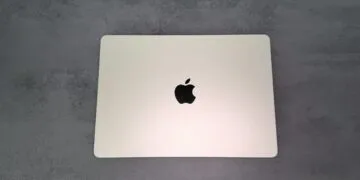
The OLED display of the new MacBook Pro is considered by many in tests to be one of the best displays available in a laptop. However, ten days after its release, buyers are reporting that it is literally giving them headaches. A technology that is invisible but apparently noticeable is suspected as the culprit.
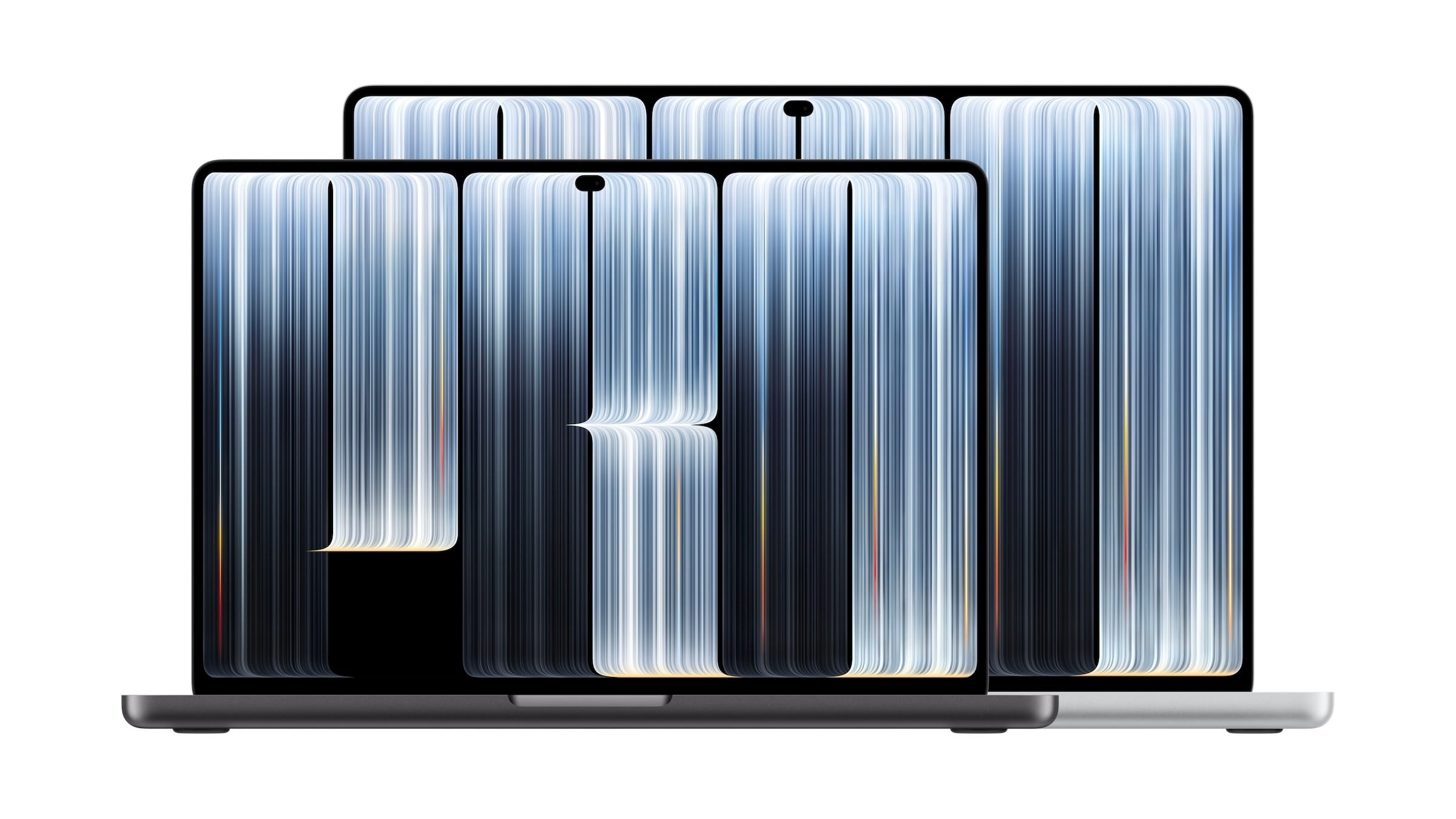
The MacBook Pro with PROLED XDR display, Apple's first Mac with an OLED screen, has been available since November 6th. Initial reviews almost unanimously praised the display. However, reports are now piling up on Reddit, X, and forums from buyers complaining of eye strain, headaches, or dizziness after only a short period of use.
The likely cause is the way the display regulates its brightness. Measurements on the 14-inch model show a low-frequency flicker.
Key Takeaways
- Buyers of the MacBook Pro with PROLED XDR display are reporting eye strain, headaches, and dizziness.
- The 14-inch model showed a flicker of 240 Hz at up to 99 percent brightness.
- The MacBook Pro with Mini-LED display flickers at 14,880 Hz, which is about 60 times faster.
- There is currently no setting in macOS to prevent flickering, like the one available on the iPhone.
- The models with mini-LED displays will remain in the product range.
What buyers are saying
The complaints are similar. One user on X writes that he tried out the device for about 30 minutes in the Apple Store and afterwards had a severe headache. He had previously had problems with OLED screens, but newer devices had been tolerable for him.
A Reddit user describes dizziness and nausea while reading, especially light text on a black background. His iPad Pro with an OLED display did not cause these symptoms. In a forum, an owner of the 16-inch model reports that headaches and mild nausea subsided after switching to a MacBook Pro with a Mini-LED display. Another user is returning his device for similar reasons, even though other OLED devices had not caused him any problems.
It's impossible to determine how many buyers are affected. These are individual reports, and not everyone reacts to the technology that is believed to be the cause.
Flickering that you can't see
This is called pulse-width modulation, or PWM for short. With PWM, the display doesn't regulate brightness by gradually dimming the pixels. Instead, it switches them very rapidly between bright and dark. The longer the dark phases, the darker the image appears.
The flickering is too fast to be consciously perceived. However, sensitive individuals may still experience discomfort, especially at low frequencies. This has nothing to do with the refresh rate: the fact that the display operates at up to 120 Hz says nothing about the PWM frequency.
240 Hz versus 14,880 Hz
Notebookcheck, in its review of the MacBook Pro 14 PROLED XDR with the M5 Pro chip, measured a flicker of 240 Hz at all brightness levels up to 99 percent and with an amplitude of 56 percent. According to the review, although the panel also uses DC dimming, the frequency is so low that sensitive users could still experience problems.
| Device | Display | PWM frequency |
|---|---|---|
| MacBook Pro 14 PROLED XDR (M5 Pro) | OLED | 240 Hz |
| MacBook Pro 14 (M4 Pro, 2024) | Mini-LED | 14,880 Hz |
| Dell XPS 14 | OLED | 241 Hz |
| Asus ProArt P14 | OLED | 960 Hz |
The MacBook Pro with a Mini-LED display flickers around 60 times faster than the OLED model. Other OLED laptops are sometimes significantly worse, with the Dell XPS 14 at a similar level.
There's a switch on the iPhone, but not on the Mac
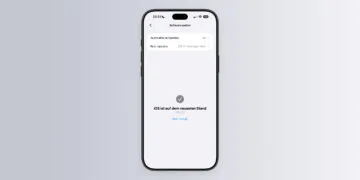
Since iOS 26, the iPhone 17, iPhone 17 Pro, iPhone 17 Pro Max, and iPhone Air have included a setting that dims the OLED display in a different way. It's called Display Pulse Smoothing and can be found under Settings > Accessibility > Display & Text Size. Apple notes that it can negatively impact display performance at low brightness levels under certain conditions. Older iPhones with OLED displays never received this setting.
There is currently no such setting in macOS. Those sensitive to flickering cannot currently change it on the MacBook Pro with a PROLED XDR display.
Mini-LED remains the safe choice
I believe this is a point that should be considered in every purchase decision, even if it only affects a portion of buyers. Anyone who already gets a headache from OLED smartphones shouldn't order the new MacBook Pro sight unseen, but rather try it out for a while in the Apple Store first. The alternative remains available: Apple sells the models with Mini-LED displays alongside the new MacBook Pro, and which of the two displays is right for whom can be found in the PROLED XDR vs. Mini-LED comparison.
Those who have already purchased a device and are experiencing problems have more time than usual: Thanks to the extended return period, devices delivered between November 6th and December 25th can be returned until January 8th in the Apple Store Online. This excludes purchases made on installment plans in Germany, for which the standard 14-day return period applies. I expect that Apple will offer a similar setting for macOS in the near future, just like on the iPhone.
Have you already tried out the MacBook Pro with OLED – and did you notice any flickering, or did it work flawlessly for you? Tell us in the comments how your eyes react to the new display.