

This article may contain affiliate links. Learn more on our Partner Program page.
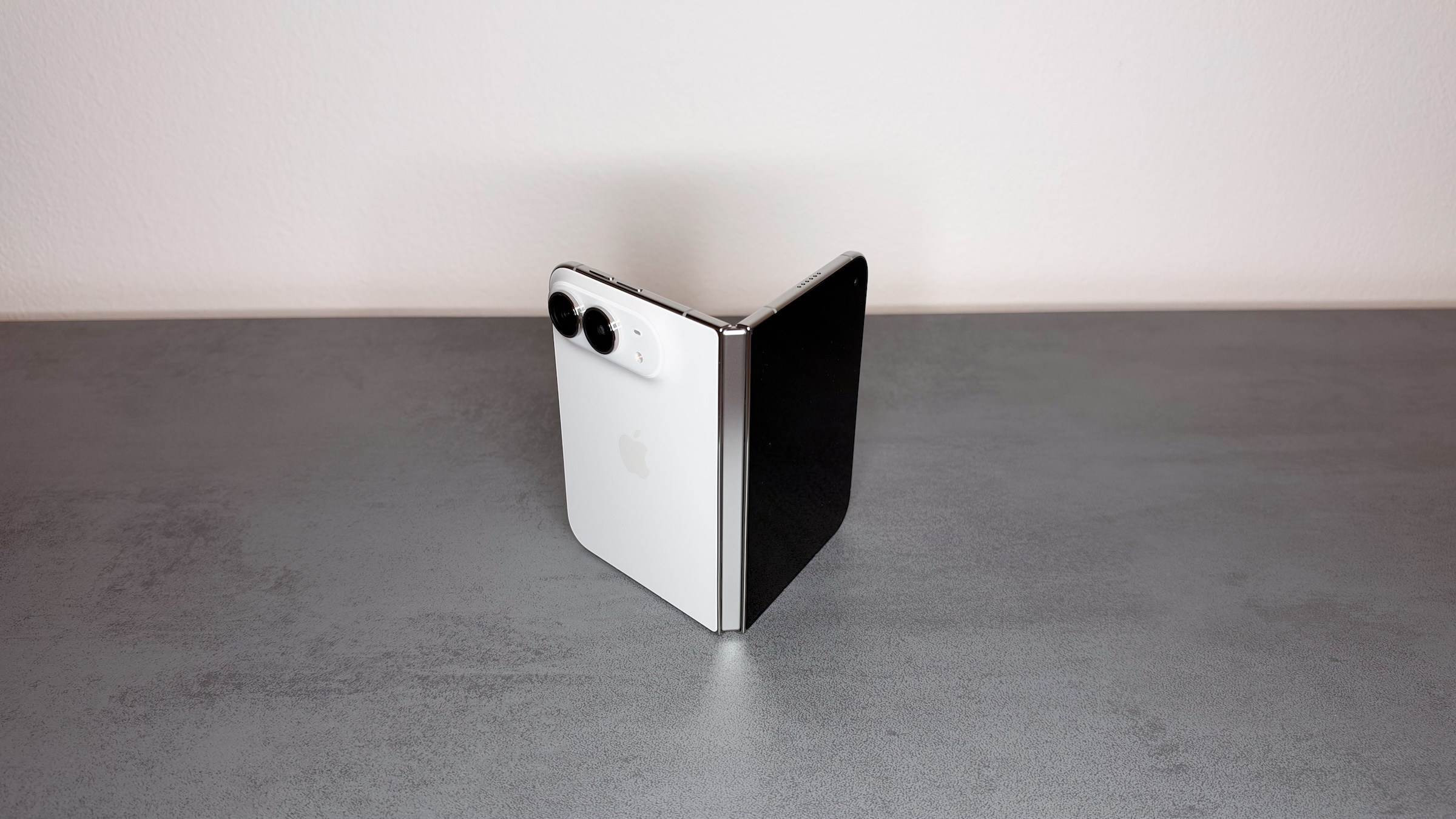
The iPhone Duo lacks Face ID, and that will remain the case. However, with the second beta of iOS 27.3, the foldable iPhone can still be unlocked with a glance, using the camera in the outer display. This feature does have clear limitations, though, and there's also a second new feature for those who simply fold their Duo closed..
Apple today released the second beta of iOS 27.3 to developers. It includes two new features specifically for the iPhone Duo: unlocking via facial recognition and an option to lock the device when it's closed.
Since its launch on October 23, the iPhone Duo has relied on Touch ID integrated into the side button. It lacks the necessary hardware for Face ID, namely the TrueDepth camera. All device specifications can be found in the iPhone Duo overview.
Key Takeaways
- With iOS 27.3 Beta 2, the iPhone Duo can be unlocked via facial recognition using the camera in the outer display.
- This feature does not replace Face ID: Apple Pay, passwords, and locked apps still require Touch ID or the passcode.
- After approximately 45 minutes without unlocking, Touch ID or the passcode is required again.
- Also new is an option that locks the Duo when folded, instead of continuing the open app on the external display.
- Apple has announced that the final version of iOS 27.3 will be released in December.
Unlock with the external camera
The new option is located under Settings > Touch ID & Passcode. When enabled, the iPhone Duo recognizes the face using the front camera of the outer display and unlocks as soon as you look at it.
The feature is limited to unlocking. Apple Pay, adding passwords, logging in, opening locked apps, and similar permissions still only work via Touch ID or passcode. There's also a time limit: If the device hasn't been unlocked for approximately 45 minutes, facial recognition will deactivate until you log in again using Touch ID or your passcode.
The function does not work when the device is unfolded. It is therefore primarily helpful when the Duo is folded and held in the hand.
Why this isn't Face ID
Face ID uses the TrueDepth camera, which doesn't simply take a photo. According to Apple's platform security documentation, it projects thousands of infrared points onto the face, creating a depth map and a 2D infrared image of the face.
The camera in the Duo's external display lacks these components; it's missing the components of the TrueDepth camera. This aligns with Apple's policy of keeping the new facial recognition system separate from anything involving money or login credentials: Fingerprint authentication remains the barrier for payments and passwords.
Locking mechanism when folding
The second new feature concerns closing the phone. Previously, when the Duo closed, the content switched from the inner to the outer display, and the open app continued running there. With iOS 27.3 Beta 2, you can instead set the device to lock when closed. This option is located under Settings > Display & Brightness.
This will benefit everyone who closes their Duo like a notebook and puts it away. Until now, this behavior could only be replicated indirectly, for example with a keyboard shortcut.
An intermediate step towards Duo 2
True Face ID remains a question of the next hardware. According to the latest edition of Mark Gurman's Power On newsletter at Bloomberg, the technology is a high priority for the successor, and prototypes with Face ID under the outer display already exist. However, time is running out for the iPhone Duo 2, as the hardware is currently being finalized.
For the current model, software remains the only unlocking method. Besides fingerprint and passcode, there was previously only one other option: unlocking the iPhone Duo with the Apple Watch, which requires wearing the watch. Now, facial recognition is being added.
Comfort with clear boundaries
I consider this feature a sensible compromise, especially since Apple has defined it so narrowly. Anyone holding the Duo closed in their left hand will find the side button awkwardly accessible, and that's precisely where a glance at the external display comes in handy. For everything beyond unlocking, the fingerprint sensor remains mandatory, and that's the right decision for a camera without TrueDepth technology.
I expect the feature to be included in the final version of iOS 27.3 in December. Those who don't want to install the beta will have to wait until then.
Would you unlock your iPhone Duo with your face, even though Face ID isn't available – or would you prefer to stick with your finger on the side button? Tell us in the comments which method you plan to use in the future.