
Apfelpatient
  • Home
  • News
  • Rumors
  • Tips & Tricks
  • Reviews
  • Insights
No result
View All Results
  • iPhone 18
  • iPhone 18 Pro
  • iPhone Duo
  • Apple Home
  • Siri AI
  • HomePod
  • HomePod mini
  • HomePod mini 2
  • MacBook Pro
  • Apple TV 4K
  • Apple Watch Series 12
  • Apple Watch Ultra 4
  • AirPods 5
  • iOS 27
  • iPadOS 27
  • macOS
  • MacBook Neo
  • iPhone 17e
  • AirTags
  • iOS 26
  • iPhone 17
  • iPadOS
  • iMac
  • Mac mini
  • Apple TV
  • iPad Pro
  • iPhone Air
  • Apple Vision Pro
  • iPhone 16
  • AirPods 4
  • Apple Watch Ultra
  • MacBook Air
  • iPad
  • AirPods Max
  • AirPods Pro 3
  • Mac Studio
  • Studio Display
  • iPad Air
  • iPad mini
  • watchOS 27
  • Apple CarPlay
  • Apple Pay
  • watchOS 26
  • Home
  • News
  • Rumors
  • Tips & Tricks
  • Reviews
  • Insights
No result
View All Results
Apfelpatient
No result
View All Results
  • iPhone 18
  • iPhone 18 Pro
  • iPhone Duo
  • Apple Home
  • Siri AI
  • HomePod
  • HomePod mini
  • HomePod mini 2
  • MacBook Pro
  • Apple TV 4K
  • Apple Watch Series 12
  • Apple Watch Ultra 4
  • AirPods 5
  • iOS 27
  • iPadOS 27
  • macOS
  • MacBook Neo
  • iPhone 17e
  • AirTags
  • iOS 26
  • iPhone 17
  • iPadOS
  • iMac
  • Mac mini
  • Apple TV
  • iPad Pro
  • iPhone Air
  • Apple Vision Pro
  • iPhone 16
  • AirPods 4
  • Apple Watch Ultra
  • MacBook Air
  • iPad
  • AirPods Max
  • AirPods Pro 3
  • Mac Studio
  • Studio Display
  • iPad Air
  • iPad mini
  • watchOS 27
  • Apple CarPlay
  • Apple Pay
  • watchOS 26

macOS 27.3: Apple tightens disk access restrictions

Milan Jovicic by Milan Jovicic
November 16, 2026 - 8:02 PM CET
in Apple News, Mac and MacBook News
0
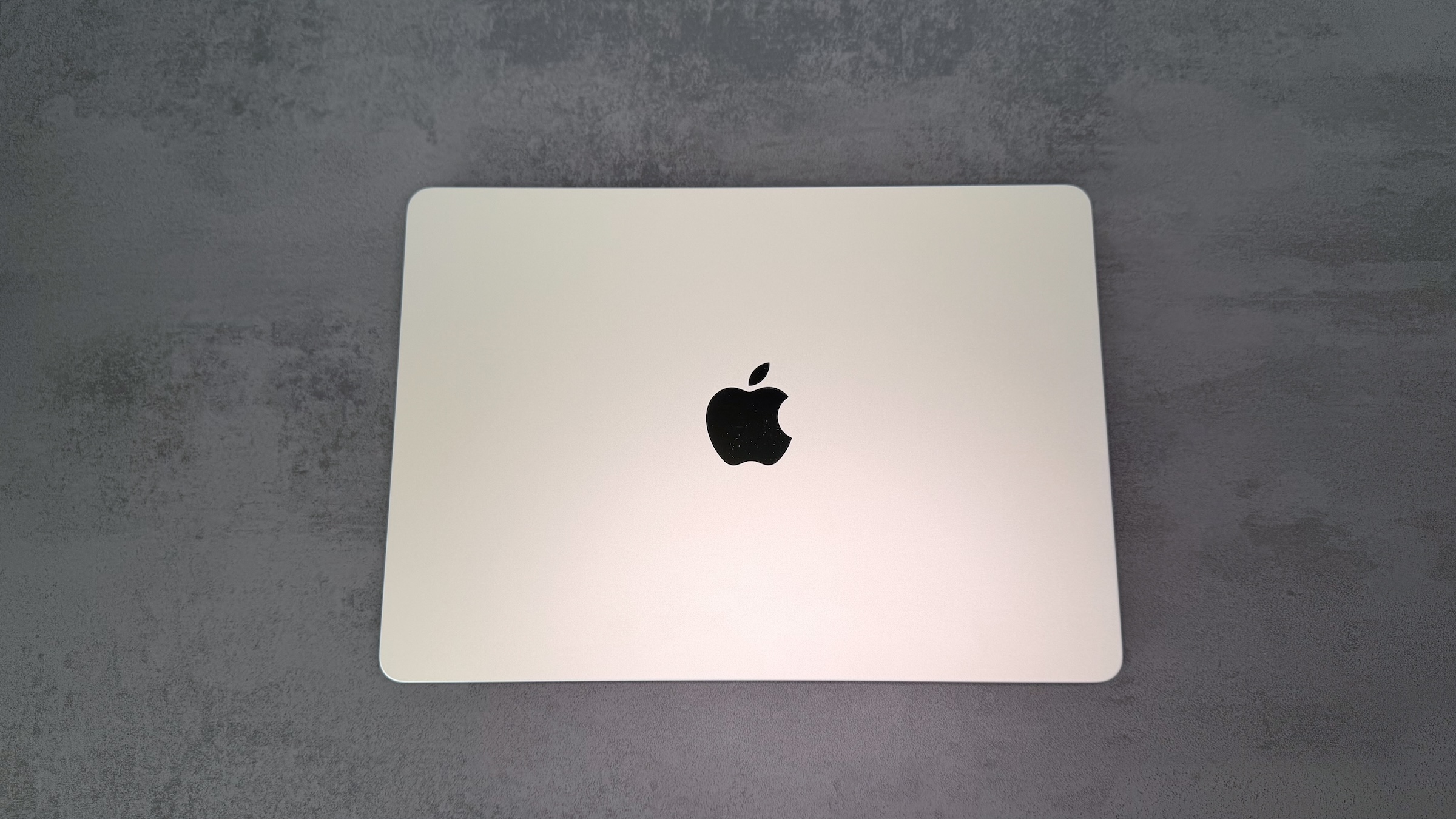
macOS 27.3 Full Disk Access: closed light-colored MacBook with Apple logo seen from above on a gray stone surface

Image: Apfelpatient

WhatsAppFacebookEmail
Threads

This article may contain affiliate links. Learn more on our Partner Program page.

Make Apfelpatient a preferred source One click – and you'll see us more often on Google

In early October, Apple announced stricter controls for full disk access, citing AI agents as the reason. With the second beta of macOS 27.3, Apple is now implementing these changes, and they extend beyond this single release. Apps that control other programs are also affected.

Apple today released the second beta of macOS 27.3 to developers. It includes the first visible changes to privacy permissions, which Apple announced in a developer notification on October 2nd. At that time, Apple stated its intention to tighten disk access restrictions, without specifying a version or expiration date.

Full disk access grants an app access to almost the entire Mac, including emails, messages, and browsing history. It was originally intended for backup programs. Apple justifies the stricter rules by stating that the risks associated with this access level increase as AI agents become more capable and autonomous.

Key Takeaways

  • With the second beta of macOS 27.3, Apple is implementing the stricter privacy controls announced in October.
  • Apple is splitting the existing combined approval process for controlling devices and apps into two categories: Accessibility and a new approval process for apps that bypass macOS protection mechanisms.
  • For automation apps, it is possible to specify which other apps are allowed to control them, optionally with a prompt on each access.
  • Full disk access is still available, but macOS now provides more detailed information about what it opens. Alternatively, access can be restricted to individual folders.
  • Existing full disk access rights remain in effect.

Two categories instead of one approval

Until now, macOS bundled the extensive permissions for controlling the Mac into a single permission. Granting this permission allowed an app, for example, to read keystrokes or control other apps. With macOS 27.3, Apple separates these permissions into two categories.

The first category is reserved for accessibility features, meaning software for people with disabilities. Apps using this feature will require special permission from Apple, a so-called entitlement, which developers must apply for.

The second is new and applies to apps that need to bypass certain macOS security mechanisms to control other apps or automate processes. This likely includes AI agents that operate programs on behalf of the user.

Per-app approvals and on request

This new category allows for more precise control over what an app is allowed to do. For example, an automation app can be granted access to email but not to messages. Previously, permissions were granted across the board.

Additionally, there's an option that requires an app to request permission each time it accesses the app, instead of being permanently enabled. If an app with this permission is controlling another app in the background, a new icon in the menu bar will indicate this.

Full disk access remains, but becomes more noticeable

Apple is not abolishing full disk access. Granting access will still be possible, but macOS 27.3 explains in more detail which protection mechanisms it bypasses and which personal data may be exposed.

Instead of granting full access, an app can also be given access only to specific folders. This corresponds to a permission called „Private Folders,“ which already appeared in the code of the first beta. That code also contained a currently disabled feature that prevents apps from automatically being added to the list for full disk access.

If you have already granted access to an app, you don't need to do anything; existing permissions remain valid. You can view them as before under System Preferences > Privacy & Security > Disk access.

What developers now need to adjust

The programming interfaces themselves remain unchanged. However, apps must be able to handle users granting them only partial permissions in the future, such as individual folders instead of the entire system, or individual apps instead of all of them.

Developers of backup programs and accessibility apps can request entitlement so that their apps function as expected upon reinstallation. Well-known apps that currently use such rights should continue to function even without entitlement.

More than just an additional hurdle

I consider the partitioning to be the more important part of the change, not the more prominent notification when disk access is full. AI agents rarely need the entire file system. They need access to individual apps, and starting with macOS 27.3, this can be granted to them gradually. The prompt for each access and the icon in the menu bar also make it clear when an agent is actually working.

Anyone currently using automation or AI apps on their Mac with macOS 27 should check their permissions before updating. If you've already granted an app full disk access, it will retain that access after the update. I expect the new controls to be included in the final version, which, like iOS 27.3, is expected in December.

Would you grant an AI agent access to individual apps like Mail if it had to ask for permission every time – or would your Mac remain completely off-limits to such software? Tell us in the comments where you draw the line.


Was this article helpful?
YesNo
Tags: DevelopermacOSmacOS 27macOS 27.3
SendShareSend
Share

Our Amazon Storefront

A handpicked selection of products for iPhone, Mac and more – sorted by topic and updated regularly.

Shop Now

This post contains affiliate links (including Amazon). We earn a small commission on qualifying purchases – at no extra cost to you. Learn more on our Partner Program page.

Previous Post

iPhone Duo: Face unlock comes with iOS 27.3

Next Post

Siri AI: iOS 27.3 brings daily limits and Safari updates

Milan Jovicic

Milan Jovicic

Milan founded Apfelpatient in 2016 and has been responsible for all editorial content since 2018 – news, rumors, how-to guides and product reviews. Here, Apple devices aren't review units kept for two weeks, they're everyday tools: from iPhone to MacBook Pro, MacBook Air and iMac all the way to Apple Vision Pro, at least one device from every product category is in daily use, many of them replaced every year. Every menu path in a guide is checked on the device before it goes live.

Related posts

Siri AI: iOS 27.3 brings daily limits and Safari updates

by Milan Jovicic
November 16, 2026 - 8:16 PM CET
Siri AI iOS 27.3: Siri AI app icon with a silver and dark sphere on a white tile against a dark gray background

Siri AI in iOS 27.3 Beta 2: Daily limits per device, up to 20x more with iCloud+ and a Safari feature that reads entire web pages.

Read moreDetails

iPhone Duo: Face unlock comes with iOS 27.3

by Milan Jovicic
November 16, 2026 - 7:47 PM CET
iPhone Duo face unlock: white iPhone Duo half unfolded on a gray tabletop, rear cameras on the left, black outer display on the right

iPhone Duo: iOS 27.3 Beta 2 unlocks via facial recognition using the outer camera, without Face ID. Also new is the ability to lock the phone when it is closed.

Read moreDetails

iOS 27.3 Beta 2 released for developers

by Milan Jovicic
November 16, 2026 - 19:11 CET
iOS 27.3 beta 2: iPhone showing the software update settings with iOS 27.3 beta 2 and the update button

Apple is distributing the second beta of iOS 27.3. The test series brings a new Health app, improved standby time, and one-handed mode for the iPhone Duo.

Read moreDetails

Bill C-22: Apple continues to oppose Canada's law

by Milan Jovicic
November 16, 2026 - 18:43 CET
Bill C-22 and Apple's encryption: unfolded iPhone Duo showing the Advanced Data Protection settings page for iCloud

Canada has improved Bill C-22, but Apple says that's not enough. Together with Google and Meta, the company is pushing for further changes in the Senate.

Read moreDetails

Slow Horses: Apple TV orders season 9 and season 10

by Milan Jovicic
November 16, 2026 - 5:15 PM CET
Slow Horses seasons 9 and 10 ordered: Gary Oldman as Jackson Lamb with his hands in his pockets inside a burnt-out container

Apple TV has renewed Slow Horses for seasons 9 and 10. There is currently no book series to adapt for either of them, as Clown Town is already booked.

Read moreDetails
Load More

Leave a Reply Cancel reply

Required fields are marked with * marked.

By submitting, you consent to the storage of your comment along with your name, email address and IP address. Details are available in our privacy policy.

Categories

  • Apple Insights
  • Apple Rumors
  • Apple News
  • Apple Tips & Tricks
  • iPhone news, rumors and tips
  • Mac and MacBook News
  • Reviews
Make Apfelpatient a preferred source One click – and you'll see us more often on Google

About APFELPATIENT

APFELPATIENT brings you the latest Apple news, product updates, guides, reviews and tips across the entire Apple ecosystem — from the iPhone to the Mac to the Apple Vision Pro. From the first rumors to confirmed news: researched responsibly.

Follow Apfelpatient

Facebook Instagram YouTube Threads Threads

Company

  • About Apfelpatient
  • Contact
  • Author Profiles

Community

  • Netiquette
  • Push notifications
  • RSS feed

Legal

  • Legal Notice
  • Privacy Policy
  • Terms of Use
  • Cookie settings
  • Affiliate Program

Resources

  • Sitemap

© 2026 Apfelpatient. All rights reserved.

No result
View All Results
  • Home
  • News
  • Rumors
  • Tips & Tricks
  • Reviews
  • Insights

© 2026 Apfelpatient. All rights reserved. Site map

Change language to Deutsch