apple patient
  • Home
  • News
  • Rumors
  • Tips & Tricks
  • Reviews
  • Insights
No Result
View All Result
  • iPhone 18
  • iOS 27
  • iPadOS 27
  • macOS
  • MacBook Neo
  • iPhone 17e
  • AirTags
  • iOS 26
  • iPhone 17
  • MacBook Pro
  • iPadOS
  • iMac
  • Mac mini
  • HomePod
  • Apple TV
  • iPad Pro
  • iPhone Air
  • Apple Vision Pro
  • iPhone 16
  • AirPods 4
  • Apple Watch Ultra
  • HomePod Mini
  • MacBook Air
  • iPad
  • AirPods Max
  • AirPods Pro 3
  • Apple Watch Series 3
  • Mac Studio
  • Studio Display
  • iPad Air
  • iPad mini
  • watchOS 27
  • Apple CarPlay
  • Apple Pay
  • watchOS 26
  • Home
  • News
  • Rumors
  • Tips & Tricks
  • Reviews
  • Insights
No Result
View All Result
apple patient
No Result
View All Result
  • iPhone 18
  • iOS 27
  • iPadOS 27
  • macOS
  • MacBook Neo
  • iPhone 17e
  • AirTags
  • iOS 26
  • iPhone 17
  • MacBook Pro
  • iPadOS
  • iMac
  • Mac mini
  • HomePod
  • Apple TV
  • iPad Pro
  • iPhone Air
  • Apple Vision Pro
  • iPhone 16
  • AirPods 4
  • Apple Watch Ultra
  • HomePod Mini
  • MacBook Air
  • iPad
  • AirPods Max
  • AirPods Pro 3
  • Apple Watch Series 3
  • Mac Studio
  • Studio Display
  • iPad Air
  • iPad mini
  • watchOS 27
  • Apple CarPlay
  • Apple Pay
  • watchOS 26

iOS 27.2: Overwriting storage only possible in China

Milan Jovicic by Milan Jovicic
September 17, 2026 - 01:18 CEST
in Apple News, iPhone news, rumors and tips
0
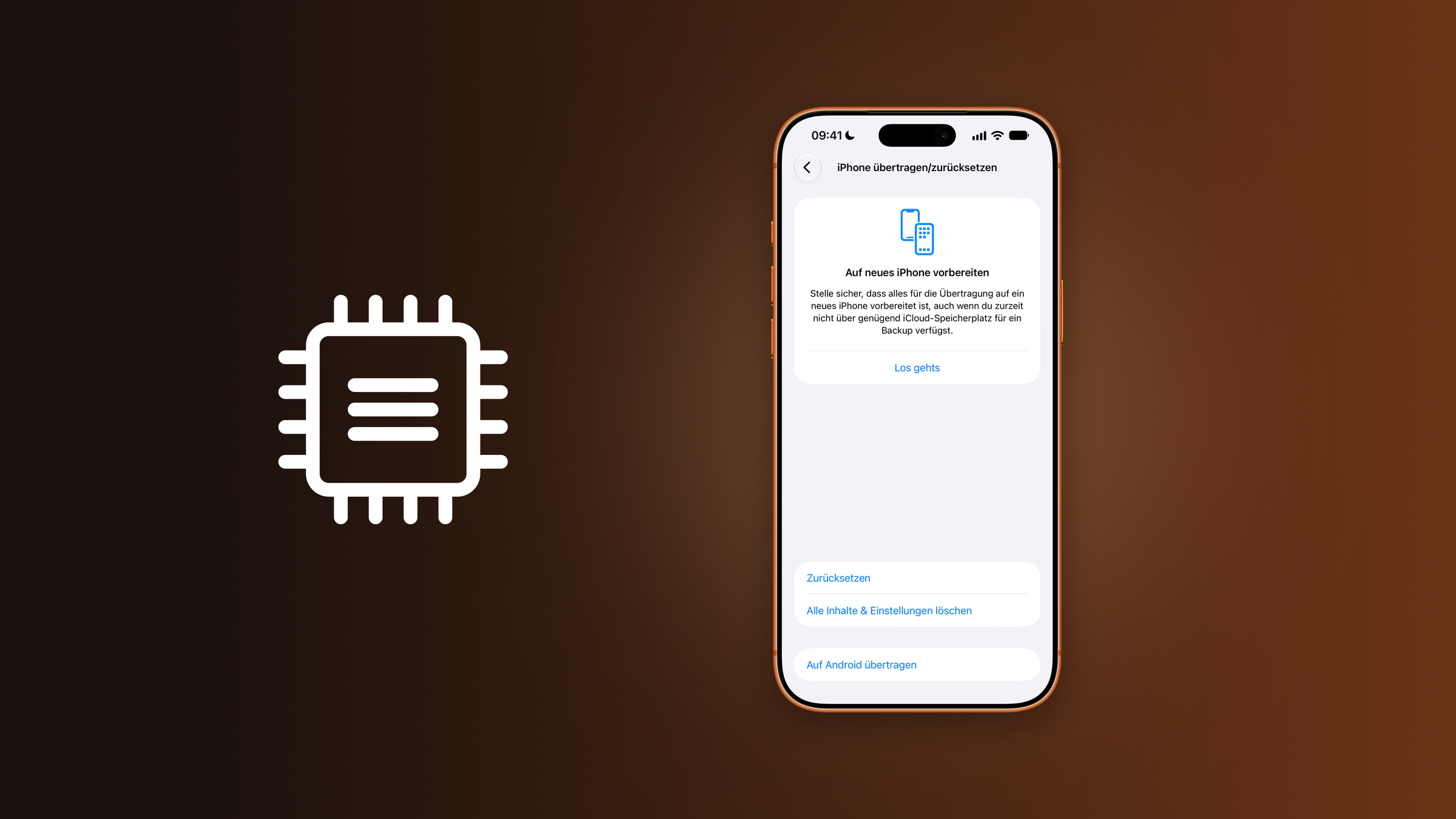
iOS 27.2 overwrite storage: iPhone showing the transfer or reset settings with the option to erase all content and settings, next to a memory chip icon

Image: Apfelpatient

WhatsAppFacebookEmail
Threads

The code in the first beta of iOS 27.2 contains a delete function that overwrites the entire iPhone storage with empty data. This function will not appear in this country. The reason is a Chinese standard, and Apple is already addressing the question of whether normal deletion is sufficient.

The first beta of iOS 27.2 contains references to an additional option when erasing the iPhone. This option is said to not only remove data but also overwrite the entire storage with empty data, including areas that are currently unused. According to the tooltip, this takes longer than a normal erase and can affect the device's lifespan.

The references were discovered by 9to5Mac while examining the beta. According to the code, the feature is only intended for iPhone models sold in China; the iPad, HomePod, and Apple Vision Pro also appear in the references.

Key Facts at a Glance

  • iOS 27.2 Beta 1 contains references to a delete option that overwrites the entire storage.
  • According to the code, it is only intended for devices sold in China.
  • The background is the Chinese standard GB 46864-2025, which will apply from January 1, 2027.
  • Even with normal deletion, Apple already makes the data cryptographically inaccessible.

The norm behind the function

The standard GB 46864-2025 specifies technical requirements for erasing information on electronic devices. It was published on December 2, 2025, and will enter into force on January 1, 2027. It applies to devices with non-volatile memory that are manufactured and sold in China.

The standard defines methods including overwriting with meaningless data and deleting entire memory blocks via commands to the memory chip. Specifically excluded from block erasure are merely removing the mapping between logical and physical addresses or simply marking data as invalid. There are approximately three and a half months until the deadline.

This is how the iPhone has been deleting data so far

Outside of China, the deletion process remains unchanged. According to Apple's device erasure instructions, selecting "Erase All Content and Settings" removes all keys from the so-called Effaceable Storage on the iPhone. This renders all user data cryptographically inaccessible.

This works because everything on the iPhone is encrypted anyway. According to Apple's data security documentation, the key in the Effaceable Storage is specifically designed to be quickly deleted upon request. While the data still physically resides in the storage, it can no longer be read without the key.

Why overwriting is not lacking in this country

The new option doesn't close a security gap, but rather fulfills a requirement that mandates a specific procedure. Those who sell or give away their iPhone are on the safe side with normal data erasure, and foregoing overwriting also conserves storage space, the lifespan of which Apple itself points out.

Crucial for the safe sale of an iPhone is signing out of your Apple account beforehand; otherwise, the activation lock will be activated for the new owner. "Erase All Content and Settings" is just one of the reset methods available on the iPhone; the others simply reset settings and leave the data intact.

Would you prefer to completely overwrite your iPhone before selling it, even if it takes longer and uses up storage space, or is cryptographic erasure sufficient? Let us know in the comments how much you trust the erase button.


Make Apfelpatient a preferred source One click – and you'll see us more often on Google
Was this article helpful?
YesNo
Tags: ChinaiOSiOS 27iOS 27.2iPhone
SendShareSend
Share

Our Amazon Storefront

A handpicked selection of products for iPhone, Mac and more – sorted by topic and updated regularly.

Shop Now

This post contains affiliate links (including Amazon). We earn a small commission on qualifying purchases – at no extra cost to you. Learn more on our Partner Program page.

Previous Post

iOS 27.2: New tracking query becomes mandatory in five EU countries

Milan Jovicic

Milan Jovicic

Milan founded Apfelpatient in 2016 and has been responsible for all editorial content since 2018 — news, rumors, guides, and product reviews. Apple devices here are not test units on loan for two weeks but everyday tools: from the iPhone through MacBook Pro, MacBook Air, and iMac to the Apple Vision Pro, at least one device from nearly every product category is in daily use, many of them replaced annually. Every menu path in a guide is verified on the device before it is published.

Related posts

iOS 27.2 tracking prompt: iPhone showing Apple's example of the alternative prompt with an app explanation, a link to additional information and buttons to allow or reject
Apple News

iOS 27.2: New tracking query becomes mandatory in five EU countries

September 16, 2026 - 10:46 p.m. CEST
iOS 27.1 beta: version sequence 27, crossed-out 27.1 and 27.2 with an arrow over the skipped version, next to an iPhone showing the software update to iOS 27.2 beta
Apple Insights

iOS 27.1: Why Apple is skipping the testing phase

September 16, 2026 - 10:22 p.m. CEST
iOS 27.2 Apple TV profiles: iPhone showing the create profile screen with the kid toggle enabled and an age rating of 6 for TV shows and movies, next to a screen icon with two people
Apple News

iOS 27.2 Beta: Apple TV app gets profiles on the iPhone

September 16, 2026 - 9:55 p.m. CEST

Leave a Reply Cancel reply

Required fields are marked with * marked.

By submitting, you consent to the storage of your comment along with your name, email address and IP address. Details are available in our privacy policy.

Categories

  • Apple Insights
  • Apple Rumors
  • Apple News
  • Apple Tips & Tricks
  • iPhone news, rumors and tips
  • Mac and MacBook News
  • Reviews

About APFELPATIENT

APFELPATIENT brings you the latest Apple news, product updates, guides, reviews and tips across the entire Apple ecosystem — from the iPhone to the Mac to the Apple Vision Pro. From the first rumors to confirmed news: researched responsibly.

Follow Apfelpatient

Facebook Instagram YouTube Threads Threads

Company

  • About Apfelpatient
  • Contact
  • Author Profiles

Community

  • Netiquette
  • Push Notifications
  • RSS feed

Legal

  • Legal Notice
  • Privacy Policy
  • Terms of Use
  • Cookie Settings
  • Affiliate Program

Resources

  • Sitemap

© 2026 Apfelpatient. All rights reserved.

No Result
View All Result
  • Home
  • News
  • Rumors
  • Tips & Tricks
  • Reviews
  • Insights

© 2026 Apfelpatient. All rights reserved. Page Directory

Change language to Deutsch