This article may contain affiliate links. Learn more on our Partner Program page.
Apple's first home cameras won't be available until December, but another one may already be integrated into HomeView. The device's software includes pre-configured settings that allow it to function as a camera for HomeKit Secure Video, complete with light and sound alerts for each access.
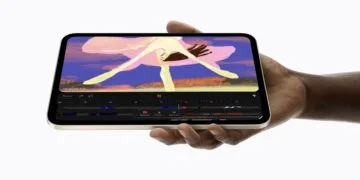
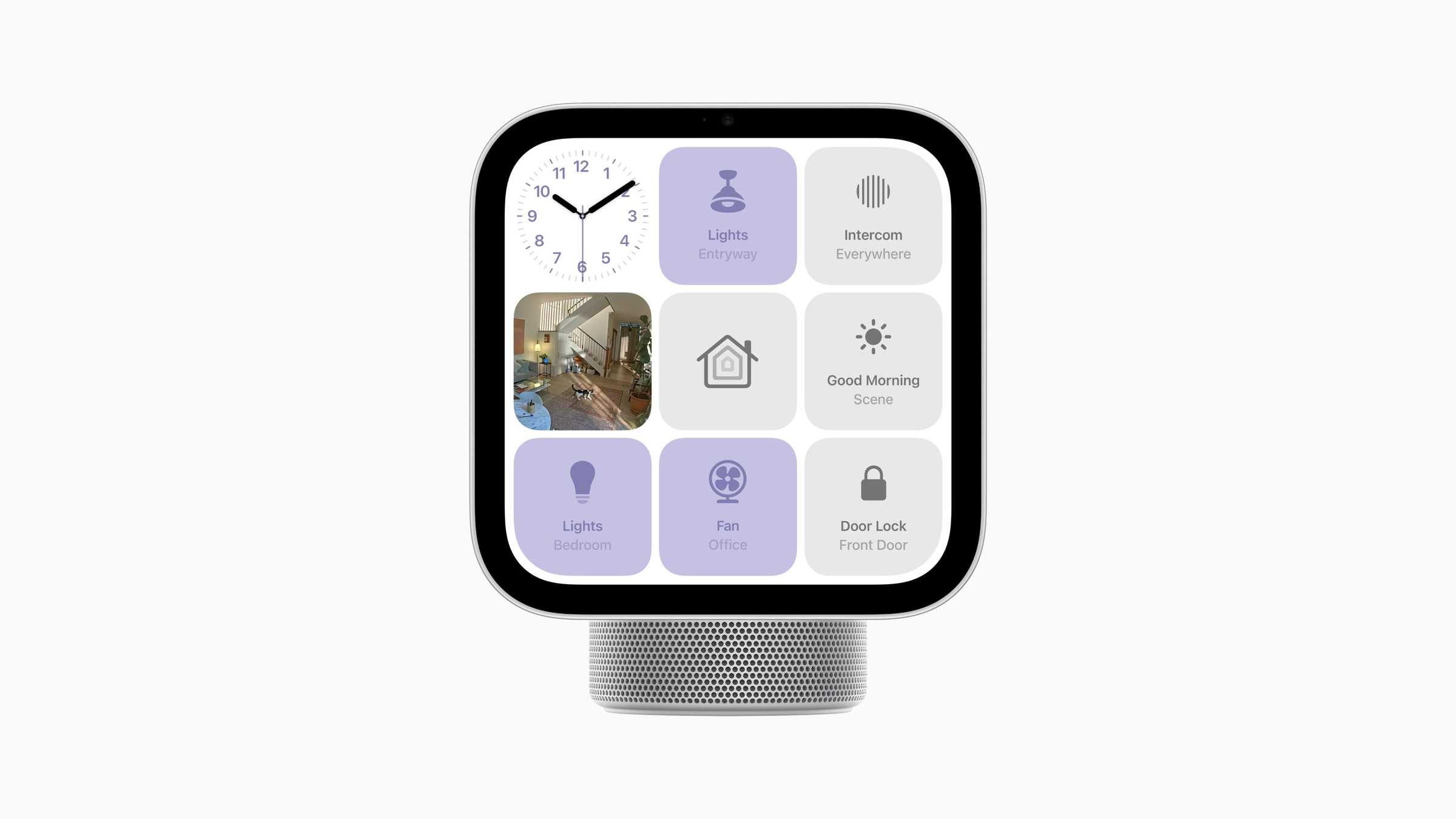
Apple unveiled HomeView on October 13th; the smart home hub, featuring a 7-inch display and a 12-megapixel camera, will be available for purchase on November 13th. According to Apple, the camera is used for FaceTime with Follow Me mode and for facial recognition of up to six people. The technical specifications make no mention of its use as a surveillance camera.
This very function is described in text passages within HomeView software version 27.2, the version Apple specifies in the device's datasheet. These passages were discovered by pdfu, who published them verbatim in a post on X on October 31st. This account, established in August, regularly publishes findings from Apple's system files. The texts are fully written out, suggesting a genuine discovery. However, they do not indicate whether Apple will activate the function.
Key Facts at a Glance
- HomeView software version 27.2 includes settings that allow HomeView to work as a security camera with HomeKit Secure Video.
- Four levels are provided, from "Off" to streaming and recording.
- A green light on the display and a sound should indicate each live access and each recording.
- In addition to "Home" and "Away", a third setting appears for bedtime.
- Apple did not announce the feature, and HomeView itself is not sold in German-speaking countries.
Four levels from off to recording
The setup page begins with a short sentence summarizing the function:
Your HomeView can be used as a security camera with HomeKit Secure Video.
When the function is activated, the camera should be able to detect activity, live stream, and record. The text distinguishes four levels for this:
| Level | Live stream for the household | Recording |
|---|---|---|
| Out of | no | no |
| Detect activity | no | no |
| Stream | Yes | no |
| Allow streaming & recording | Yes | Yes |
In the "Off" setting, HomeView no longer detects any movement. In "Detect Activity" mode, the device registers movement without streaming or recording.
According to the texts, facial recognition, activity zones, and other camera settings are located in the "Home" app on the iPhone. In another article, pdfu mentions a configuration that provides for 1080p video at 30 frames per second and microphone audio for such sessions.
Green light for every access
The text devotes considerable space to the security mechanisms. Streams and recordings should only be visible to members of the household. Changing settings for HomeKit Secure Video triggers a notification to all household members.
A visible and audible signal is provided for everyone standing in front of the device:
A green light appears on the display and a sound is played when someone views the camera stream or the camera starts recording.
Another passage in the "Home" app concerns the camera preview. If the app is open on a household member's device, HomeView can take photos to update the preview image. The green light should also appear in this case.
A third state besides home and absence
For cameras with HomeKit Secure Video, Apple's instructions for security cameras in the Home app currently define two states: "When Home" and "When Away." These states are switched based on the location of the devices belonging to the household. The text for HomeView adopts this principle and adds a third setting for when the household is asleep.
One restriction applies specifically to the time when someone is at home. Streaming and recording can then only be activated directly on the HomeView:
Streaming and recording while people are at home can only be enabled on this HomeView.
As long as someone is at home, the camera cannot be switched on remotely.
Well thought out, but not suitable for local households.
I find this discovery plausible because it ties into Apple's existing camera logic. A control center analyzes images from cameras using HomeKit Secure Video, and Apple explicitly mentions this role for HomeView alongside HomePod and Apple TV. The device also displays up to nine camera images simultaneously. Integrating the built-in camera into this system is a small step, especially since Apple will be launching its first own cameras in collaboration with LG as part of the Apple Home Collection in December, and according to Bloomberg, another security camera with AI analysis is expected to follow in 2027.
The security mechanisms appear well-designed. Light, sound, notifications for every change, and the lock against remote activation cover the most critical scenario for a living room camera: people in the room who are unaware of an ongoing stream.
For readers in Germany and Austria, the discovery remains theoretical. HomeView is not sold in the EU because Siri AI is not available on iPhones in the EU. Switzerland is also not among the eight launch countries. Anyone looking for a camera for HomeKit Secure Video in these countries will continue to use devices from other manufacturers that are integrated via the Home app in iOS 27.
Would you trust a screen in your kitchen or living room to also function as a security camera, or would the green light not be enough protection for you? Let us know in the comments where you would place such a camera and where you definitely wouldn't.