

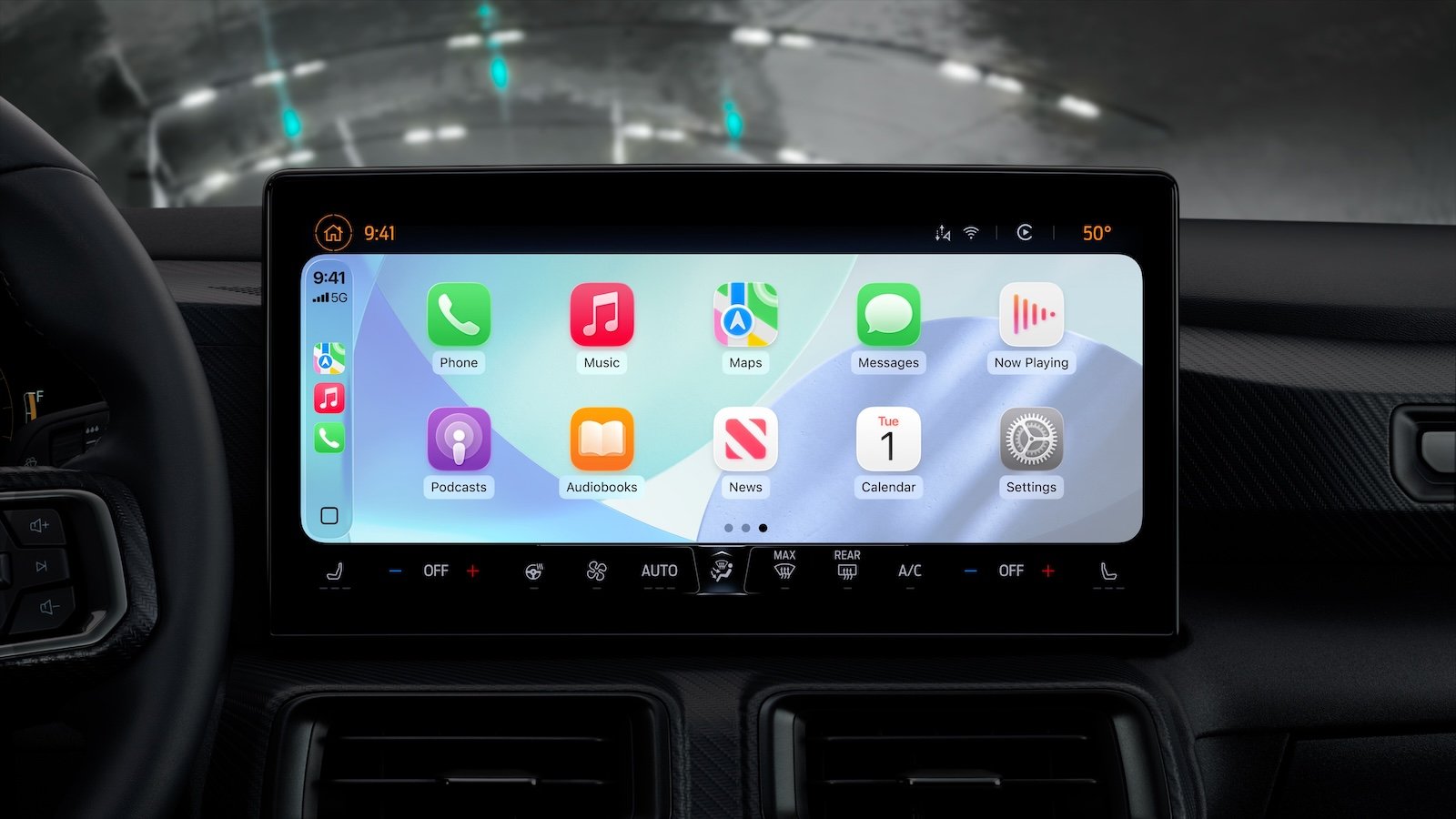
With iOS 26.2, Apple enhances the CarPlay experience with a significant improvement. Following the introduction of a comprehensively redesigned CarPlay interface in iOS 26, this update offers greater control over the Messages app's display in the vehicle. Previously, pinned conversations were fixed and couldn't be managed individually. This is precisely where iOS 26.2 comes in.
iOS 26 significantly modernized CarPlay's appearance. With the new Liquid Glass look, widgets, Live Activities, and a redesigned Messages app, Apple introduced many changes to the car. Tapbacks and pinned conversations in the Messages app were also among the new features. However, these pinned chats in particular caused limitations in CarPlay. Up to and including iOS 26.1, CarPlay mirrored the iPhone settings exactly – without the option to customize its behavior in the car. iOS 26.2 now provides a simple yet effective solution.
New option in iOS 26.2: Disable pinned conversations in CarPlay
In iOS 26 and iOS 26.1, message management in CarPlay was strictly tied to the iPhone. If conversations were pinned there, they automatically appeared in CarPlay as well. There was no setting to hide them for in-car use. This meant that even less important group chats appeared prominently in the CarPlay menu—regardless of whether they were relevant while driving or not.
With iOS 26.2, Apple introduces a new option that resolves this issue. In the CarPlay section of the iPhone settings, there is now an additional toggle for Messages. Under Settings → CarPlay, scrolling down reveals the new "Pinned Conversations" option. Disabling this toggle hides all pinned chats in CarPlay. The Messages app in the car then displays a simple, unmodified list of all chats – without prioritized conversations.
Why the change makes sense
This option provides a clearer overview and reduces distractions while driving. Deactivating it removes group chats and other pinned threads from the top list, making the Messages app in the car appear calmer and more organized. The iPhone itself remains unaffected. This change only applies to CarPlay.
The current approach is still rather crude. iOS 26.2 only allows you to completely turn all pinned conversations on or off. More granular control—such as keeping individual chats like your partner on top while hiding group chats—would often be more practical in everyday use. Apple doesn't offer this feature yet, but the new toggle shows that CarPlay is becoming increasingly flexible.
iOS 26.2 makes CarPlay a bit smarter.
iOS 26.2 brings a small but useful enhancement to CarPlay. The new pinned conversations setting makes the Messages app in the car more organized and improves the user experience without affecting the iPhone. Although the option currently only works on an all-or-nothing basis, it offers an important degree of control that was missing in previous versions. This makes CarPlay more practical and user-friendly – especially for those who value a clear and unobtrusive message view while on the go. The best products for you: Our Amazon storefront offers a wide selection of accessories, including those for HomeKit. (Image: Apple)
- iOS 26.2 Beta 2 released: Apple starts new testing phase
- GPT-5.1: OpenAI makes ChatGPT warmer and smarter
- Apple study: DMA does not lead to lower App Store prices
- Apple officially kicks off Christmas 2025 with new decorations
- Apple Arcade brings new gaming highlights in December 2025
- Google confirms: Apple was right about AI
- Apple and AI: From laggard to strategic winner
- Introducing Nomad Tracking Card Pro: Design meets function
- Apple unveils the iPhone Pocket by Issey Miyake
- Apple Car Key: Why the digital car key is stalling
- Apple TV will remain ad-free – Eddy Cue confirms strategy
- tvOS 26.2: Two changes make Apple TV 4K more versatile
- WhatsApp is testing a new security feature for vulnerable accounts
- Apple TV celebrates four Grammy nominations for 2026
- iOS 26.1: Apple Music AutoMix now works with AirPlay
- Apple impresses on Forbes' Veterans List in 2025
- Meta announces WhatsApp usernames: This is the plan
- Apple Robotics: Analysts see next revenue stream
- iOS 26.2 adds offline lyrics to Apple Music.
- Apple criticizes EU: Data protection and regulations are in conflict
- iOS 26.2 brings Apple Music integration to WhatsApp Status
- iOS 26.2: Apple removes important feature in the EU
- Nintendo introduces a new Store app with a brilliant additional feature





