This article may contain affiliate links. Learn more on our Partner Program page.
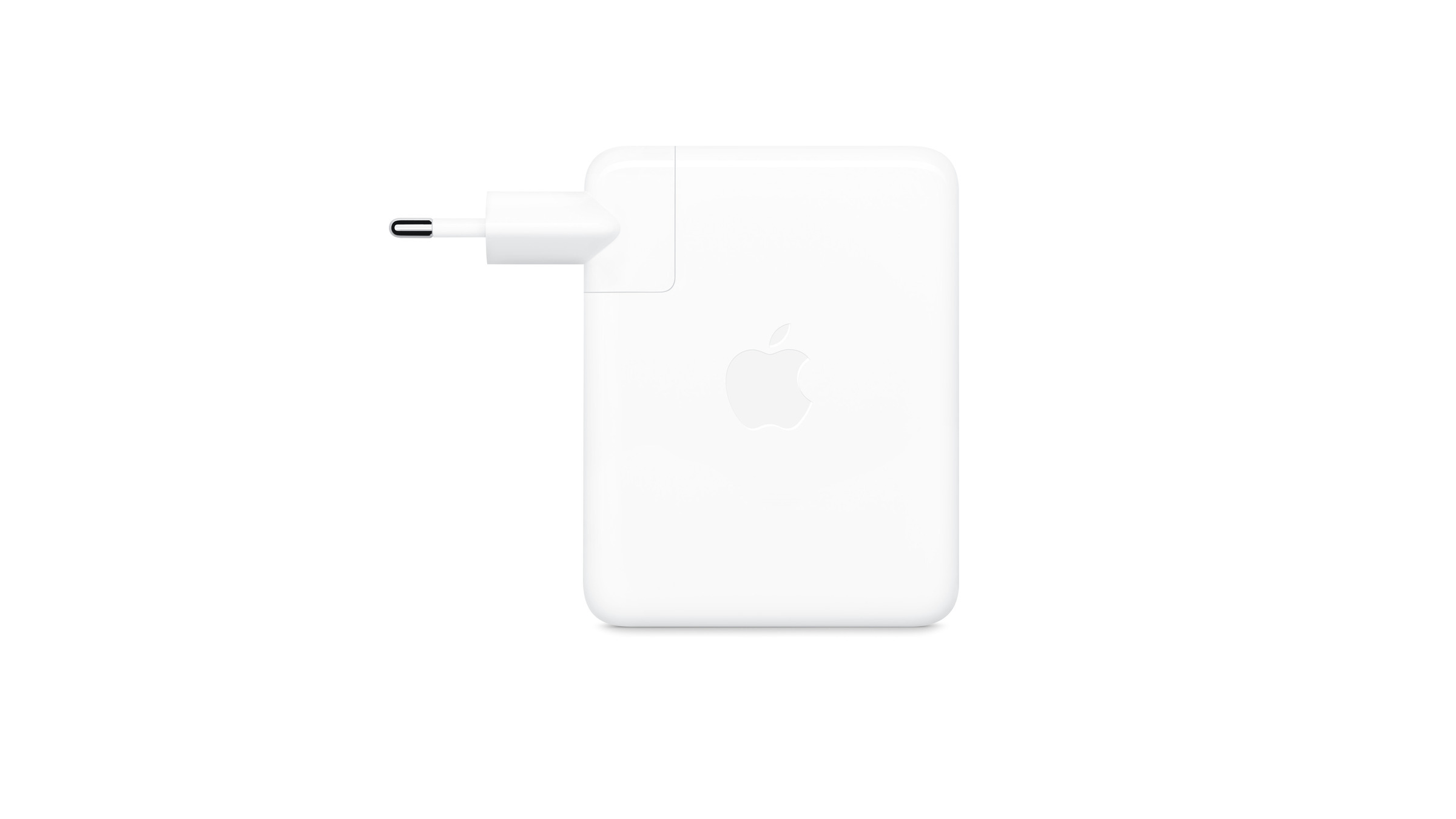
Apple's most powerful power adapter is getting a software update. Version 1.4.90 will be installed automatically in the background as soon as the adapter is connected to a Mac – this process cannot be manually interrupted. It's only the third update since its launch, and the interval between updates has become significantly shorter.
The affected power adapter is the 140W USB-C Power Adapter that Apple recommends for the 16-inch MacBook Pro (2021 model and later). It is the only Apple power adapter that can charge this device from zero to 50 percent in about 30 minutes – when used with the appropriate cable.
Our overview of power adapters for each MacBook model details the actual wattage required and the limitations of fast charging. Regarding the firmware update itself, one thing is particularly important: it happens automatically, but not instantly.
Key Facts at a Glance
- Apple has released firmware version 1.4.90 for the 140W USB-C Power Adapter.
- The update is installed automatically as soon as the power adapter is connected to a Mac with an internet connection; it cannot be triggered manually.
- There is no change log; the benefit of the update cannot be determined externally.
- This is the third firmware update for this power supply since 2021.
- The current version is available in the system report under "Charger information".
Three updates in five years
The power adapter was released in 2021 alongside the 16-inch MacBook Pro and ran without any software updates for the first two years. The first update didn't arrive until December 2023. The second update came in November 2025 and was also released for the Magic Keyboard and Magic Trackpad on the same day – Apple had provided several accessories with new firmware at the same time.
| Time | Version | Distance from the previous update |
|---|---|---|
| October 2021 | Delivery status | – |
| December 2023 | 1.4.73 | approximately two years |
| November 2025 | 1.4.84 | approximately 23 months |
| September 2026 | 1.4.90 | approximately ten months |
The interval between the second and third updates is therefore less than half the time between the first and second. For a device without a display, battery, or controls, this is a remarkable change in the update cycle.
Where the Mac version is located
The way to do this is via System Information. Hold down the Option key to open the Apple menu and Select system information, Click on "Power supply" in the sidebar and scroll down on the right. Under "Charger information," you will find the electrical power rating, serial number, hardware version, and firmware version.
Two conditions must be met: The power adapter must be plugged in, otherwise the section won't even appear. And the Mac needs a working internet connection for the update to download at all. How long the installation will take is unpredictable – there's no button to start it.
Who in this country even owns the power supply?
The number of affected users is smaller than the widespread use of the MacBook Pro might suggest. Apple no longer includes a power adapter with current models in Germany – and incidentally, not in Switzerland either, even though EU regulations don't apply there. Anyone needing 140 watts either owns an older device that still came with a power adapter or has purchased the adapter separately.
Then there's the cable issue: The full 140 watts can only be delivered via USB-C with a cable designed for 240 watts, and this is only supported by MacBook Pro models from November 2023 onwards. Those charging via MagSafe 3 are not affected.
A power supply that receives software
Without a changelog, the assessment is necessarily limited to what can be observed: the frequency. Our expectation is that the shorter intervals have less to do with new features than with the negotiation of charging power between the power adapter, cable, and device—a field that becomes more complex with each new Mac model and each new cable generation. This cannot be proven, however, because Apple provides no information about this type of firmware.
In practical terms, this means you don't have to do anything. Just leave the power adapter plugged in, and the update will happen automatically. And while you're in the system report, it's worth checking the serial number – a string of zeros indicates a non-Apple power adapter.
Are you already running version 1.4.90, or is your power supply still stuck on the previous version? Let us know what your system report shows in the comments.