

apple patient
  • Home
  • News
  • Rumors
  • Tips & Tricks
  • Reviews
  • Insights
No Result
View All Result
  • iPhone 18
  • iOS 27
  • iPadOS 27
  • macOS
  • MacBook Neo
  • iPhone 17e
  • AirTags
  • iOS 26
  • iPhone 17
  • MacBook Pro
  • iPadOS
  • iMac
  • Mac mini
  • HomePod
  • Apple TV
  • iPad Pro
  • iPhone Air
  • Apple Vision Pro
  • iPhone 16
  • AirPods 4
  • Apple Watch Ultra
  • HomePod Mini
  • MacBook Air
  • iPad
  • AirPods Max
  • AirPods Pro 3
  • Apple Watch Series 3
  • Mac Studio
  • Studio Display
  • iPad Air
  • iPad mini
  • watchOS 27
  • Apple CarPlay
  • Apple Pay
  • watchOS 26
  • Home
  • News
  • Rumors
  • Tips & Tricks
  • Reviews
  • Insights
No Result
View All Result
apple patient
No Result
View All Result

The MacGPT App: Use ChatGPT on your Mac for free

Milan Jovicic by Milan Jovicic
March 13, 2023 - 17:02 CET
in Apple Tips & Tricks
0
ChatGPT macOS

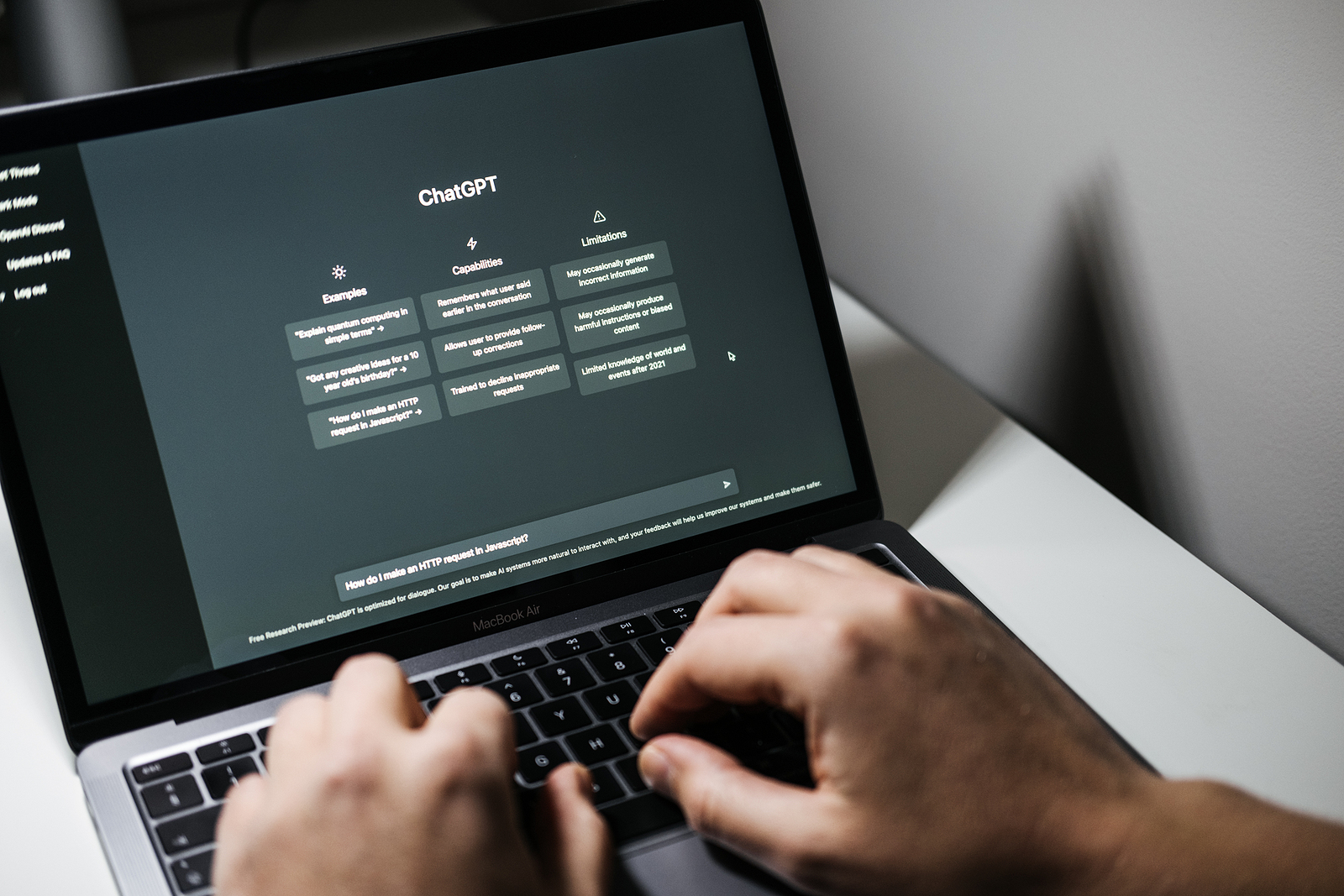
Screen with ChatGPT chat with AI or artificial intelligence. Man search for information using artificial intelligence chatbot developed by OpenAI. Warsaw, Poland - December 02, 2022

WhatsAppFacebookEmail
Threads

ChatGPT is a chatbot from OpenAI that has recently taken the world by storm. There's now a new app that lets you use it on your Mac. Here's how to get started.

OpenAI launched ChatGPT in November, based on the company's GPT-3 machine learning models. Companies like Microsoft have integrated it, while others - including Google - fear it. There are various applications for answering questions and generating texts. Now a new application has appeared that brings it to the Mac menu bar. MacGPT was developed by Jordi Bruin and is available as a free macOS app. But anyone can contribute to support the developer. Once a user logs in with their OpenAI credentials, they can click the icon in the menu bar to start a conversation. It is also possible to assign a keyboard shortcut to activate MacGPT without a mouse or trackpad.

How to use ChatGPT on Mac with MacGPT

Before we get started. MacGPT is available for macOS versions Monterey and Ventura.

  • Visits Bruins website on Gumroad.
  • Enter 0 in the price field to download it for free – but we actually recommend a small donation.
  • Click on “I want this” and the 3.1 MB download will start immediately.
  • Double-click the zip file in your Downloads folder and drag the app into the Applications folder.

A Web tab in the app allows you to log in with your OpenAI credentials. Visit the OpenAI website to sign up for a free account. The Native tab allows you to access ChatGPT using the API credentials found in your OpenAI account's user settings. The MacGPT app says this provides faster responses and a smoother experience. After logging in, the application displays prompts directly from OpenAI. These prompts remind users that this is currently a research preview and that some of the information generated may be false, misleading, offensive, or biased.

ChatGPT: Depending on the question, some results may take more time

ChatGPT provides several sample prompts to get you started. For example:

Explain quantum computers in simple terms” or “Do you have creative ideas for a 10-year-old’s birthday?

Once a question or sentence is entered, ChatGPT generates a response. Depending on the question, some results may take longer than others. If it takes too long, there is a button to stop the response. At the bottom of the response, there are buttons to like or downvote the response. OpenAI added this option so that users can provide feedback on ChatGPT's responses in case it "hallucinates," i.e. gives an answer that is wrong or not supported by the training data. Additionally, MacGPT and the ChatGPT website store conversations in a history so users can revisit them. ChatGPT can also be accessed via the OpenAI website and is functionally identical to MacGPT, but has no special features. (Photo by Iryna Imago / Bigstockphoto)


  • ChatGPT as a reason: Apple rethinks AI development
Make Apfelpatient a preferred source One click – and you'll see us more often on Google
Was this article helpful?
YesNo
Tags: ChatGPTiOSiPadOSmacOS
SendShareSend
Share

Our Amazon Storefront

A handpicked selection of products for iPhone, Mac and more – sorted by topic and updated regularly.

Shop Now

This post contains affiliate links (including Amazon). We earn a small commission on qualifying purchases – at no extra cost to you. Learn more on our Partner Program page.

Previous Post

Which iPhone is right for me?

Next Post

The Boy, the Mole, the Fox and the Horse: Apple wins Oscar

Milan Jovicic

Milan Jovicic

Milan founded Apfelpatient in 2016 and has been responsible for all editorial content since 2018 — news, rumors, guides, and product reviews. Apple devices here are not test units on loan for two weeks but everyday tools: from the iPhone through MacBook Pro, MacBook Air, and iMac to the Apple Vision Pro, at least one device from nearly every product category is in daily use, many of them replaced annually. Every menu path in a guide is verified on the device before it is published.

Key art for the Apple TV series Pluribus showing a screaming woman against a yellow background, with Pluribus season 2 about to begin filming

Pluribus: Gilligan plans at least three seasons

August 12, 2026 - 8:27 PM CEST
The iPhone 17 lineup in five colors seen from the back, whose successor is expected to adopt the smaller iPhone 18 Dynamic Island from the Pro models

iPhone 18: Smaller Dynamic Island already in the base model

August 12, 2026 - 8:13 PM CEST
Drawn outline of the folded iPhone Ultra with square corners on the hinge side and rounded corners opposite, matching the leaked iPhone Ultra screen protectors

iPhone Ultra: Screen protectors reveal the camera position

August 12, 2026 - 3:58 PM CEST

About APFELPATIENT

APFELPATIENT brings you the latest Apple news, product updates, guides, reviews and tips across the entire Apple ecosystem — from the iPhone to the Mac to the Apple Vision Pro. From the first rumors to confirmed news: researched responsibly.

Follow Apfelpatient

Facebook Instagram YouTube Threads Threads

Company

  • About Apfelpatient
  • Contact
  • Author Profiles

Community

  • Netiquette
  • Push Notifications
  • RSS feed

Legal

  • Legal Notice
  • Privacy Policy
  • Terms of Use
  • Cookie Settings
  • Affiliate Program

Resources

  • Sitemap

© 2026 Apfelpatient. All rights reserved.

No Result
View All Result
  • Home
  • News
  • Rumors
  • Tips & Tricks
  • Reviews
  • Insights

© 2026 Apfelpatient. All rights reserved. Page Directory

Change language to Deutsch


