

apple patient
  • Home
  • News
  • Rumors
  • Tips & Tricks
  • Reviews
  • Insights
No Result
View All Result
  • Home
  • News
  • Rumors
  • Tips & Tricks
  • Reviews
  • Insights
No Result
View All Result
apple patient
No Result
View All Result

Optimize iPad display: More space for content

Milan Jovicic by Milan Jovicic
May 28, 2024 - 10:53 PM CEST
in Apple Tips & Tricks
0
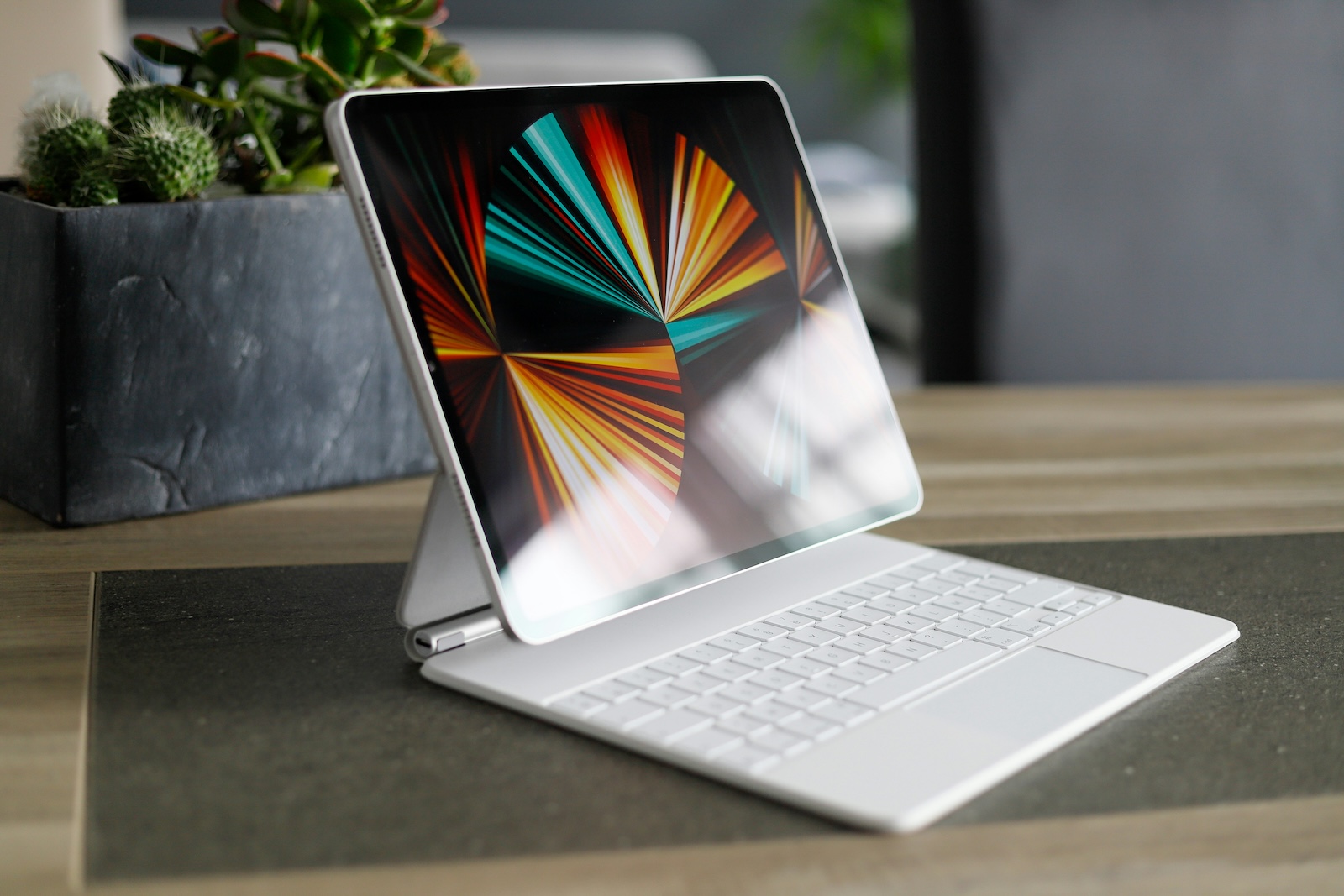
iPad display

Photo by Unsplash / Matoo.Studio

WhatsAppFacebookEmail
Threads

The iPad has become an indispensable tool in everyday life for many of us. Whether for work, study or leisure - its handy size and impressive performance make it the perfect companion. But did you know that you can adjust the size of the content on your iPad with a simple setting so that more things fit on the screen? In this article, you'll learn how to get the most out of your iPad display.

Unlike Macs, which have screen sizes of up to 24 inches, the iPad is limited to a maximum of 13 inches. Therefore, every inch of screen space is particularly valuable. However, there is a trick to display more content on your iPad display. With a special setting, you can make the most of the available space.

The hidden function in iPadOS

Many iPad users don't know that a similar resolution adjustment feature available on MacBooks also exists in iPadOS. Although it's a bit more limited, it can still give you significantly more screen space.

How to find the setting

To activate this feature, proceed as follows:

  • Open Settings: Tap the gear icon to open Settings.
  • Select “Display & Brightness”: Navigate in this menu item.
  • Tap on “Display zoom”: Here you will find the options to change the display size.

Choose one of the three options:

  • Larger text: Ideal for better readability.
  • Standard: The normal view.
  • More space: The option you are looking for to display more content on the screen.

The "More space" option makes text and images smaller and allows you to see more content at once. This setting is especially useful for productive tasks where you want to see more information at once.

Supported iPad models

Not all iPads support this feature. It is mainly available for iPads with an M-class chip. Here is the full list of supported models:

  • iPad Air (5th generation)
  • iPad Pro 11-inch (all generations)
  • iPad Pro 12.9 inch (5th generation and newer)
  • iPad Air 11-inch (M2)
  • iPad Air 13-inch (M2)
  • iPad Pro 11 inch (M4)
  • iPad Pro 13 inch (M4)

Show more content on your iPad display

If you're using an 11-inch iPad Pro or Air, the "More space" option can make the difference between everything feeling cramped or just right. While this setting isn't necessary for the larger 13-inch models, it can still make a valuable contribution to increasing the screen area. With this simple trick, you can use the full potential of your iPad display. Whether you're writing texts, editing videos, or just want to work more efficiently, the "More space" setting gives you exactly what you need. Try it out and experience the difference for yourself! Are you looking for new accessories? Then take a look in our Amazon Storefront - there you will find numerous products from leading providers, also for HomeKit and Co.! (Photo by Unsplash / Matoo.Studio)


  • Apple Tip: Battery care for M4 iPad Pro & M2 iPad Air
Make Apfelpatient a preferred source One click – and you'll see us more often on Google
Was this article helpful?
YesNo
Tags: iPad
SendShareSend
Share

Our Amazon Storefront

A handpicked selection of products for iPhone, Mac and more – sorted by topic and updated regularly.

Shop Now

This post contains affiliate links (including Amazon). We earn a small commission on qualifying purchases – at no extra cost to you. Learn more on our Partner Program page.

Previous Post

WWDC 2024: Apple announces keynote time and program

Next Post

iOS 17.6: Support for more smart home accessories

Milan Jovicic

Milan Jovicic

Milan founded Apfelpatient in 2016 and has been responsible for all editorial content since 2018 — news, rumors, guides, and product reviews. Apple devices here are not test units on loan for two weeks but everyday tools: from the iPhone through MacBook Pro, MacBook Air, and iMac to the Apple Vision Pro, at least one device from nearly every product category is in daily use, many of them replaced annually. Every menu path in a guide is verified on the device before it is published.

Glass panel set into the aluminium frame on the back of an iPhone 17 Pro Max in Cosmic Orange, whereas the iPhone 20 glass design is said to wrap the glass around the edges

iPhone 20: Glass design is not supposed to be scrapped after all

August 12, 2026 - 2:50 PM CEST
Jennifer Bailey on stage at an Apple event in front of a projected Apple Card, the Apple Pay chief is leaving the company in October

Apple Pay: Jennifer Bailey is leaving Apple in October

August 12, 2026 - 2:31 PM CEST
Four stacked MacBooks seen from the port side with MagSafe 3 and USB-C, where each model needs a different MacBook power adapter for full charging speed

MacBook power adapter: What wattage does your model need?

August 12, 2026 - 2:14 PM CEST

About APFELPATIENT

APFELPATIENT brings you the latest Apple news, product updates, guides, reviews and tips across the entire Apple ecosystem — from the iPhone to the Mac to the Apple Vision Pro. From the first rumors to confirmed news: researched responsibly.

Follow Apfelpatient

Facebook Instagram YouTube Threads Threads

Company

  • About Apfelpatient
  • Contact
  • Author Profiles

Community

  • Netiquette
  • Push Notifications
  • RSS feed

Legal

  • Legal Notice
  • Privacy Policy
  • Terms of Use
  • Cookie Settings
  • Affiliate Program

Resources

  • Sitemap

© 2026 Apfelpatient. All rights reserved.

No Result
View All Result
  • Home
  • News
  • Rumors
  • Tips & Tricks
  • Reviews
  • Insights

© 2026 Apfelpatient. All rights reserved. Page Directory

Change language to Deutsch


