

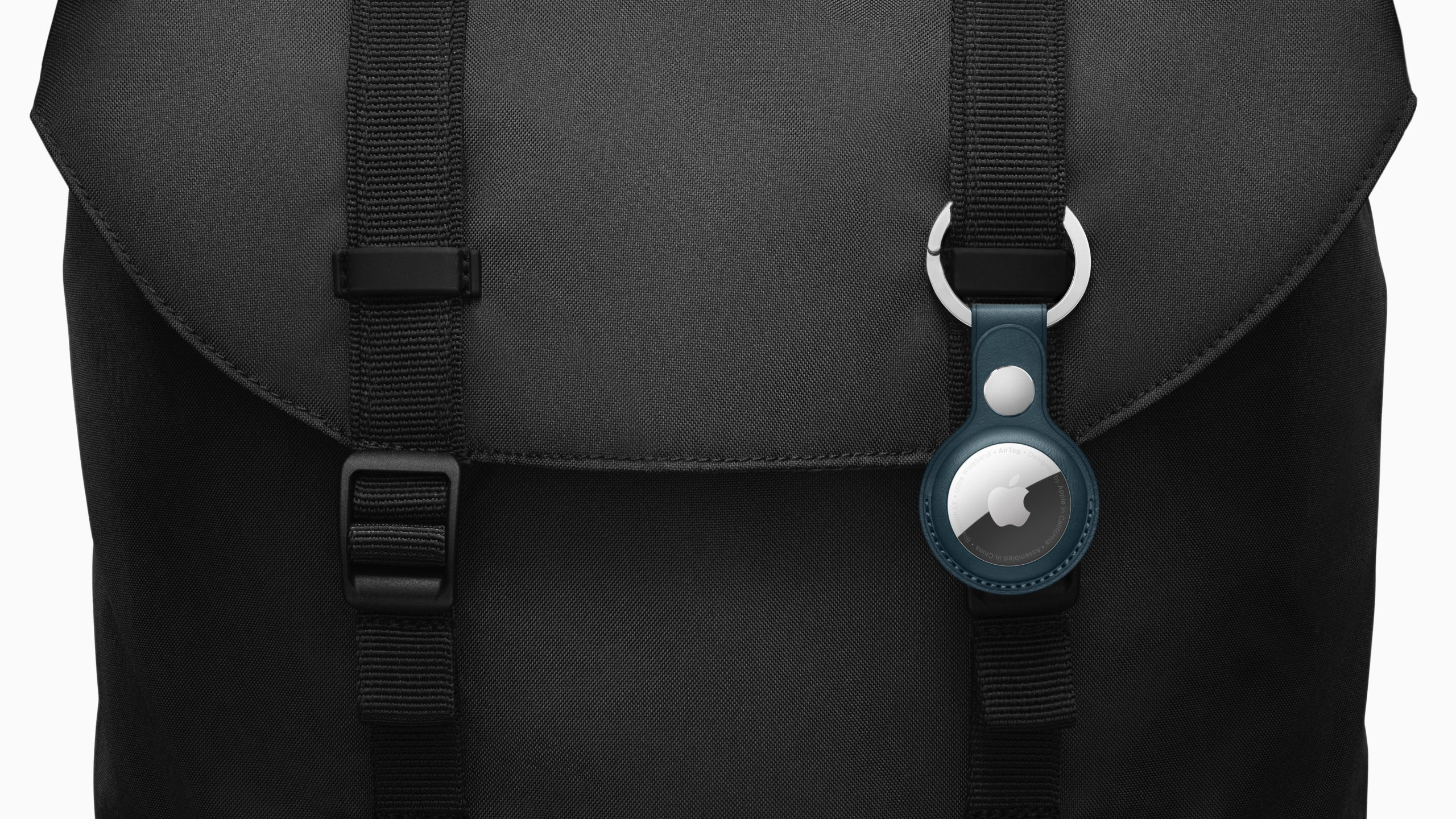
The AirTag is an accessory from Apple that allows users to track their personal important items such as keys or a bag. But what if you find someone else's AirTag? For example, a bag? Or what about stalking? We'll answer these questions below.
The AirTag contains a small Bluetooth radio that transmits to nearby iPhones, iPads, and Macs, allowing the owner to see where it was last discovered on a map. Assuming someone with an iPhone or other device on the "Find My" network is nearby, the AirTag owner should be able to locate it and thus know where their lost item is. An AirTag automatically starts playing a sound if it's out of range of its owner for a few days. This can help you find or identify the useful accessory on someone else's lost item.
What should you do if you find an object with an AirTag attached?
So if you want to help return the lost item to its owner, hold the tracker close to your iPhone or Android phone so that the white plastic side is facing you. This contains an NFC chip that can be read by modern smartphones. Here's how:
- Tap and hold the top of your iPhone or other NFC-enabled smartphone against the white side of the AirTag.
- Tap the notification that appears on your smartphone screen. This will open a web page containing information about the AirTag, including the serial number.
- If the owner of the AirTag has marked it as lost, you may see a message with information on how to contact the owner.
So with the help of this information the owner can be contacted and the item can be returned, cool right?
What does “AirTag Found Moving With You” mean?
If you see an "AirTag Found Moving With You" notification on your iPhone or iPad, it means there's an Apple tracker nearby that's moving with you. This could be because the owner is nearby or the tracker is attached to an item you've borrowed. You can turn these notifications off for the rest of the day by interacting with the notification and choosing to pause safety alerts for a day. If the AirTag is connected to someone in your family (i.e., in the same Family Sharing), you can permanently turn off safety alerts for that tracker.
Help: I think I'm being stalked
AirTags are "stalker-proof." Even if you're not using an iOS device, Apple's tracker, which is away from the person who registered it for an extended period of time, will play a sound as soon as the person moves. This means that Android users can't be stalked using an AirTag either. So, if an unknown AirTag is detected moving with you, you'll be notified. To prevent location tracking, you must follow these steps.
- Tap the message "AirTag found, moving with you." (iPhone & iPad users)
- Now tap Next.
- Tap Instructions to disable AirTag and follow the onscreen steps.
So if you're worried that someone is using the AirTag to stalk you, you can remove the battery to prevent them from sending their location over the Find My network. Apple itself explains in the relevant instructions, which apply to everyone affected:
Press the back of the AirTag and turn it counterclockwise. Take off the case and remove the battery.
Once you remove the battery, the location of this AirTag will no longer be visible to its owner.
In addition, Apple explains in a new support documentthat users who feel their security is at risk should contact their local law enforcement authorities, who can work with Apple. In this case, the AirTag or its serial number must be provided - according to Apple. Accordingly, an AirTag is not an anti-theft device and should not be viewed as such. Are you looking for suitable AirTag cases? Then take a look at AmazonIn our AirTag list you will find the trackers and accessories from Apple and third-party suppliers - enjoy browsing. (Image: Apple)





