

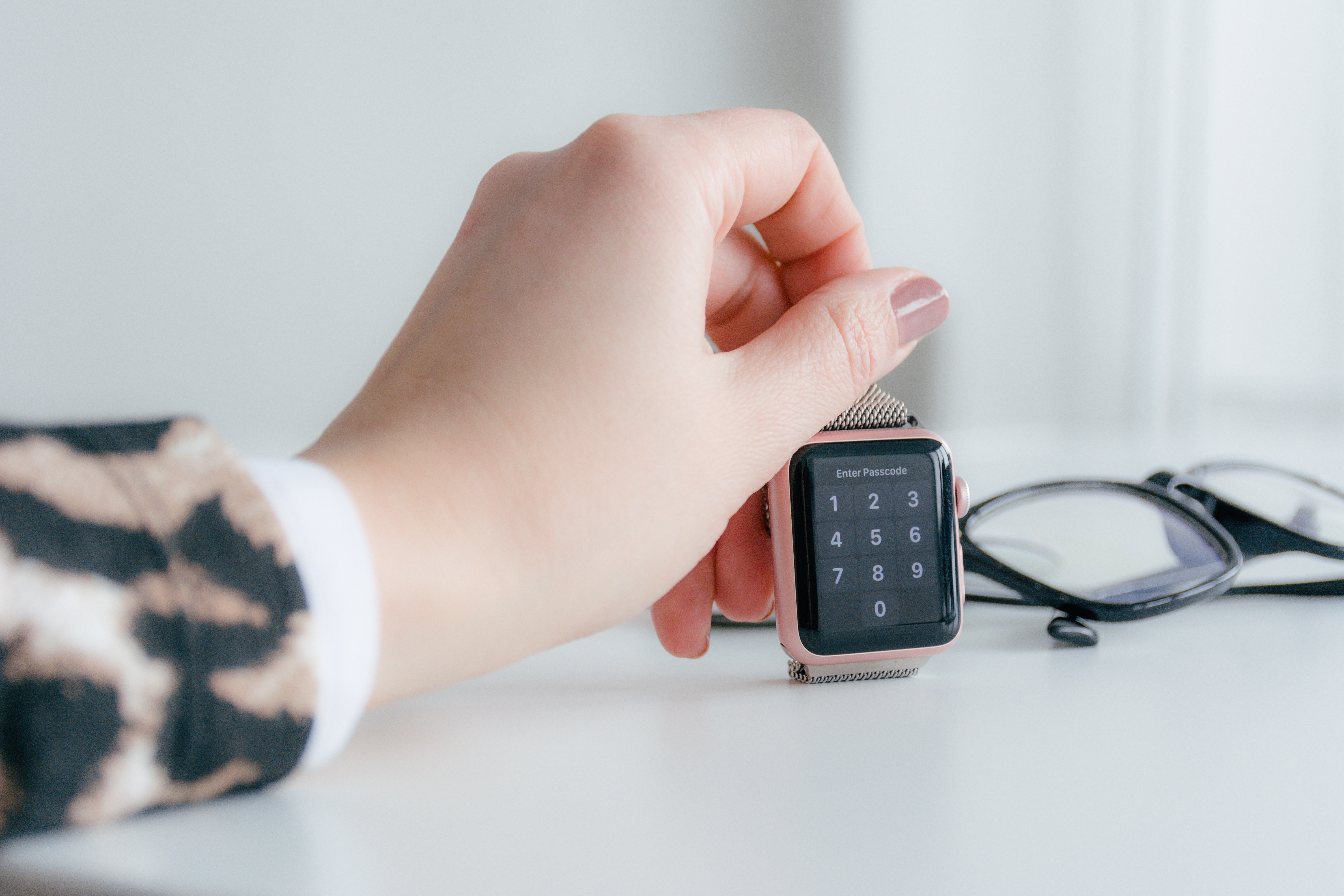
The Apple Watch is becoming more and more popular. According to market research firm Canalys, around 18 million Apple Watch devices were sold in 2017 alone. According to IDC, Apple sold more models than the Swiss watch industry in the fourth quarter of 2017.
Whether you're an influencer on Instagram, an athlete or the average consumer - the Apple Watch has become indispensable. But which model is right for me? Should I get the GPS or GPS+Cellular version? This is a question that every prospective buyer has had to ask themselves since the Apple Watch Series 3. With a GPS+Cellular version of the Apple Watch, you're guaranteed not to be left stranded without an iPhone. But what is the use of the GPS version of the Apple Watch? We would now like to investigate this question - perhaps we can make it easier for you to decide between the Apple Watch GPS and GPS+Cellular.
What is the Apple Watch?
The technology giant Apple presented its first smartwatch for the first time on September 9, 2014. The vision: a small computer in a smart case should take over the healthcare sector - not replace the iPhone. Over the years, the watch gained more and more functions - for the first time, the third generation of the Apple Watch was available in two versions: GPS and GPS+Cellular. The cellular-capable version of the smartwatch requires at least an iPhone 6, while the GPS model is already compatible with an iPhone 5S. The first three generations of the Apple Watch were available in two different sizes: 38 mm and 42 mm display diagonal. With the Apple Watch Series 4, the iPhone manufacturer managed to enlarge the display for the first time. This was achieved by narrowing the screen edges. The display diagonal grew to 40 mm and 44 mm respectively - previous wristbands are still compatible due to the unchanged case size. This step inevitably led to even more enthusiasm among fans - after all, there is a large selection of wristbands in a wide variety of designs. The Apple Watch is also available with an aluminum or stainless steel case in several colors. There have also been various special editions in recent years.
Apple Watch GPS version without iPhone – more than a timepiece
Since Series 2, the Apple Watch has had its own GPS and GLONASS receiver. The previous generations used the iPhone's GPS and GLONASS receiver or the active internet connection that supports the receiver. From Series 2 onwards, an iPhone is no longer needed to record running or cycling workouts with a history. In addition, from Apple Watch Series 2 onwards, the smartwatch is waterproof up to 50m. However, Apple does not recommend using the watch when surfing, diving or doing other high-risk water sports. From Series 3 onwards, Apple's watch even has its own barometric altimeter, which means that the iPhone can stay at home even when hiking. All Watch generations have a plus meter, acceleration sensor, gyroscope and ambient light sensor. With Series 4, Apple penetrated even deeper into the medical field - the Apple Watch Series 4 allows the user to create an ECG - you can find out more about this topic here.
Apple Pay and Music
You can also load your own playlists onto your Apple Watch and listen to them while training using Bluetooth headphones such as the AirPods – of course, headphones from third-party providers are also supported. You can find out which Bluetooth headphones are a good alternative to the AirPods in this article The Apple Watch has had an NFC interface since the first generation and therefore supports Apple Pay - so paying with the GPS version is no problem either. Of course, you first have to put your credit card in the Apple Wallet. You can find out how to do this here.
Show your favorite photos on Apple Watch
With the photo application for watchOS, you can also view your favorite photos on your Apple Watch. Depending on the model, it can hold around 500 photos. You can make the exact settings using the Apple Watch application on your iPhone. So up to this point, you don't necessarily need your iPhone or an Apple Watch with cellular function - the rule here is: being offline can also have its advantages, right?
Apple Watch with iPhone and an Internet connection
The Apple Watch remembers every WiFi network that your iPhone has previously been connected to. When the connection is active, you can access weather reports, news, and much more. You can also use Siri, write messages, and make phone calls, provided you have activated the option on your iPhone and have it nearby. You can also access Smart Home - you can do this on the go if you have your iPhone with you. However, if you choose an Apple Watch with GPS+Cellular, you can do these things completely independently of a WiFi network. The integrated eSim even allows you to make phone calls and stream music without having to have your iPhone with you - a luxury that many users still do without today. For cost reasons? After all, you have to pay around 100 euros more for an Apple Watch with eSim function. Of course, a contract is also necessary to be able to use the eSim - depending on the contract model you already have for the iPhone, this option can incur additional monthly costs.
The Apple Watch can do a lot even without the iPhone. Are you someone who would never leave their iPhone at home? Then you should probably go for the GPS version of the Apple Watch - after all, you don't have to miss out on any of the great features. But are you someone who would like to go for a run without an iPhone but doesn't want to be offline? An Apple Watch with GPS+Cellular would be a good choice. Whichever version you choose, all models offer added value. So you've decided? Then take a look at our Amazon Storefront There you will find some of the Apple Watch Series 3, 4, 5, 6 and SE models and more. (Image: C00)





