

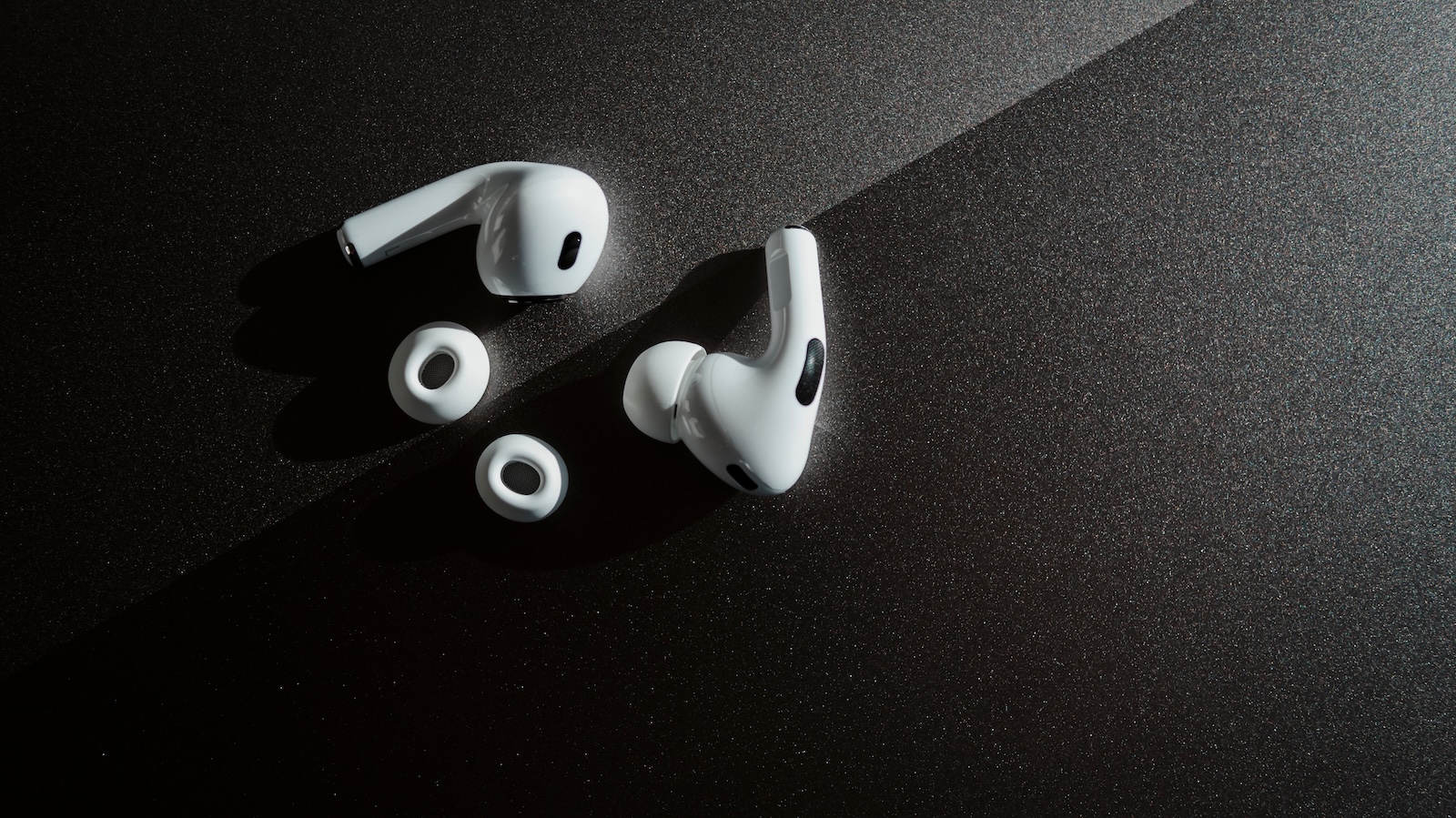
The AirPods Pro 2 have been through a lot since their launch. New features have been added regularly via software updates – something hardly any other manufacturer has pursued with such consistency. With iOS 18.1, Apple has given the now three-year-old hardware another upgrade. One feature in particular stands out, one that initially seems inconspicuous but has enormous potential: hearing protection.
With iOS 18.1, Apple introduced three new features specifically developed for the AirPods Pro 2: Hearing Aid, Hearing Test, and Hearing Protection. This makes the AirPods increasingly more of a health product. Hearing protection, in particular, deserves attention. While the hearing aid and hearing test are relevant for people with existing hearing impairments, the protection feature is aimed at everyone—it can prevent hearing damage before it occurs. That's precisely what makes it so interesting.
New health features of the AirPods Pro 2
The fall update to iOS 18.1 brought three new health features for the AirPods Pro 2:
- Hearing aid: For users with mild to moderate hearing loss, Apple offers a certified hearing aid feature.
- Hearing test: An integrated test provides you with validated data on your hearing – without a doctor’s appointment or expensive equipment.
- Hearing Protection: A new feature that protects your hearing in real time when you are in noisy environments.
While the first two features are already very helpful, hearing protection is the part that is relevant for all users – regardless of age or current health status.
Why hearing protection is important
According to a report by the World Health Organization (WHO), the global population is threatened by a massive wave of hearing loss. The numbers are clear:
- By 2050, around 2.5 billion people are expected to have some degree of hearing loss
- More than 700 million people will then be dependent on hearing rehabilitation
- Over 1 billion young adults are at risk due to unsafe listening habits – for example, constantly listening to loud music through headphones
These predictions demonstrate the magnitude of the problem. And they highlight the importance of preventative features like hearing protection in the AirPods Pro 2.
How hearing protection works in practice
Hearing protection is active by default and works in all three modes of the AirPods Pro 2:
- Transparency mode: In this mode, you can still hear your surroundings, but certain peak noise levels are reduced by 11 to 15 decibels. Ideal for concerts, gyms, or sporting events.
- Adaptive mode: This automatically attenuates noise between 25 and 29 decibels. This mode is designed for changing noise situations—such as commuting, downtown, or on a train.
- Noise cancellation: Constant attenuation of 25 to 30 decibels. Use it when you want to concentrate on your work or avoid distractions—for example, in the office or while traveling.
The hearing protection automatically adapts to the environment. Apple uses the microphones in the AirPods Pro 2 to analyze and adjust levels in real time. This means you don't have to adjust anything manually. Everything happens in the background.
- AirPods Pro 2 & AirPods 4: How to use Adaptive Audio
- Getting the most out of AirPods Pro: 6 tips for better ANC
More than just a pair of headphones: How Apple protects long-term health
It's quite possible that Apple will extend this feature to other models in the future—for example, future versions of the AirPods or AirPods Max. And if the use of such protective features becomes widespread, it could even have a positive impact on the WHO's predictions in the long term. Tim Cook repeatedly emphasizes that Apple's greatest contribution to the world will be health technology. The hearing protection in the AirPods Pro 2 is a concrete example of this. No big show, no new device—just a quiet update that can help millions of people preserve their hearing. So, by using AirPods Pro 2, you may be protecting more than just your ears. You're giving your hearing a real chance of staying healthy in the long term. Looking for new accessories? Visit our Amazon Storefront —there you'll find a variety of products from leading manufacturers, including HomeKit and more! (Image: Shutterstock / Roman Larchikov)
- Using AirPods Pro 2 for hearing tests: How it works
- Improve Apple Watch sleep tracking: 5 top tips
- Improve iPhone audio: This Bluetooth tip really helps





