

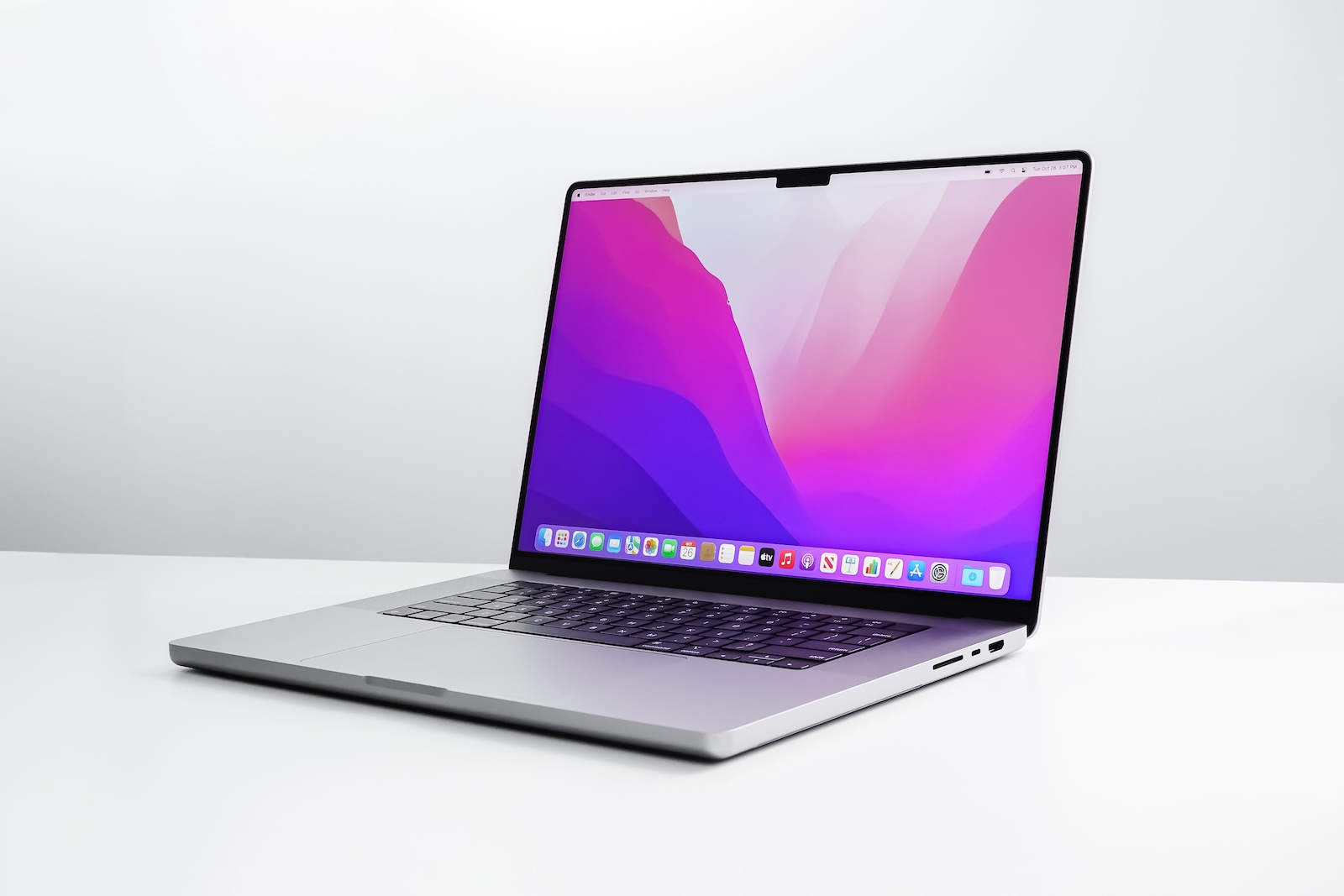
Apple has released an update to macOS 15.5 that, at first glance, seems rather unspectacular. But Safari 18.5, which is part of this update, contains an important change that can directly impact your daily use—especially if you regularly use web push notifications. The new feature, called "Declarative Web Push," brings greater efficiency, lower power consumption, and better privacy protection.
When websites send you push notifications, for example, for new messages or updates, this usually happens via a system in the background. This system requires power, is constantly running, and can occasionally cause errors or unnecessary data connections. This is precisely where Safari 18.5 comes in with a new approach. Declarative Web Push significantly reduces power consumption and works more reliably than traditional methods – without you having to configure or activate anything.
What exactly is Declarative Web Push?
Declarative Web Push is a new standard introduced by Apple with Safari 18.5. The big difference to traditional Web Push lies in the technology: Previously, so-called service workers were required, i.e. JavaScript code that was constantly active in the background. With Declarative Web Push, this is no longer necessary. Instead, websites use a fixed JSON format that allows Safari to display the message directly – without a script running in the background. This makes the new method not only more efficient but also more robust. Because no background connection needs to be established, Declarative Web Push works even if there are network problems or if a website hasn't been visited for a while. Notifications are still reliably displayed.
Less power consumption on the Mac
The big advantage for you is improved energy efficiency. Because background services no longer have to run continuously, your Mac consumes less power – especially if you use a lot of websites that send push notifications. This can have a positive effect on battery life, especially on MacBooks.
More data protection without effort
Declarative Web Push also represents an advance in privacy. Since no active code runs in the background, websites can collect less information about your behavior. At the same time, the system operates independently of Safari features like Intelligent Tracking Protection, which otherwise blocks older or inactive websites.
Easier implementation for developers
It's also easier for web developers. Declarative Web Push is standardized and requires no additional JavaScript code. Messages are defined purely based on the JSON format, which Safari understands. This reduces sources of error and makes implementation clearer.
You don't have to do anything actively
For you as a user, nothing changes on the interface. Websites that support the new standard will simply continue to deliver push notifications – only more efficiently and discreetly in the background. There's no setting you need to activate or adjust.
Also available for older macOS versions
Safari 18.5 is part of macOS 15.5, which runs on newer Macs. But the Safari update itself is also available for older versions, such as macOS Sonoma and macOS Ventura. This means that even if you're not yet on macOS 15.5, you can benefit from the new push technology as soon as you update Safari.
Declarative Web Push also on iPhone and iPad
Apple hasn't just introduced Declarative Web Push on the Mac. The feature was also made available on the iPhone and iPad with iOS 18.4 and iPadOS 18.4. The technology is now available on all Apple platforms.
macOS 15.5 makes Web Push easier and better
Declarative Web Push in Safari 18.5 brings practical benefits: longer battery life, improved reliability, fewer privacy issues, and no changes for you as a user. With macOS 15.5, you get these improvements automatically—and you'll also benefit on Sonoma or Ventura if you keep Safari up to date. If you regularly receive push notifications from websites, this update is a clear improvement. Simple, efficient, and unobtrusive. (Image: Shutterstock / WML Image)
- Report: iOS 19 is said to be more stable than previous updates
- iOS 18.5 closes over 30 security vulnerabilities on the iPhone
- Apple and Trump: How phone calls can save billions





