

apple patient
  • Home
  • News
  • Rumors
  • Tips & Tricks
  • Reviews
  • Insights
No Result
View All Result
  • iPhone 18
  • iPhone 18 Pro
  • iPhone Duo
  • Apple Watch Series 12
  • Apple Watch Ultra 4
  • AirPods 5
  • iOS 27
  • iPadOS 27
  • macOS
  • MacBook Neo
  • iPhone 17e
  • AirTags
  • iOS 26
  • iPhone 17
  • MacBook Pro
  • iPadOS
  • iMac
  • Mac mini
  • HomePod
  • Apple TV
  • iPad Pro
  • iPhone Air
  • Apple Vision Pro
  • iPhone 16
  • AirPods 4
  • Apple Watch Ultra
  • HomePod Mini
  • MacBook Air
  • iPad
  • AirPods Max
  • AirPods Pro 3
  • Apple Watch Series 3
  • Mac Studio
  • Studio Display
  • iPad Air
  • iPad mini
  • watchOS 27
  • Apple CarPlay
  • Apple Pay
  • watchOS 26
  • Home
  • News
  • Rumors
  • Tips & Tricks
  • Reviews
  • Insights
No Result
View All Result
apple patient
No Result
View All Result
  • iPhone 18
  • iPhone 18 Pro
  • iPhone Duo
  • Apple Watch Series 12
  • Apple Watch Ultra 4
  • AirPods 5
  • iOS 27
  • iPadOS 27
  • macOS
  • MacBook Neo
  • iPhone 17e
  • AirTags
  • iOS 26
  • iPhone 17
  • MacBook Pro
  • iPadOS
  • iMac
  • Mac mini
  • HomePod
  • Apple TV
  • iPad Pro
  • iPhone Air
  • Apple Vision Pro
  • iPhone 16
  • AirPods 4
  • Apple Watch Ultra
  • HomePod Mini
  • MacBook Air
  • iPad
  • AirPods Max
  • AirPods Pro 3
  • Apple Watch Series 3
  • Mac Studio
  • Studio Display
  • iPad Air
  • iPad mini
  • watchOS 27
  • Apple CarPlay
  • Apple Pay
  • watchOS 26

macOS 16 brings privacy update for the clipboard

Milan Jovicic by Milan Jovicic
May 13, 2025 - 2:01 PM CEST
in Apple News
0
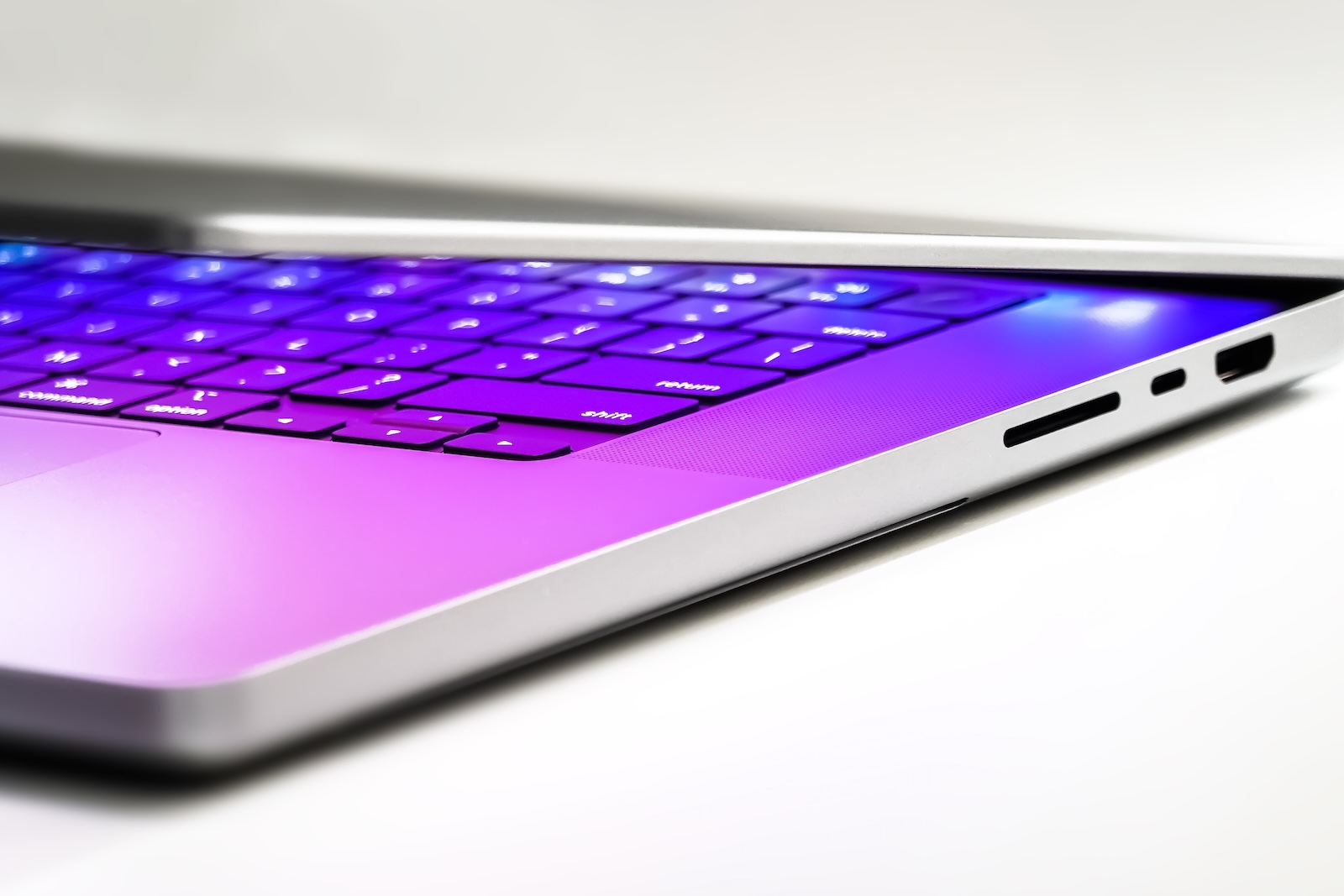
macOS 16 Apple

Image: Shutterstock / WML Image

WhatsAppFacebookEmail
Threads

With macOS 16, Apple is planning a significant change in data protection. Specifically, it concerns the clipboard – the area where content such as text, images, or passwords are temporarily stored when you copy them. Until now, Mac apps could access this space without you noticing. This is set to change in the future.

Apple has previously taken measures on the iPhone to prevent unwanted access to the clipboard. Since iOS 14, you're notified when an app attempts to read content. In iOS 15, this has been further developed so that apps are only allowed to access content if you actively paste something yourself. Now Apple is following suit with the Mac, bringing these protections to macOS 16.

Automatic access to the clipboard will soon be a thing of the past

In macOS 16, you'll be warned if a Mac app attempts to read the clipboard without direct interaction. This means that if you copy or paste something yourself, nothing will happen. However, if an app requests data in the background, a warning will appear. This behavior is similar to what iOS users are already familiar with. The protection only takes effect if the access isn't initiated by an action you performed. This is intended to prevent apps from spying on what you last copied in the background. This is an important step, especially for sensitive data like passwords or personal information.

New APIs for developers should avoid unnecessary warnings

To ensure that developers can continue working with the clipboard without constantly triggering warnings, Apple is introducing new interfaces (APIs). These allow the type of content on the clipboard to be checked without directly reading it. For example, apps can detect whether there is text or an image on the pasteboard without reading the exact contents. Specifically, these are new functions in the NSPasteboard and NSPasteboardItem classes. These will offer the option of what is known as "inspecting" data. The content itself remains untouched, which does not trigger a system warning. In addition, a new property called accessBehavior is being introduced. This property can be used to specify how the app should behave when accessing the clipboard. There are three options: always access, never access, or access only with prior user permission. This gives developers more control and allows them to adapt their apps to comply with data protection regulations.

Apple warns of apps that secretly read data

Jeff Nadeau, a software engineer at Apple, announced on Mastodon that during its research, Apple had discovered apps that regularly read the clipboard without users noticing. At the same time, there are also legitimate applications that need to access clipboard data, for example, to automate workflows. This is precisely why a middle ground was sought that balances privacy and functionality. Developers can test the new features now. Apple allows the clipboard behavior to be enabled in advance via developer settings. This allows adjustments to be made before the feature is available to all users.

macOS 16 adopts iOS behavior and extends it

With this change, Apple is following the example of iOS. On the iPhone, the operating system has successfully protected the clipboard for several years. A notification appears there too when an app reads data without you having pasted anything yourself. With macOS 16, this behavior is now being adopted for the Mac and expanded with new options. These measures are part of a larger initiative by Apple to give users more control over their data. Especially in everyday life, where multiple apps are often running in parallel, it is helpful to know when personal information is being accessed in the background.

  • Use Apple Pay now on the PS5: It's that easy

Data protection in everyday life: How macOS 16 protects you from curious apps

macOS 16 brings an important new feature to your everyday life: You'll now be notified when an app attempts to access your clipboard in the background. This feature is similar to the behavior on iOS and provides more transparency. At the same time, new APIs allow developers to design their applications to bypass the protection when it's not necessary—for example, in response to a specific user action. You can test the new behavior before the official launch of macOS 16 if you're a developer or configure the appropriate settings. Overall, Apple is once again demonstrating that data protection is playing a greater role on the Mac. With improved control over the clipboard, macOS 16 is taking a meaningful step toward greater security and trust. (Image: Shutterstock / WML Image)

  • macOS 15.5: Safari saves power with new Web Push feature
  • macOS tip: Automatically remove files from the Trash

Make Apfelpatient a preferred source One click – and you'll see us more often on Google
Was this article helpful?
YesNo
Tags: macOSmacOS 16
SendShareSend
Share

Our Amazon Storefront

A handpicked selection of products for iPhone, Mac and more – sorted by topic and updated regularly.

Shop Now

This post contains affiliate links (including Amazon). We earn a small commission on qualifying purchases – at no extra cost to you. Learn more on our Partner Program page.

Previous Post

macOS 15.5: Safari saves power with new Web Push feature

Next Post

iPhone shipments in China collapse: Apple loses market share

Milan Jovicic

Milan Jovicic

Milan founded Apfelpatient in 2016 and has been responsible for all editorial content since 2018 — news, rumors, guides, and product reviews. Apple devices here are not test units on loan for two weeks but everyday tools: from the iPhone through MacBook Pro, MacBook Air, and iMac to the Apple Vision Pro, at least one device from nearly every product category is in daily use, many of them replaced annually. Every menu path in a guide is verified on the device before it is published.

Related posts

HomePod mini 2 and Apple TV 4K: Apple code reveals the devices

by Milan Jovicic
September 25, 2026 - 11:08 p.m. CEST
Siri Remote for the Apple TV 4K on a grey stone surface – for the code finding on the HomePod mini 2 and Apple TV 4K

HomePod mini 2 and Apple TV 4K (4th generation): Apple's code reveals five colors, the familiar design, and what applies to Siri AI in this country.

Read moreDetails

iPad mini 8 and iPad 12: Apple code reveals chips and camera

by Milan Jovicic
September 25, 2026 - 10:48 p.m. CEST
Yellow entry-level iPad seen from the back on a grey stone surface – for the code finding on the iPad mini 8 and iPad 12

iPad mini 8 and iPad 12: Apple's code mentions A20 Pro and A19, a new front camera on the mini, and Apple Intelligence for the entry-level iPad.

Read moreDetails

watchOS 27.2: Code reveals new screenshot preview

by Milan Jovicic
September 24, 2026 - 8:36 p.m. CEST
Apple Watch Ultra with an orange band showing the app view, the device getting the new screenshot preview in watchOS 27.2

watchOS 27.2 includes a new screenshot interface for the Apple Watch: preview, share, and delete, just like on the iPhone. It's currently inactive.

Read moreDetails

Apple TV: Peanuts classics free again for Christmas

by Milan Jovicic
September 24, 2026 - 6:43 p.m. CEST
Charlie Brown holding a small Christmas tree under a starry sky in the snow, a scene from A Charlie Brown Christmas, free again on Apple TV

Three classic Peanuts cartoons are back on Apple TV for the holidays, no subscription required. Plus, there are new specials featuring Snoopy and the Fraggle Rocks.

Read moreDetails

The Wanted Man: Hugh Laurie on Apple TV from January

by Milan Jovicic
September 24, 2026 - 6:19 p.m. CEST
Hugh Laurie as crime boss Felix Carmichael in an evening scene from The Wanted Man on Apple TV

The Wanted Man premieres on January 6, 2027 on Apple TV. Hugh Laurie plays a crime boss who wants to escape – the finale is in February.

Read moreDetails
Load More

Categories

  • Apple Insights
  • Apple Rumors
  • Apple News
  • Apple Tips & Tricks
  • iPhone news, rumors and tips
  • Mac and MacBook News
  • Reviews

About APFELPATIENT

APFELPATIENT brings you the latest Apple news, product updates, guides, reviews and tips across the entire Apple ecosystem — from the iPhone to the Mac to the Apple Vision Pro. From the first rumors to confirmed news: researched responsibly.

Follow Apfelpatient

Facebook Instagram YouTube Threads Threads

Company

  • About Apfelpatient
  • Contact
  • Author Profiles

Community

  • Netiquette
  • Push Notifications
  • RSS feed

Legal

  • Legal Notice
  • Privacy Policy
  • Terms of Use
  • Cookie Settings
  • Affiliate Program

Resources

  • Sitemap

© 2026 Apfelpatient. All rights reserved.

No Result
View All Result
  • Home
  • News
  • Rumors
  • Tips & Tricks
  • Reviews
  • Insights

© 2026 Apfelpatient. All rights reserved. Page Directory

Change language to Deutsch



