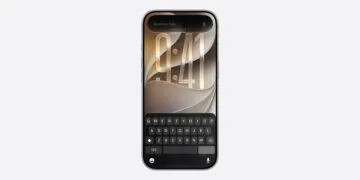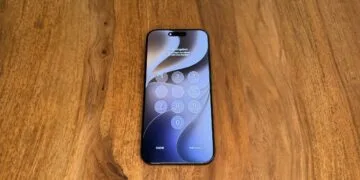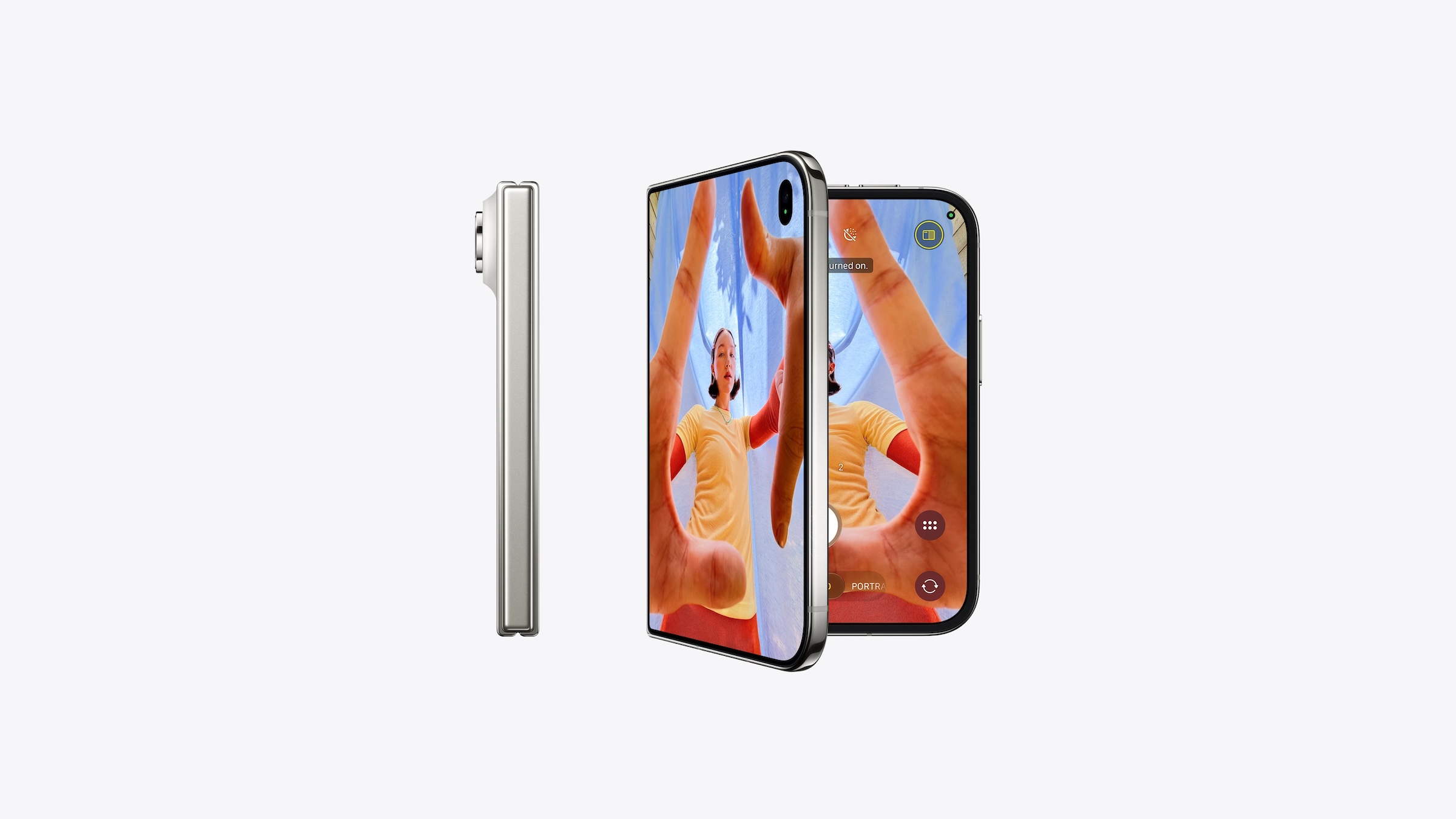
Focus on, focus off – until now, this has been done via the Control Center. On the iPhone Duo, a dedicated switch directly on the lock screen will handle this. Eleven days before pre-orders begin, another detail about the foldable iPhone's software has emerged.
The feature was demonstrated by the code finder pdfu, who described it in a post on X as a new feature on the iPhone Duo and provided an image as proof. It involves a revised focus control, i.e., the function that filters notifications and calls depending on the situation.
This detail is part of the adjustments iOS 27 makes to the iPhone Duo's interface adapt when the phone is opened and closed. All known specifications, prices, and release dates for the iPhone Duo have been available since its unveiling in September.
Key Facts at a Glance
- When a focus is active, a separate switch should appear above the bottom controls on the iPhone Duo's lock screen.
- It allows you to turn focus on and off while the lock screen is displayed.
- After unlocking, the active focus should also be displayed in the status bar above the time.
- Pre-orders for the iPhone Duo begin on October 16th, with deliveries starting on October 23rd.
This is how the new switch is supposed to work
According to pdfu, the switch only appears when focus is already active. It is located above the controls at the bottom of the lock screen.
New on iPhone Duo: redesigned Focus controls on the Lock Screen. When a Focus mode is active, a button above the bottom controls lets you turn Focus off and back on until you leave the Lock Screen. Your active Focus also appears in the status bar above the clock. https://t.co/Z0vFRLRAAR
— pdfu (@itspdfu) October 4, 2026
One tap turns off focus, a second tap turns it back on. This works as long as the lock screen is displayed.
Additionally, an indicator will appear when the device is unlocked: The active focus will be displayed in the status bar above the time. This will allow users to see at a glance whether notifications are currently being filtered.
What changes compared to the previous way
Currently, Focus mode on the iPhone is toggled on and off via the Control Center. While this can also be accessed from the lock screen, it requires swiping and tapping the relevant tile.
Since iOS 16, a focus can also be linked to a separate lock screen, so that when the focus changes, the background and widgets also change. The guide to Focus and Notifications with Apple Intelligence shows how to configure focus and notifications effectively in everyday use.
The new switch shortens the path primarily for one situation: when a focus needs to be briefly interrupted, for example to let through an expected message, without permanently changing the setting.
How reliable is the finding?
pdfu describes the function in detail and shows it as an image, but does not mention a software version or its location within the system. The article explicitly assigns the switch to the iPhone Duo.
A small detail with everyday uses
I consider the switch to be one of those innovations that doesn't appear in any keynote but is used more often in everyday practice than some major functions. Anyone who works with multiple focus modes switches between them several times a day – and every saved step counts.
For buyers in Germany, Austria and Switzerland, the schedule remains unchanged: all three countries are part of the first wave, and pre-orders for the iPhone Duo begin on October 16 at 2 pm CEST.
How often do you switch your focus – is the control center sufficient for you, or would a toggle directly on the lock screen be a real advantage? Tell us in the comments how you handle it.