

Apfelpatient
  • Home
  • News
  • Rumors
  • Tips & Tricks
  • Reviews
  • Insights
No result
View All Results
  • iPhone 18
  • iPhone 18 Pro
  • iPhone Duo
  • Apple Watch Series 12
  • Apple Watch Ultra 4
  • AirPods 5
  • iOS 27
  • iPadOS 27
  • macOS
  • MacBook Neo
  • iPhone 17e
  • AirTags
  • iOS 26
  • iPhone 17
  • MacBook Pro
  • iPadOS
  • iMac
  • Mac mini
  • HomePod
  • Apple TV
  • iPad Pro
  • iPhone Air
  • Apple Vision Pro
  • iPhone 16
  • AirPods 4
  • Apple Watch Ultra
  • HomePod mini
  • MacBook Air
  • iPad
  • AirPods Max
  • AirPods Pro 3
  • Apple Watch Series 3
  • Mac Studio
  • Studio Display
  • iPad Air
  • iPad mini
  • watchOS 27
  • Apple CarPlay
  • Apple Pay
  • watchOS 26
  • Home
  • News
  • Rumors
  • Tips & Tricks
  • Reviews
  • Insights
No result
View All Results
Apfelpatient
No result
View All Results
  • iPhone 18
  • iPhone 18 Pro
  • iPhone Duo
  • Apple Watch Series 12
  • Apple Watch Ultra 4
  • AirPods 5
  • iOS 27
  • iPadOS 27
  • macOS
  • MacBook Neo
  • iPhone 17e
  • AirTags
  • iOS 26
  • iPhone 17
  • MacBook Pro
  • iPadOS
  • iMac
  • Mac mini
  • HomePod
  • Apple TV
  • iPad Pro
  • iPhone Air
  • Apple Vision Pro
  • iPhone 16
  • AirPods 4
  • Apple Watch Ultra
  • HomePod mini
  • MacBook Air
  • iPad
  • AirPods Max
  • AirPods Pro 3
  • Apple Watch Series 3
  • Mac Studio
  • Studio Display
  • iPad Air
  • iPad mini
  • watchOS 27
  • Apple CarPlay
  • Apple Pay
  • watchOS 26

iOS 26 brings AI to Shortcuts: Here's what you can do now

Milan Jovicic by Milan Jovicic
June 12, 2025 - 00:44 CEST
in Apple News
0
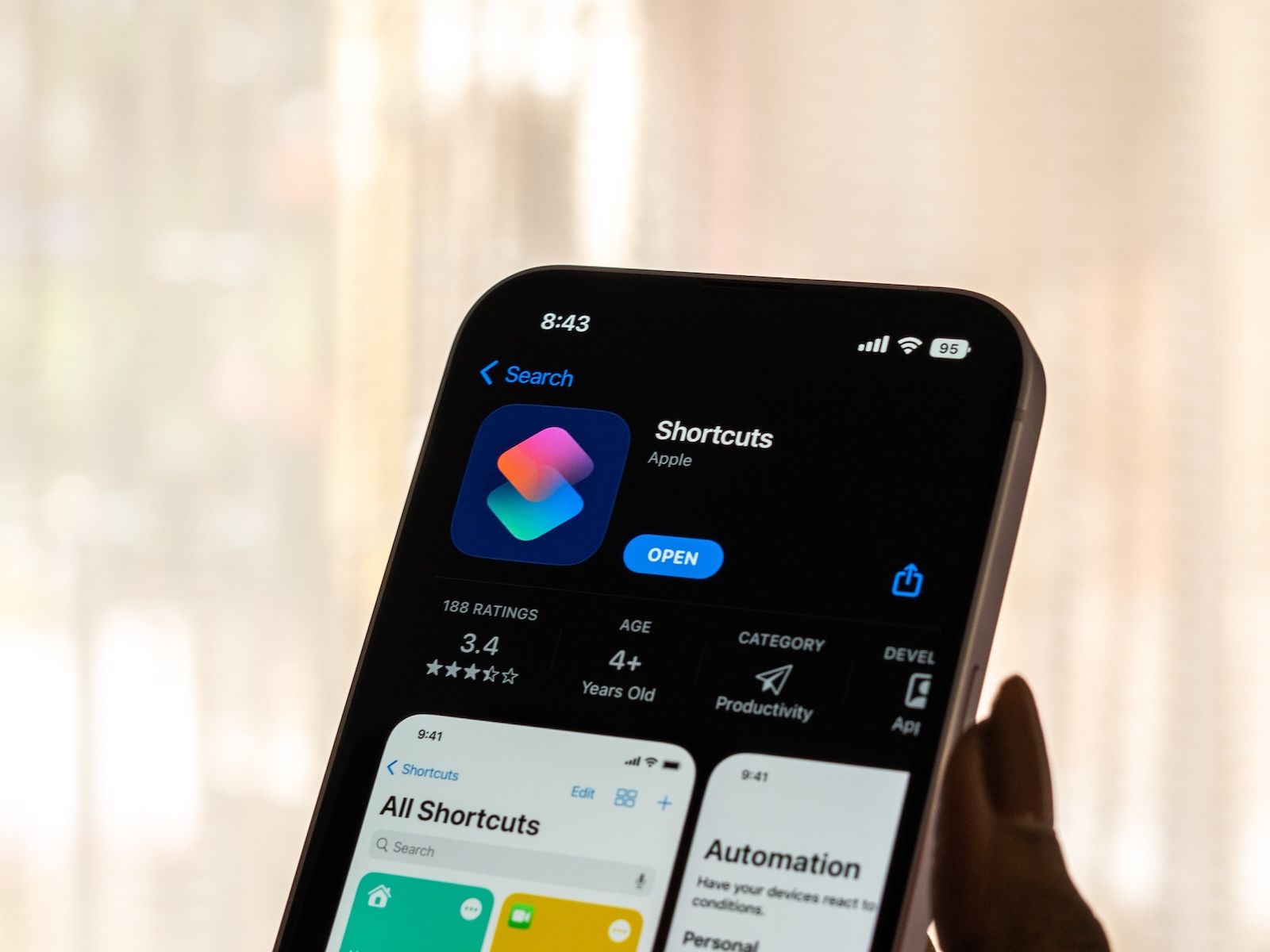
Shortcuts iOS 26

Image: Shutterstock / sdx15

WhatsAppFacebookEmail
Threads

This article may contain affiliate links. Learn more on our Partner Program page.

Make Apfelpatient a preferred source One click – and you'll see us more often on Google

With iOS 26, Apple is bringing new AI features to iPhone, iPad, and Mac. The Shortcuts app has been significantly redesigned, now using Apple Intelligence models. This means you can now automate, analyze, or create creative tasks—powered by AI directly on your device or via the cloud.

Shortcuts have been an integral part of iOS for years, but until now they were primarily intended for simple automations. With iOS 26, iPadOS 26, and macOS 26 Tahoe, they become significantly more powerful. Apple has integrated so-called models – AI systems that can analyze text, answer questions, or generate content. You don't need any programming knowledge to use them. Everything runs in a new user interface that gives you access to local models, cloud models, or ChatGPT. iOS 26 is currently still in beta, so the app will continue to change until its official release. However, the basic functions are already fixed.

Pre-installed shortcuts with Apple Intelligence in iOS 26

In the Shortcuts app gallery, you'll find a number of pre-built shortcuts that you can use right away. They also serve as examples of what's possible with Apple Intelligence.

Morning overview

Summarizes your upcoming day. This shortcut accesses your calendar, weather, and reminders to create a compact daily preview.

To-do list from the meeting notes

Analyzes meeting notes and automatically filters tasks and to-dos. For example, you can insert a meeting transcript, and the shortcut creates a list of action items.

Haiku

Generate a haiku—a short poem—on a topic of your choice. The focus is on entertainment and creativity.

Recycling leftovers

You enter what you have in your fridge, and you'll get a recipe that can be prepared using those ingredients. The AI suggests creative solutions.

Combine PDF

Works with PDFs opened in Safari. The shortcut analyzes the content and creates a summary of the key points.

Is The Morning Show Season 3 out yet?

Ask questions about releases or other facts. The AI checks available sources to see if, for example, a new season of a series has already been released.

ASCII art

Generates simple images and patterns from ASCII characters. More of a toy, but technically interesting.

Document review

Compares two texts or documents and shows you where the differences exist. Useful for revising contracts or versions.

Memory Roulette

Randomly postpones an unimportant reminder to a later time. So you don't have to decide what can wait.

First steps with language models

A tutorial shortcut that explains how to use custom models. Includes examples and configuration notes.

Create your own shortcuts with Apple Intelligence

In addition to the pre-built shortcuts, you can create your own. There's a new section in the app called "Apple Intelligence." Here, you decide which model to use:

  • Device model (runs locally, without internet connection)
  • Cloud model via private cloud compute (data protection friendly)
  • ChatGPT (integrated into the system, usable if required)

The next step opens an input field. You can freely formulate whatever you want here. For example: "Summarize my appointments and the weather and compose a message for my colleagues." Apple Intelligence then combines system data with your input and executes the task. You can also combine traditional functions with AI models. For example, you can drag weather data, calendar information, and reminders into a shortcut and have it automatically generate a daily schedule. Or you can enter a long text and have it create a list, summary, or alternative version.

Writing tools in the new Shortcuts app

Another area is the text tools that you can use to edit content:

  • Adjust tone (e.g. more formal or more relaxed)
  • Correct grammar and spelling
  • Create lists from continuous text
  • Rephrase or shorten texts

These tools work directly with the text field in the shortcut and can also be combined. For example, you can first analyze an email draft, then simplify it, and finally have it put into a friendly tone.

  • iOS 26: These features are only available on new iPhones

What you can expect from the beta version

iOS 26, iPadOS 26, and macOS 26 Tahoe are currently still in beta, so the new Shortcuts app isn't final. Apple continues to test and will add new features or adapt existing ones over time. What's already clear: With Apple Intelligence, Shortcuts will become significantly more versatile, creative, and useful. You can perform simple automations, complex data analyses, and creative tasks with the same app. If you're already using Shortcuts, you'll get a real upgrade in iOS 26. And if you're new to the app, now's a great time to familiarize yourself with the app. Looking for new accessories? Visit our Amazon Storefront – there you'll find a variety of products from leading manufacturers, including products for HomeKit and more! (Image: Shutterstock / sdx15)

  • iOS 26: Apple Maps becomes more personal and intelligent
  • iOS 26: When will the new update for the iPhone be released?
  • iOS 26 & Co.: These Apple devices will receive updates
  • iOS 26 explained: Why iOS 18 will not be followed by iOS 19

Was this article helpful?
YesNo
Tags: iOSiOS 26iPadOSiPadOS 26macOSmacOS 26shortcuts
SendShareSend
Share

Our Amazon Storefront

A handpicked selection of products for iPhone, Mac and more – sorted by topic and updated regularly.

Shop Now

This post contains affiliate links (including Amazon). We earn a small commission on qualifying purchases – at no extra cost to you. Learn more on our Partner Program page.

Previous Post

WhatsApp tests AI features for messages and style assistance

Next Post

Safari on iOS 26: Automatically sort tabs

Milan Jovicic

Milan Jovicic

Milan founded Apfelpatient in 2016 and has been responsible for all editorial content since 2018 — news, rumors, guides, and product reviews. Apple devices here are not test units on loan for two weeks but everyday tools: from the iPhone through MacBook Pro, MacBook Air, and iMac to the Apple Vision Pro, at least one device from nearly every product category is in daily use, many of them replaced annually. Every menu path in a guide is verified on the device before it is published.

Related posts

iPhone in China: Slight decline, market collapses by 15%

by Milan Jovicic
October 14, 2026 - 01:57 CEST
Symbolic image for iPhone China: Apple Store with wooden walls, customers working on iPads at a table next to a staff member

iPhone in China: According to IDC, the market shrank by 15.4 percent in the third quarter, with Apple experiencing only a slight decline. Huawei saw double-digit growth.

Read moreDetails

Apple vs. OpenAI: Court allows rapid evidence gathering

by Milan Jovicic
October 14, 2026 - 00:01 CEST
Symbolic image for Apple vs. OpenAI: illustrated file folder showing the case number on a dark blue background

Apple vs. OpenAI: The court gives Apple early access to documents and witnesses, but blocks access to OpenAI's hardware research.

Read moreDetails

iPhone Duo: Update to iOS 27.1 immediately upon startup

by Milan Jovicic
October 13, 2026 - 23:48 CEST
iPhone Duo update at launch: the foldable iPhone closed from the side and unfolded with the Camera app open on both displays

The iPhone Duo requires an update immediately upon setup: Apple has released a newer build of iOS 27.1. All release dates are listed below.

Read moreDetails

iOS 27.2 Beta 4: New Health app removed again

by Milan Jovicic
October 13, 2026 - 23:25 CEST
iOS 27.2 Health app in its new version with the Longevity view and Health Age on an iPhone, next to an Apple Watch with health apps

iOS 27.2 Beta 4 removes the new Health app. Apple never intended to include it in the final version; beta data will be retained.

Read moreDetails

Apple Music: New app icon in iOS 27.2 Beta 4

by Milan Jovicic
October 13, 2026 - 10:57 PM CEST
Apple Music app icon in iOS 27.2 in light and dark appearance, black note on white on the left, white note on black on the right in the dock

New Apple Music app icon in iOS 27.2 Beta 4: Black and white instead of red and pink, plus a blue tab bar and black widgets in the app.

Read moreDetails
Load More

Categories

  • Apple Insights
  • Apple Rumors
  • Apple News
  • Apple Tips & Tricks
  • iPhone news, rumors and tips
  • Mac and MacBook News
  • Reviews
Make Apfelpatient a preferred source One click – and you'll see us more often on Google

About APPLE PATIENT

APFELPATIENT brings you the latest Apple news, product updates, guides, reviews and tips across the entire Apple ecosystem — from the iPhone to the Mac to the Apple Vision Pro. From the first rumors to confirmed news: researched responsibly.

Follow Apfelpatient

Facebook Instagram YouTube Threads Threads

Company

  • About Apfelpatient
  • Contact
  • Author Profiles

Community

  • Netiquette
  • Push notifications
  • RSS feed

Legal

  • Legal Notice
  • Privacy Policy
  • Terms of Use
  • Cookie settings
  • Affiliate Program

Resources

  • Sitemap

© 2026 Apfelpatient. All rights reserved.

No result
View All Results
  • Home
  • News
  • Rumors
  • Tips & Tricks
  • Reviews
  • Insights

© 2026 Apfelpatient. All rights reserved. Site map

Change language to Deutsch



