

apple patient
  • Home
  • News
  • Rumors
  • Tips & Tricks
  • Reviews
  • Insights
No Result
View All Result
  • iPhone 18
  • iOS 27
  • iPadOS 27
  • macOS
  • MacBook Neo
  • iPhone 17e
  • AirTags
  • iOS 26
  • iPhone 17
  • MacBook Pro
  • iPadOS
  • iMac
  • Mac mini
  • HomePod
  • Apple TV
  • iPad Pro
  • iPhone Air
  • Apple Vision Pro
  • iPhone 16
  • AirPods 4
  • Apple Watch Ultra
  • HomePod Mini
  • MacBook Air
  • iPad
  • AirPods Max
  • AirPods Pro 3
  • Apple Watch Series 3
  • Mac Studio
  • Studio Display
  • iPad Air
  • iPad mini
  • watchOS 27
  • Apple CarPlay
  • Apple Pay
  • watchOS 26
  • Home
  • News
  • Rumors
  • Tips & Tricks
  • Reviews
  • Insights
No Result
View All Result
apple patient
No Result
View All Result

Safari on iOS 26: Automatically sort tabs

Milan Jovicic by Milan Jovicic
June 12, 2025 - 02:43 CEST
in Apple News
0
iOS 26 Safari

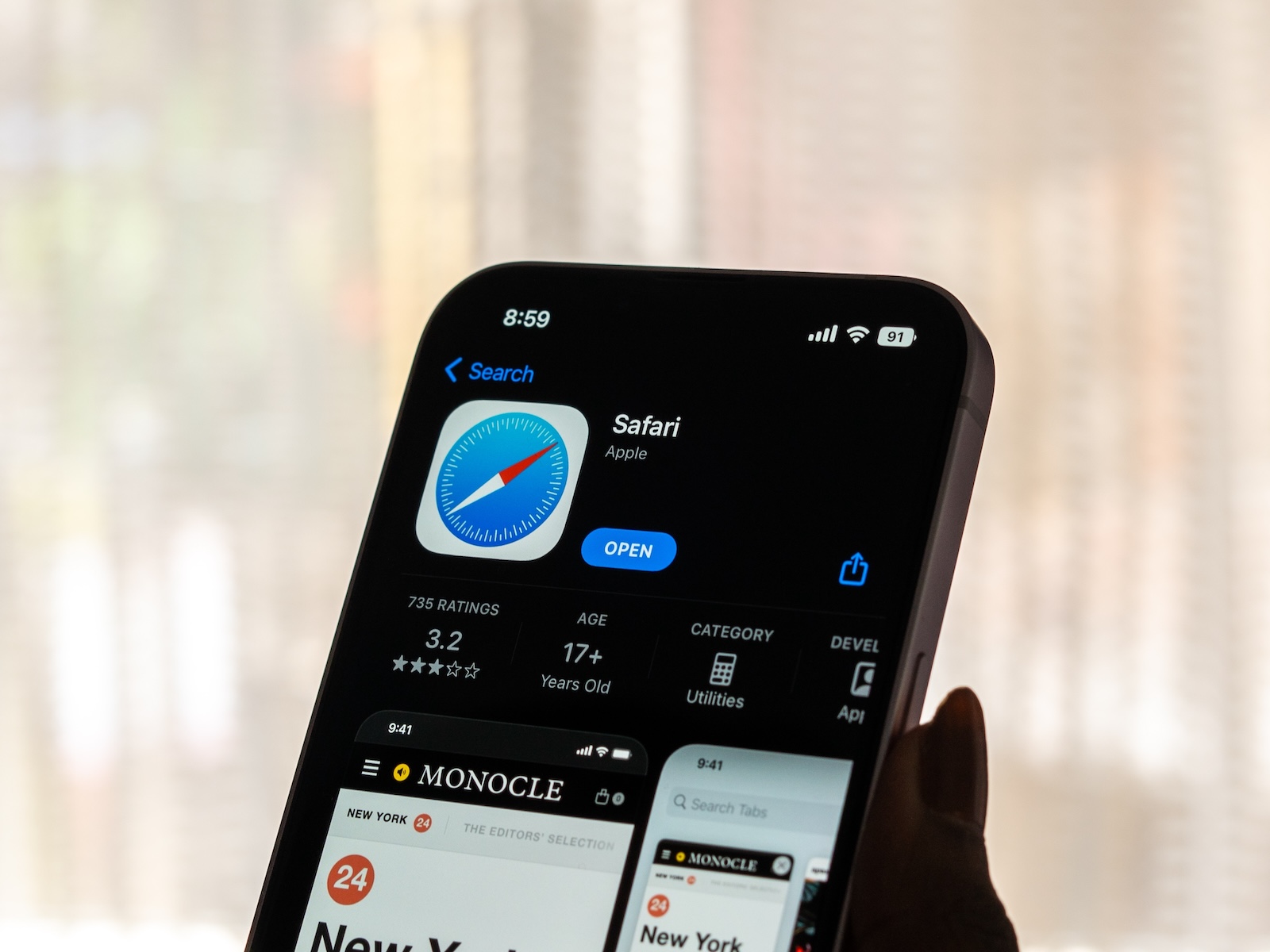
Image: Shutterstock / sdx15

WhatsAppFacebookEmail
Threads

With iOS 26, Apple is redesigning Safari again – this time with a feature that's especially interesting for users who constantly have a lot of tabs open. Thanks to Apple Intelligence, organizing tabs is easier and more efficient. The new options are designed to help you keep track of things without having to sort everything manually.

If your Safari regularly overflows with open tabs, you're not alone. Apple is responding with a new organization feature in iOS 26. The feature is built directly into Safari and uses Apple Intelligence to organize tabs and automatically group similar pages together. The user interface has also been tweaked, which will take some getting used to. In return, you get significantly more control over your open pages.

Sort and group tabs with Apple Intelligence

Safari on iOS 26 now has an option for arranging tabs, powered by Apple Intelligence. You can find this feature by clicking on the tab icon (two squares at the bottom of Safari), then tapping the three dots in the top left and selecting "Arrange Tabs By." There, you have two options:

  • Sort by title
  • Sort by website

Both versions sort the tabs alphabetically, but according to different criteria. Either the page title or the website domain is used as the basis. This helps group identical or similar pages together. For example, multiple articles from the same site, such as apfelpatient.de, are automatically grouped together. This saves time and brings more order to the tab jungle.

New Safari interface in iOS 26

Apple has noticeably redesigned the tab interface in Safari. Some features have been moved or relocated:

  • The button to open a new tab is now at the top of the window, not at the bottom.
  • The “Done” button has also been moved to the top.
  • Below you can switch between regular tabs, tab groups and private tabs.
  • You can access your tab settings by tapping the tab count at the bottom or the hamburger menu at the top left.

Apple is currently testing three different layouts for Safari. The tab management area remains the same in all, so the sorting functions are the same.

Current status of development

iOS 26 is currently in early testing and is only available to developers. This means the user interface is subject to change until the official release in the fall. However, tab organization via Apple Intelligence is already fully functional and is likely to remain part of the final version. Changes to the design and position of individual elements are possible until then, but the basic structure remains.

  • iOS 26 brings three Safari designs to choose from

Safari on iOS 26: Apple Intelligence brings order to browser life

With iOS 26, Safari is getting a bit smarter. The new feature for sorting and grouping tabs is especially helpful for users with many open pages. Apple relies on simple, automatic sorting with the support of Apple Intelligence. The redesigned user interface may take some getting used to, but overall it offers more clarity and a better structure. Anyone who uses Safari extensively will quickly appreciate the new features in iOS 26. The best products for you: Our Amazon Storefront offers a wide selection of accessories, including those for HomeKit. (Image: Shutterstock / sdx15)

  • iOS 26 brings AI to Shortcuts: Here's what you can do now
  • iOS 26: These features are only available on new iPhones

Make Apfelpatient a preferred source One click – and you'll see us more often on Google
Was this article helpful?
YesNo
Tags: iOSiOS 26iPadOSiPadOS 26macOSmacOS 26Safari
SendShareSend
Share

Our Amazon Storefront

A handpicked selection of products for iPhone, Mac and more – sorted by topic and updated regularly.

Shop Now

This post contains affiliate links (including Amazon). We earn a small commission on qualifying purchases – at no extra cost to you. Learn more on our Partner Program page.

Previous Post

iOS 26 brings AI to Shortcuts: Here's what you can do now

Next Post

iOS 26 design change: Reduce transparency easily

Milan Jovicic

Milan Jovicic

Milan founded Apfelpatient in 2016 and has been responsible for all editorial content since 2018 — news, rumors, guides, and product reviews. Apple devices here are not test units on loan for two weeks but everyday tools: from the iPhone through MacBook Pro, MacBook Air, and iMac to the Apple Vision Pro, at least one device from nearly every product category is in daily use, many of them replaced annually. Every menu path in a guide is verified on the device before it is published.

The iPhone 17 lineup in five colors seen from the back, whose successor is expected to adopt the smaller iPhone 18 Dynamic Island from the Pro models

iPhone 18: Smaller Dynamic Island already in the base model

August 12, 2026 - 8:13 PM CEST
Drawn outline of the folded iPhone Ultra with square corners on the hinge side and rounded corners opposite, matching the leaked iPhone Ultra screen protectors

iPhone Ultra: Screen protectors reveal the camera position

August 12, 2026 - 3:58 PM CEST
Glass panel set into the aluminium frame on the back of an iPhone 17 Pro Max in Cosmic Orange, whereas the iPhone 20 glass design is said to wrap the glass around the edges

iPhone 20: Glass design is not supposed to be scrapped after all

August 12, 2026 - 2:50 PM CEST

About APFELPATIENT

APFELPATIENT brings you the latest Apple news, product updates, guides, reviews and tips across the entire Apple ecosystem — from the iPhone to the Mac to the Apple Vision Pro. From the first rumors to confirmed news: researched responsibly.

Follow Apfelpatient

Facebook Instagram YouTube Threads Threads

Company

  • About Apfelpatient
  • Contact
  • Author Profiles

Community

  • Netiquette
  • Push Notifications
  • RSS feed

Legal

  • Legal Notice
  • Privacy Policy
  • Terms of Use
  • Cookie Settings
  • Affiliate Program

Resources

  • Sitemap

© 2026 Apfelpatient. All rights reserved.

No Result
View All Result
  • Home
  • News
  • Rumors
  • Tips & Tricks
  • Reviews
  • Insights

© 2026 Apfelpatient. All rights reserved. Page Directory

Change language to Deutsch



