

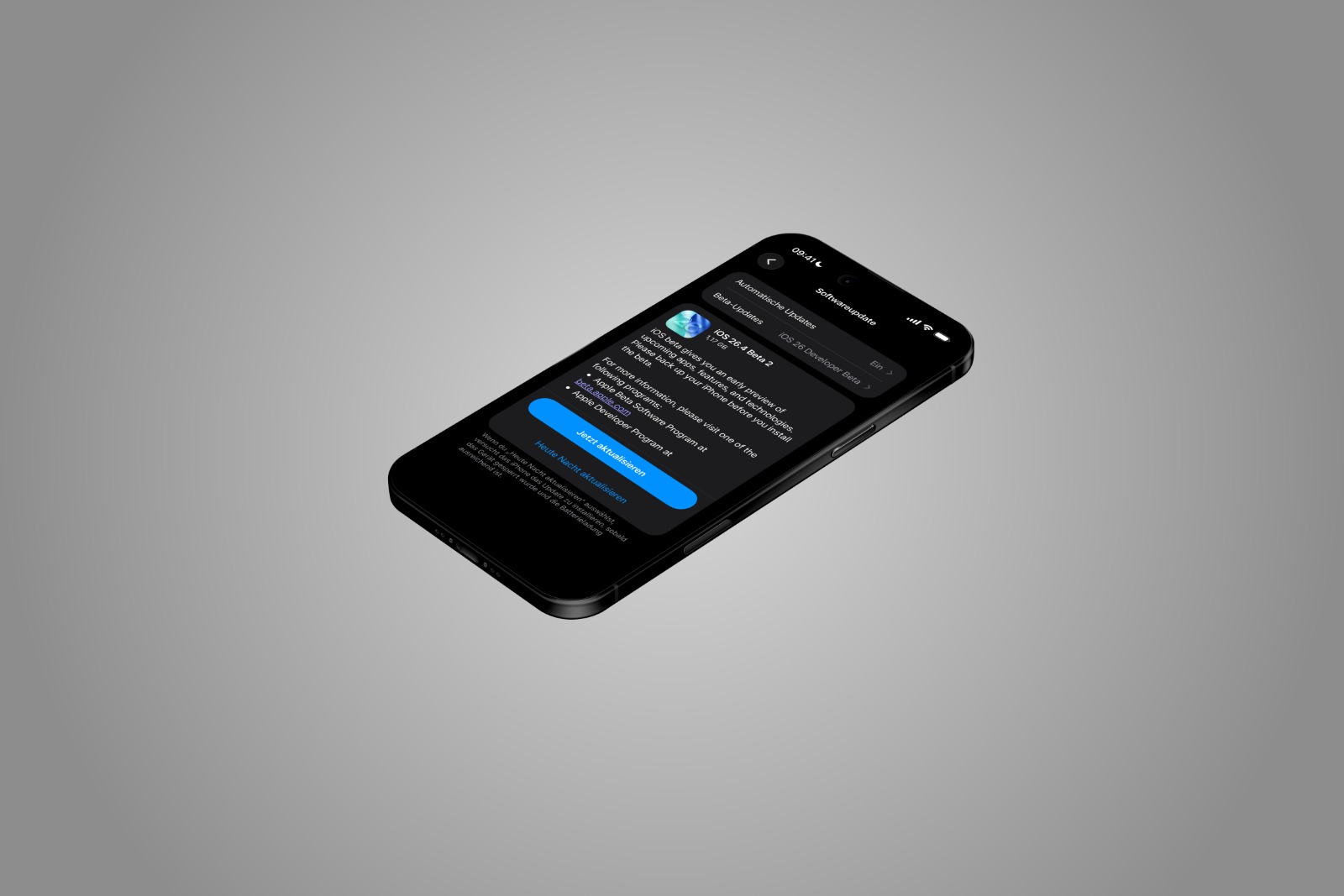
With iOS 26.4 Beta 2, Apple continues its testing for the upcoming update. The second beta version doesn't bring any fundamental design changes, but it does include several specific adjustments. The focus is on expanding RCS end-to-end encryption. There are also minor changes to the home screen, system apps, accessibility features, and beta management.
iOS 26.4 is a major feature update. However, the main focus is clearly on the further development of RCS encryption. At the same time, Apple is using the beta phase to make minor design adjustments and optimize background processes.
Even though many changes may seem small at first glance, they affect key areas such as news, updates, and accessibility.
Extended testing of RCS end-to-end encryption
The most important new feature in iOS 26.4 Beta 2 concerns RCS.
Support for RCS encryption testing was introduced with the first beta version of iOS 26.4. However, this was initially limited to communication between iPhones. With Beta 2, Apple is now extending the tests to message exchanges between iPhones and Android devices. Apple explains:
- RCS end-to-end encryption is available in this beta version for testing between Apple and Android devices.
- This feature is not yet fully integrated in this version.
- It will be officially made available to customers in future versions of iOS, iPadOS, macOS and watchOS 26.
- The encryption is still in beta.
- It is not available for all devices or network operators.
Conversations marked as encrypted are fully encrypted end-to-end. Messages cannot be read during transmission between devices.
This means that iOS 26.4 represents an important step forward for secure cross-platform communication, even if the feature is not yet fully operational.
Home screen customizations
There is a visual change in the home screen area.
The "Edit" menu now uses a more transparent liquid glass design. This makes the interface appear somewhat clearer and more subtle. Functionally, everything remains unchanged; this is purely a visual adjustment.
Changes in the Games App
The position of the search bar in the games app has been changed.
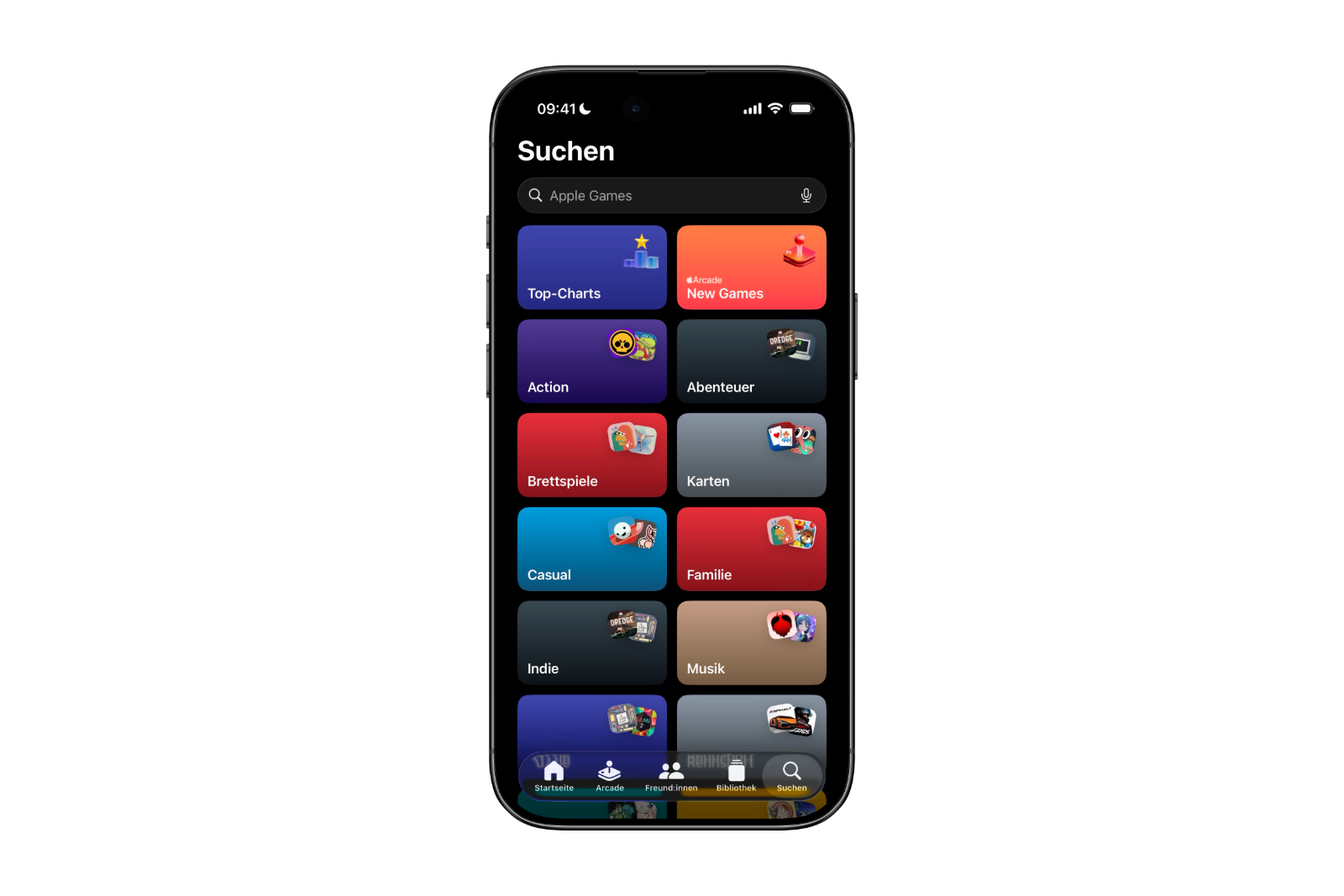
Instead of being at the bottom of the display, the search bar is now located at the top of the screen. This change slightly alters the navigation within the app but does not introduce any new features.
App Store and Apple Music: Revised Apple account layout
There's also a minor design change in the App Store and Apple Music.
In the account hub, the text "Apple Account" is now left-aligned. Additionally, the same rainbow logo is used that is also seen for the Apple Account in the Settings app.
The change ensures a more consistent display of the Apple account across different apps.
New option in accessibility
A new setting has been added under Accessibility → Display and Text Size:
- Reduce highlighting effects
This option allows you to further minimize visual enhancement effects. It is particularly aimed at users who are sensitive to visual effects or prefer a reduced display.
Easier retrieval of build numbers
iOS 26.4 brings a small but practical change to the display of software build numbers.
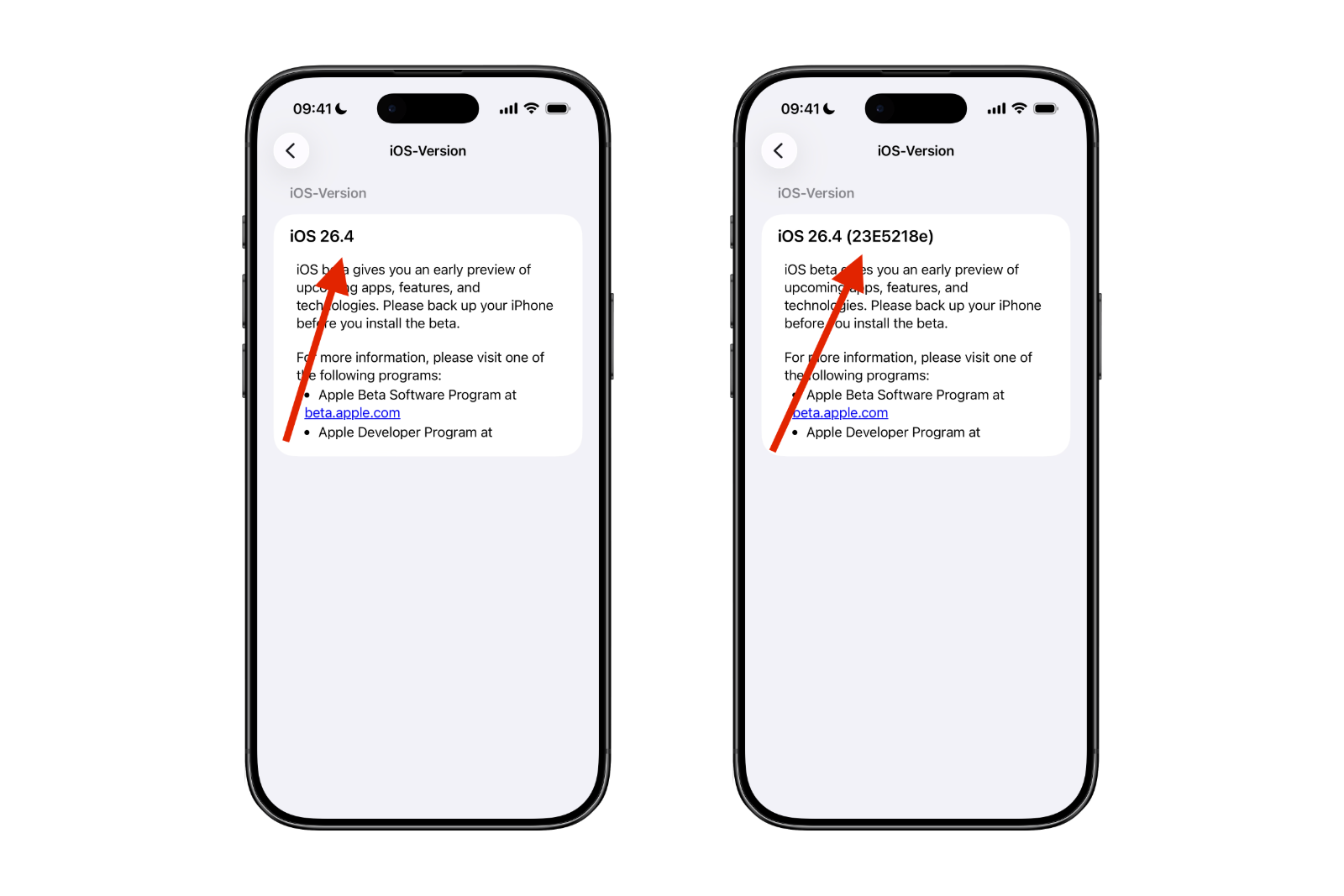
After installing a new iOS update, you can tap the update name (Settings – General – About) to directly view the corresponding build number. This makes it easier to identify the installed version, especially in beta environments.
Changes in Beta Updates
Apple has also adjusted the behavior of beta updates.
If beta updates are enabled, but no beta version is installed for four months, the system automatically reverts to the public release audience. This means:
- No permanent beta assignment without active participation
- Automatic return to the stable update channel after four months of inactivity.
This change only affects beta management and has no impact on regular public updates.
Still no new emojis
Although the code of the first beta version contained hints of new emoji characters, iOS 26.4 Beta 2 still does not include any new emojis. Therefore, no new emoji symbols are included in this version.
Playlist Playground remains limited to the USA
The "Playlist Playground" feature remains limited to the USA even with iOS 26.4 Beta 2.
The feature remains unavailable in Europe and other regions. There has been no change compared to the previous beta version.
iOS 26.4 Beta 2 focuses on stability and security
iOS 26.4 Beta 2 doesn't bring any major visible changes, but it does set clear priorities. In particular, the extension of RCS end-to-end encryption to communication between iPhone and Android devices is a key development step.
In addition, the update includes several minor design tweaks, accessibility improvements, and a revised beta update management system. New emojis or major new features are still not included. Overall, iOS 26.4 Beta 2 points in a clear direction: more security, a consistent design, and optimized background processes. The best products for you: Our Amazon storefront offers a wide selection of accessories, including those for HomeKit. (Image: Apfelpatient)
- WhatsApp is working on scheduled messages
- David Pogue offers insights into "Apple: The First 50 Years"
- Anthropic raises serious allegations against China
- iOS 26.4: Two apps get the old search layout
- iOS 26.4 Beta 2 tests secure RCS chats with Android
- iOS 26.4 Beta 2 launches: Apple continues testing phase
- Apple TV is betting on Wonder Pets Season 2
- Apple Sports expands soccer and tournament schedules
- Apple TV shows new thriller "Unconditional"
- iOS 26.3.1: Apple tests new iPhone update
- How Trump's import tariffs are making life difficult for Apple
- WhatsApp is testing a feature to hide texts
- Apple Ferret-UI Lite: The smart way to on-device AI
- Illegal tariffs: Will Apple get its 2 billion back?
- MacBook Air M1 sold out: What does Apple plan next?
- Perplexity brings the Comet browser to the iPhone
- Apple and the battle over NFC fees in Brazil
- Avalanche disaster: iPhone becomes a lifesaver
- Apple vs. Jon Prosser: Trial gains momentum
- Apple case designed to connect iPhone to satellites
- Apple and CSAM: Lawsuit raises serious allegations
- WhatsApp adds an important feature to groups
- Apple C1X modem: First failure raises questions
- Apple TV adds "The Hunt" to its March lineup





