

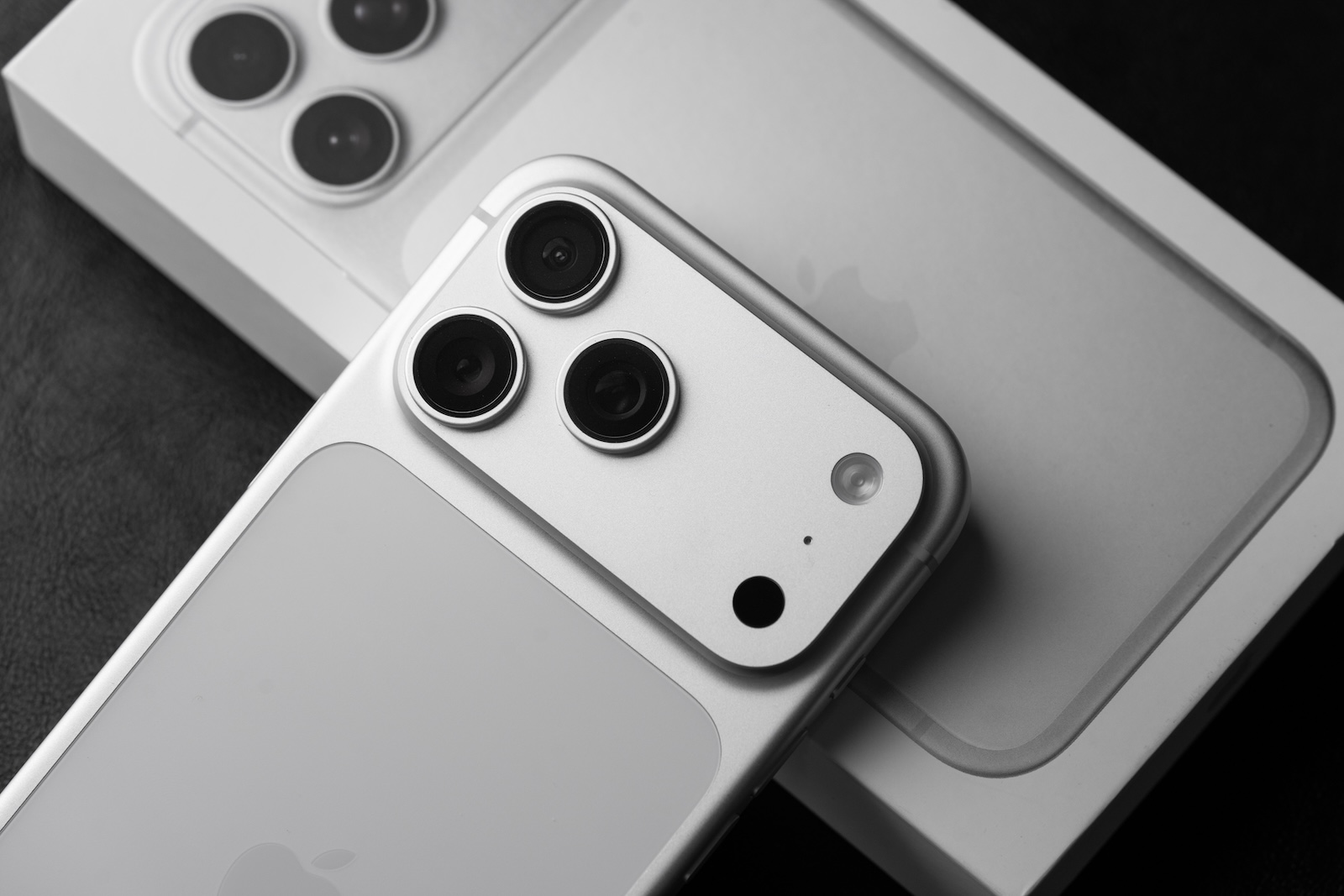
With iOS 26.4.1, the "Theft Protection" feature is now automatically activated on company devices as well. Apple is thus extending a security measure that has been standard on personal iPhones since iOS 26.4.
iOS 26.4.1 brings not only bug fixes for the iCloud synchronization, But there's also a security-related change: Apple has confirmed that the "Stolen Device Protection" feature will be automatically enabled on company devices when updating from iOS 26.4 to iOS 26.4.1. The same applies to iPadOS 26.4.1.
Apple had already enabled protection for stolen devices by default on all personal iPhones with iOS 26.4. Enterprise devices managed via a Mobile Device Management (MDM) system were initially excluded. With iOS 26.4.1, Apple closes this gap and extends the default activation to the enterprise sector.
What the Protection for stolen Devices does
The feature was introduced in 2024 and adds an extra layer of security when an iPhone is not in a trusted location such as home or work. In this case, stricter requirements are activated for security-critical actions.
Certain actions, such as accessing saved passwords or credit card information, will then require biometric authentication via Face ID or Touch ID – without the option to enter a passcode instead. For particularly sensitive changes, such as changing the Apple account password, there is an additional one-hour security delay, after which further biometric verification is required.
This prevents a thief who knows an iPhone's passcode from immediately making critical changes – such as changing the password, disabling location tracking, or using stored payment information.
Why this is important for Companies
Company iPhones often contain highly sensitive data: access to corporate networks, email accounts, internal documents, and login credentials for business applications. A stolen company iPhone without activated anti-theft protection poses a significant security risk – not only for the individual employee, but for the entire company.
Apple's decision to enable this feature by default on enterprise devices is a logical step. IT administrators can adjust the setting via their MDM system if needed, but the new default ensures that unmanaged devices automatically receive the best possible protection.
Apple tightens its Security Strategy
This change is part of a series of security measures implemented in recent weeks. Following the discovery of the Coruna and DarkSword exploits, Apple released updates for current and older iOS versions. At the same time, Apple is a partner in Anthropic's new cybersecurity initiative, Project Glasswing, which uses the AI model Claude Mythos to specifically search for security vulnerabilities in operating systems.
Automatic activation of anti-theft protection on company devices isn't a spectacular feature – but it's a pragmatic decision that can make all the difference in everyday use if a company iPhone falls into the wrong hands. (Image: Shutterstock / Stockinq)
- Self-Service Repair: New parts for MacBook Neo & Co.
- iOS 26.4.1 fixes serious iCloud sync bug
- iPhone dominates Smartphone Ranking: Five Models in the Top 10
- iOS 26.4.1 is here: Apple releases bugfix Update
- Apple ranks last in Repairability – with one exception
- WhatsApp is getting a new CarPlay App with full Functionality
- Apple develops AI Tool for UI Prototypes
- Apple and Anthropic are jointly hunting for Security Vulnerabilities
- Studio Display XDR receives FDA approval for Radiology
- Apple Patent: Vision Pro could become modular and upgradeable
- Steam Link comes natively to the Apple Vision Pro
- Dark Matter Season 2 premieres on August 28th on Apple TV
- Apple Arcade May 2026: Nick Jr. Replay and new Games
- MacBook Neo: Demand exceeds Apple's Chip Supply
- Vision Pro: Insiders report on chaotic Store Launch
- China intensifies attacks on Apple's Chip Manufacturer TSMC
- Class action lawsuit accuses Apple of using YouTube videos for AI training
- App Store: Apple distributes mysterious App Updates
- Apple vs. Epic Games: Apple plans to take the case to the Supreme Court
- App Store records 84 percent more new Apps thanks to AI coding
- iOS 26.4.1: Apple prepares Bugfix Update
- Shrinking Season 3 ends – Co-Creator teases Season 4
- AirPods Max 2 Teardown: New Chip, Old Weaknesses





