apple patient
  • Home
  • News
  • Rumors
  • Tips & Tricks
  • Reviews
  • Insights
No Result
View All Result
  • iPhone 18
  • iOS 27
  • iPadOS 27
  • macOS
  • MacBook Neo
  • iPhone 17e
  • AirTags
  • iOS 26
  • iPhone 17
  • MacBook Pro
  • iPadOS
  • iMac
  • Mac mini
  • HomePod
  • Apple TV
  • iPad Pro
  • iPhone Air
  • Apple Vision Pro
  • iPhone 16
  • AirPods 4
  • Apple Watch Ultra
  • HomePod Mini
  • MacBook Air
  • iPad
  • AirPods Max
  • AirPods Pro 3
  • Apple Watch Series 3
  • Mac Studio
  • Studio Display
  • iPad Air
  • iPad mini
  • watchOS 27
  • Apple CarPlay
  • Apple Pay
  • watchOS 26
  • Home
  • News
  • Rumors
  • Tips & Tricks
  • Reviews
  • Insights
No Result
View All Result
apple patient
No Result
View All Result
  • iPhone 18
  • iOS 27
  • iPadOS 27
  • macOS
  • MacBook Neo
  • iPhone 17e
  • AirTags
  • iOS 26
  • iPhone 17
  • MacBook Pro
  • iPadOS
  • iMac
  • Mac mini
  • HomePod
  • Apple TV
  • iPad Pro
  • iPhone Air
  • Apple Vision Pro
  • iPhone 16
  • AirPods 4
  • Apple Watch Ultra
  • HomePod Mini
  • MacBook Air
  • iPad
  • AirPods Max
  • AirPods Pro 3
  • Apple Watch Series 3
  • Mac Studio
  • Studio Display
  • iPad Air
  • iPad mini
  • watchOS 27
  • Apple CarPlay
  • Apple Pay
  • watchOS 26

iOS 18.2 allows deletion of core apps in the EU

Milan Jovicic by Milan Jovicic
October 23, 2024 - 10:09 PM CEST
in Apple News
0
iOS 18.2 Apple

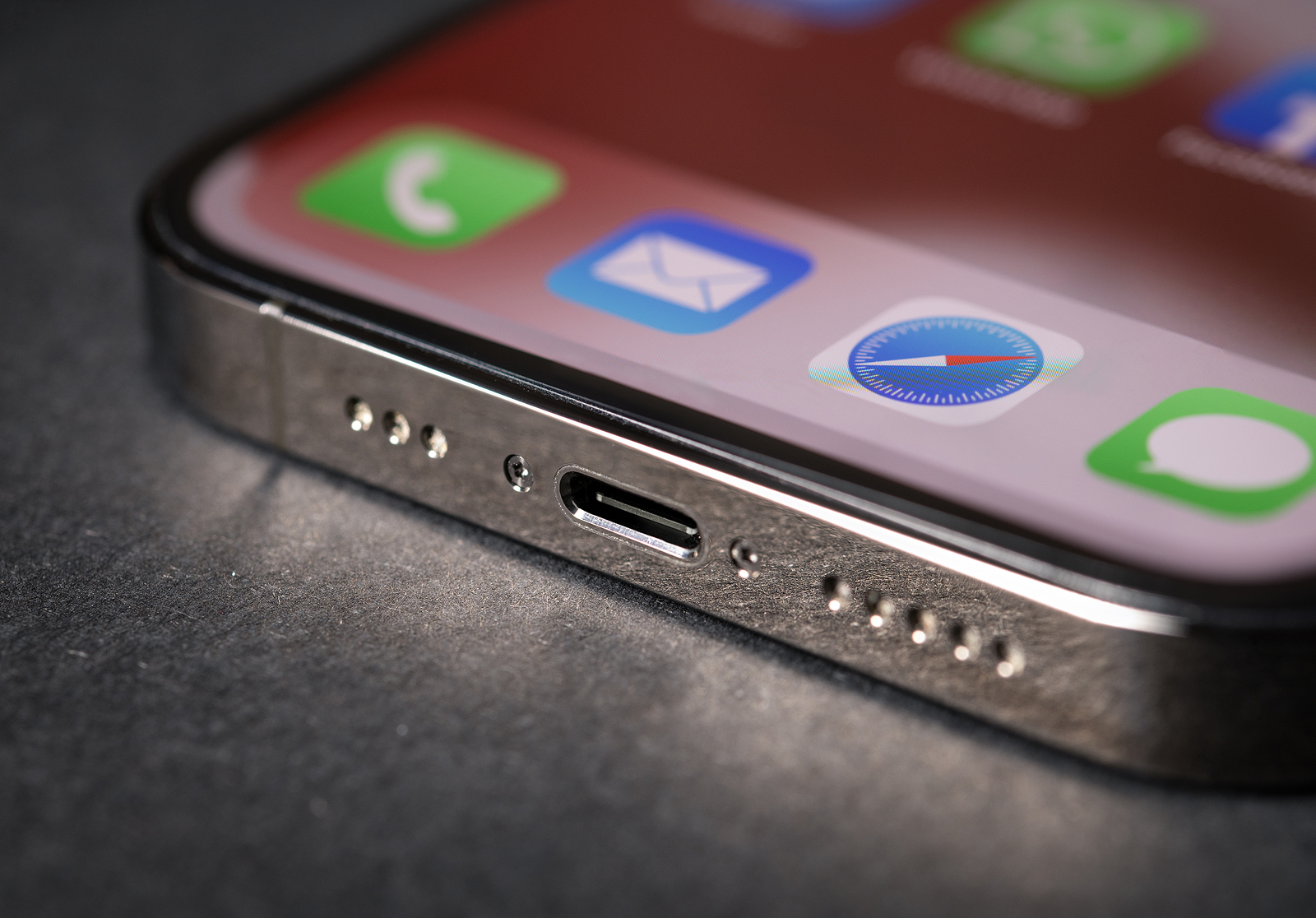
Photo by yalcin.sonat / Bigstockphoto

WhatsAppFacebookEmail
Threads

With the release of iOS 18.2, Apple is bringing a significant innovation to users in the European Union: the ability to completely delete core apps such as the App Store, Safari, Messages, Camera, and Photos. This feature was introduced as part of the Digital Markets Act (DMA), which allows users to gain more control over their devices.

Apple has been making continuous changes to its operating systems in recent years to meet legal requirements in different regions. With the EU's Digital Markets Act, the company is committed to further adjustments to increase competitiveness and give users more freedom in using their devices. These changes mark an important step for all EU users who have long demanded more flexibility in dealing with system apps. iOS 18.2 meets this demand.

What is the Digital Markets Act and how does it affect iOS 18.2?

The European Union's Digital Markets Act (DMA) was introduced to regulate the market power of large technology companies and create a fair playing field. A central aspect of the DMA is the requirement that platform providers like Apple must give their users more freedom in choosing and using software. This is exactly what iOS 18.2 is doing, as you as an EU user now have the option to remove some of the previously untouchable core apps.

Which apps can you optionally delete with iOS 18.2?

With iOS 18.2, you can completely remove a number of Apple default applications from your iPhone in the European Union. These include:

  • App Store
  • Safari
  • Messages
  • Camera
  • Photos

These apps were previously considered essential parts of the iOS system that couldn't be removed. Starting with iOS 18.2, you can now delete these apps and replace them with alternative third-party apps if you want. The only exceptions are the Phone and Settings apps, which still can't be removed.

How to restore removed apps?

If you accidentally delete one of these system apps or find that you need it again, it's easy to re-download it. iOS 18.2 offers a new section in the Settings app called "App Installations" where you can restore deleted apps like the App Store or Safari. This way, you always remain in control of your iPhone.

Differences in other regions

While users in the EU will benefit from the new feature, restrictions remain in place in the US and other countries. In these regions, you can hide apps like the App Store and Photos, but you cannot completely remove them from the iPhone. This decision shows how Apple is adapting to regional regulations, while in the EU the full deletion feature is offered for competitive reasons.

effects on everyday life

With the ability to delete core apps like Safari and Messages, you can customize iPhone even more to your liking. If you prefer alternative browsers or messaging services, you can now use those apps without any restrictions, without having Apple's pre-installed apps cluttering your device.

iOS 18.2 sets new standards for user freedom in the EU

iOS 18.2 marks a major turning point for iPhone users in the European Union. By allowing you to delete core apps like the App Store, Safari and Camera, Apple is implementing the Digital Markets Act and giving you, the user, more freedom and control over your device. This change offers more flexibility and ensures that you can use your iPhone exactly how you want. While this feature is unique to the EU, it remains to be seen whether other regions will follow suit and introduce similar freedoms. Looking for the best accessories? Visit our Amazon Storefront and discover a variety of products from top providers, including for HomeKit! (Photo by yalcin.sonat / Bigstockphoto)

  • iOS 18.2: New features for managing default apps
  • iOS 18.2: All functions for ChatGPT integration at a glance
  • iOS 18.2 & more: Apple releases new beta with AI updates
  • AI and Apple: Why the gap is only apparent

Make Apfelpatient a preferred source One click – and you'll see us more often on Google
Was this article helpful?
YesNo
Tags: iOSiOS 18.2
SendShareSend
Share

Our Amazon Storefront

A handpicked selection of products for iPhone, Mac and more – sorted by topic and updated regularly.

Shop Now

This post contains affiliate links (including Amazon). We earn a small commission on qualifying purchases – at no extra cost to you. Learn more on our Partner Program page.

Previous Post

iOS 18.2: New features for managing default apps

Next Post

Apple Vision Pro guest mode can soon be operated via iPhone

Milan Jovicic

Milan Jovicic

Milan founded Apfelpatient in 2016 and has been responsible for all editorial content since 2018 — news, rumors, guides, and product reviews. Apple devices here are not test units on loan for two weeks but everyday tools: from the iPhone through MacBook Pro, MacBook Air, and iMac to the Apple Vision Pro, at least one device from nearly every product category is in daily use, many of them replaced annually. Every menu path in a guide is verified on the device before it is published.

The iPhone X surrounded by splashing water on a light background, now classified as obsolete by Apple

The iPhone X and MacBook Pro 2018 are now considered outdated

August 13, 2026 - 21:54 CEST
Three people study a holographic display of a production line at Apple's Houston training center

Apple opens second training center in Houston

August 13, 2026 - 21:32 CEST
MacBook Air, iPad Air and an Apple gift card as the visual for the Back to School 2026 promotion

Back to School 2026: Up to €120 credit for Mac and iPad

August 13, 2026 - 21:09 CEST

About APFELPATIENT

APFELPATIENT brings you the latest Apple news, product updates, guides, reviews and tips across the entire Apple ecosystem — from the iPhone to the Mac to the Apple Vision Pro. From the first rumors to confirmed news: researched responsibly.

Follow Apfelpatient

Facebook Instagram YouTube Threads Threads

Company

  • About Apfelpatient
  • Contact
  • Author Profiles

Community

  • Netiquette
  • Push Notifications
  • RSS feed

Legal

  • Legal Notice
  • Privacy Policy
  • Terms of Use
  • Cookie Settings
  • Affiliate Program

Resources

  • Sitemap

© 2026 Apfelpatient. All rights reserved.

No Result
View All Result
  • Home
  • News
  • Rumors
  • Tips & Tricks
  • Reviews
  • Insights

© 2026 Apfelpatient. All rights reserved. Page Directory

Change language to Deutsch