

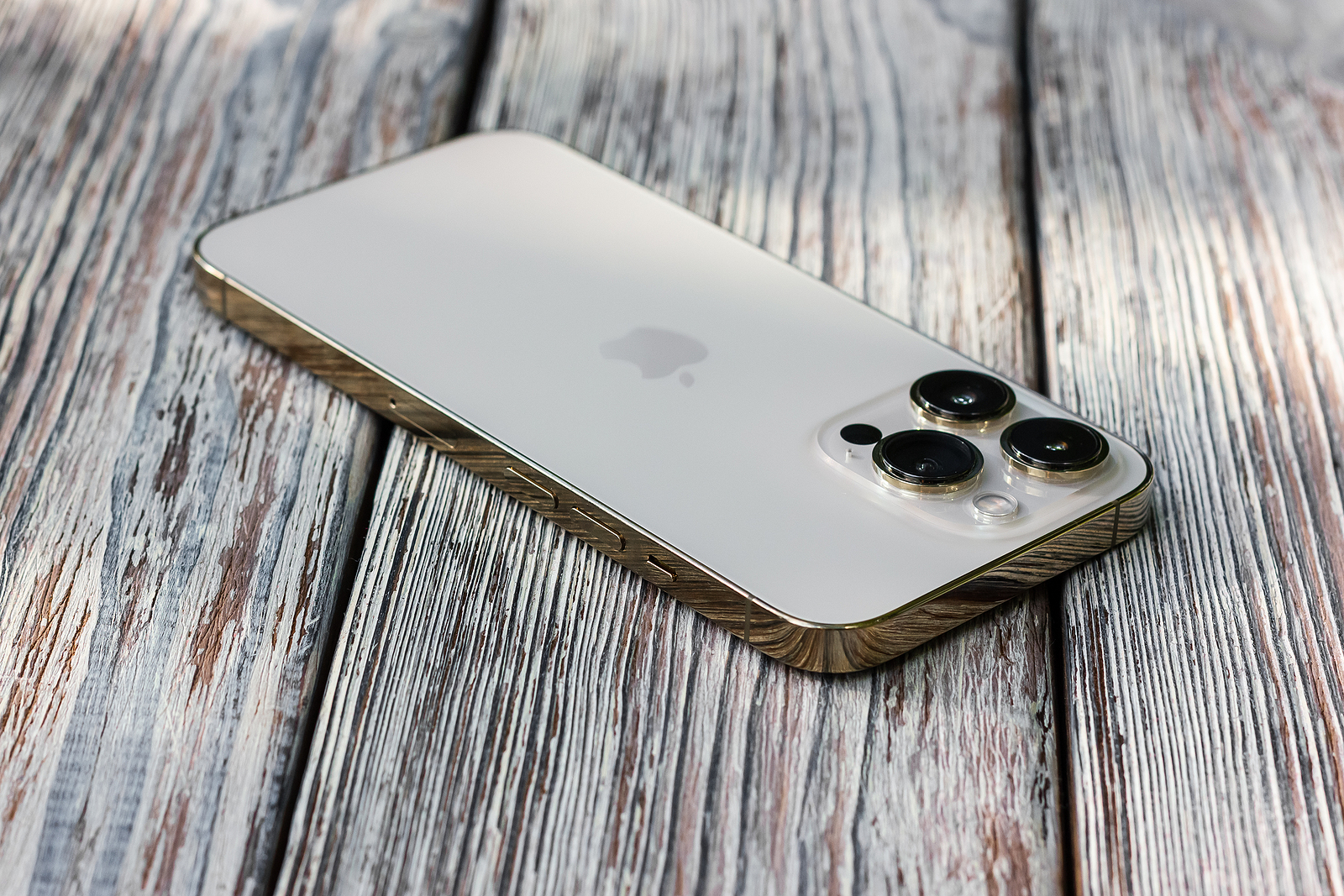
Apple has now made iOS 16.2, iPadOS 16.2, tvOS 16.2, audioOS 16.2 (HomePod), watchOS 9.2 and macOS 13.1 available to all users.
Apple has now, as expected, released a number of new updates, including for iPhone, iPad, Mac, HomePod, Apple TV, and Apple Watch. iOS 16.2 is a major update that adds a number of interesting new features to the iPhone and iPad, the biggest changes of which are described below.
Apple Music Sing
Apple Music Sing is a new karaoke-like feature on the lyrics screen of the Apple Music app that lets you sing along to millions of songs. This feature lets users lower the volume of the vocals in a song and then take on the role of the singer. Apple Music Sing is compatible with devices equipped with an A13 chip or later, including iPhone 11 and later, select iPads, and the latest Apple TV 4K model.
Enhanced data security
iOS 16.2 introduces the optional Advanced Data Protection feature, which, when enabled, extends end-to-end encryption to many additional iCloud data categories, including Messages backups, photos, notes, reminders, voice memos, and more. However, Advanced Data Protection is currently limited to users in the US and will be expanded to the rest of the world in early 2023, according to Apple.
Freeform app
iOS 16.2 includes Apple's new digital whiteboard app, Freeform, on iPhone. The app offers an infinite canvas where you can draw and insert sticky notes, text boxes, shapes, photos, videos, links, PDFs, and more. The app is also available on iPad and Mac. You can collaborate with others in real time using FaceTime and iMessage. Freeform is more useful on iPad because the device supports Apple Pencil, but you can also use a capacitive stylus on iPhone.
Two new widgets for the lock screen
In iOS 16.2, there are two new lock screen widgets for sleep and medication. The sleep widget lets you view your most recent sleep and sleep stages, while the medication widget gives you quick access to your medication schedule.
New options for the Always-On display
Starting with iOS 16.2, you can hide the wallpaper and notifications in Always-On Display mode on the iPhone 14 Pro and iPhone 14 Pro Max. This results in the lock screen having a solid black, minimal look in Always-On mode, similar to Android. The new "Show Wallpaper" and "Show Notifications" toggles can be found in the Settings app under Display & Brightness -> Always On.
Live activities for sports scores via the Apple TV app
iOS 16.2 adds Live Activity support for sports scores via the Apple TV app. This feature allows iPhone users to see live scores for MLB, NBA, and Premier League games at a glance on the Lock screen and in the Dynamic Island on iPhone 14 Pro models. During a Premier League game, for example, the Dynamic Island displays an up-to-date scoreboard with the number of goals scored by each team. To use the feature with an iPhone running iOS 16.2, open the TV app and tap the Follow button for a supported game. According to Apple, the feature is available for NBA and Premier League games for users in the US and Canada, and for MLB games for users in the US, Canada, Australia, the UK, Brazil, Mexico, Japan, and South Korea.
New AirDrop setting
iOS 16.2 replaces the previous "Anyone" AirDrop setting with a limited "Anyone for 10 minutes" option to prevent unwanted requests from strangers. AirDrop now automatically reverts to "Contacts Only" after 10 minutes.
New architecture of the Home app
After updating to iOS 16.2 and opening the Home app, an update to the app with a new architecture is available. According to Apple, the new architecture improves the app's performance, efficiency, and reliability when controlling smart home accessories. This comes after the Home app gained support for Matter accessories in iOS 16.1. (Photo by SashaMagic / Bigstockphoto)
- Satellite emergency call: iPhone 14 feature launches in Germany
- iPhone 14: Share location via satellite using Find My
iOS 16.2 update description
Freeform
- Freeform is a new app for creative work with friends or colleagues on Mac, iPad and iPhone.
- A flexible canvas lets you add files, images, stickies, and more.
- The drawing tools allow you to sketch anywhere on the canvas with your finger.
Apple Music Sing
- A new way to sing along to millions of your favorite songs in Apple Music.
- Fully customizable vocals allow you to duet with the original artist, sing a solo, or mix them together.
- The new, improved, bar-by-bar lyrics make it even easier to follow the music.
Lock screen
- New settings allow you to hide wallpapers or notifications when the Always-On display is enabled on the iPhone 14 Pro and iPhone 14 Pro Max.
- With the sleep widget you can view your recent sleep data.
- The Medication widget lets you view reminders and quickly access your schedule.
Game Center
- SharePlay support in Game Center for multiplayer games, so you can play with the people you're on a FaceTime call with.
- With the Activity widget, you can see what your friends are playing and what they are achieving in games right on your home screen.
Apple TV
- With the Live Actions app for Apple TV, you can follow your favorite teams with live scores right on your lock screen or in Dynamic Island on iPhone 14 Pro and iPhone 14 Pro Max.
Home
- Improved reliability and efficiency of communication between your smart home accessories and Apple devices.
This update also includes the following improvements and bug fixes:
- Improved search in Messages lets you find photos based on their content, such as a dog, car, person, or text.
- The Turn off Hide IP address setting allows iCloud Private Relay users to temporarily disable the service for a specific website in Safari.
- News articles in Weather display information about the weather at that location.
- Participant cursors in notes allow you to see live indicators when others make updates in a shared note.
- AirDrop now automatically switches back to Contacts Only after 10 minutes to prevent unwanted requests to receive content.
- Accident detection optimizations on iPhone 14 and iPhone 14 Pro.
- Fixes an issue that causes some notes to not sync to iCloud after updates.





