

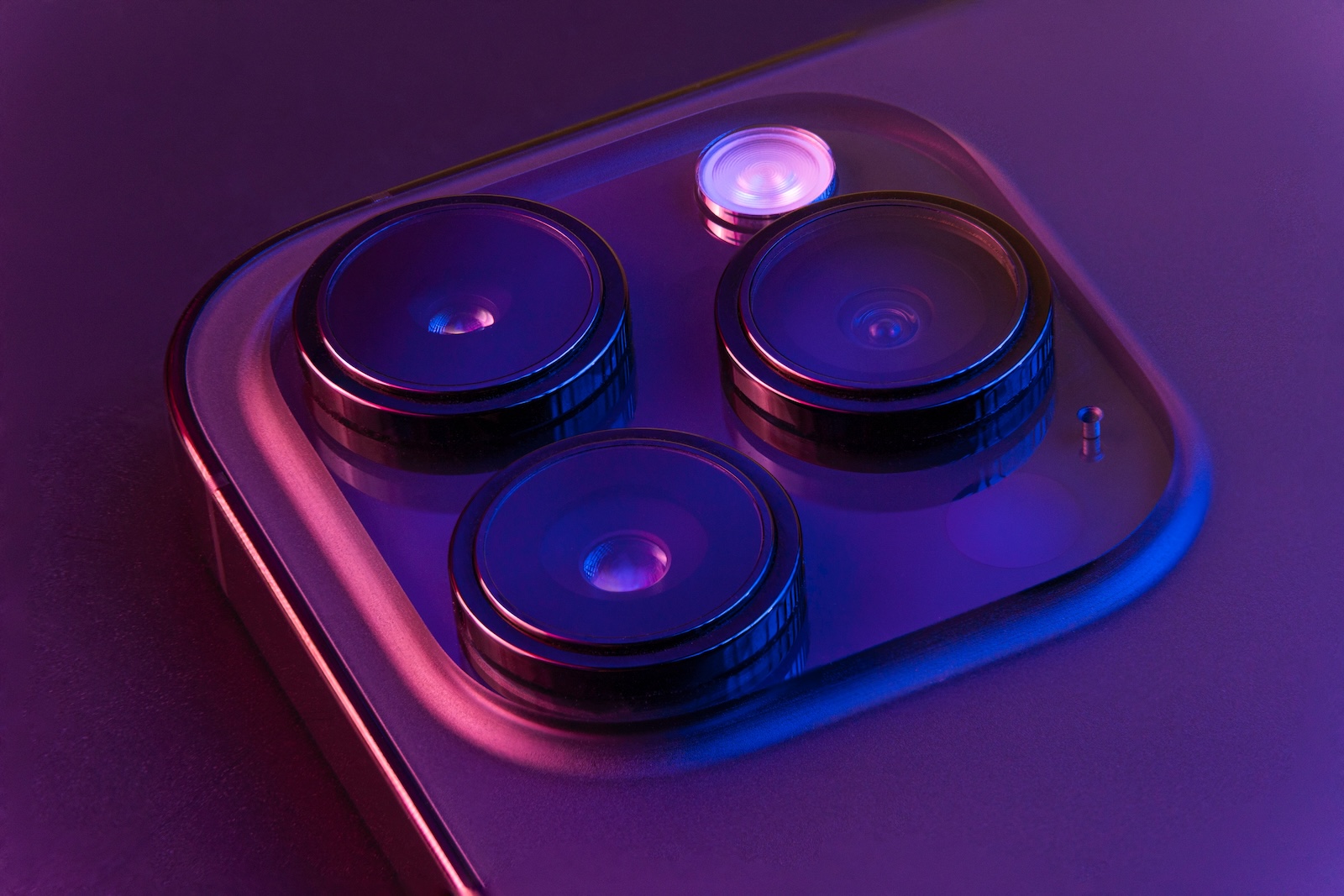
If you regularly take photos with your iPhone, you know the limitations of your smartphone camera all too well. Overexposed areas, muddy zoom images, or artificially smoothed faces are often part of everyday life. Adobe wants to change that with a new project. The app is called Project Indigo and was developed specifically for the iPhone. The goal is to make smartphone photos appear more natural and significantly improve image quality – without requiring much post-processing.
Project Indigo is the brainchild of Adobe Fellow Marc Levoy and Senior Scientist Florian Kainz. Both have been working with computational photography for years. In a recent research report, they present the idea and implementation of the project. Their goal is clear: to make photos on the iPhone look as if they were taken with a DSLR camera—natural, rich in detail, and without any visible software tricks.
Indigo underexposes and combines up to 32 shots
The Indigo camera app differs significantly from the standard iPhone camera or other apps. While most applications rely on strong individual exposures, Indigo takes the opposite approach. The app intentionally uses lower exposures and captures up to 32 individual images of a scene. These are then aligned and combined into a single image. According to the developers, this offers several advantages. The photos have fewer overexposed areas, image noise in dark areas is reduced, and natural textures are better preserved. There is less anti-aliasing, as is common with other smartphone cameras. The result appears more authentic.

Global tone adjustment is avoided
Another area that Indigo improves is exposure control. Many smartphone cameras focus on the brightest point in the image when taking a photo. This results in brighter elements being correctly exposed, while the rest of the image is too dark. This is particularly difficult to correct later in images not in RAW format. Indigo takes a different approach here, using a more consistent exposure method that allows for more flexible post-processing.
Super resolution through multiple zoom levels
Smartphones like the iPhone don't have a true optical zoom lens. This means that digital zooming uses only a small area of the sensor – and image quality suffers significantly. Indigo solves this problem with a technology called Multi-Frame Super Resolution. It captures multiple images at different zoom levels and combines them to create a high-resolution image with more real detail than a single photo. According to the developers, this isn't artificially generated content, but real image information from different angles. The additional resolution is achieved through clever combination, not by subsequent extrapolation.
Manual control over all camera settings
Another plus point: Indigo offers extensive manual control options. You can adjust focus, ISO, shutter speed, exposure compensation, and white balance (with separate controls for temperature and color tone) directly in the app. This is more familiar from professional programs like Lightroom. You can also specify how many individual shots Indigo should take for each photo. This lets you decide whether you prefer a faster photo with more noise or a slower-shot image with better quality.
Real-time preview and new photography options
The developers are planning another feature for the future that should please many iPhone photographers: the finished image will be visible in the preview before you take the shot – a kind of "what you see is what you get". This will allow you to specifically influence the result while you are taking the photo. For example, you can create a darker image by simply darkening the preview instead of changing the exposure time. Or you can specifically lighten shadow areas without overexposing the entire scene. Indigo will also be able to perform complex techniques directly in the camera – such as removing reflections on objects behind glass or plastic. Such functions were previously only possible with extensive post-processing.
Indigo as a test bed for new Adobe technologies
Project Indigo is more than just a camera app. Adobe sees the project as a platform for new technologies that could later be used in larger products like Lightroom. The app is currently available for free in the App Store and is aimed at anyone who wants to get more out of their iPhone camera.
Project Indigo brings professional quality to the iPhone
Adobe Project Indigo brings features to your iPhone that were previously only available to professionals. Clever combinations of multiple shots, targeted exposure control, and innovative zoom techniques create photos that stand out significantly from standard shots. Those willing to wait a few seconds longer for a finished image will be rewarded with visibly better results. The app is free and worthwhile for anyone who wants to take their iPhone photos to the next level. (Image: Shutterstock / Diego Thomazini)
- Haptic Touch on iPhone too slow? This solution helps
- iOS 26: Create your own ringtones – without GarageBand
- Setting up a HomePod stereo pair: How to do it in 5 steps





