

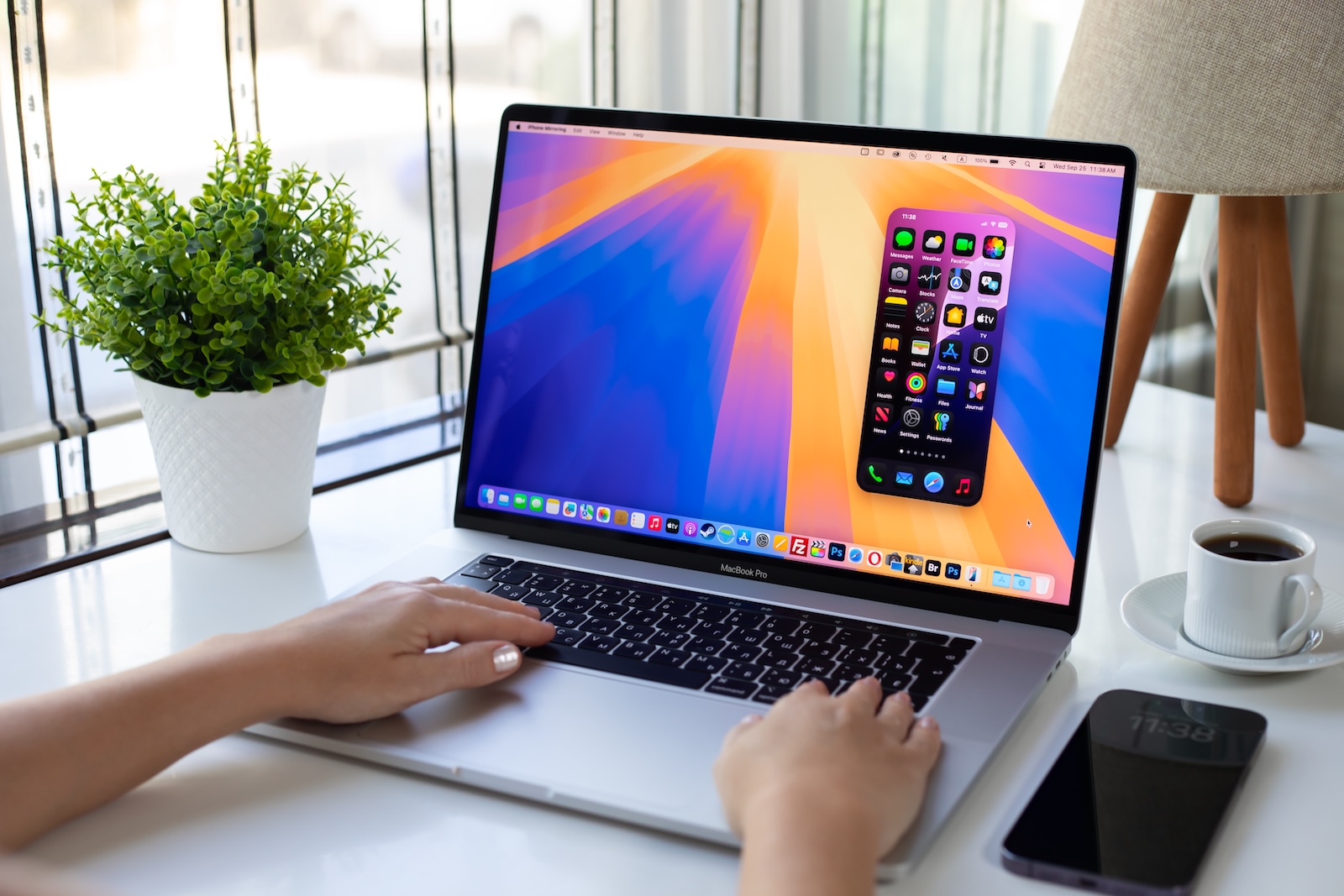
In June, Apple will unveil the new macOS 16 at WWDC 2025—along with iOS 19 and iPadOS 19. It's already clear in advance: Apple is working on a new, cross-platform design approach. For macOS, this will likely mean a visual redesign, similar to Big Sur in 2020. Back then, the redesign was so comprehensive that it immediately sparked speculation about a touchscreen future for the Mac. Now, it looks like Apple is moving in that direction again.
macOS Big Sur was a turning point in the design of Apple's desktop operating system. Larger buttons, more spacing between UI elements, a new symbol language – the update wasn't just cosmetic. Many users and observers interpreted it as a step toward touch operation. Even though Apple denied this at the time, the parallels to iOS and iPadOS were obvious. macOS 16 appears to continue in exactly that vein. It's about a consistent user experience across all Apple devices – possibly with more ulterior motives than Apple publicly admits.
macOS 16 relies on a unified platform design
Apple wants to bring macOS, iOS, and iPadOS closer together in terms of design. The design language should be more consistent, regardless of whether you're working on a MacBook, iPhone, or iPad. For macOS 16, this likely means a redesign of the user interface – similar to the one in Big Sur. Elements like buttons, window bars, and menus could be larger, airier, and cleaner to better match the touch-oriented style of iOS and iPadOS.
Big Sur was the first step – macOS 16 could be the next
When Apple introduced Big Sur in 2020, it quickly became apparent that many UI elements were spaced further apart. This seemed unnecessary for mouse operation – but made perfect sense for touch operation. Rumors immediately began churning: Is Apple preparing touchscreen Macs? Shortly after the release, Apple gave interviews in which Craig Federighi dismissed the speculation. He argued that the design was simply the result of the logical evolution of macOS – inspired by Retina displays, iPads, iPhones, and modern aesthetics. But for many, this didn't sound entirely convincing. The suspicion remained that Apple wanted to at least keep the option of touch open.
Touch Macs: Theory or real planning?
Five years later – with the imminent launch of macOS 16 – the topic is back on the agenda. The new design will most likely once again include elements suitable for touch operation. At the same time, there are initial indications that the hardware will follow suit: Speculation is rife that the MacBook Pro could debut with a touchscreen in 2026. If that's true, macOS 16 would lay the groundwork for this – visually and functionally. Even if Apple officially says that touch isn't planned, the design evolution tells a different story. And even if everything develops like it did with Big Sur – that is, visually closer to iOS, but without touch functionality – the debate remains alive.
macOS 16: Visually new, strategically open
You can expect a cleaner, more modern look, more reminiscent of iOS and iPadOS than before. The user interface is likely to be more clearly structured and follow similar design principles across platforms. Apple wants to create a consistent experience, no matter which device you're working on. At the same time, the new design reopens the discussion about the future of the Mac—especially when it comes to touchscreen functionality. Whether macOS 16 will actually pave the way for touch-sensitive Macs is still uncertain. But all signs point to Apple at least paving the way—consciously or subconsciously. Your accessories, your choice—in our Amazon Storefront You'll find a wide selection, even for HomeKit enthusiasts. (Image: Shutterstock / DenPhotos)
- Apple Intelligence 2.0: More AI, more Siri, more control
- iPhone Fold: Why Apple's foldable phone is ahead of the competition





