

apple patient
  • Home
  • News
  • Rumors
  • Tips & Tricks
  • Reviews
  • Insights
No Result
View All Result
  • iPhone 18
  • iOS 27
  • iPadOS 27
  • macOS
  • MacBook Neo
  • iPhone 17e
  • AirTags
  • iOS 26
  • iPhone 17
  • MacBook Pro
  • iPadOS
  • iMac
  • Mac mini
  • HomePod
  • Apple TV
  • iPad Pro
  • iPhone Air
  • Apple Vision Pro
  • iPhone 16
  • AirPods 4
  • Apple Watch Ultra
  • HomePod Mini
  • MacBook Air
  • iPad
  • AirPods Max
  • AirPods Pro 3
  • Apple Watch Series 3
  • Mac Studio
  • Studio Display
  • iPad Air
  • iPad mini
  • watchOS 27
  • Apple CarPlay
  • Apple Pay
  • watchOS 26
  • Home
  • News
  • Rumors
  • Tips & Tricks
  • Reviews
  • Insights
No Result
View All Result
apple patient
No Result
View All Result

WWDC 2020: Apple introduces macOS 11 Big Sur

Milan Jovicic by Milan Jovicic
22. June 2020 - 21:56 CEST
in Apple News
0
Image: Apple

Image: Apple

WhatsAppFacebookEmail
Threads

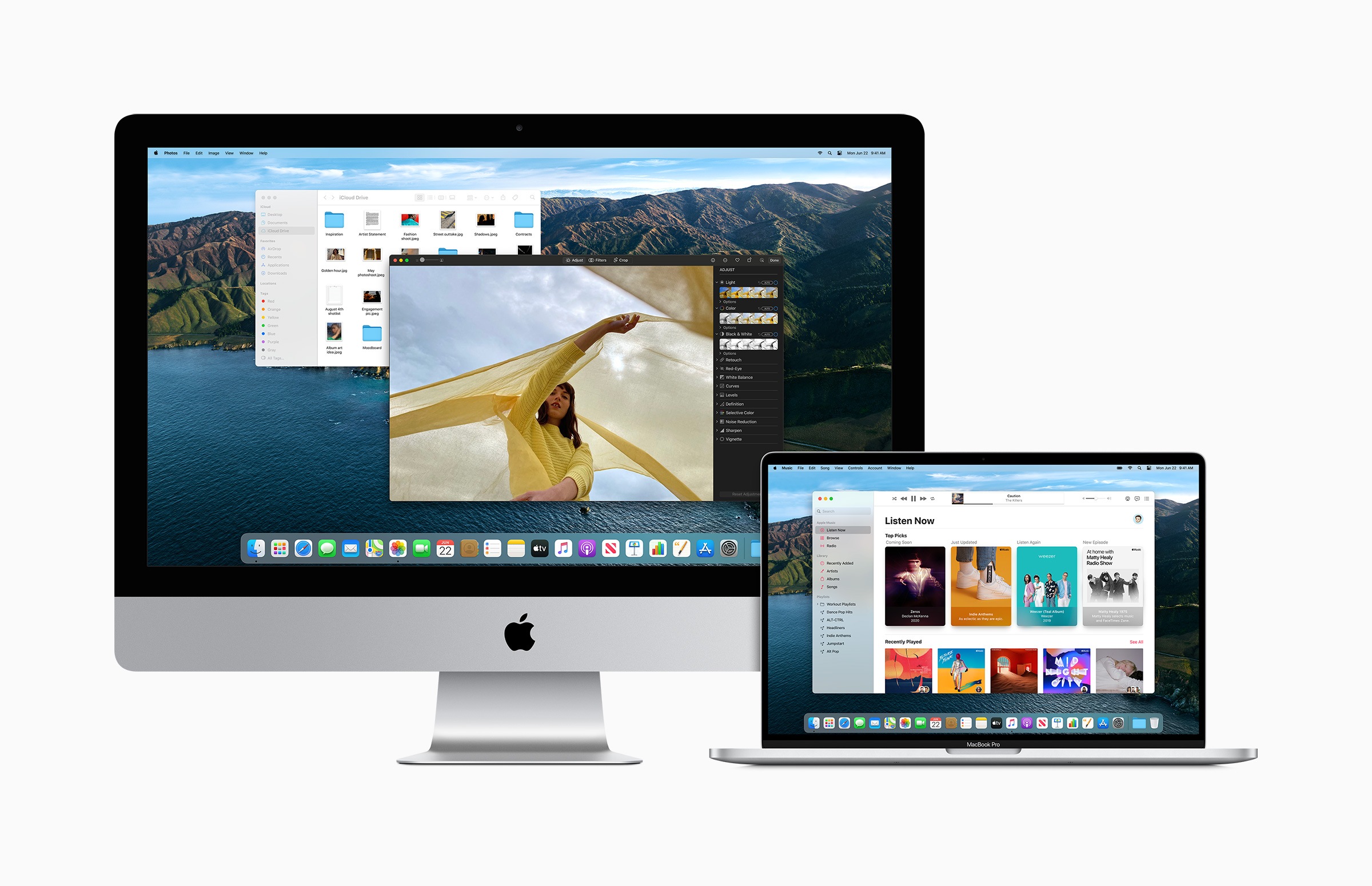
Apple has now officially kicked off this year's WWDC 2020 and introduced the next big Mac operating system as part of the digital keynote - macOS 11 Big Sur.

Contrary to expectations, macOS 10.16 is officially becoming macOS 11 Big Sur. As part of the update, the UI has been redesigned, bringing it more closely in style to iOS. The statement reads:

Apple today previewed macOS Big Sur, the latest version of the world's most advanced desktop operating system. macOS Big Sur introduces a beautiful redesign that's completely new yet instantly familiar. Safari is packed with new features, including a customizable start page, elegantly designed and more powerful tabs, fast and easy translation, and a new privacy report. The updated iMessage application lets Mac users send and receive more personal and meaningful messages, as well as easily keep track of group messages and interact within group messages. Maps also offers an entirely new experience with immersive features for exploring and navigating the world.

macOS 11 Big Sur with widgets system and more

There are many small animations that make macOS Big Sur so special. Translucency has been significantly improved and the application icons in the dock now resemble their iOS counterparts. In addition, the Control Center is coming to the desktop for the first time. It offers quick access to brightness and volume, for example. The Notification Center has also been adapted to that of iOS and now has the same skills - such as grouping messages. The widget system introduced in iOS 14 will also be available in macOS 11 Big Sur. Both iMessage and the Maps app have been updated as part of this. Mac Catalyst is getting new features, including native screen scaling and updated controls. This should help Mac Catalyst applications to fit better into the platform.

Safari receives the biggest update in history

Under macOS 11 Big Sur, Safari is getting one of the biggest updates in history - according to Apple. This includes new features in iCloud Keychain, updates to application extensions and improved privacy options. Users can now set a background for the home screen, integrated translation and new tab management features. Similar to iOS 14, users can also use Apple's new translation service.
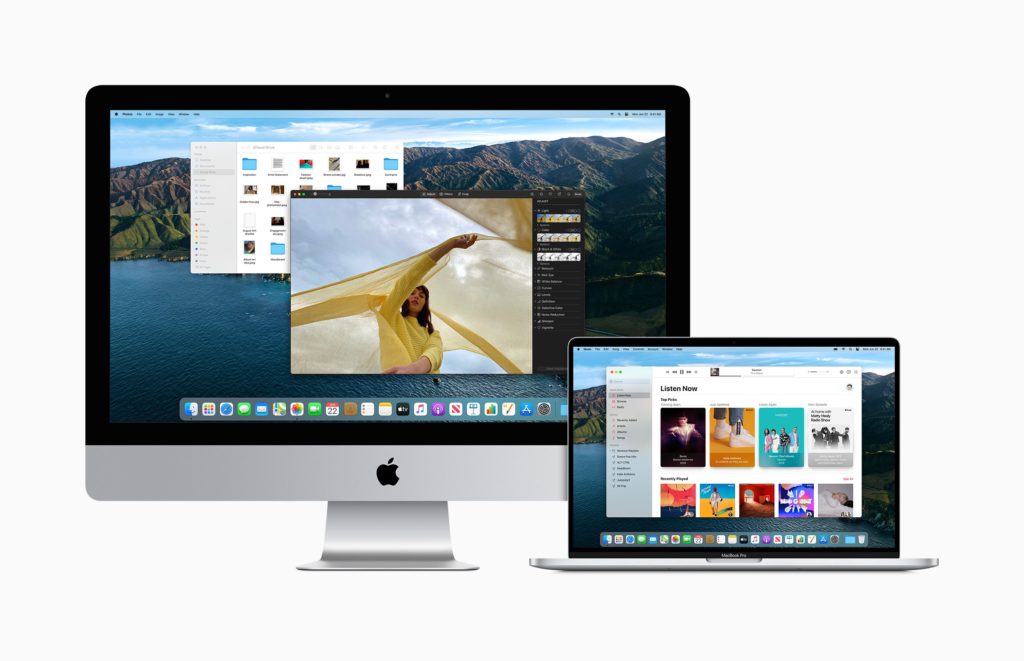
Image: Apple
Image: Apple

Compatibility

Finally, you will find a list of all Macs that are compatible with macOS 11 Big Sur. 

  • 2015 and later – MacBook
  • 2013 and later – MacBook Air
  • 2013 and later – MacBook Pro
  • 2014 and later – Mac mini
  • 2014 and later – iMac
  • 2017 and later – iMac Pro
  • 2013 and later – Mac Pro

The first beta version is available to developers now. The public preview of Big Sur will be released next month. (Image: Apple)


  • WWDC 2020: Apple introduces iOS 14 / iPadOS 14
  • WWDC 2020: Apple introduces watchOS 7
Make Apfelpatient a preferred source One click – and you'll see us more often on Google
Was this article helpful?
YesNo
Tags: macOSmacOS 11 Big Sur
SendShareSend
Share

Our Amazon Storefront

A handpicked selection of products for iPhone, Mac and more – sorted by topic and updated regularly.

Shop Now

This post contains affiliate links (including Amazon). We earn a small commission on qualifying purchases – at no extra cost to you. Learn more on our Partner Program page.

Previous Post

WWDC 2020: Apple introduces watchOS 7

Next Post

WWDC 2020: Apple introduces tvOS 14

Milan Jovicic

Milan Jovicic

Milan founded Apfelpatient in 2016 and has been responsible for all editorial content since 2018 — news, rumors, guides, and product reviews. Apple devices here are not test units on loan for two weeks but everyday tools: from the iPhone through MacBook Pro, MacBook Air, and iMac to the Apple Vision Pro, at least one device from nearly every product category is in daily use, many of them replaced annually. Every menu path in a guide is verified on the device before it is published.

The iPhone 17 lineup in five colors seen from the back, whose successor is expected to adopt the smaller iPhone 18 Dynamic Island from the Pro models

iPhone 18: Smaller Dynamic Island already in the base model

August 12, 2026 - 8:13 PM CEST
Drawn outline of the folded iPhone Ultra with square corners on the hinge side and rounded corners opposite, matching the leaked iPhone Ultra screen protectors

iPhone Ultra: Screen protectors reveal the camera position

August 12, 2026 - 3:58 PM CEST
Glass panel set into the aluminium frame on the back of an iPhone 17 Pro Max in Cosmic Orange, whereas the iPhone 20 glass design is said to wrap the glass around the edges

iPhone 20: Glass design is not supposed to be scrapped after all

August 12, 2026 - 2:50 PM CEST

About APFELPATIENT

APFELPATIENT brings you the latest Apple news, product updates, guides, reviews and tips across the entire Apple ecosystem — from the iPhone to the Mac to the Apple Vision Pro. From the first rumors to confirmed news: researched responsibly.

Follow Apfelpatient

Facebook Instagram YouTube Threads Threads

Company

  • About Apfelpatient
  • Contact
  • Author Profiles

Community

  • Netiquette
  • Push Notifications
  • RSS feed

Legal

  • Legal Notice
  • Privacy Policy
  • Terms of Use
  • Cookie Settings
  • Affiliate Program

Resources

  • Sitemap

© 2026 Apfelpatient. All rights reserved.

No Result
View All Result
  • Home
  • News
  • Rumors
  • Tips & Tricks
  • Reviews
  • Insights

© 2026 Apfelpatient. All rights reserved. Page Directory

Change language to Deutsch


