

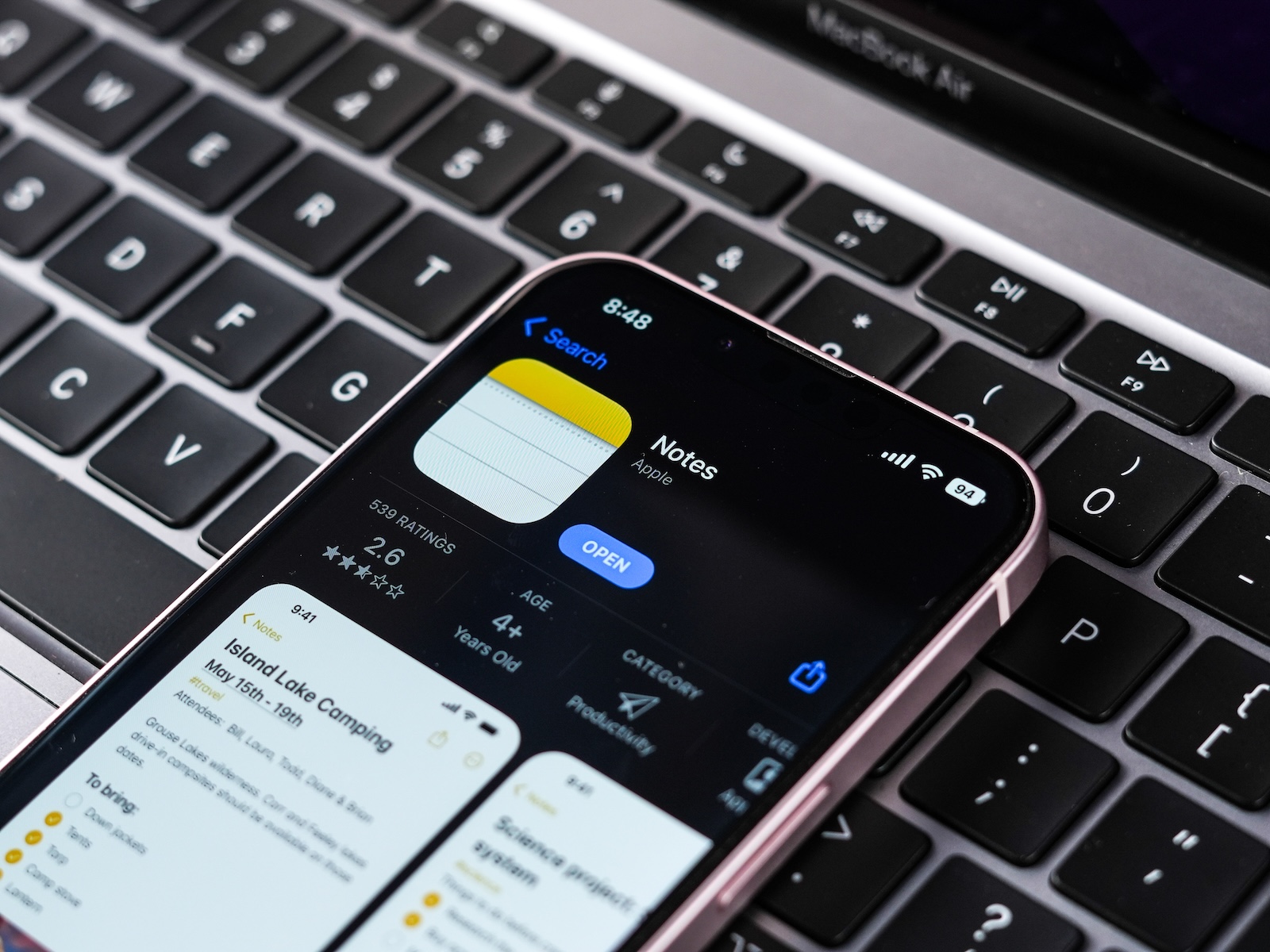
Apple Notes is one of the most frequently developed apps in the Apple ecosystem. iOS 26 also brings several new features. Some are immediately noticeable, others are more functional. In this overview, you'll learn exactly what's changing—and what it means for your everyday life.
With iOS 26, Apple is breathing new life into the Notes app. The update delivers visual improvements, new tools, and the first AI features. Users who rely on Markdown or work with the Apple Pencil also get new options. The app remains simple but becomes more versatile.
New design with Liquid Glass
The most noticeable change is the design. With iOS 26, Apple introduced the so-called Liquid Glass design. This gives the app a more modern look, while retaining its familiar basic structure. The elements appear more transparent and more refined.
- The user interface has been redesigned, buttons are rearranged and appear tidier
- The search function is now placed at the bottom of the screen, making it easier to access
- The toolbar in Notes can be scrolled horizontally, which is especially useful on the iPhone
- Line spacing has been optimized to improve readability
- The app icon has also been updated
The changes primarily affect the appearance and user experience, not the basic operating logic.
Markdown import and export
Also new is Markdown support—at least partial. You can now export notes as Markdown files or import Markdown files. However, the Markdown syntax itself is not automatically formatted when you insert it.
- Export is done via the new sharing menu
- Import works via the same menu or via the menu bar on the iPad
- When you copy Markdown text into a note, it remains in plain text – no conversion or highlighting
Markdown was originally developed as a format for web authors. It's easy to write, highly readable, and converts to HTML. This feature is helpful if you publish on the web or work extensively with structured text.
New tool: Reed pen
Anyone using the Apple Pencil will get a new tool with iPadOS 26: the Reed Pen. This is a calligraphy tool that functions like a traditional quill pen. The stroke angle is fixed, creating a unique line when writing.
- Works with Apple Pencil, but also on the iPhone with finger control
- Suitable for handwritten notes, sketches or simply beautifully designed texts
- Part of the tool palette in the Notes app
This new tool can be particularly interesting when using the app creatively.
Image Playground and AI image features
The Image Playground was already integrated into Apple Notes with iOS 18.2. It's being further developed with iOS 26—although not yet fully integrated into the Notes app itself.
- The Image Playground contains image editing tools powered by Apple Intelligence
- In the beta of iOS 26, the function is not yet directly visible in Notes
- Only the existing image styles such as animation, illustration and sketch from iOS 18 are available
- New AI features such as image generation in anime style or based on text descriptions are currently only available in the separate Image Playground app
iOS 26 takes Apple Notes to a new level
Apple Notes continues to evolve with iOS 26. The app remains easy to use, but offers more design options and better tools for different user needs. The new design with Liquid Glass provides a more modern look, Markdown support makes working with structured text easier, and the new reed stylus expands the creative tools. The AI features in Image Playground are exciting, but not yet fully integrated. It remains to be seen whether Apple will integrate them directly into the Notes app during the beta phase. If you're using iOS 26, it's definitely worth checking out the new version of Apple Notes. The best products for you: Our Amazon Storefront offers a wide selection of accessories, including those for HomeKit. (Image: Shutterstock / sdx15)
- iOS 26 explained: Why iOS 18 will not be followed by iOS 19
- iOS 26: These features are only available on new iPhones
- iOS 26: Apple Maps becomes more personal and intelligent
- iOS 26: When will the new update for the iPhone be released?
- iPadOS 26 is ready for the upcoming 18.8-inch iPad Fold





