

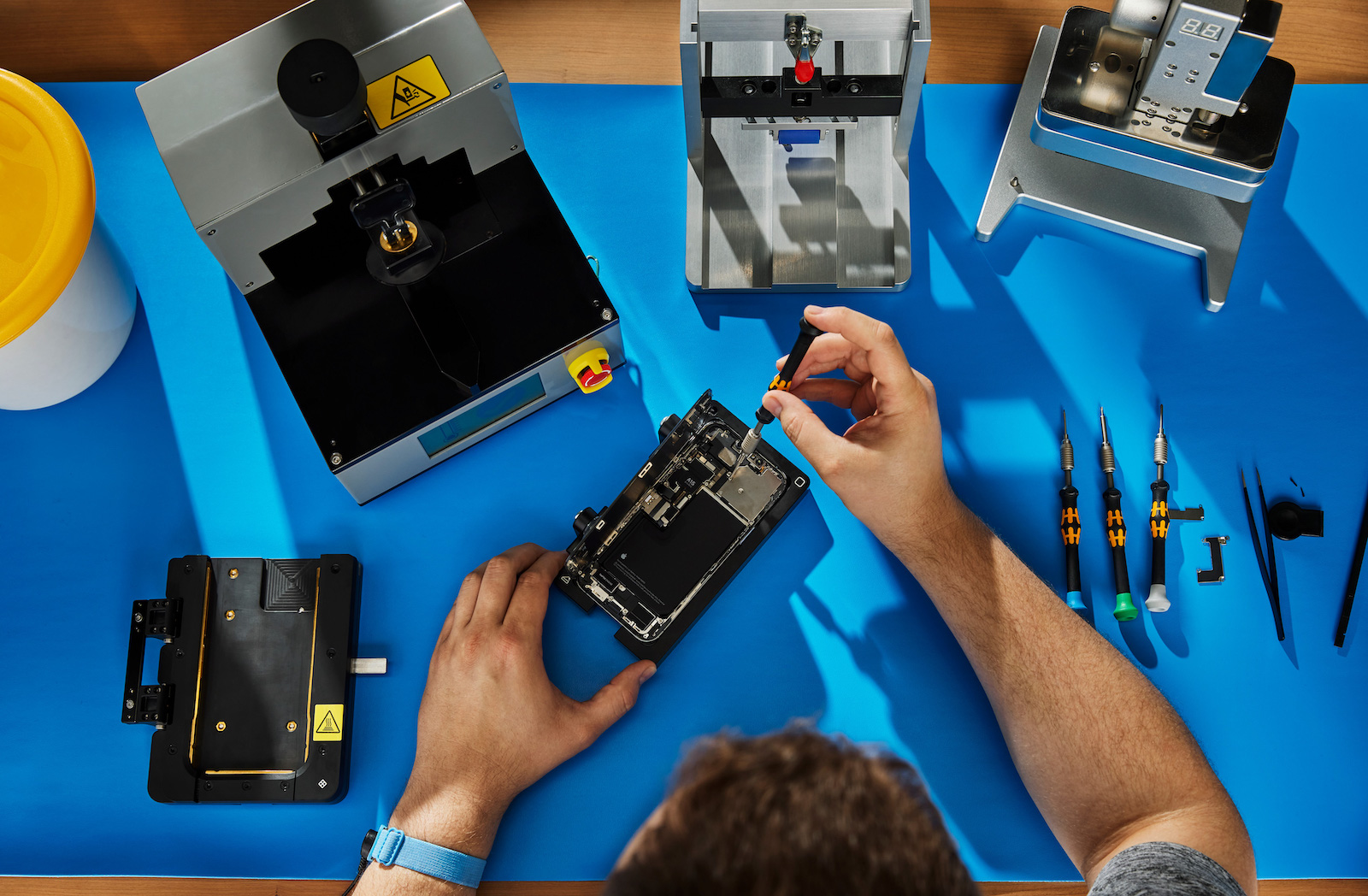
With iOS 18, Apple introduced a new feature: the Repair Assistant. This allows you to configure original Apple replacement parts after a repair and ensure that your iPhone is working properly. This includes components such as the display, battery or camera.
Repair Assistant is part of Apple's efforts to encourage the use of genuine replacement parts and ensure a smooth repair experience. The feature aims to ensure that your iPhone functions as if it were never broken after a part is replaced. However, this is only possible with Apple-certified replacement parts. The idea behind it is simple: By configuring the iPhone using Repair Assistant, full functionality is restored after a repair.
How to use the Repair Assistant
The Repair Assistant helps you configure original Apple parts after a repair. For example, if you have installed a new display, the assistant ensures that functions such as True Tone or automatic brightness are set up correctly. Even if the battery is changed, the assistant ensures that the battery status indicator works as usual.
Supported Parts
The Repair Wizard can work with various components, including:
- Displays: Configuring display settings
- Batteries: Ensuring correct status indications
- Cameras: Adjusting camera settings
- Other original parts: The repair assistant generally supports all Apple-certified parts.
How to find the Repair Assistant
If you have iOS 18 installed and a part can be configured, the Repair Assistant will appear under Parts & Service in the About section of Settings. You can launch it and go through the configuration process. However, if you haven't performed a repair or the appropriate replacement parts weren't used, you won't see this section.
Retroactive configuration
If you had an original Apple part, such as a battery, installed by a third party before the introduction of iOS 18, you can now configure this part retrospectively using the Repair Assistant. This ensures that all functions work as intended.
activation lock for parts
With the introduction of the Repair Assistant, Apple has also expanded the activation lock for parts. This is intended to prevent stolen iPhones from being disassembled into their individual parts and sold. A part is only fully functional if it is correctly configured.
Maximum functionality and protection through the repair assistant in iOS 18
The Repair Assistant in iOS 18 is a useful addition for iPhone owners who use genuine Apple parts. It ensures that everything runs smoothly after a repair and offers you the option to configure your iPhone yourself. This feature is particularly useful for older repairs that already used genuine parts. This allows you to ensure your iPhone is working optimally without having to visit an Apple Store. The Repair Assistant currently supports models from iPhone 12 onwards and is easily found in Settings as soon as a configurable part is detected. This allows Apple to create more flexibility in the use of genuine parts while also protecting against the misuse of stolen components through Activation Lock. Looking for new accessories? Visit our Amazon Storefront – there you'll find a wide variety of products from leading manufacturers, including products for HomeKit and more! (Image: Apple)
- iOS 18 adds practical new features to iCloud Mail
- iOS 18: All new features of the Maps app at a glance
- iOS 18 Passwords App: Features and Benefits
- iOS 18 Update: What's new in Safari?
- iOS 18: All new features for the Reminders app at a glance
- Apple Maps in iOS 18: All new features at a glance
- iOS 18: All new features of the Wallet app at a glance
- Apple Music: These new features await you with iOS 18
- iOS 18: These are the new features in Apple Notes
- iOS 18: All new features of the Messages app at a glance





