

With the release of iOS 18, Apple is bringing some exciting new features to the Messages app. At this year's WWDC keynote, several significant improvements were announced that will improve your messaging experience. From improved Tapbacks and scheduled sending to new text formatting and RCS support, here's everything you need to know about the new features in iOS 18.
Apple's Messages app has been an indispensable communication tool for iPhone users for years. With iOS 18, Apple is introducing numerous improvements that not only expand functionality but also significantly improve the user experience. This article gives you a comprehensive overview of all the new features and how they can enrich your everyday life.
Emoji Tapbacks and new Tapback designs
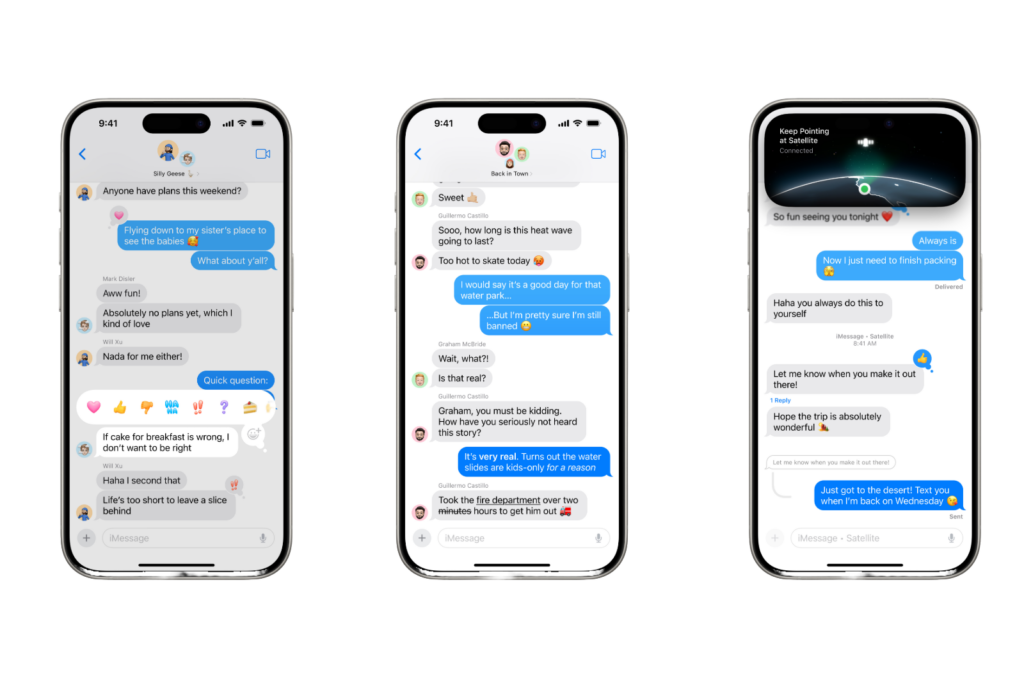
Tapbacks have been unchanged on iPhone for years, but in iOS 18 they are finally getting a big improvement. You can now use any emoji as a Tapback for messages. The days of being limited to a handful of Tapback reactions are over. Whether it's an eye emoji, a puke emoji, or another emoji, the choice is yours. If the emoji options aren't enough for you, you can also use stickers as Tapbacks. Swiping left across the initial Tapback options lets you quickly access your most used emojis and stickers. Plus, classic Tapbacks like the thumbs up or heart are getting color and new designs in iOS 18 to better fit in with the wide range of new Tapback options.
Schedule messages for later
We've all had the wish to send a message later. In iOS 18, that will finally be possible. You no longer have to ask Siri to remind you to send something later, you can just schedule it yourself. If you're preparing a message and don't want to send it right away, you can choose a later day and time for it to be sent automatically. You can find the option by pressing the + button on the left side of the screen and selecting the new "Send Later" option.
text formatting and special effects
With iOS 18, Apple finally brings text formatting options to the Messages app. You can customize the formatting of words in your message and choose between four standard formatting styles: bold, italic, underline, and strikethrough. Additionally, there are eight great special effects that can be applied per character, including uppercase, lowercase, shake, nod, explode, ripple, bloom, and jitter.
RCS support
Apple had already announced that it would support RCS in 2024, and this was confirmed at WWDC. RCS is a newer, more powerful text messaging protocol that serves as the successor to SMS and MMS. With RCS support in iOS 18, Apple is making your conversations with Android users more reliable than before. Your Blue Bubble conversations won't change, but in group chats with Android users, the experience will be better for everyone.
Further innovations
Genmoji
Genmoji is another exciting new feature that you can use in conversations with friends and family. These AI-generated emojis offer endless possibilities for future emoji communication.
Image Playground
The new Image Playground tools for creating AI images in different styles will also be integrated into the Messages app. This feature will launch later this year along with other Apple Intelligence features.
Messages via satellite
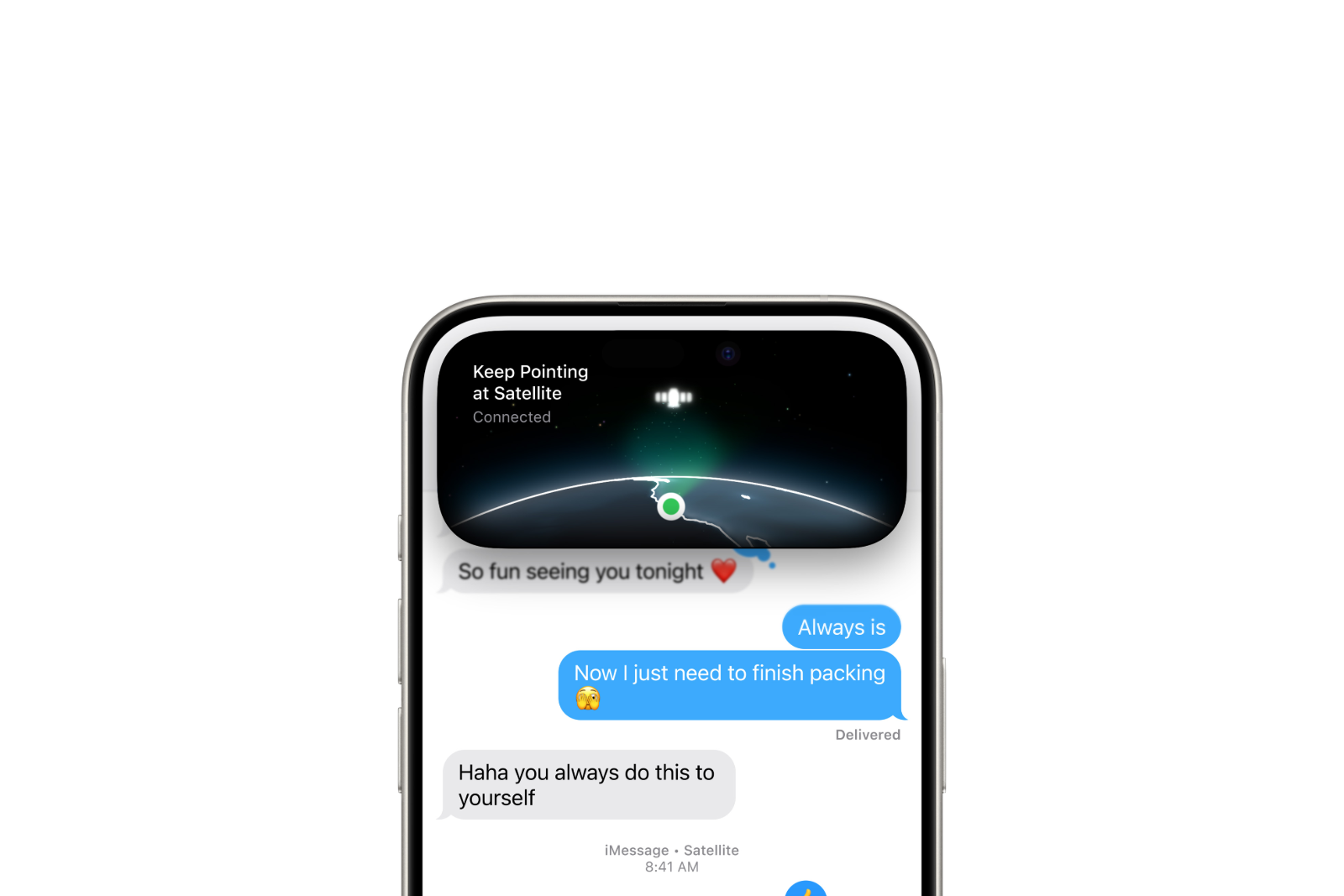
Messages in iOS 18 also supports the new Messages via Satellite feature, which is designed to help you in situations where you don't have access to a WiFi or cellular connection.
iOS 18: More than just an update for your messaging app
Messages in iOS 18 offers a variety of new tools and features that are sure to be used frequently. While the core of the app remains the same, Apple has incorporated improvements that will greatly benefit you personally. With the new emoji Tapbacks, the ability to schedule messages for later, new text formatting, RCS support, and much more, your messaging experience will be taken to a new level. Prepare to take full advantage of the new features of iOS 18 and make your communication even more versatile and engaging. Looking for new accessories? Then check out our Amazon Storefront – there you'll find numerous products from leading providers, including products for HomeKit and more! (Image: Apple)
- iOS 18: How to use the redesigned iPhone flashlight
- iOS 18: All new features of the Wallet app at a glance
- Apple Music: These new features await you with iOS 18
- Apple Intelligence sets new standards in data protection
- iOS 18: These are the new features in Apple Notes





