

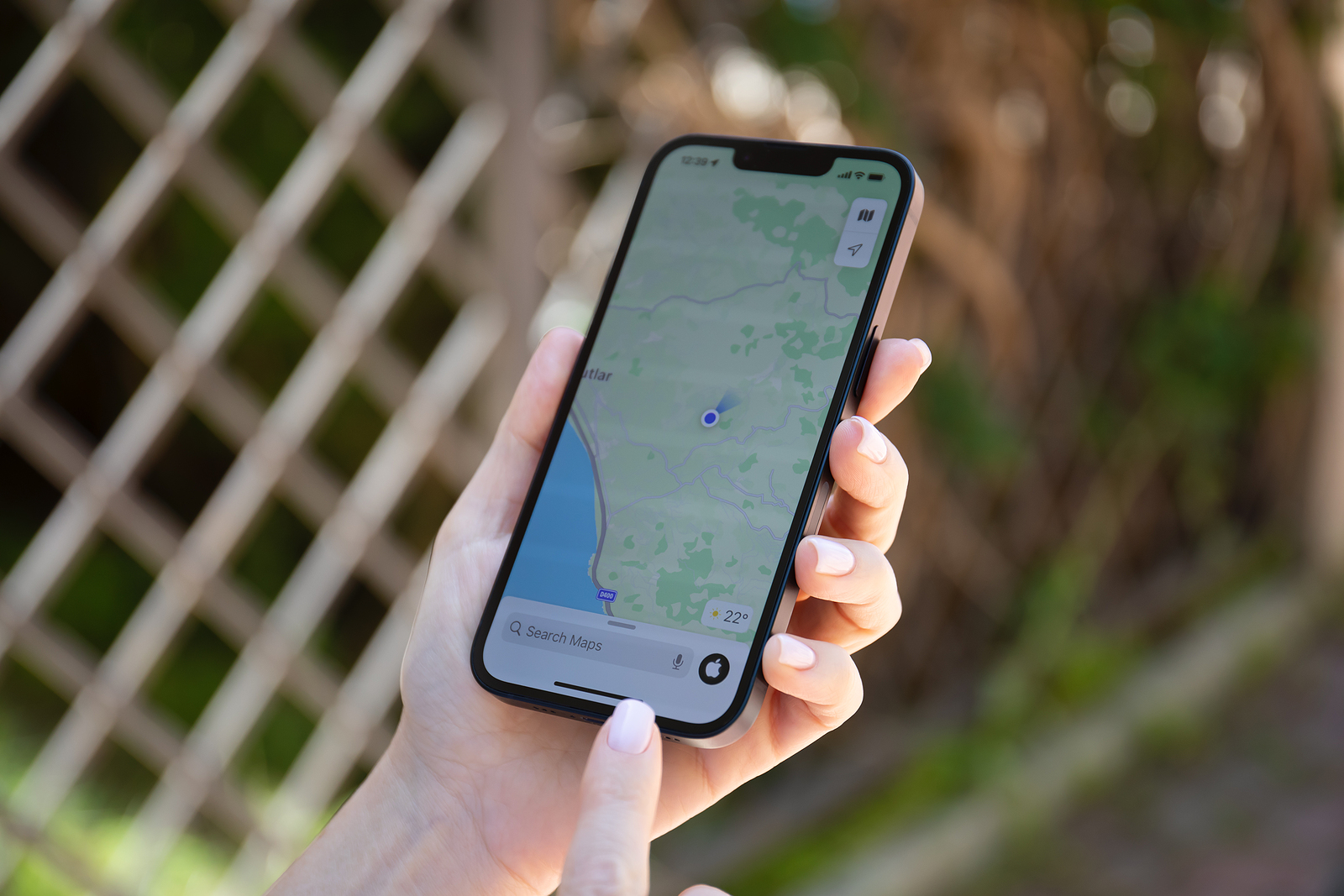
iOS 18 brings a wealth of new features for iPhone users, including improved Siri and Apple Intelligence, as well as extensive updates for system apps like Notes, Reminders, and Photos. Apple Maps has also been included. Here you can find out all about the new features and improvements that await you this fall.
Apple Maps has evolved significantly since its launch and now offers a wide range of features that go far beyond simple navigation. With iOS 18, Apple Maps is even more user-friendly and powerful. Whether you travel frequently, love hiking, or just want to explore new places - the new features of Apple Maps have something for everyone. The most important new features are presented in detail below.
"Saved Places" feature
The "Saved Places" feature in iOS 18 builds on the existing "Guides" feature and makes it easier than ever to save and manage interesting places. With a quick tap on the "+" button in a map entry, you can save places that you want to find again later.
- Accessible via the Library menu: You can find your saved places in the new Library menu, along with your guides, pinned places, and more.
- Automatic integration: Any places you have previously saved in any way will automatically be added to your new saved places.
- Sorting and display options: You can sort your saved places by date added, name, or distance and view them in a list or grid.
- Adding new places: You can add new places directly from the media library.
Personal notes for saved places
Another highlight is the ability to add personal notes to your saved places. These notes will be displayed every time you access the location's map list.
- Save useful information: Notes are ideal for recording important reference information about a specific location.
- Practical application: This function proves to be extremely useful in practice.
Individual running routes
Sometimes the routes suggested by Apple don't match your expectations. With iOS 18, you can now create your own walking routes.
- Plan your own routes: When planning a walking route, you can tap a new option to create your own route.
- Flexibility: You can tap the map to set the exact route you want to take. This is especially useful if you want to take a more scenic or longer route.
- Storage: Custom routes can be saved for later reuse.
hiking functions
A special focus of the maps update in iOS 18 is on supporting hikers.
- Topographic maps: Maps now include detailed topographic information that includes hiking trails and all U.S. national parks. At launch, this feature is limited to the U.S. and Japan.
- Offline hikes: Thousands of hikes are now integrated into Maps and can be downloaded for offline access.
- Create your own hiking routes: Similar to the running routes, you can also create your own hiking routes.
- Trail Notes: You can add personal notes to saved trails to help you navigate future trips.
Apple Maps in iOS 18: Improved versatility and usability
Apple Maps gets better with every new version, and iOS 18 continues this trend. The multitude of new features and improvements make the app more versatile and user-friendly. Whether you're a seasoned traveler or an avid hiker, the new Apple Maps features in iOS 18 give you the tools you need to better plan and enjoy your adventures. Looking for new accessories? Check out our Amazon Storefront – there you'll find numerous products from leading suppliers, including products for HomeKit and more! (Photo by DenPhoto / Bigstockphoto)
- iOS 18: All new features for the Reminders app at a glance
- iOS 18: All new features of the Wallet app at a glance
- Apple Music: These new features await you with iOS 18
- Apple Intelligence sets new standards in data protection
- iOS 18: These are the new features in Apple Notes
- iOS 18: All new features of the Messages app at a glance





