

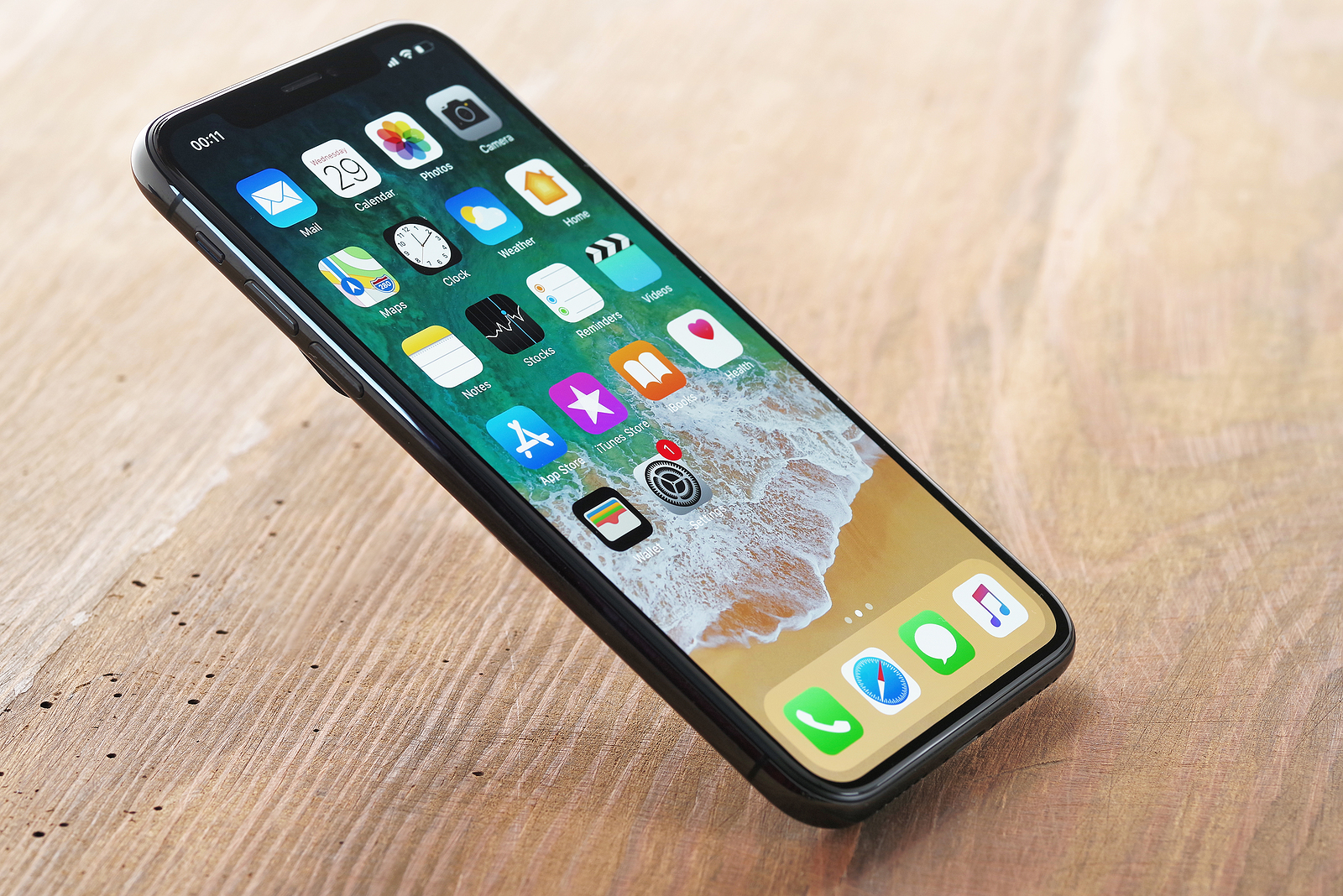
iOS 16 focuses primarily on the lock screen and new features for apps like Mail, Messages, and Photos. But Apple has also made some small changes to the Notes and Reminders app and added a handful of new options.
There are some improvements in the Notes app, most notably the ability to lock notes with the same password you use to lock your iPhone.
iPhone Quick Note
The Share Sheet has been enhanced with the "Add to Quick Note" option to allow you to create Quick Notes on iPhone. The "Add to Quick Note" option is available across the iOS operating system, in the first apps and in third-party apps. You can create Quick Notes with Safari links, images, and more. Previously, Quick Notes were an iPad-only feature introduced with iPadOS 15. But with iOS 16, they're also available on iPhone. On iPad, you can create Quick Notes from the Lock screen. On iPhone, you'll need to use the Sheets sharing interface.
iOS 16: Updated Smart Folders
There are new Smart Folder filters for better note organization. Rules can be created for date created, date modified, shared, mentions, checklists, attachments, folders, quick notes, pinned notes, and locked notes. Previously, smart folders were based solely on tags, so this is a notable innovation in note organization.
Lock notes with password
Instead of choosing a specific password for a locked note, you can also lock your notes with your iPhone passcode. This is more useful than coming up with your own password, because you're unlikely to forget your iPhone passcode. Notes locked with a passcode can be automatically unlocked with Face ID, and the feature doesn't need to be turned on. Plus, you can access your locked notes on all your devices by using the passcode of the device you're currently using. Note that notes locked with your passcode can only be viewed on devices running iOS 16, iPadOS 16, or macOS Ventura. Devices running older versions of iOS and macOS won't be able to view the notes locked with the passcode.
grouping by date
In your notes list and gallery view, notes will now be grouped by chronological categories such as Today and Yesterday, making it easier to find your most recent notes.
filter
If you use Smart Folders or the Tag Browser, you can filter by any or all of the criteria you select.
Reminders
Pinned lists, list templates, and the populated smart list bring some notable improvements for those who use the Reminders app regularly.
Pinned lists
You can pin the lists you use most often to the top of the Reminders app for easier access. Pinned lists appear right next to Reminders app sections like Today, Scheduled, and Starred.
Completed Smart List
Apple has added a new "Completed" section to the Reminders app, which summarizes all the reminders you've checked off and completed. The list is divided into sections covering the last 7 days and the last 30 days, as well as months and years. You can delete completed reminders by tapping the "Delete" button at the top of the app, or you can delete them individually by swiping.
list templates
If you have a list that you reuse often, like a shopping list or packing list, you can save it as a template so you can use it again any time. When you create a new list, the Templates section will appear as an option so you can select your previously created templates. You can go to the Templates section in the Reminders app and share any template. From there, you can copy a link and send it to other people. Others can also share templates with you, and those templates can be imported into the Reminders app.
iOS 16: Improvements to the Appointment and Today List
Grouping by time and date is designed to make it easier to view and add reminders. The Today list is now grouped by morning, afternoon and night to help you better organize your day. The Appointments list has weekly and monthly groups for longer-term organization.
Improved list groups
Each list group can be tapped to see a combined view of the lists and the reminders they contain.
Shared list notifications
When tasks are added or completed in a shared list, you can receive a notification.
iOS 16: Improved Notes
Notes you add to reminders can now be underlined, bold, strikethrough, and use bullet points.
filter
You can filter by specific or all criteria in a custom smart list or in the tag browser. Whether your device is compatible with the new Software is compatible, you can find out here. (Photo by Leszek Kobusinski / Bigstockphoto)





