

apple patient
  • Home
  • News
  • Rumors
  • Tips & Tricks
  • Reviews
  • Insights
No Result
View All Result
  • iPhone 18
  • iPhone 18 Pro
  • iPhone Duo
  • Apple Watch Series 12
  • Apple Watch Ultra 4
  • AirPods 5
  • iOS 27
  • iPadOS 27
  • macOS
  • MacBook Neo
  • iPhone 17e
  • AirTags
  • iOS 26
  • iPhone 17
  • MacBook Pro
  • iPadOS
  • iMac
  • Mac mini
  • HomePod
  • Apple TV
  • iPad Pro
  • iPhone Air
  • Apple Vision Pro
  • iPhone 16
  • AirPods 4
  • Apple Watch Ultra
  • HomePod Mini
  • MacBook Air
  • iPad
  • AirPods Max
  • AirPods Pro 3
  • Apple Watch Series 3
  • Mac Studio
  • Studio Display
  • iPad Air
  • iPad mini
  • watchOS 27
  • Apple CarPlay
  • Apple Pay
  • watchOS 26
  • Home
  • News
  • Rumors
  • Tips & Tricks
  • Reviews
  • Insights
No Result
View All Result
apple patient
No Result
View All Result
  • iPhone 18
  • iPhone 18 Pro
  • iPhone Duo
  • Apple Watch Series 12
  • Apple Watch Ultra 4
  • AirPods 5
  • iOS 27
  • iPadOS 27
  • macOS
  • MacBook Neo
  • iPhone 17e
  • AirTags
  • iOS 26
  • iPhone 17
  • MacBook Pro
  • iPadOS
  • iMac
  • Mac mini
  • HomePod
  • Apple TV
  • iPad Pro
  • iPhone Air
  • Apple Vision Pro
  • iPhone 16
  • AirPods 4
  • Apple Watch Ultra
  • HomePod Mini
  • MacBook Air
  • iPad
  • AirPods Max
  • AirPods Pro 3
  • Apple Watch Series 3
  • Mac Studio
  • Studio Display
  • iPad Air
  • iPad mini
  • watchOS 27
  • Apple CarPlay
  • Apple Pay
  • watchOS 26

iOS 16: All the new features in the Mail app

Milan Jovicic by Milan Jovicic
July 19, 2022 - 7:13 PM CEST
in Apple Insights
0
iOS 16 Mail app innovations

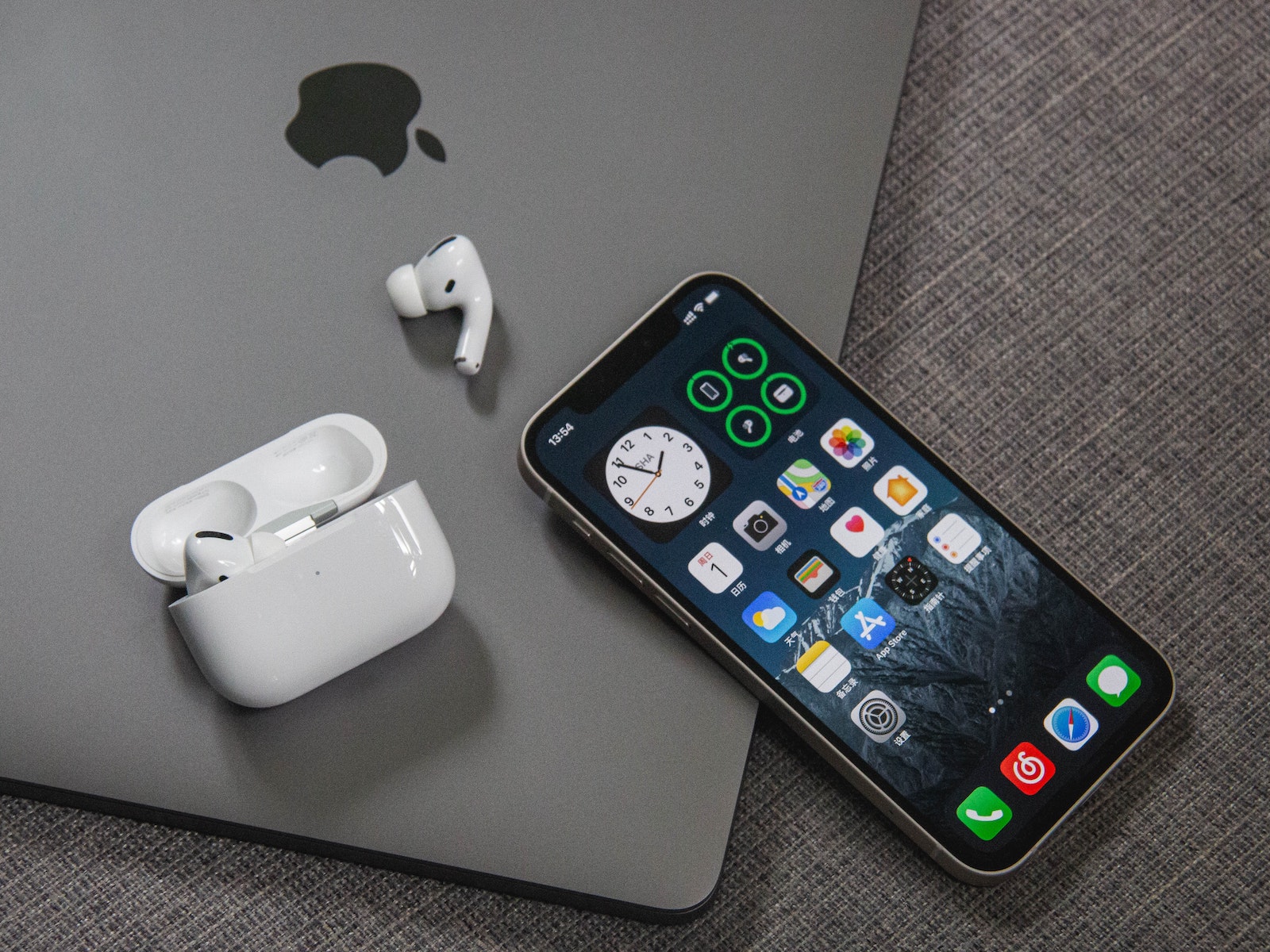
Photo by Unsplash / Vista Wei

WhatsAppFacebookEmail
Threads

With iOS 16 and iPadOS 16, Apple has made a number of improvements to the Mail app to bring it in line with competing email apps. The Mail app includes updates to search, an option to cancel sending, tools to remind you of emails you still need to deal with, and more.

Let's start with the improved search. The search in the Mail app has been improved and you will now see a wider selection of suggestions when you enter a search term. More relevant emails will be displayed. Apple says that the search corrects typos and uses synonyms for search terms. It is not much different from the search function in iOS 15. But it makes searching faster, more accurate and more intuitive to use. The improved search is only available in English, however. An extension to German and more will be added at a later date.

Cancel the sending process

After you send an email in iOS 16 or iPadOS 16, you have 10 seconds to undo or cancel the send if you find a mistake. While 10 seconds is shorter than the 30 seconds other mail apps like Gmail give you to undo an email, it's better than no undo option at all. After you send an email in iOS 16, you'll see an "Undo Send" button at the bottom of the Mail app. You'll need to tap it within 10 seconds to "undo" the email so you can return to composing it. From there, you can correct your mistake and resend the email or delete it altogether.

Scheduled Sending

When you're ready to send an email you've written, you can schedule a time to send it—a new feature in iOS 16. To do so, long-press the Send icon (the blue arrow) and then select an option. Apple offers preset options like "Send Now," "Send Tonight at 9:00 PM," and "Send Tomorrow at 8:00 AM." If these preset times don't suit you, you can tap "Send Later" and select any date and/or time. Before it's sent, the email will be listed in a "Send Later" inbox, located under options like "Starred" and "Unread." You can tap this inbox to see which messages you've scheduled and what time they're scheduled for.

email reminders

If you've opened an email and don't have time to reply, you can have the Mail app remind you to read and reply to it later. Apple lets you choose a date and time for messages to reappear in your inbox so you don't miss a thing. To use the reminder feature, tap the "Reply" button on any email in your inbox. Then scroll down to "Remind Me" and tap it. Apple gives you the preset options of "in one hour," "tonight," and "tomorrow." You can also choose the "Remind Me Later..." option, which lets you set a specific date and time to be reminded to reply. When the reminder time arrives, the Mail app moves the email to the top of your inbox with a "Remind Me" label so you can reply.

follow-up

Apple introduced the "Follow Up" feature, which moves sent emails to the top of your inbox so you can follow up if you don't receive a response from the person you sent the email to. For certain emails in your inbox where you've indicated you're waiting for a response, you'll see a "Follow Up" option. Clicking it will take you to the composing page to email the person you're waiting for a response to.

Notifications for missing recipients and attachments

If you mention an attachment or a person you want to mention in an email in the body of the message and then forget to add that information, the Mail app will notify you. This feature puts the Mail app in line with competing email services like Gmail by letting you know when you forget an attachment or a person you wanted to add to an email.

Rich Links

Links to web pages, songs in Apple Music, and more will appear as rich links rather than plain text in iOS 16. This means that when someone sends you a link in the Mail app, you can see a preview of the content right in the message without having to click the link.

Focus Filter for Mail

Apple has added a new focus option called Filter in iOS 16. Filters allow you to filter out content within apps and display a specific mail account or calendar if you have more than one. If you use a focus with a filter set, the app with the filter will only show what you have selected and hide everything else. For the Mail app, you can select any mail account to link to a focus. If you have set a filter, the Mail app will only show the accounts you have selected when you are in that focus. This is useful, for example, if you want to hide private emails while you are working and vice versa. Whether your device is compatible with the new Software is compatible, you can find out here. (Photo by Unsplash / Vista Wei)

  • iOS 16: All the new features in Apple Music
Make Apfelpatient a preferred source One click – and you'll see us more often on Google
Was this article helpful?
YesNo
Tags: iOSiOS 16iPadOSiPadOS 16
SendShareSend
Share

Our Amazon Storefront

A handpicked selection of products for iPhone, Mac and more – sorted by topic and updated regularly.

Shop Now

This post contains affiliate links (including Amazon). We earn a small commission on qualifying purchases – at no extra cost to you. Learn more on our Partner Program page.

Previous Post

MacBook Air with M2 chip in teardown: This is what it looks like inside

Next Post

MacBook Air with M2 chip: Teardown shows simple cooling system

Milan Jovicic

Milan Jovicic

Milan founded Apfelpatient in 2016 and has been responsible for all editorial content since 2018 — news, rumors, guides, and product reviews. Apple devices here are not test units on loan for two weeks but everyday tools: from the iPhone through MacBook Pro, MacBook Air, and iMac to the Apple Vision Pro, at least one device from nearly every product category is in daily use, many of them replaced annually. Every menu path in a guide is verified on the device before it is published.

Related posts

iOS 27.2: When the update will be released and what it brings

by Milan Jovicic
September 23, 2026 - 9:00 p.m. CEST
iOS 27.2 release date: iPhone showing that iOS 27.2 is up to date, next to a calendar symbol with a highlighted day

iOS 27.2 is expected to be released at the end of October. Here's what's new, including features for the Health app and what's changing in Germany.

Read moreDetails

Apple AI PIN: All the info on the planned wearable

by Milan Jovicic
September 22, 2026 - 9:29 p.m. CEST
Apple AI pin: an AirTag on a grey surface used as a size comparison

Apple AI Pin: Design, camera and connection to the iPhone at a glance – and why the development of the pendant is currently paused.

Read moreDetails

Apple HomePad: All the rumors at a glance

by Milan Jovicic
September 22, 2026 - 7:46 p.m. CEST
Apple HomePad: Home app icon on an orange gradient background

Apple HomePad: Code name, person recognition without Face ID, iPhone required, price and why the launch is not expected until October at the earliest.

Read moreDetails

iPhone 20: All the rumors about the anniversary model

by Milan Jovicic
September 21, 2026 - 2:34 p.m. CEST
Symbolic image of the iPhone 20 showing two tilted device outlines of different sizes=

iPhone 20: All the rumors about the anniversary model – almost 7 inches, curved glass all around, new cutout under test and release in September 2027.

Read moreDetails

Apfelpatient Weekly #24: Siri AI launches without EU iPhones

by Milan Jovicic
September 20, 2026 - 4:06 p.m. CEST
Cover image of the Apfelpatient Weekly showing illustrated stacked cards above the wordmark on a blue-to-cyan gradient

Siri AI launches without EU iPhones, reference image missing, iOS 27.2 arrives before 27.1: a look back at Apple's week from September 14th to 20th.

Read moreDetails
Load More

Categories

  • Apple Insights
  • Apple Rumors
  • Apple News
  • Apple Tips & Tricks
  • iPhone news, rumors and tips
  • Mac and MacBook News
  • Reviews

About APFELPATIENT

APFELPATIENT brings you the latest Apple news, product updates, guides, reviews and tips across the entire Apple ecosystem — from the iPhone to the Mac to the Apple Vision Pro. From the first rumors to confirmed news: researched responsibly.

Follow Apfelpatient

Facebook Instagram YouTube Threads Threads

Company

  • About Apfelpatient
  • Contact
  • Author Profiles

Community

  • Netiquette
  • Push Notifications
  • RSS feed

Legal

  • Legal Notice
  • Privacy Policy
  • Terms of Use
  • Cookie Settings
  • Affiliate Program

Resources

  • Sitemap

© 2026 Apfelpatient. All rights reserved.

No Result
View All Result
  • Home
  • News
  • Rumors
  • Tips & Tricks
  • Reviews
  • Insights

© 2026 Apfelpatient. All rights reserved. Page Directory

Change language to Deutsch



