

apple patient
  • Home
  • News
  • Rumors
  • Tips & Tricks
  • Reviews
  • Insights
No Result
View All Result
  • iPhone 18
  • iOS 27
  • iPadOS 27
  • macOS
  • MacBook Neo
  • iPhone 17e
  • AirTags
  • iOS 26
  • iPhone 17
  • MacBook Pro
  • iPadOS
  • iMac
  • Mac mini
  • HomePod
  • Apple TV
  • iPad Pro
  • iPhone Air
  • Apple Vision Pro
  • iPhone 16
  • AirPods 4
  • Apple Watch Ultra
  • HomePod Mini
  • MacBook Air
  • iPad
  • AirPods Max
  • AirPods Pro 3
  • Apple Watch Series 3
  • Mac Studio
  • Studio Display
  • iPad Air
  • iPad mini
  • watchOS 27
  • Apple CarPlay
  • Apple Pay
  • watchOS 26
  • Home
  • News
  • Rumors
  • Tips & Tricks
  • Reviews
  • Insights
No Result
View All Result
apple patient
No Result
View All Result

Traveling abroad with AirTags: What you need to know

Milan Jovicic by Milan Jovicic
23. April 2021 - 19:06 CEST
in Apple Tips & Tricks
0
AirTag

Image: Apple

WhatsAppFacebookEmail
Threads

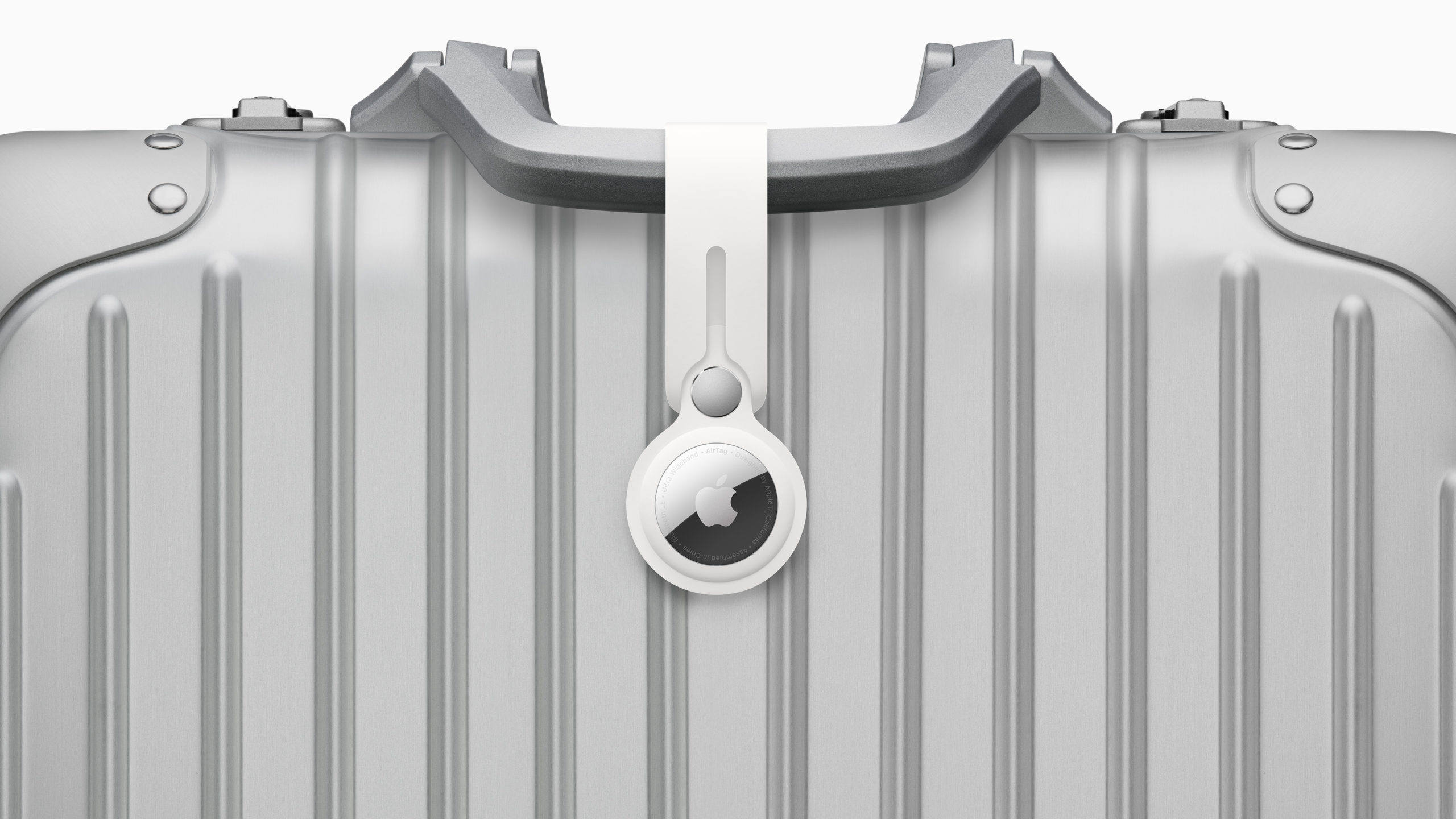
Apple's AirTags can be attached to various objects, including bags and suitcases. However, they can also be used on backpacks and much more. But if you want to travel abroad, you should pay attention to a few important details.

With Apple AirTags, users can track important items such as keys, wallets, backpacks, luggage and much more. If an item is lost, it can be tracked down thanks to the "Find My" network. For this reason, the whole thing should also be very interesting for many people when traveling. However, not all functions are supported in all countries or regions of the world.

“Exact Search”: Find AirTags using the U1 chip

AirTags can be located in Apple's Find My app, which uses Bluetooth signals from a lost AirTag to relay its location back to the owner. Aside from Bluetooth, each AirTag is also equipped with a U1 ultra-wideband chip. Devices that also have a U1 chip can use Exact Find. This means that if users want to find a lost item and have an iPhone 11 or 12, Exact Find will guide the user to their lost AirTag using inputs from the camera, ARKit, accelerometer, and gyroscope, and guide them through sound, haptics, and visual feedback. Very specific directions are displayed to guide the user directly to where the lost item is, which can be very convenient. So, Exact Find is compatible with the following devices:

  • iPhone 11
  • iPhone 11 Pro and iPhone 11 Pro Max
  • iPhone 12 and iPhone 12 mini
  • iPhone 12 Pro and iPhone 12 Pro Max

There is a catch, however - ultra-wideband technology is not supported in all countries. Therefore, Exact Search does not work in the following countries:

  • Argentina
  • Armenia
  • Azerbaijan
  • Belarus
  • Indonesia
  • Kazakhstan
  • Kyrgyzstan
  • Nepal
  • Pakistan
  • Paraguay
  • Russia
  • Solomon Islands
  • Tajikistan
  • Turkmenistan
  • Ukraine
  • Uzbekistan

Find AirTags nearby using Bluetooth

In countries where Precise Find is not available, AirTag owners can still use Bluetooth to find a missing item, but it should be within a range of about 30-40 feet. Since the small item trackers have built-in speakers, users can play a sound to make the search easier. Users can play the sound through the Find My app or ask Siri to find an AirTag using sound. However, if the AirTag is no longer nearby, the owner must continue the search via the Find My network.

Find lost AirTags via the Find My network

This consists of over a billion Apple devices worldwide. Accordingly, other people's iPhone, iPad and Mac devices can help with the search. This means that as soon as the lost AirTag is located by another Apple device, the whole thing is shown on the map. However, if an AirTag is lost in a remote region and there is no other Apple device nearby, only the last known position is shown in Find My. Anyone interested in the small trackers can pre-order from Apple starting today. Delivery starts on April 30th. While a single AirTag costs 35 euros, Apple charges around 119 euros for a pack of four. Are you looking for suitable AirTag cases? Then take a look at AmazonIn our AirTag list you will find the trackers and accessories from Apple and third-party suppliers - enjoy browsing. (Image: Apple)


  • This is how many AirTags can be used per Apple ID
Make Apfelpatient a preferred source One click – and you'll see us more often on Google
Was this article helpful?
YesNo
Tags: AirTags
SendShareSend
Share

Our Amazon Storefront

A handpicked selection of products for iPhone, Mac and more – sorted by topic and updated regularly.

Shop Now

This post contains affiliate links (including Amazon). We earn a small commission on qualifying purchases – at no extra cost to you. Learn more on our Partner Program page.

Previous Post

AirDrop exploit can reveal emails and phone numbers

Next Post

Apple AirTags: FCC documents reveal first regulatory tests in 2019

Milan Jovicic

Milan Jovicic

Milan founded Apfelpatient in 2016 and has been responsible for all editorial content since 2018 — news, rumors, guides, and product reviews. Apple devices here are not test units on loan for two weeks but everyday tools: from the iPhone through MacBook Pro, MacBook Air, and iMac to the Apple Vision Pro, at least one device from nearly every product category is in daily use, many of them replaced annually. Every menu path in a guide is verified on the device before it is published.

Symbolic image for Apple government affairs: the glass entrance cube of the Apple Store on Fifth Avenue in New York at dusk

Apple hires new head of government relations

August 12, 2026 - 8:44 PM CEST
Key art for the Apple TV series Pluribus showing a screaming woman against a yellow background, with Pluribus season 2 about to begin filming

Pluribus: Gilligan plans at least three seasons

August 12, 2026 - 8:27 PM CEST
The iPhone 17 lineup in five colors seen from the back, whose successor is expected to adopt the smaller iPhone 18 Dynamic Island from the Pro models

iPhone 18: Smaller Dynamic Island already in the base model

August 12, 2026 - 8:13 PM CEST

About APFELPATIENT

APFELPATIENT brings you the latest Apple news, product updates, guides, reviews and tips across the entire Apple ecosystem — from the iPhone to the Mac to the Apple Vision Pro. From the first rumors to confirmed news: researched responsibly.

Follow Apfelpatient

Facebook Instagram YouTube Threads Threads

Company

  • About Apfelpatient
  • Contact
  • Author Profiles

Community

  • Netiquette
  • Push Notifications
  • RSS feed

Legal

  • Legal Notice
  • Privacy Policy
  • Terms of Use
  • Cookie Settings
  • Affiliate Program

Resources

  • Sitemap

© 2026 Apfelpatient. All rights reserved.

No Result
View All Result
  • Home
  • News
  • Rumors
  • Tips & Tricks
  • Reviews
  • Insights

© 2026 Apfelpatient. All rights reserved. Page Directory

Change language to Deutsch


