

apple patient
  • Home
  • News
  • Rumors
  • Tips & Tricks
  • Reviews
  • Insights
No Result
View All Result
  • iPhone 18
  • iPhone 18 Pro
  • iPhone Duo
  • Apple Watch Series 12
  • Apple Watch Ultra 4
  • AirPods 5
  • iOS 27
  • iPadOS 27
  • macOS
  • MacBook Neo
  • iPhone 17e
  • AirTags
  • iOS 26
  • iPhone 17
  • MacBook Pro
  • iPadOS
  • iMac
  • Mac mini
  • HomePod
  • Apple TV
  • iPad Pro
  • iPhone Air
  • Apple Vision Pro
  • iPhone 16
  • AirPods 4
  • Apple Watch Ultra
  • HomePod Mini
  • MacBook Air
  • iPad
  • AirPods Max
  • AirPods Pro 3
  • Apple Watch Series 3
  • Mac Studio
  • Studio Display
  • iPad Air
  • iPad mini
  • watchOS 27
  • Apple CarPlay
  • Apple Pay
  • watchOS 26
  • Home
  • News
  • Rumors
  • Tips & Tricks
  • Reviews
  • Insights
No Result
View All Result
apple patient
No Result
View All Result
  • iPhone 18
  • iPhone 18 Pro
  • iPhone Duo
  • Apple Watch Series 12
  • Apple Watch Ultra 4
  • AirPods 5
  • iOS 27
  • iPadOS 27
  • macOS
  • MacBook Neo
  • iPhone 17e
  • AirTags
  • iOS 26
  • iPhone 17
  • MacBook Pro
  • iPadOS
  • iMac
  • Mac mini
  • HomePod
  • Apple TV
  • iPad Pro
  • iPhone Air
  • Apple Vision Pro
  • iPhone 16
  • AirPods 4
  • Apple Watch Ultra
  • HomePod Mini
  • MacBook Air
  • iPad
  • AirPods Max
  • AirPods Pro 3
  • Apple Watch Series 3
  • Mac Studio
  • Studio Display
  • iPad Air
  • iPad mini
  • watchOS 27
  • Apple CarPlay
  • Apple Pay
  • watchOS 26

Unlocking the SIM on the iPhone: also possible without a restart

Milan Jovicic by Milan Jovicic
April 12, 2024 - 8:07 PM CEST
in Apple Tips & Tricks
0
iPhone SIM unlock

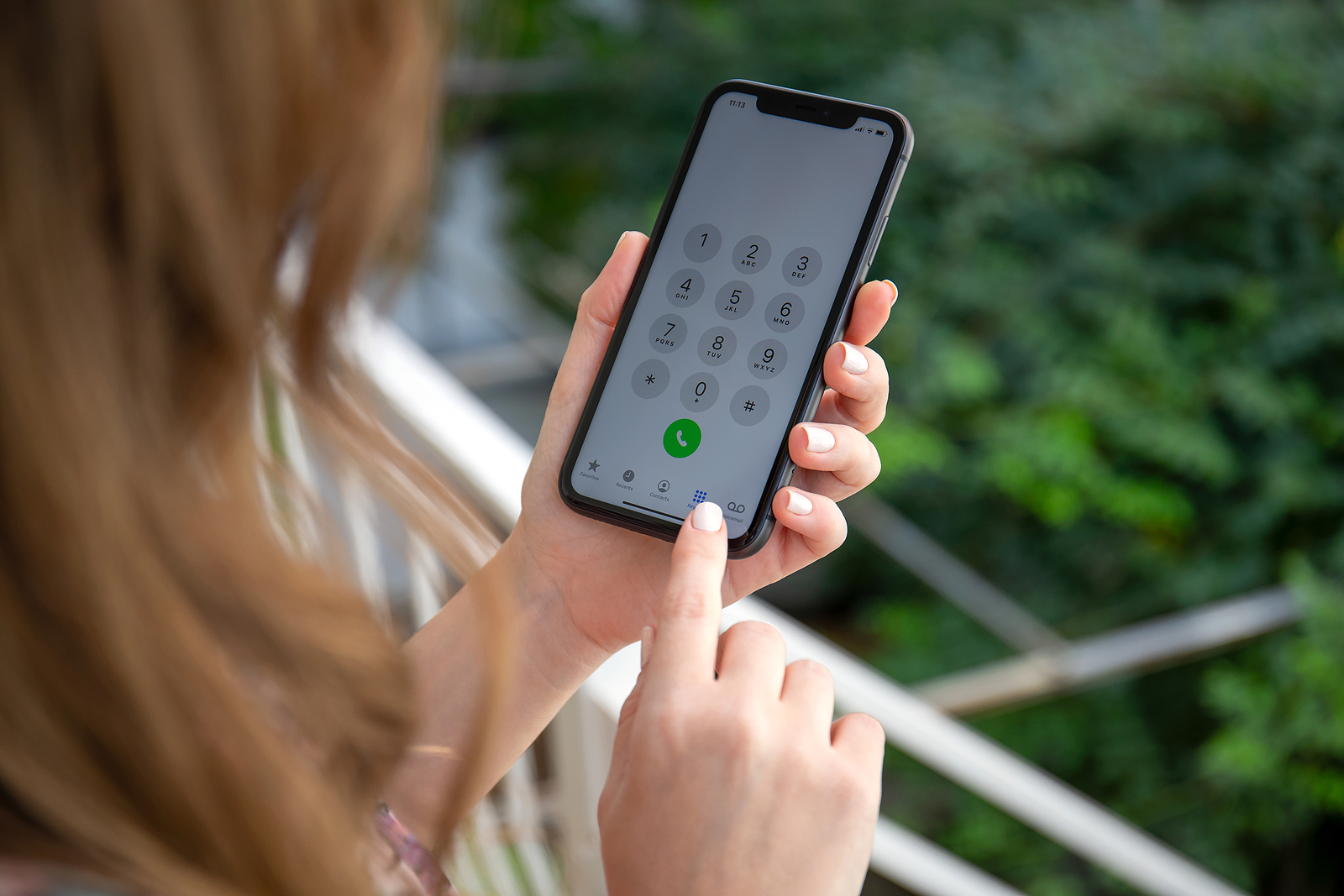
Anapa, Russia - October 4, 2019: Women hands holding iPhone 11 with call number on the screen. iPhone 11 was created and developed by the Apple inc.

WhatsAppFacebookEmail
Threads

When you turn on or restart your iPhone, you will usually be asked to enter your SIM card PIN. This can sometimes be forgotten or skipped, especially in urgent situations. But don't worry, it is quite possible to unlock the SIM card afterwards. Below we explain how you can do this easily and without restarting your iPhone.

Unlocking a SIM card is a fundamental skill that every iPhone user should master. It's a simple process that will allow you to fully use your device without giving up access to the cellular network. We'll show you the steps to follow and give you important tips to avoid mistakes.

Step-by-step guide: Unlock SIM without rebooting

  • Activate your iPhone display and look for the Settings icon, which is a gray app logo with a gear. Tap it to open Settings.
  • Navigate to "Cellular" within Settings. Here you'll find all the options related to your mobile service.
  • Select the correct SIM card. If you have a dual-SIM iPhone, you'll see both numbers under "Mobile Plans." Select the SIM card you want to unlock. If you only have one SIM card, you can proceed directly.
  • Activate the line using the slider at the top of the screen.
  • Go to "SIM PIN" and enter your PIN when prompted. Confirm with "OK."

Important information about entering your PIN

  • Make sure you enter your PIN correctly: You have three attempts to enter the PIN correctly. If you make a mistake, the SIM card will be blocked after the third incorrect attempt.
  • Using the PUK: If you enter the wrong PIN three times, you will need the PUK to unlock the SIM card. This information is usually found on the document you received with your SIM card.

Alternative method: Start a call

  • Make a call if you're using only one SIM card. iPhone detects that it's not connected to the network and asks you to enter the SIM PIN.
  • Don't forget to end the call immediately if you don't actually want to call anyone.

Unlocking Your SIM Card: A Guide for iPhone Users

Unlocking the SIM card in your iPhone is a quick and easy process that allows you to start using your device right away. Whether you go through the settings or simply make a call, unlocking only takes a few seconds. It is important that you have your PIN ready; otherwise, unlocking your SIM can become much more complicated. If you have further difficulties or have lost your PIN and PUK, your mobile operator's customer service is available to help you or send you a new SIM card. Are you looking for new accessories? Then take a look in our Amazon Storefront - there you will find numerous products from leading suppliers, also for HomeKit and Co.! (Photo by DenPhoto / Bigstockphoto)


  • Tip: Hide iPhone phone number – here's how
Make Apfelpatient a preferred source One click – and you'll see us more often on Google
Was this article helpful?
YesNo
Tags: iOSiPhone
SendShareSend
Share

Our Amazon Storefront

A handpicked selection of products for iPhone, Mac and more – sorted by topic and updated regularly.

Shop Now

This post contains affiliate links (including Amazon). We earn a small commission on qualifying purchases – at no extra cost to you. Learn more on our Partner Program page.

Previous Post

Apple's iOS 17.4: Browser companies demand changes

Next Post

Towards the future: Apple Pencil without charging

Milan Jovicic

Milan Jovicic

Milan founded Apfelpatient in 2016 and has been responsible for all editorial content since 2018 — news, rumors, guides, and product reviews. Apple devices here are not test units on loan for two weeks but everyday tools: from the iPhone through MacBook Pro, MacBook Air, and iMac to the Apple Vision Pro, at least one device from nearly every product category is in daily use, many of them replaced annually. Every menu path in a guide is verified on the device before it is published.

Related posts

Setting up iPhone Handoff: Here's how it works in iOS 27

by Milan Jovicic
September 24, 2026 - 5:50 p.m. CEST
iPhone showing the Set Up eSIM screen with the option to use the number on two iPhones selected, the first step to set up iPhone Handoff

Setting up iPhone Handoff under iOS 27: Requirements, costs at Telekom and why logging out only works via the provider.

Read moreDetails

How to Turn On Advanced Data Protection for iCloud

by Milan Jovicic
September 20, 2026 - 03:27 CEST
Advanced Data Protection for iCloud: iPhone showing the Advanced Data Protection settings page with the list of protected data and the Turn On option, next to a padlock

Advanced Data Protection for iCloud: 25 categories with end-to-end encryption. How to turn it on and secure your recovery options.

Read moreDetails

Selling Your iPhone Safely: How to Prepare Your Device the Right Way

by Milan Jovicic
September 19, 2026 - 9:04 p.m. CEST
Selling an iPhone safely: two iPhones lying face down on a grey surface, one orange and one black

Sell your iPhone safely: Backup, deregistration, activation lock and reset in the correct order – plus shipping step for the 18 Pro Max.

Read moreDetails

iPhone 18 Pro: Setting up Pro video storage for ProRes

by Milan Jovicic
September 19, 2026 - 7:56 p.m. CEST
Pro Video Storage on iPhone 18 Pro: iPhone showing the Configure Pro Video Storage dial at 150 GB and about 26 minutes of ProRes 4K 30 fps, next to a drive with a checkmark

No Pro Video storage, no ProRes: Here's how to reserve storage for video recordings on the iPhone 18 Pro and free it up again when needed.

Read moreDetails

Preparing your iPhone 18 Pro Max for shipping: Here's how

by Milan Jovicic
September 19, 2026 - 03:15 CEST
Preparing iPhone 18 Pro Max for shipping: iPhone showing the shipping reason screen with Repair, Trade-in or Return and Other, next to a battery with a downward arrow

iPhone 18 Pro Max before shipping: Batteries larger than 20 Wh must be discharged using the "Prepare for Shipping" function. Here's how to do it for repairs and sales.

Read moreDetails
Load More

Categories

  • Apple Insights
  • Apple Rumors
  • Apple News
  • Apple Tips & Tricks
  • iPhone news, rumors and tips
  • Mac and MacBook News
  • Reviews

About APFELPATIENT

APFELPATIENT brings you the latest Apple news, product updates, guides, reviews and tips across the entire Apple ecosystem — from the iPhone to the Mac to the Apple Vision Pro. From the first rumors to confirmed news: researched responsibly.

Follow Apfelpatient

Facebook Instagram YouTube Threads Threads

Company

  • About Apfelpatient
  • Contact
  • Author Profiles

Community

  • Netiquette
  • Push Notifications
  • RSS feed

Legal

  • Legal Notice
  • Privacy Policy
  • Terms of Use
  • Cookie Settings
  • Affiliate Program

Resources

  • Sitemap

© 2026 Apfelpatient. All rights reserved.

No Result
View All Result
  • Home
  • News
  • Rumors
  • Tips & Tricks
  • Reviews
  • Insights

© 2026 Apfelpatient. All rights reserved. Page Directory

Change language to Deutsch


