

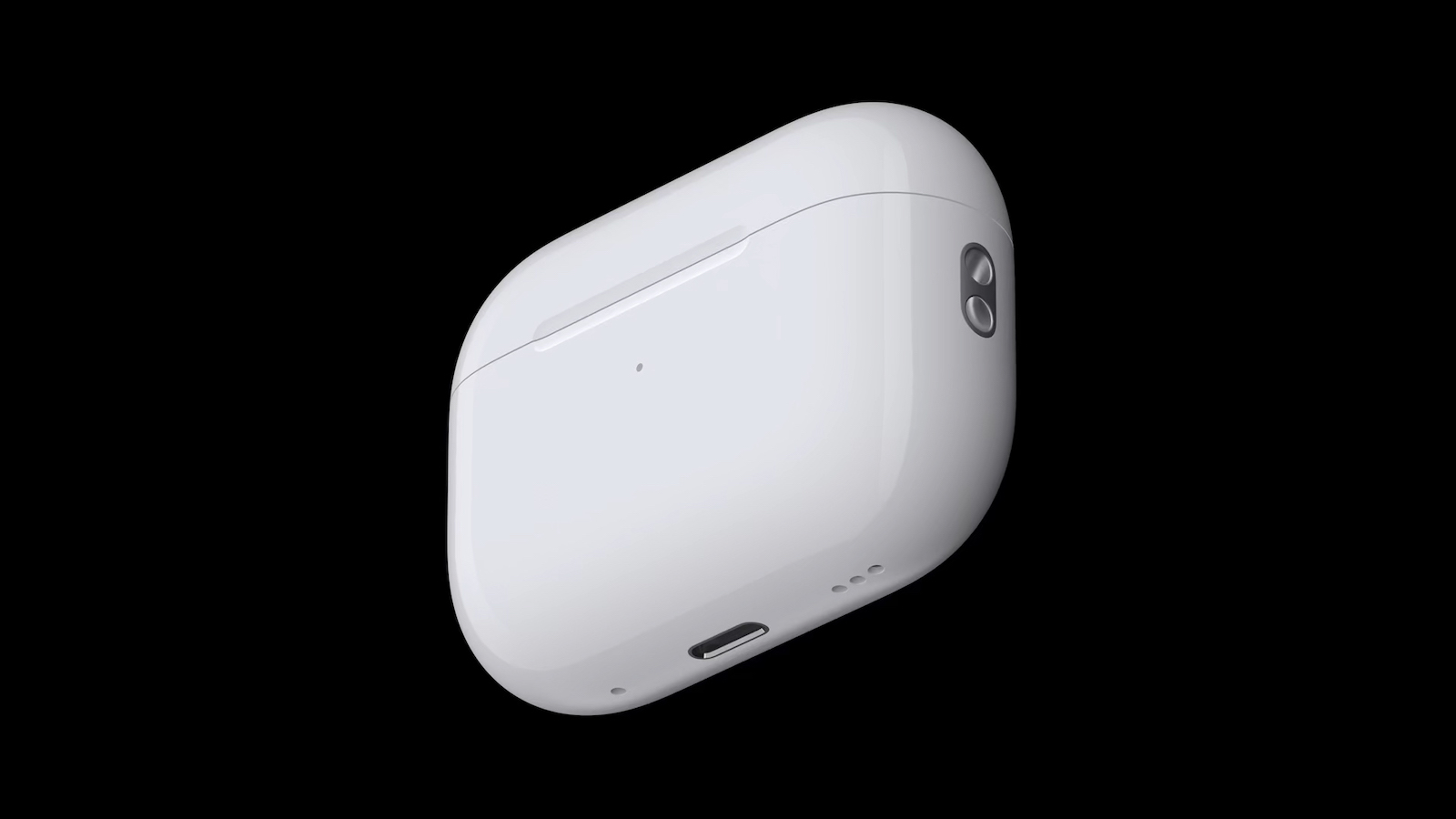
You hear a sound coming from your AirPods Pro 2 charging case and you're wondering what it means? Is it a bug, a hardware issue, or maybe even a feature? The answer is: it's actually a function. Apple has deliberately built these sounds in to improve the performance of your AirPods. Here's why these sounds occur, what they mean, and how to turn them off if they bother you.
Apple always surprises its users with well-thought-out features that are not noticeable at first glance but offer real added value. The AirPods Pro 2 are among the most technologically advanced headphones on the market. In addition to functions such as active noise cancellation and transparency mode, they also have hidden features that hardly anyone knows about. One of these is the sound that can come from the charging case. This small detail causes some confusion, but is an important part of the AirPods technology.
Why is your charging case making noise?
If you hear a faint sound while your AirPods Pro 2 are in the charging case, don't worry. According to Apple, this is part of a feature designed to ensure your AirPods' microphones and speakers are working properly. This feature, introduced as part of Hearing Health, helps optimize audio quality. Apple explains in a support document:
To ensure your AirPods microphones and speakers are working optimally (for example, to provide high-quality hearing test results), your AirPods may emit a small tone from time to time when they are in the charging case.
This means that these tones are an integral part of your AirPods' self-diagnosis, testing whether the microphones are working correctly and the speakers are ready to give you the best possible listening experience.
Other sounds and their meaning
In addition to the quiet diagnostic tones, your AirPods Pro 2 and the charging case can play other sounds. Here is an overview:
- Battery level warning: When the battery of the charging case or AirPods is almost empty, the case emits a sound. This reminds you in time to charge it.
- Charging indicator: As soon as you place the charging case on a charger or connect a cable, you will hear a short tone indicating that charging has started.
These sounds make sense, but can be confusing for new users since Apple hasn't published detailed instructions on them.
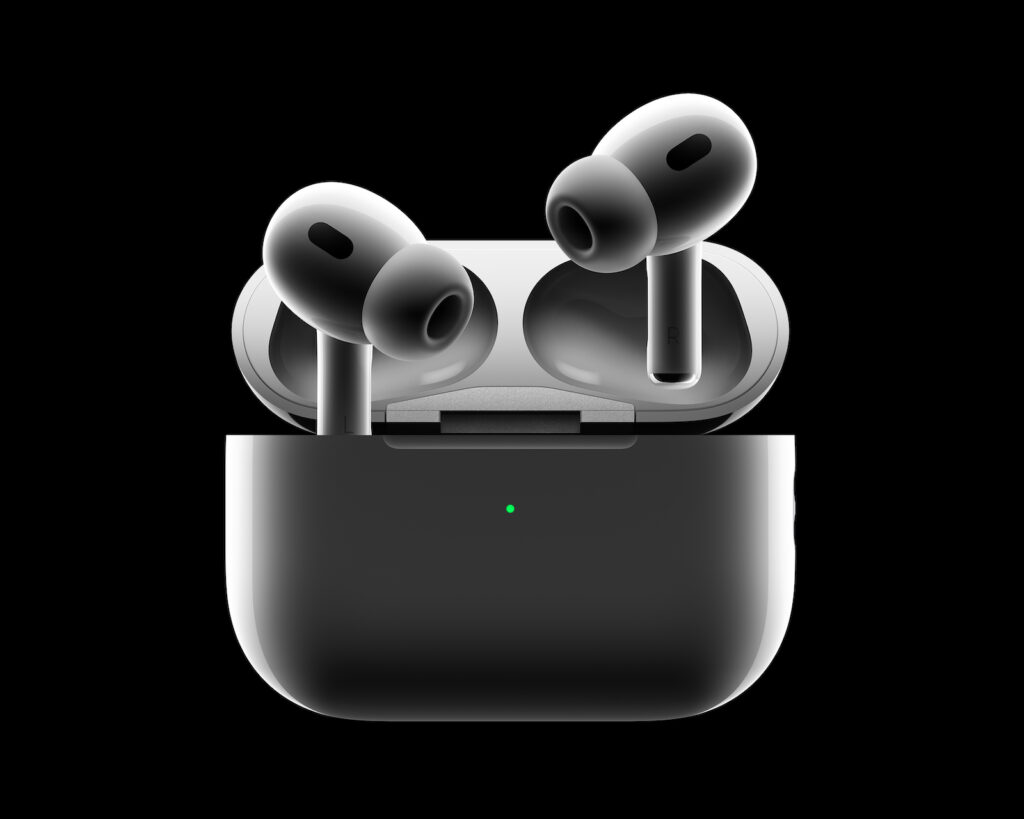
How to adjust the sounds
If you find the noises annoying, you can partially deactivate them. The settings options are available directly on your Apple device:
- Connect your AirPods Pro 2 to your iPhone or iPad.
- Open the settings.
- Tap the AirPods icon in the list of connected devices.
- Find the option “Enable charging case sounds” and turn it off.
Important: The quiet diagnostic tones used to check your AirPods cannot be disabled. They are an integral part of how your AirPods work.
Why did Apple introduce this feature?
Apple has integrated the tones to ensure that the hardware is in perfect condition. It is particularly important that the sensitive microphones and speakers of the AirPods are checked regularly. The quiet tones are a kind of "self-test" of the devices to guarantee you consistent audio quality over the long term.
Why the noises of your AirPods Pro 2 are nothing to worry about
The noises coming from your AirPods Pro 2 charging case are nothing to worry about. They're a well-thought-out feature that helps you get the best performance out of your AirPods. If some of the sounds bother you, you can easily adjust them in the settings. However, the quiet test sounds will remain – they're a testament to how smart the technology in these small devices is. Now you know what's behind the mysterious noises and can get even more out of your AirPods Pro 2. Don't have AirPods Pro 2 yet? Then check out Amazon, where you can currently get Apple's earbuds at a discount . (Image: Apple)
- Using AirPods Pro 2 for hearing tests: How it works
- Apple Audio Lab: The path to the world's best listening experience





