

Radio plays and audio books have been growing in popularity for years. The fact that more people now use digital audio books than listen to CDs is thanks in part to Audible.
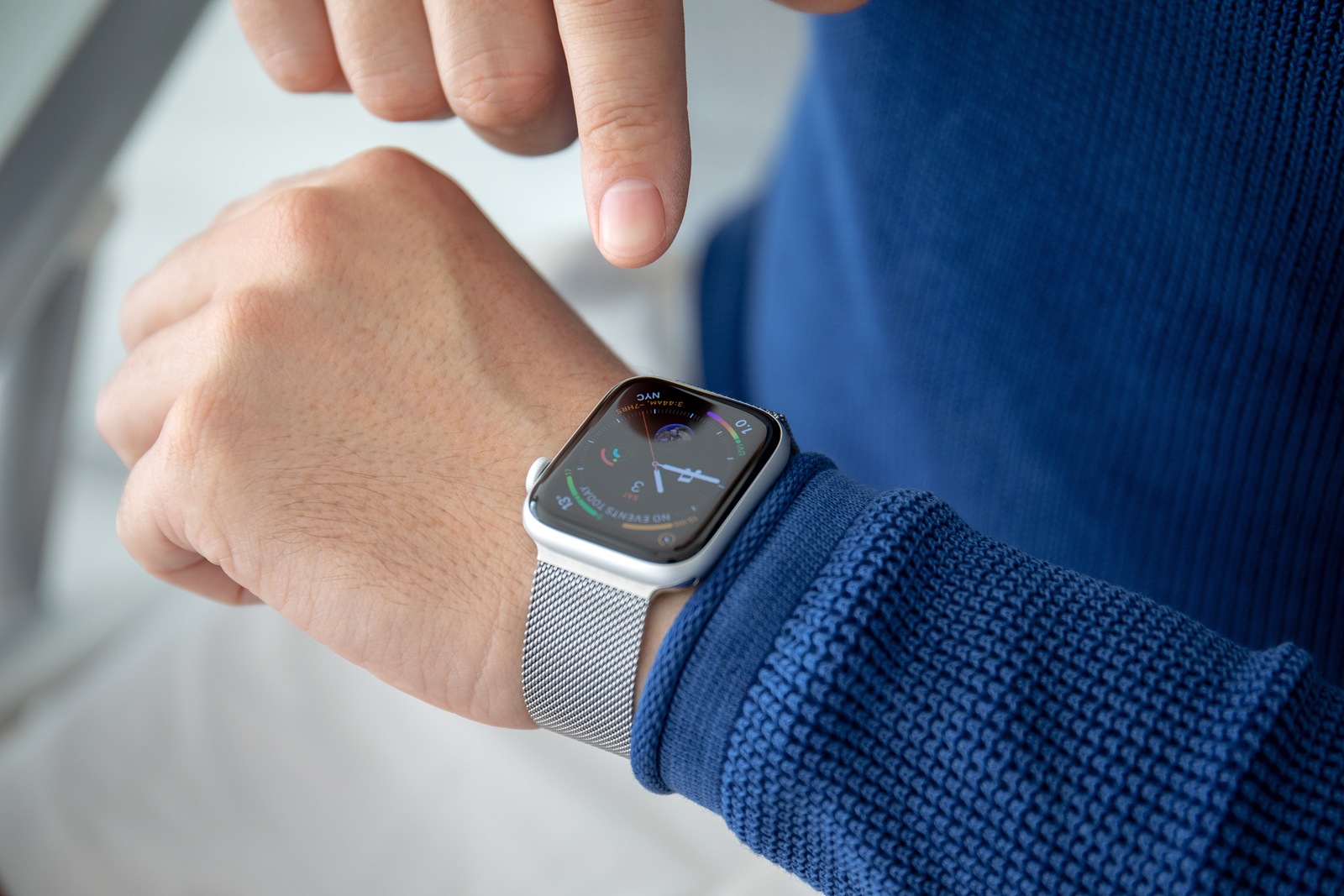
The provider of commercial audio book downloads suspects in its Hörkompass published in 2019that the increased use of digital audio books can be attributed to the smartphone, which the majority of people always carry with them. But Audible wants to make it even easier for its users to listen to audiobooks on the go or at home, so the provider has developed an app for the iPhone. Since version 3.0 was released in October 2018, you can now finally listen to audiobooks on your Apple Watch.
Three important requirements for using Audible on the Apple Watch
Unfortunately, owning an Apple Watch alone is not enough to listen to audiobooks from Audible. There are three other requirements that must be met:
- watchOS 5 or later must be installed on the Apple Watch
- iOS 12 or later must be installed on the iPhone/iPod Touch
- The latest version of the Audible app should be installed on the iPhone/iPod Touch
Sync audiobooks from Audible with your Apple Watch
Once you've met the requirements, you can download the Audible app for Apple Watch. You can then transfer your first audiobooks to your Apple Watch. To do this, first open the Audible app on your iPhone or iPod Touch. Now find all the titles you want to transfer and click on the three-dot menu next to each one. Ideally, you should connect your Apple Watch to the charger throughout the entire transfer process. This will prevent the transfer from being interrupted. Once the three-dot menu is open, tap the "Transfer to Apple Watch" menu item. The transfer will begin. Once the transfer is complete, you'll see an Apple Watch symbol next to the transferred title in the app on your iOS device.
Listen to Audible books on your Apple Watch
To listen to the transferred titles, grab your Bluetooth headphones. These can be easily paired with Apple's smartwatch. Then, open the Audible app on your Apple Watch by pressing the crown on the watch and selecting the Audible application, or by saying "Siri, open the Audible app." Simply select the audiobook you want to listen to. If you want to select a different audiobook, you can view the list of previously transferred titles by tapping the library icon in the bottom left corner of the screen. You can also pause, rewind, or fast-forward the audiobook. You can also activate sleep mode. If you want to use additional features, you can access them by firmly tapping the title cover on the play screen. You can now view chapters, use the skip function, delete titles from the Apple Watch, and adjust the playback speed.
How to remove audiobooks from your Apple Watch
Are you running out of space on your Apple Watch? Then it's time to delete audiobooks you've already finished. To do so, firmly tap the cover of the title you want to remove. Additional options will appear, including "Delete." Tapping this menu item will completely remove the title from your Apple Watch. However, the title will remain untouched in the Audible app on your iPhone, iPad, or iPod touch.
This is what Audible costs you
Audible advertises that it costs just 9.95 euros per month. But that's only half the truth. In fact, the streaming service for audio books offers some discounts. For example, the first month at Audible won't cost you a cent if you opt for the trial subscription. You can choose one title from the entire Audible range. Access remains unlimited during this time. After the month is up, the trial subscription turns into a regular subscription. Audible subscription which costs you 9.95 euros per month. With the classic subscription, you can choose one title each month. You also have access to all Audible Original Podcasts. If you don't listen to an audiobook or one of the podcasts, the credit will be carried over to the following month. If necessary, you also have the option of pausing or canceling the subscription. As an alternative to the trial subscription, you can also start straight away with the special subscription. Here you only pay 4.95 euros for the first three months and have the same features to choose from as with the classic Audible subscription. If you want to test Audible in more detail and listen to not just one but two titles in the first month, the Prime trial subscription is perfect for you. In this package, you also have unlimited access to the Audible Original Podcasts, completely free of charge. In the following month, the Prime trial subscription is converted into a regular Audible subscription. But students also get an advantage - the Prime Student membership. As a new Audible customer, you can now use the same features as the classic Audible subscription for six months for 4.95 euros. After the first six months, the subscription will cost you the regular price. Would you like to test Audible? You can do so here Complete your subscription easily - have fun. (Photo by Denys Prykhodov / Bigstockphoto)





