This article may contain affiliate links. Learn more on our Partner Program page.
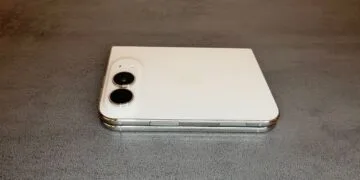
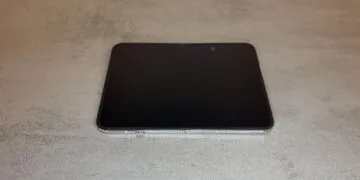
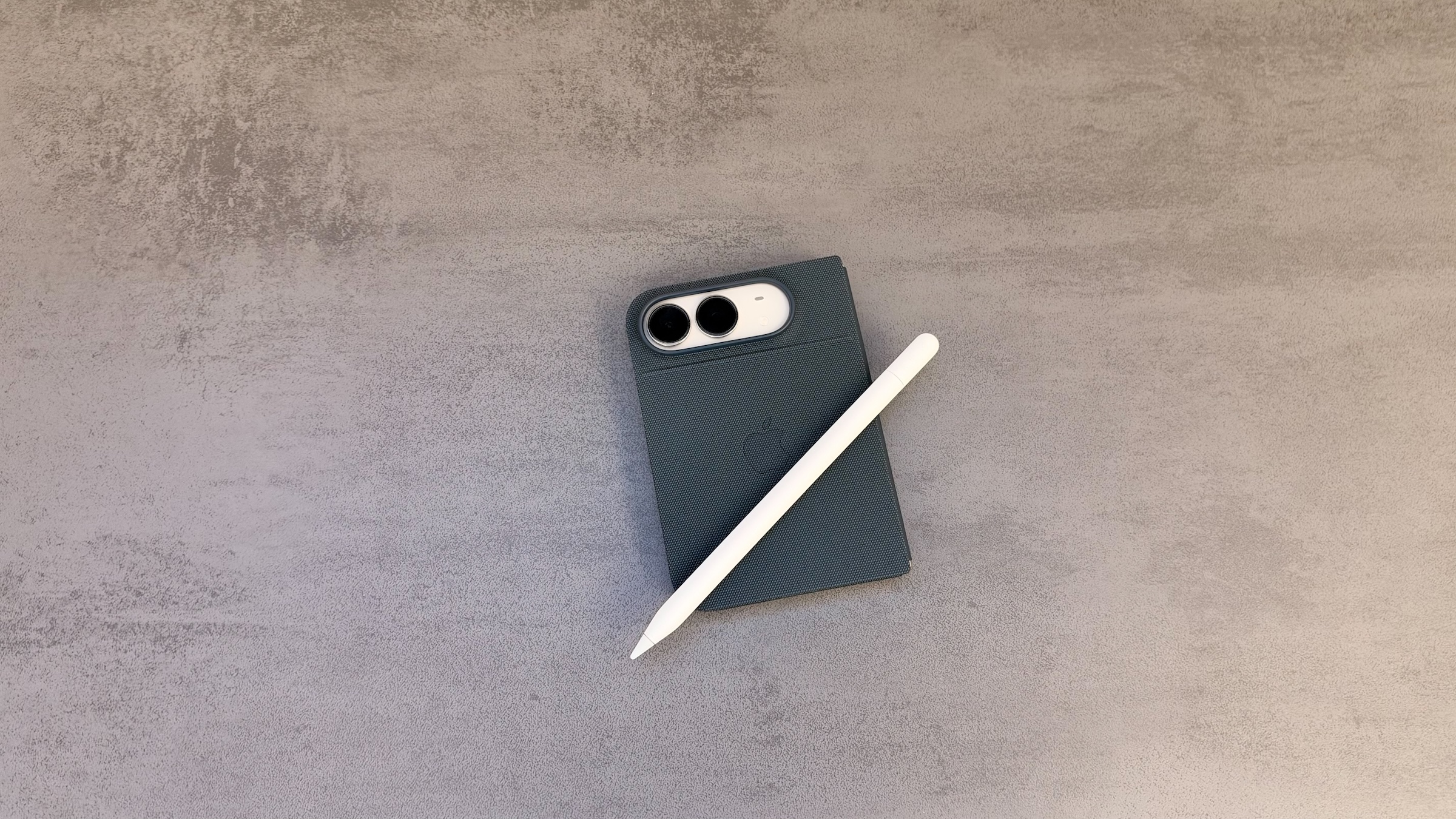
Since iOS 27.2, iPhone Duo can write and draw with Apple Pencil. It works flawlessly in everyday use, but there is a catch: after every restart, the pencil has to be connected to the device with a cable again. Which pencil works, how pairing works and what Scribble can do on the Duo.
For iPhone Duo with its two displays, only Apple Pencil (USB-C) is an option. It has been supported since iOS 27.2, according to Apple's announcement on both the inner and the outer display. Apple describes how pairing, charging and writing work in its user guide for Apple Pencil on iPhone Duo.
I set up and tested the pencil on my own iPhone Duo. The English menu names in this guide follow Apple's user guide.
Key Facts at a Glance
- Only Apple Pencil (USB-C) works with iPhone Duo, other models do not
- Pairing is done with a USB-C cable between the pencil and the Duo, which also charges the pencil
- After every restart of the Duo, the pencil has to be paired again – also after turning off Bluetooth
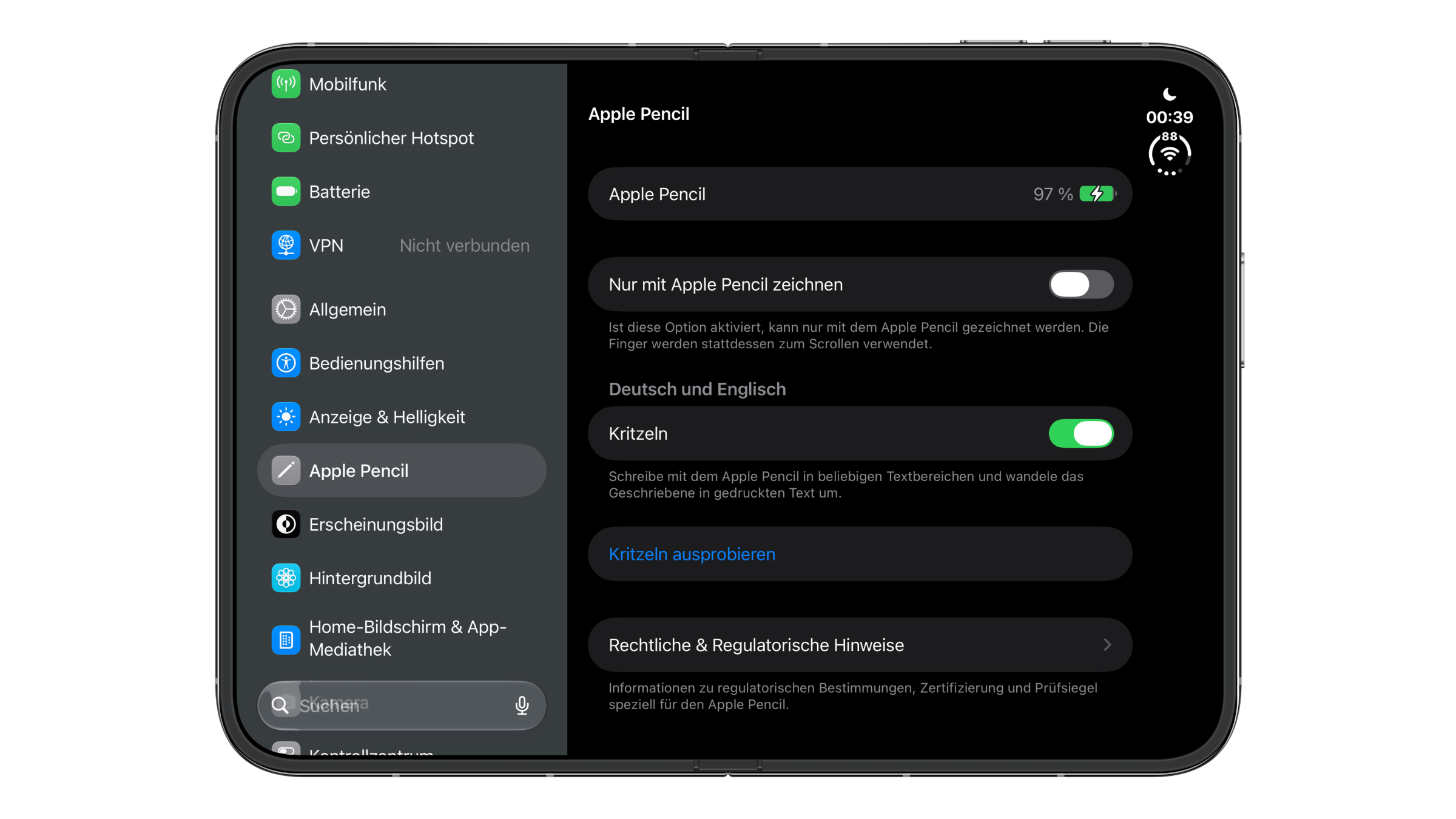
- Settings and battery level can be found under Settings > Apple Pencil
- With "Scribble," handwriting in any text field turns into typed text
Which Apple Pencil works with iPhone Duo
For the Duo, Apple lists only Apple Pencil (USB-C). Apple Pencil Pro and the older models are not compatible. Apple does not give a reason for this.
I suspect it comes down to charging and pairing: Apple Pencil Pro connects to iPad only magnetically and has no port for a cable. Originally, the Duo was even supposed to get its own, smaller Apple Pencil that would attach to the hinge side. According to reports, it never got past technical problems.
The right pencil and other accessories for the Duo are available, for example, on Amazon. Apple Pencil (USB-C) responds to tilt, but not to pressure.
How to pair Apple Pencil with iPhone Duo
- Slide open the end of Apple Pencil so that the USB-C connector is exposed.
- Connect the pencil to the USB-C charge cable that came with your iPhone Duo.
- Plug the other end of the cable into the USB-C connector on the Duo.
On my Duo, the pencil was connected right away without me having to confirm anything. You can then unplug the cable. As long as the pencil is connected to the Duo, it charges; alternatively, it charges with any USB-C power adapter.
The catch: pairing again after every restart
According to Apple, the pairing only lasts until the Duo restarts, Bluetooth is turned off or the pencil is paired with another device. After that, it's time to find the cable and connect the pencil again.
I checked this on my device, and it is true. After a restart, the pencil only responded again after I paired it with the cable once more. If you use the pencil regularly, you should keep the cable nearby.
Settings and battery level
Under Settings > Apple Pencil, the Duo shows the pencil's battery level at the very top. Alternatively, you can keep an eye on it with the Batteries widget. Below the battery level, there are two switches:
- Only Draw with Apple Pencil: Drawing then works only with the pencil, while your fingers scroll and select.
- Scribble: Handwriting in any text field is converted into typed text.
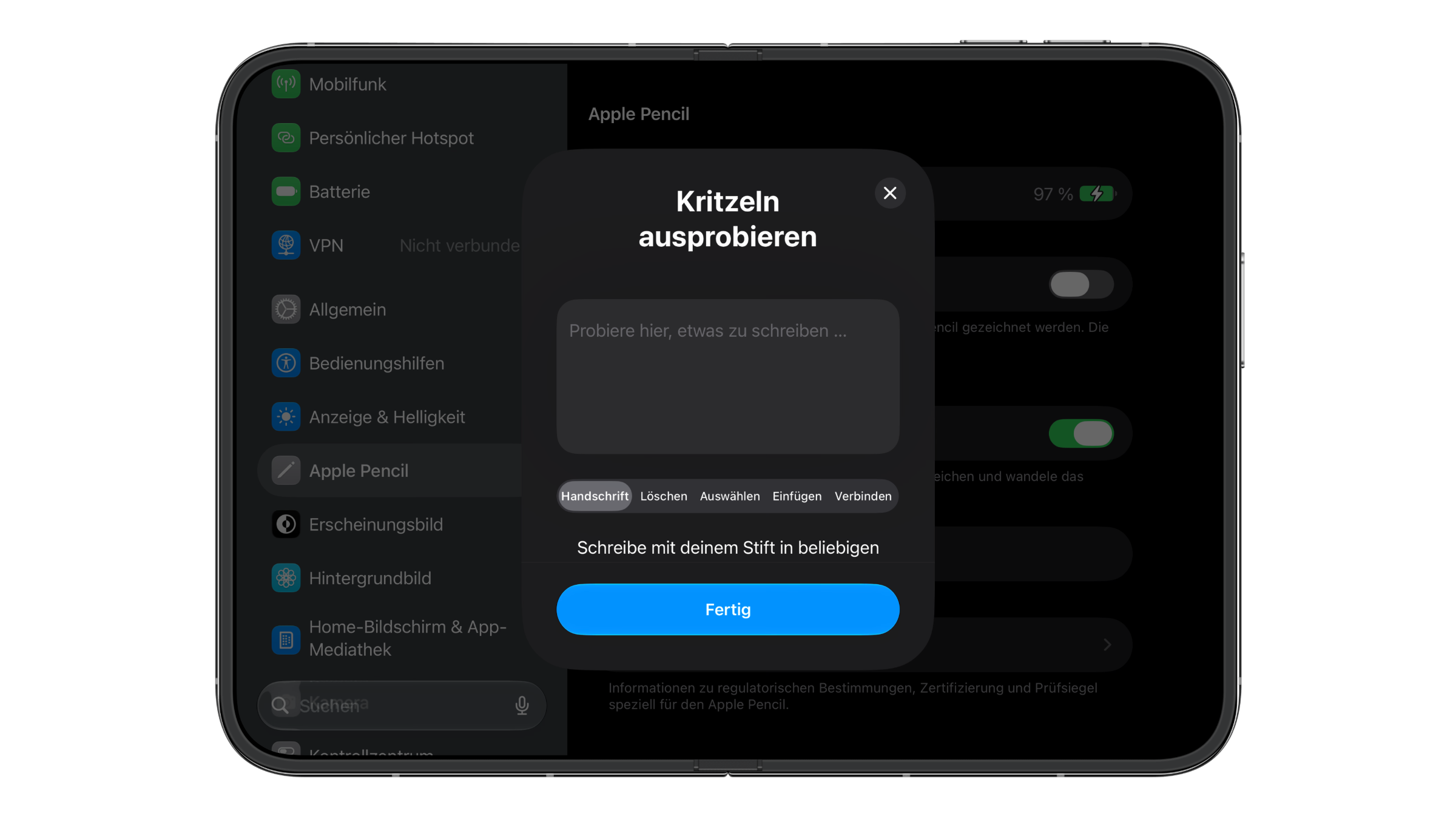
"Try Scribble" opens a practice area. There you can try out the gestures for handwriting, deleting, selecting, inserting and joining right away.
What the pencil can do on iPhone Duo
Drawing and sketching work in Notes and Freeform. On top of that, there are all the apps with Markup, which lets you draw and write directly on an image in the Photos app or on a screenshot, for example. When you tilt the pencil, it shades or changes the line thickness, depending on the tool. You can also fill out forms and sign documents.
A few gestures help with Scribble:
- Delete: scratch out a word
- Insert: touch and hold a text field, then write in the space that opens
- Join or separate: draw a vertical line between the characters
- Select: circle or underline the text
Good for anyone without an alternative
The pencil works flawlessly on the Duo, but it is still not for me personally. When I need something quickly, I would rather reach for my iPad Pro with Apple Pencil Pro than dig out a cable and pair again after every restart. I would have liked Apple to come up with its own solution for the Duo instead of adding support for the USB-C pencil after the fact.
Anyone who does not have an iPad with a pencil and occasionally needs notes or sketches directly on the Duo will get real use out of it. Anyone who can switch to something else, however, is better off with an iPad and a pencil that stays paired with it.
Would you use Apple Pencil with iPhone Duo even though it has to be connected to the cable again after every restart? Tell us in the comments whether that would be a deal-breaker for you.
Frequently asked questions: iPhone Duo and Apple Pencil
Only Apple Pencil (USB-C). Apple Pencil Pro and the older models are not compatible.
iOS 27.2 or later.
Slide open the end of the pencil and connect it to the Duo with a USB-C cable. The connection is then established without any further confirmation.
The pairing only lasts until the next restart of the Duo, until Bluetooth is turned off or until the pencil is paired with another device. After that, it has to be connected with the cable again.
Under Settings > Apple Pencil or in the Batteries widget.
No. For the Duo, Apple lists only Apple Pencil (USB-C).
Yes. With Scribble under Settings > Apple Pencil, handwriting in any text field is turned into typed text.