

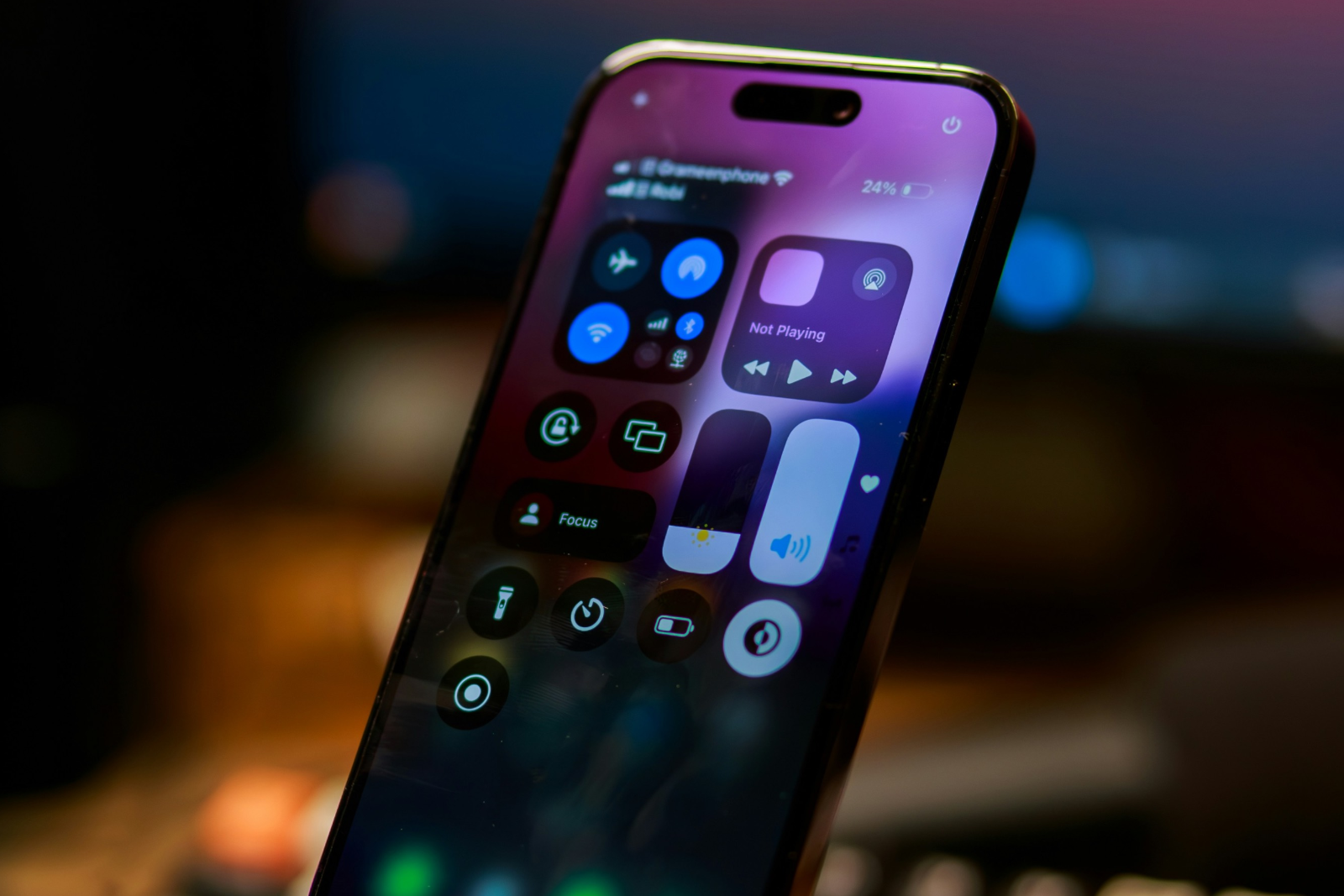
iOS 18 has brought a significant overhaul to Control Center, giving you more flexibility and customization than ever before. The days of a rigid, one-page Control Center are over. With the new ability to add, customize, and navigate between multiple pages, iOS 18 offers a customized control interface that adapts perfectly to your needs. Here's how to get the most out of this new feature.
Since the introduction of Control Center, Apple has continuously worked to improve this feature and give users more control and flexibility. iOS 18 now takes the next step and allows you to completely customize Control Center to your liking. By introducing multiple pages, you can organize different controls by category and design the interface to suit your exact needs. Whether you need quick access to connectivity settings, HomeKit devices, or accessibility features, the new Control Center in iOS 18 has you covered.
Add and manage multiple pages
At the heart of the new functionality in iOS 18 is the ability to add multiple pages to Control Center. These pages are preconfigured, but you can customize, add to, or remove them as you wish. For example, you can set up one page just for connectivity options like Wi-Fi, Bluetooth, and cellular data, while another page controls all HomeKit devices.
Steps to add new pages:
- Open Control Center: Swipe down from the top right corner of your screen to open Control Center.
- Create a new page: Tap the circle icon at the bottom of the icon list. This icon represents a new, blank page.
- Add Control: Select Add Control to open the Controls Gallery. Here you can choose from a variety of controls to add to your new page.
- Customize a control: Once you've added a control, you can drag it to make it bigger or smaller. Then tap an empty spot on the page to exit edit mode.
Intelligent layout and automatic page creation
The Control Center in iOS 18 automatically keeps things in order. It assigns icons to each page based on its content, so you always have a clear overview. If you add too many controls on a page or make a control larger, the system automatically creates a new page and moves the excess controls there.
Important instructions:
- A new page is only created when an existing page is about half full. This ensures that the layout remains tidy and the icons have enough space.
- You can switch between pages at any time by swiping up or down through the Control Center or by tapping the small icons on the right side of the display.
navigation and usability
Navigating between the different pages is simple and intuitive. You can switch between pages by swiping up or down, or use the small icons on the right side of the display to quickly access a specific page. Alternatively, you can press and hold an icon and scroll through the pages. This new usability ensures that you can always quickly and efficiently access the controls you use most often, without having to search for a long time.
Maximize control: The new Control Center in iOS 18
With iOS 18, the Control Center becomes a powerful tool that allows you to tailor your iPhone even better to your individual needs. By introducing multiple pages and the ability to design them flexibly, Apple has given users unprecedented freedom. Follow the steps above to use the full potential of this new feature and optimize your iOS experience. Your Control Center, your rules - with iOS 18 you have everything in your hands. Are you looking for new accessories? Then take a look in our Amazon Storefront - there you will find numerous products from leading providers, also for HomeKit and Co.! (Photo by Unsplash / Shuvro Mojumder)





