

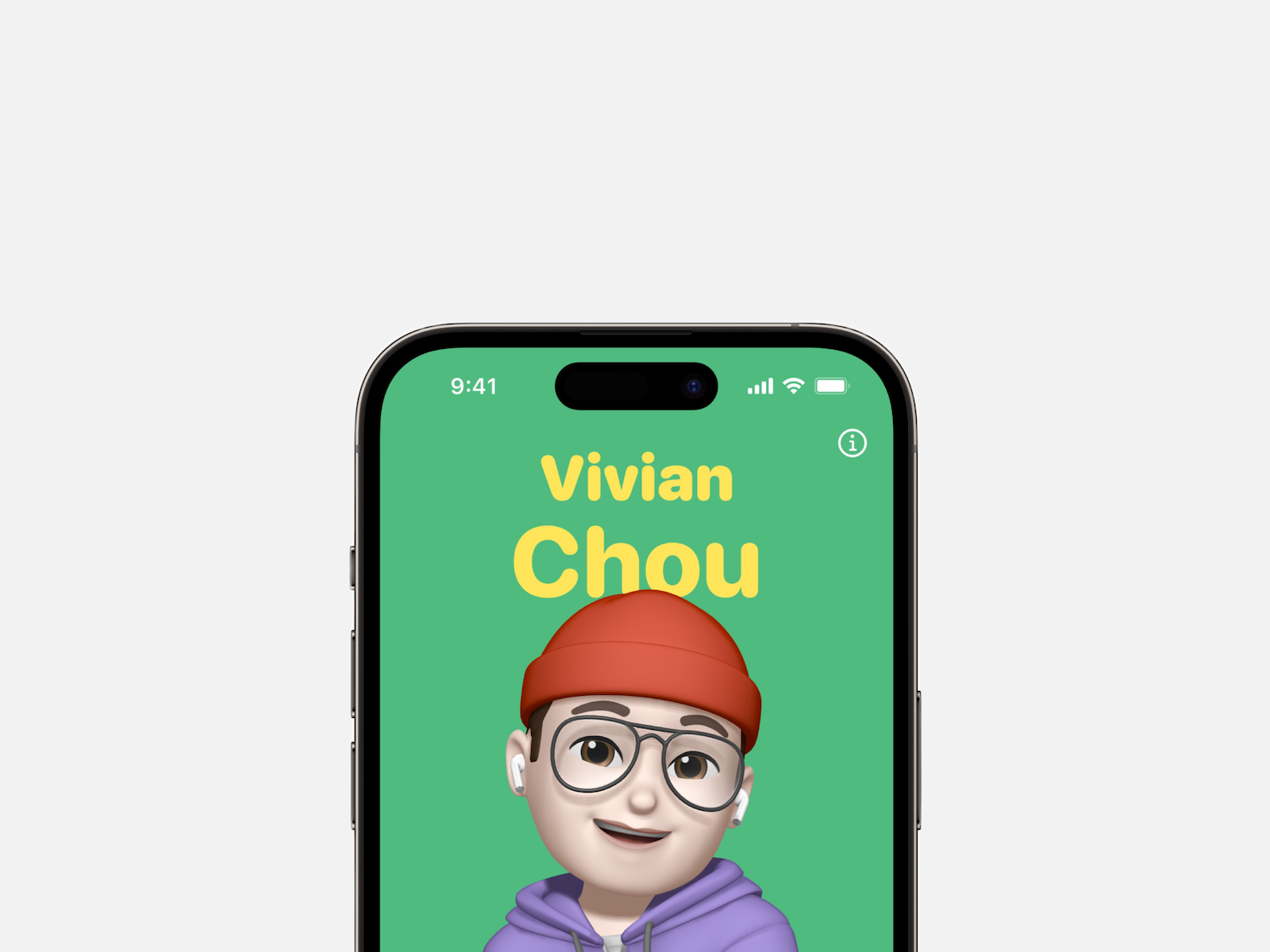
With the release of iOS 17, Apple introduced some exciting features, including personalized contact posters. This new feature allows users to customize fonts, images, and backgrounds. In this article, you'll learn more about the features of iOS 17 contact posters and how you can use them for yourself and your contacts.
The personalization options of iOS 17 go far beyond what was previously possible. In addition to the customizable contact posters, Apple also offers the StandBy Smart Display function, which makes the iPhone even more versatile. With the new personalized contact posters, you can now give incoming calls a very personal touch. You have the option of customizing the font, image and background according to your preferences. The contact posters will also be available for third-party calling apps, which significantly expands the customization options.
Creative possibilities with iOS 17: Create unique contact posters
To use contact posters, a home screen will appear after installing iOS 17 on your iPhone, prompting you to "Update your name and photo." However, you can also personalize them later in Settings. To do so, go to the Contacts app and select either your own contact card or someone else's contact card. There you can choose between four poster types: Camera, Photos, Memoji, and Monogram. Each poster type offers numerous customization options. You can customize text, images, and backgrounds to your liking. There are a variety of options to choose from. If you want, you can even create multiple contact posters and save them, similar to the iPhone lock screen, for easy switching between them.
A touch of personality for your contacts
Editing contact posters is easy. Tap the name or the circle in the bottom left of the poster to adjust the background and text. Once you're happy with the changes, tap "Done" and the new photo will automatically be used everywhere. If you want to add, edit, or swap a contact poster, you can do so at any time in the Contacts app. Either select your own contact card and tap "Contact Photo & Poster," or select another person and tap "Edit." From there, you can edit an existing poster, create a new one, or choose a different poster to use. Once you're done, you can have your contact poster automatically shared with your contacts, or alternatively, share it upon request.
iOS 17 Feature – Conclusion
The introduction of personalized contact posters in iOS 17 allows users to personalize their calls in a whole new way. Font, image, and background customization options offer a variety of options to give contacts a personalized touch. With iOS 17, iPhone becomes even more personal and offers a unique way to express yourself. iOS 17 contact posters offer a wide range of customization options, including background and image filter options, as well as the ability to invert light/dark. You can also add custom text to make the contact posters even more personalized. The variety of options allows you to create a unique contact poster for each individual contact.
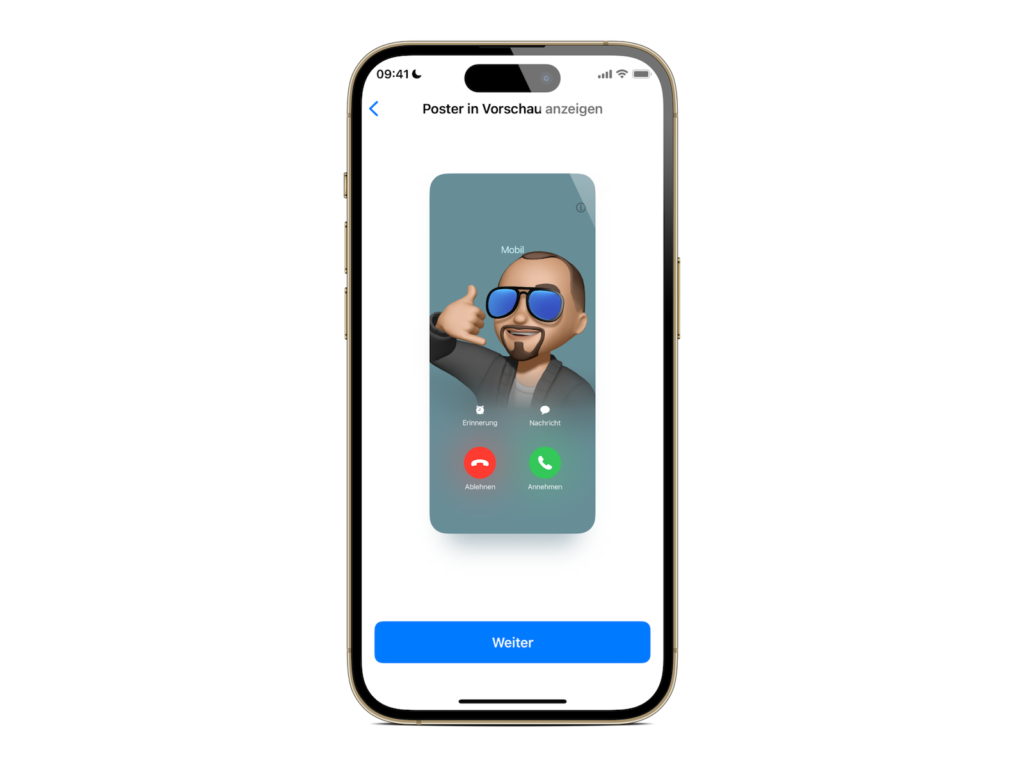
The introduction of the iOS 17 contact posters has excited users. Many are looking forward to using this feature and experiencing their contacts in a more personal way. Of course, there are also users who find this feature too much and prefer to stick with a classic approach. Overall, the introduction of personalized contact posters in iOS 17 is another step by Apple to make the iPhone even more personalized. The customization options for font, image and background give users the freedom to present their contacts in a very personal way. With iOS 17, the iPhone becomes an even more versatile and personal companion. Are you looking for new accessories? Then take a look in our Amazon Storefront - there you will find numerous products from leading providers, also for HomeKit and Co.! (Image: Apple)





