

apple patient
  • Home
  • News
  • Rumors
  • Tips & Tricks
  • Reviews
  • Insights
No Result
View All Result
  • iPhone 18
  • iOS 27
  • iPadOS 27
  • macOS
  • MacBook Neo
  • iPhone 17e
  • AirTags
  • iOS 26
  • iPhone 17
  • MacBook Pro
  • iPadOS
  • iMac
  • Mac mini
  • HomePod
  • Apple TV
  • iPad Pro
  • iPhone Air
  • Apple Vision Pro
  • iPhone 16
  • AirPods 4
  • Apple Watch Ultra
  • HomePod Mini
  • MacBook Air
  • iPad
  • AirPods Max
  • AirPods Pro 3
  • Apple Watch Series 3
  • Mac Studio
  • Studio Display
  • iPad Air
  • iPad mini
  • watchOS 27
  • Apple CarPlay
  • Apple Pay
  • watchOS 26
  • Home
  • News
  • Rumors
  • Tips & Tricks
  • Reviews
  • Insights
No Result
View All Result
apple patient
No Result
View All Result

iOS 13 – Manage Wi-Fi & Bluetooth in the Control Center

Milan Jovicic by Milan Jovicic
13. October 2019 - 16:14 CEST
in Apple Tips & Tricks
0
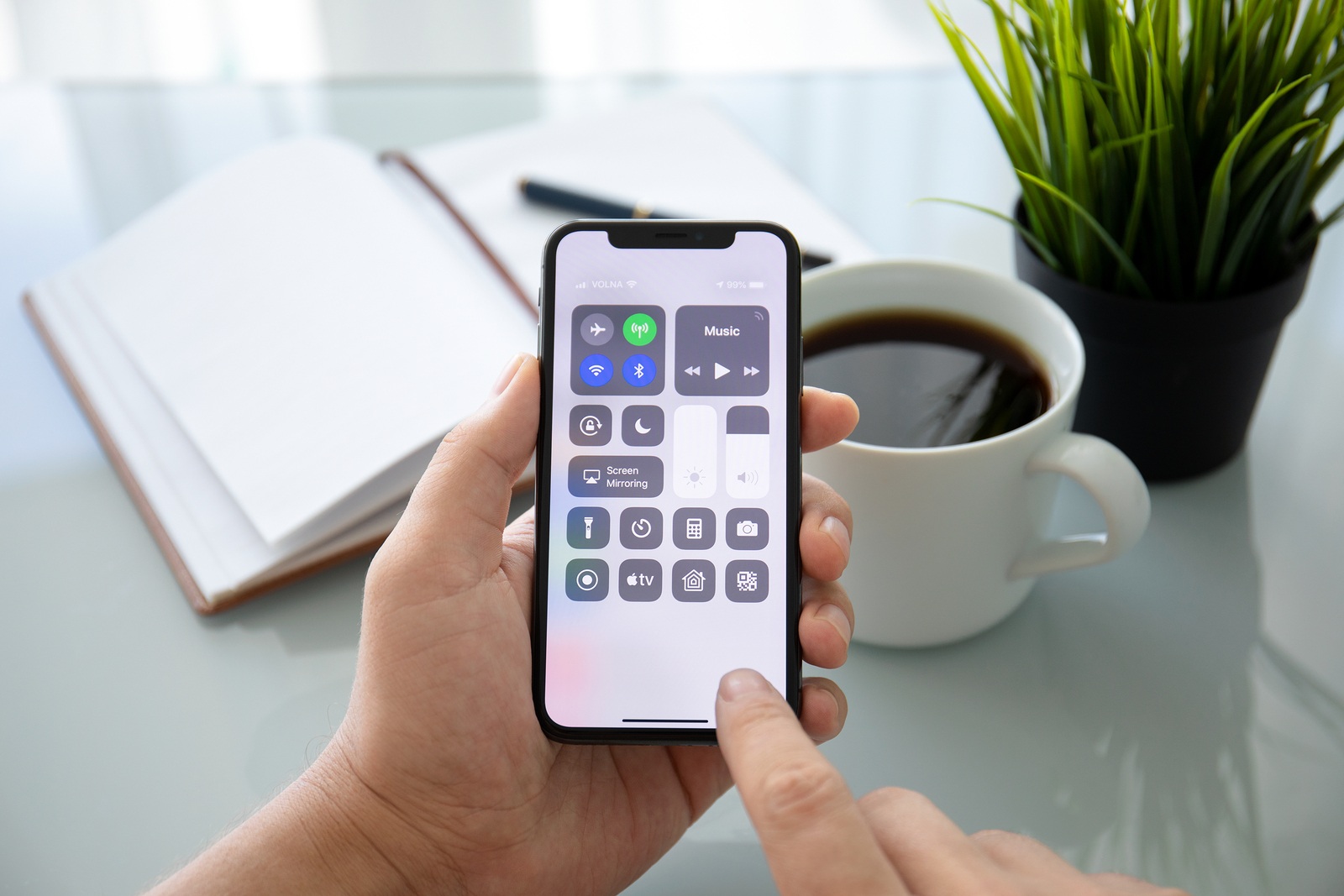
Alushta, Russia - July 27, 2018: Man hand holding iPhone X with home screen Control Center. iPhone 10 was created and developed by the Apple inc.

Alushta, Russia - July 27, 2018: Man hand holding iPhone X with home screen Control Center. iPhone 10 was created and developed by the Apple inc.

WhatsAppFacebookEmail
Threads

Many new features have been introduced or existing functions have been expanded in iOS 13 - some of which are not that well known. That's why we'll show you how to change your WiFi network or Bluetooth connection from the Control Center.

Dark mode is the most well-known and biggest change in iOS 13. But the new iPhone operating system has a lot more to offer. Some of the new features are small, but they are very useful. This is also the case with the revised control center. If you want to change the WiFi network or connect or disconnect a specific Bluetooth device, you have to go to the iOS settings, right? No, not anymore. Thanks to iOS 13, it is now possible to do exactly these steps from the control center - so you don't have to go to the iOS settings. Note: But before we explain the steps, we would like to remind you of one small thing. The control center is opened on all devices with Face ID, i.e. iPhone X or newer and iPad Pro 2018 or newer, by simply pulling down with your finger from the top right corner of the screen. On older devices, the control center is opened by swiping up from the bottom edge of the screen - the whole thing can be done at any time from the home screen or an app.

How to change the WiFi network in iOS 13 from the Control Center

Some people will now ask themselves, wasn't this possible before? No - not to this extent. In earlier versions of iOS, the user could disconnect their WiFi and Bluetooth connection from the control center, but not change it. Now open the control center with a swipe (as described above) and hold down the WiFi symbol. A new menu should appear in the next moment. This includes Airplane Mode, Mobile Data, WiFi, Bluetooth, AirDrop and Personal Hotspot. A quick click on the WiFi symbol temporarily deactivates the WiFi connection. However, if you want to change the WiFi network, hold down the WiFi symbol. A new submenu with the title "WiFi" should now appear. All WiFi networks in your area are listed here. If you now want to connect your device to a known WiFi network, just click on the respective name. However, if you want to pair your iPhone or iPad with a new WiFi network, you have to enter the password - this means that you are automatically redirected from the control center to the iOS settings.

How to manage Bluetooth connections in iOS 13 from the Control Center

As already mentioned above, users with iOS 13 have more freedom in the control center - this also applies to Bluetooth. The connection to a compatible device can be established or disconnected directly from the control center - and this is how it works. Open the control center on your iPhone or iPad and hold down the Bluetooth symbol. The intermediate menu will now appear - as described above. Hold down the Bluetooth symbol again.

A new submenu should now appear that lists all known Bluetooth devices. Tapping on the respective accessory establishes the connection - please note that the respective accessory must be near your iPhone or iPad and switched on. All of the above functions can be carried out on iPhone, iPod touch and iPad devices if they have at least iOS 13 or iPadOS 13. (Photo by Denys Prykhodov / Bigstockphoto)


Make Apfelpatient a preferred source One click – and you'll see us more often on Google
Was this article helpful?
YesNo
Tags: iOSiOS 13iPadOS
SendShare43Send
Share

Our Amazon Storefront

A handpicked selection of products for iPhone, Mac and more – sorted by topic and updated regularly.

Shop Now

This post contains affiliate links (including Amazon). We earn a small commission on qualifying purchases – at no extra cost to you. Learn more on our Partner Program page.

Previous Post

Messenger – Telegram releases new update

Next Post

This is how much an iPhone 11 Pro Max costs to manufacture

Milan Jovicic

Milan Jovicic

Milan founded Apfelpatient in 2016 and has been responsible for all editorial content since 2018 — news, rumors, guides, and product reviews. Apple devices here are not test units on loan for two weeks but everyday tools: from the iPhone through MacBook Pro, MacBook Air, and iMac to the Apple Vision Pro, at least one device from nearly every product category is in daily use, many of them replaced annually. Every menu path in a guide is verified on the device before it is published.

Symbolic image for Apple government affairs: the glass entrance cube of the Apple Store on Fifth Avenue in New York at dusk

Apple hires new head of government relations

August 12, 2026 - 8:44 PM CEST
Key art for the Apple TV series Pluribus showing a screaming woman against a yellow background, with Pluribus season 2 about to begin filming

Pluribus: Gilligan plans at least three seasons

August 12, 2026 - 8:27 PM CEST
The iPhone 17 lineup in five colors seen from the back, whose successor is expected to adopt the smaller iPhone 18 Dynamic Island from the Pro models

iPhone 18: Smaller Dynamic Island already in the base model

August 12, 2026 - 8:13 PM CEST

About APFELPATIENT

APFELPATIENT brings you the latest Apple news, product updates, guides, reviews and tips across the entire Apple ecosystem — from the iPhone to the Mac to the Apple Vision Pro. From the first rumors to confirmed news: researched responsibly.

Follow Apfelpatient

Facebook Instagram YouTube Threads Threads

Company

  • About Apfelpatient
  • Contact
  • Author Profiles

Community

  • Netiquette
  • Push Notifications
  • RSS feed

Legal

  • Legal Notice
  • Privacy Policy
  • Terms of Use
  • Cookie Settings
  • Affiliate Program

Resources

  • Sitemap

© 2026 Apfelpatient. All rights reserved.

No Result
View All Result
  • Home
  • News
  • Rumors
  • Tips & Tricks
  • Reviews
  • Insights

© 2026 Apfelpatient. All rights reserved. Page Directory

Change language to Deutsch


