

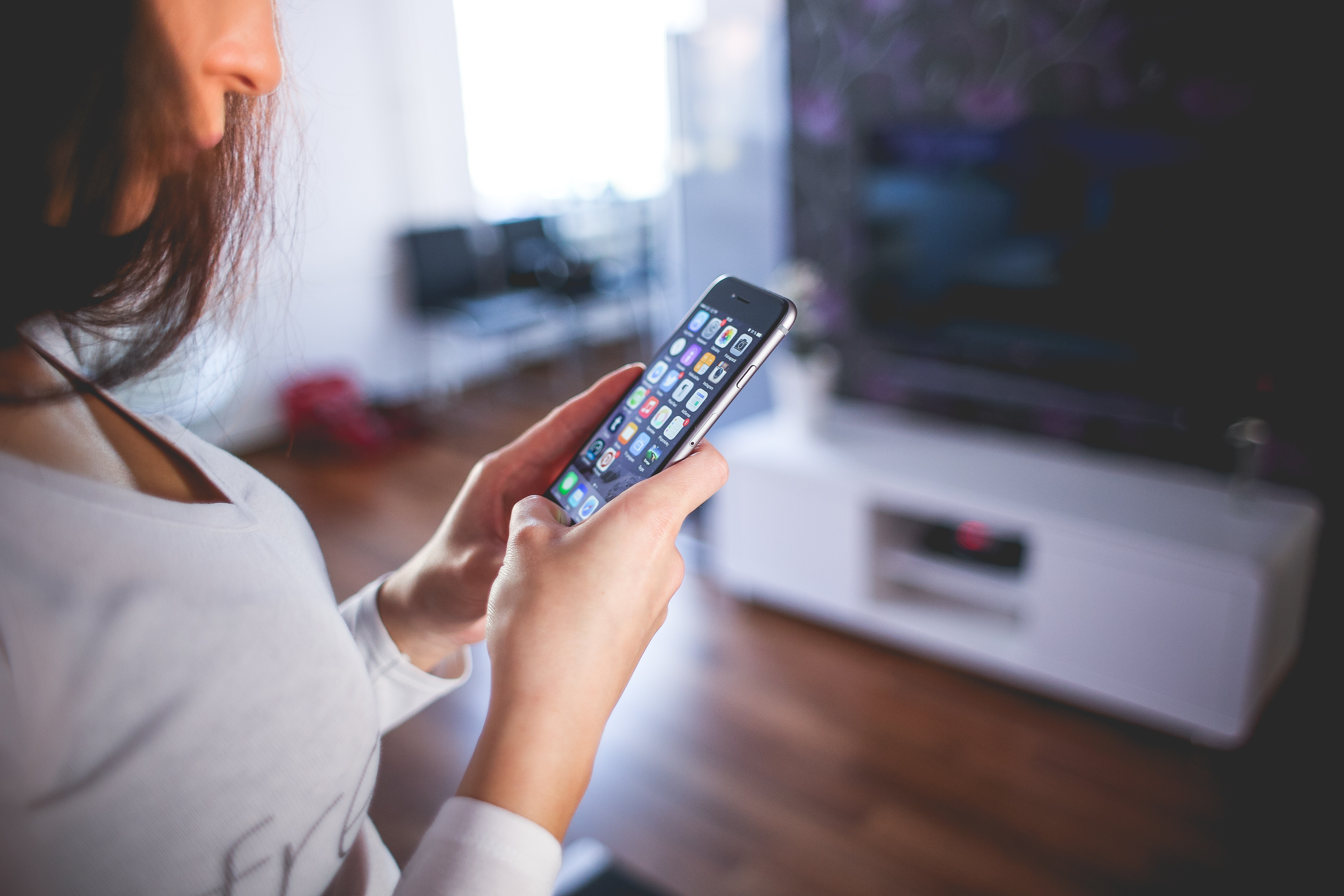
The next major iPhone and iPod touch update will arrive this fall with iOS 13. Some of the most significant new features include Dark Mode, the QuickPath keyboard, redesigned photo and editing tools, Optimized Charging, and much more. However, there are also many smaller features that significantly improve the overall user experience.
Apple occasionally offers updates for iOS, watchOS, tvOS and macOS as a closed preview for developers and also makes them available to public testers. Users of this offer can test all kinds of new functions on their iPhone, iPad, Apple TV or Mac - with the exception of the Apple Watch - watchOS remains reserved for registered developers. In addition to new functions, these beta versions also contain errors. Sometimes such bugs can make using the iPhone, iPad, Apple TV, Apple Watch and Mac significantly more difficult. The compatibility of individual programs and general performance can also suffer. Therefore, a beta should never be used on a device that is used every day. We always recommend using a second device for such a project. (You can find out more about Beta here)
The refurbished volume control
The time has finally come – Apple has redesigned the volume control in iOS 13. The new look of the control is similar to the version in the control center – its position is flexible. This means that the user can drag the volume control in iOS 13 to either side of the display as desired.
If the user is in Safari, for example, the slider shrinks to the size of a scroll bar after 1-2 seconds. Apple has thus made the new volume control in iOS 13 less intrusive and slimmer.
The data saving mode
The new data saving mode in iOS 13 allows apps to reduce the use of mobile data on the iPhone. iPhone users with limited data volume in particular can benefit from the new feature and no longer have to worry about their GBs.
Portrait lighting improvements
With the changes to portrait lighting in iOS 13, users can adjust the position and intensity of the studio lighting effects. The improvement makes it possible to achieve smoother skin, sharper eyes and brighter facial features, for example. There is also the new high-key mono effect, a monochrome motif on a white background.
The improved video editing
Apple enables unlimited video editing on the iPhone under iOS 13 - of course, all existing image editing programs can also be used. It is also possible to transfer an already edited video to its original version - this means that, for example, a filter that has already been set can be removed at any time. A cut can also be undone.
Apple Maps
Apple Maps also has an important feature in iOS 13. In the future, users of the map application will be able to share their arrival time directly with friends, family and colleagues. The arrival time is automatically updated if there are delays or similar.
WiFi and Bluetooth selection in the control center
A very important feature was added to the WiFi and Bluetooth symbols in the control center as part of the new update. Users of iOS 13 can now call up a submenu by long-pressing one of the two symbols - the pop-ups list all WiFi networks or Bluetooth devices in the area. This makes switching networks or turning Bluetooth devices on and off child's play because you no longer have to go to the settings.
data limit for downloads on mobile networks
In iOS 13, Apple warns users when they try to start a large download on the cellular network - but they are allowed to exceed the limit. The limit is therefore completely removed in iOS 13 and replaced by a warning message. In iOS 13, the system now displays a message indicating that the app size is slightly higher and shows the exact file size. The user can now decide whether to continue the download or wait for a WiFi connection. The whole thing can even be customized. There is a new setting in the iTunes & App Store called "App Downloads". The default option is "Ask if over 200 MB" and displays the warning accordingly. In "Ask First" mode, the user is always asked to confirm the download of a mobile app.
At the other end of the spectrum, selecting "Always Allow" removes all barriers and means the system can complete downloads on the cellular network without interruption - this is ideal for users with unlimited data. But there is one exception: separate permission is only ever required when the iPhone or the user is abroad.
Support for PlayStation 4 and Xbox One S controllers
When it was announced that tvOS would get support for the DualShock 4 and Xbox One S controllers, many of us thought it would only be tvOS that would get this support. But not so! iOS 13 also supports the popular console controllers. This could turn the iPhone into a small Playstation 4 if you use the official Remote app from Sony.
Block Sender in Mail
The Mail application is also getting a long-awaited and important feature in iOS 13. In iOS 13, users of the application can block individual email senders directly from the app itself - the emails are then immediately removed. The function will be available on all Apple devices.
oral hygiene
Good oral hygiene is an important part of our lives. A new feature called "Toothbrushes" has been added to iOS 13. This feature helps users keep track of their brushing time. Users have two options: either enter the data manually or pair a toothbrush with Bluetooth to their iPhone. The "Toothbrushes" section can, of course, be found in the Health app in iOS 13. You can find a summary here. all functions under iOS 13 – Want to learn more about “Optimized Charging in iOS 13”? Here you can find all information about battery-saving charging his iPhone. (Image: CC0)





